1.5 الإضاءة
1.5.V1.9-01
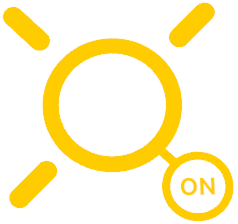
في Medicalholodeck، يمكن تبديل الإضاءة وتعديل زاويتها لتعزيز رؤية النموذج. يتم تمثيلها بشمس صفراء وعلامتها.
الشمس الصفراء تمثل مصدر الضوء وتظهر فوق المشهد افتراضيًا. هدف الرمز واضغط على الزناد لتحريكه وضبط زاوية الإضاءة. يمكنك إعادة وضع مصدر الضوء بنفس الطريقة بحركة علامته. قم بتبديل الإضاءة مُشغّلة/مُطفأة باستخدام الزر. عندما تكون الإضاءة مطفأة، تتحول الشمس والعلامة إلى اللون الأزرق.
1.5.1
الضوء
1.5.1.V1.9-01
تمثل الشمس الصفراء الإضاءة وتظهر فوق المشهد بشكل افتراضي. وجه وامسك المشغل لتحريكه وضبط زاوية الضوء.

1.5.2
علامة الضوء
1.5.2.V1.9-01
تتيح لك هذه الأداة تحريك الإضاءة وتشغيلها أو إيقافها. عند الإيقاف، تتحول الشمس والعلامة إلى اللون الأزرق. وجه إلى العلامة وامسك المشغل لتحريكها. اضغط على زر التشغيل/الإيقاف لتبديل الإضاءة.