Standard displays
Explore CT and MRI volumes with desktop controls. Use a familiar workstation setup for research, teaching preparation, and discussions of anatomical relationships.
Spatial OS
Bring CT, MRI, AI segmentation, and anatomy into one workspace.
Explore together on screens, touch displays, and in VR.
For education, research, and non-diagnostic communication.

The workflow
Move from individual scan slices to spatial relationships. Spatial OS brings imaging, AI, and collaboration together in a Windows-based workspace.
Screens and VR
Work with medical imaging and anatomy in the format your team needs – from workstation-based exploration to group teaching and immersive collaboration.
Explore CT and MRI volumes with desktop controls. Use a familiar workstation setup for research, teaching preparation, and discussions of anatomical relationships.
Manipulate 3D datasets directly on a compatible touch display. Guide colleagues or students through anatomy during presentations and group discussions.
Examine anatomical structures with stereoscopic depth on a supported display. Explore spatial relationships while working at a screen, without a VR headset.
Explore anatomy in an immersive workspace. In shared sessions, participants examine the same dataset from independent viewpoints using supported PC-connected headsets.
Who it’s for
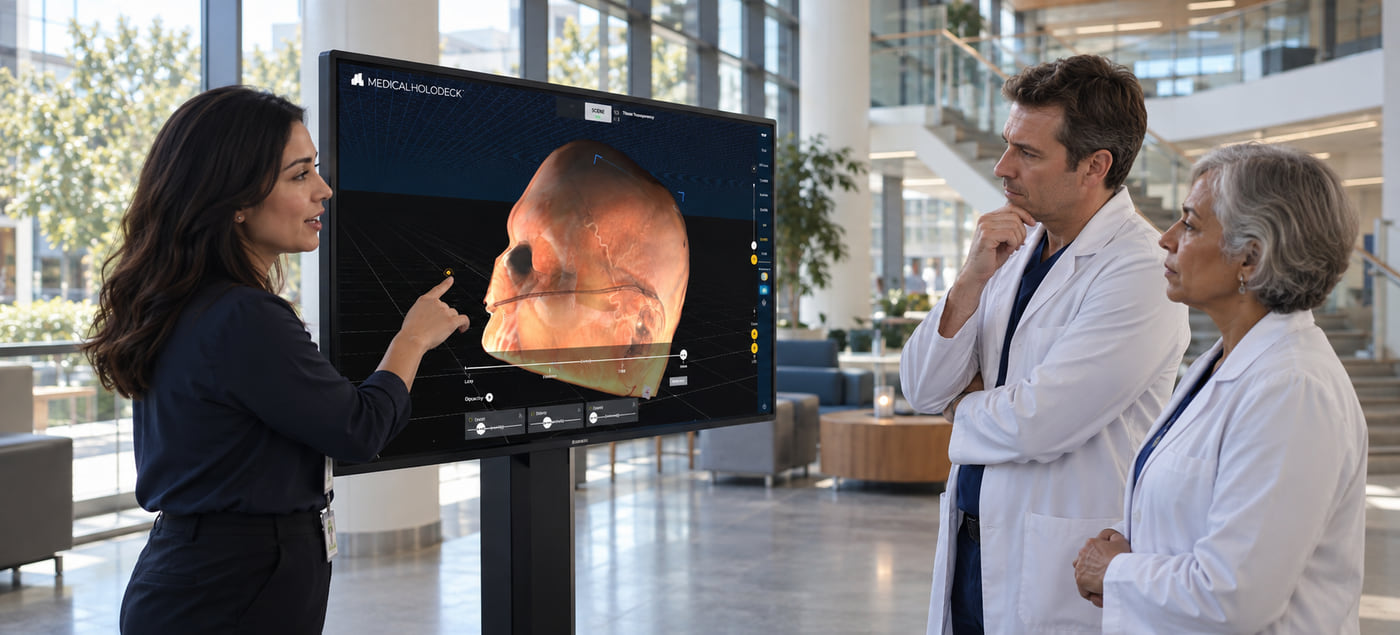
Medical teams
Discuss anatomical relationships using shared CT and MRI datasets. Bring colleagues into the same 3D workspace for teaching, research, and non-diagnostic case discussions.
Request a demo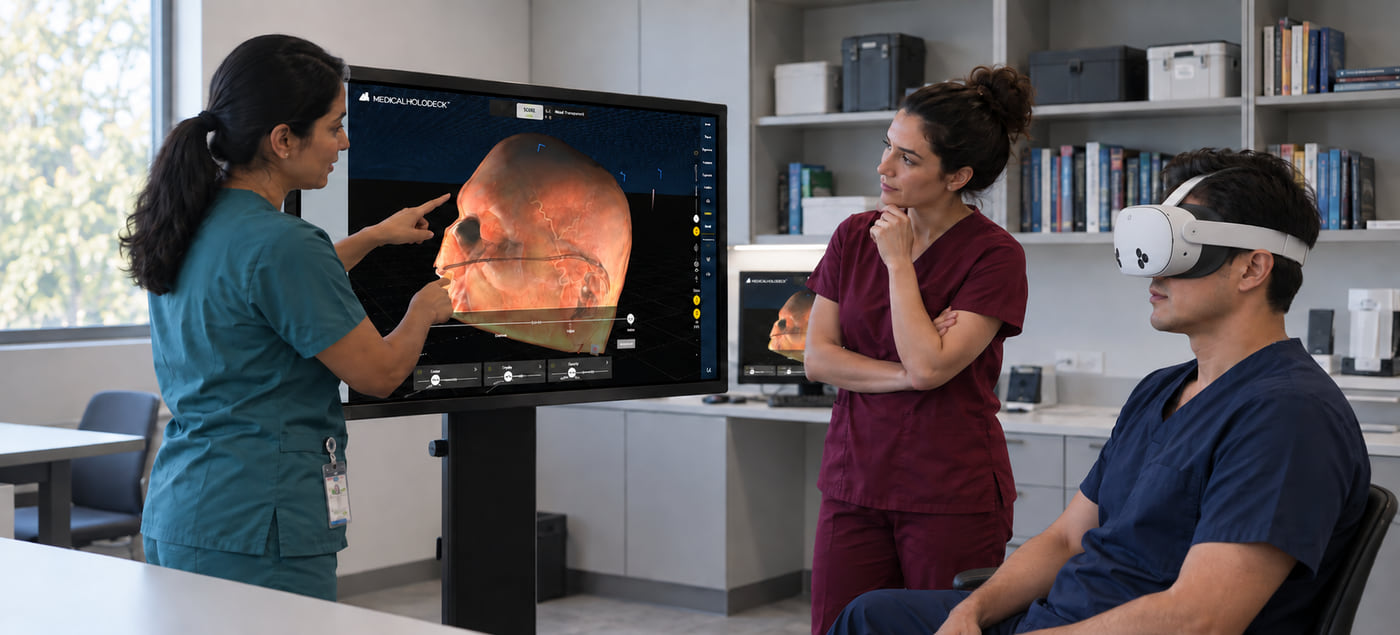
Education
Combine medical imaging, anatomy models, and virtual dissection in structured teaching sessions. Guide students through spatial relationships and record explanations for independent review.
Request a demo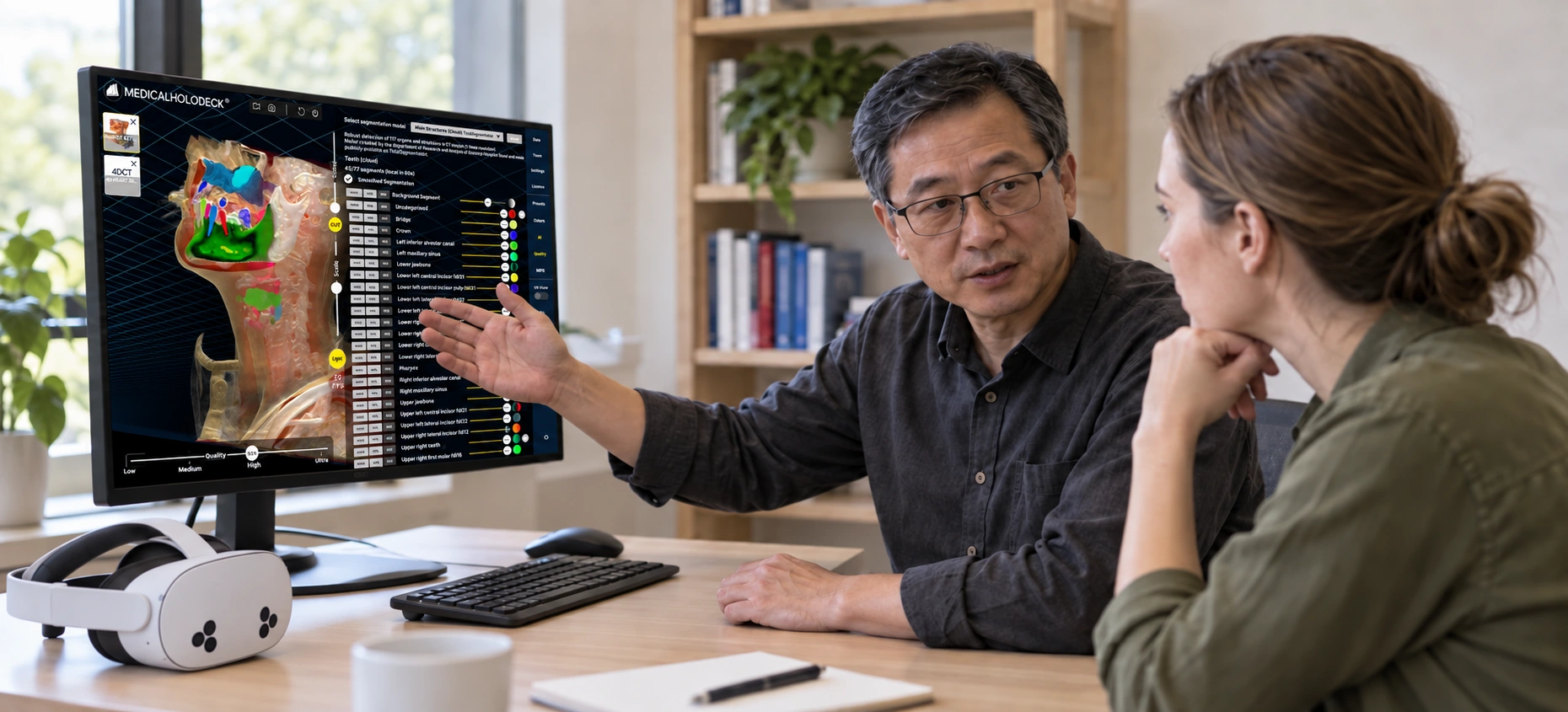
Patient information
Use interactive 3D views as visual aids in patient conversations. Explain anatomical structures in plain language, focus on the relevant areas, and provide a shared reference for questions and discussion.
Request a demoThe apps
Use Medicalholodeck’s applications to explore scan data, study anatomy, and create reusable learning content within Spatial OS. Each app supports a distinct part of your workflow.
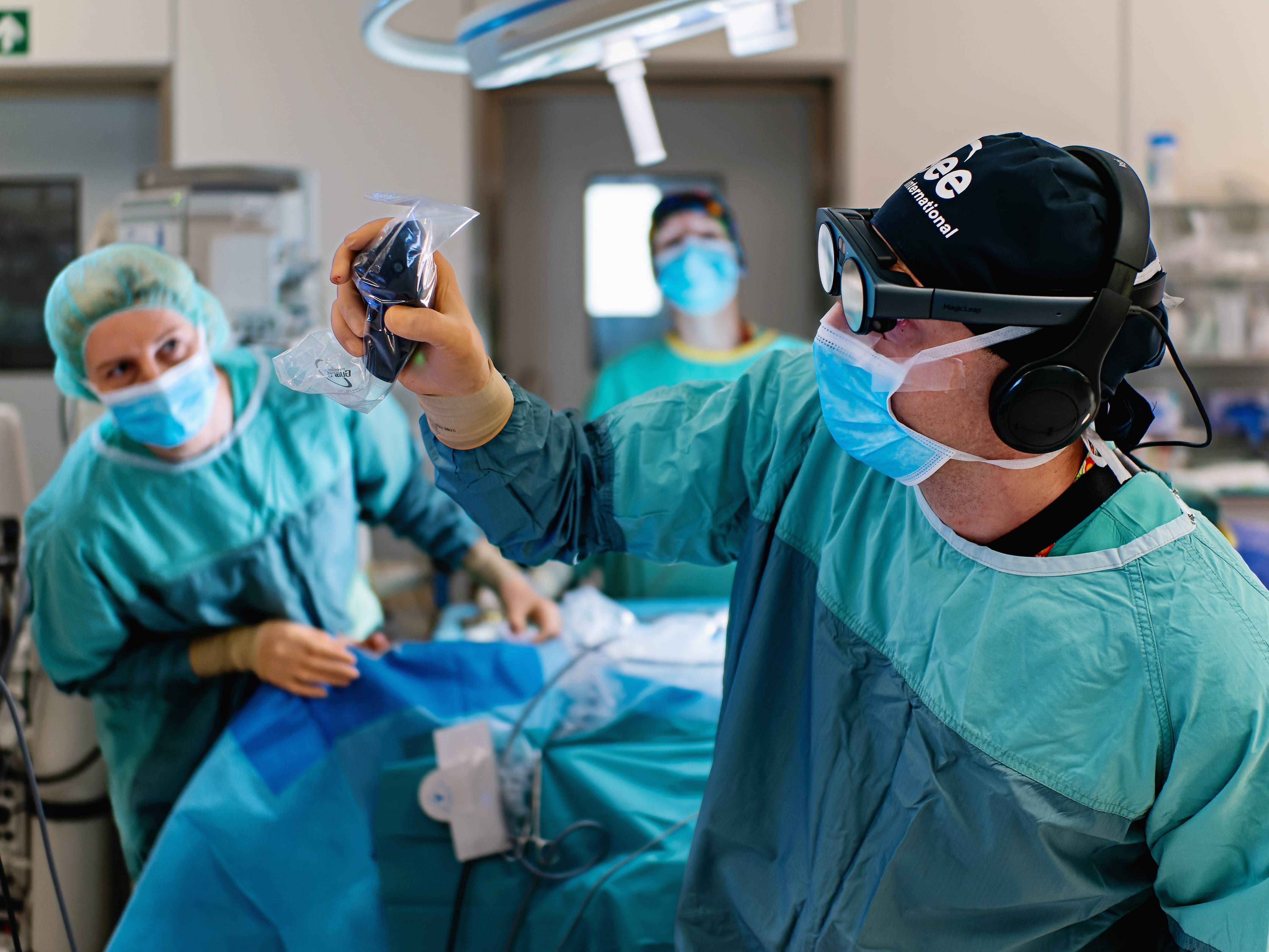
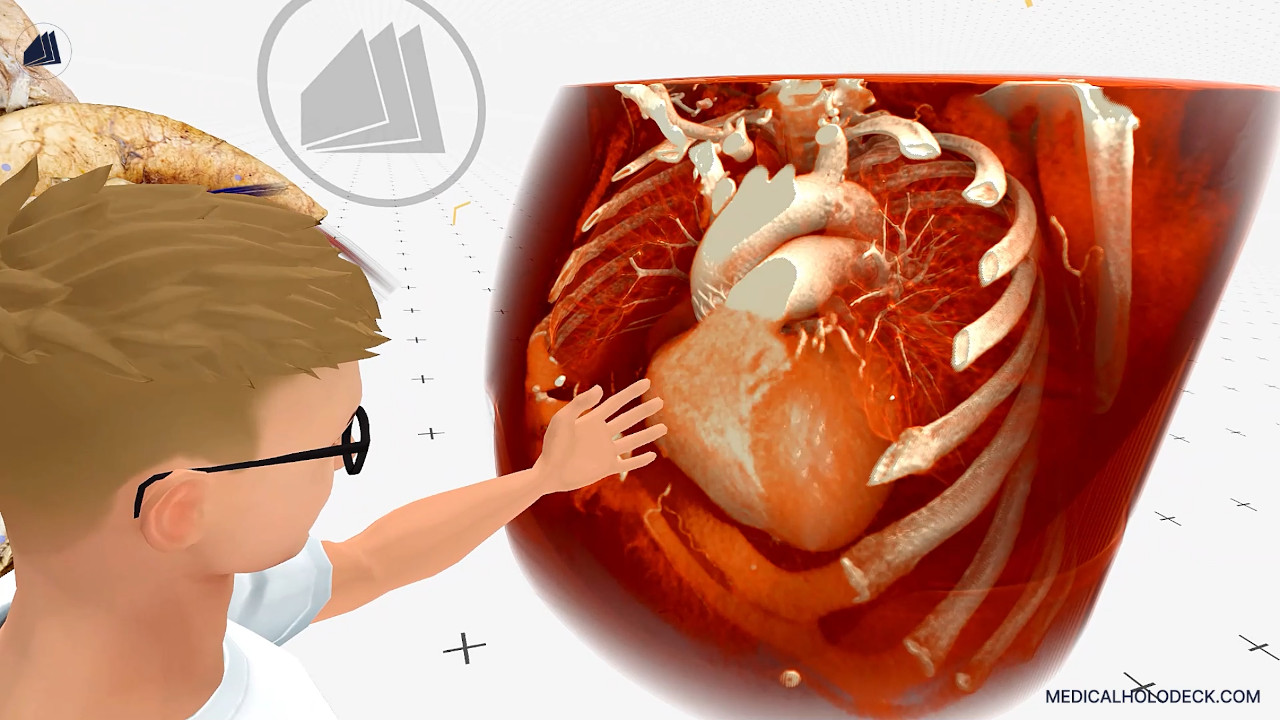
Explore CT and MRI datasets as interactive 3D volumes alongside the original scan views. Discuss anatomical relationships with colleagues for teaching, research, and communication.
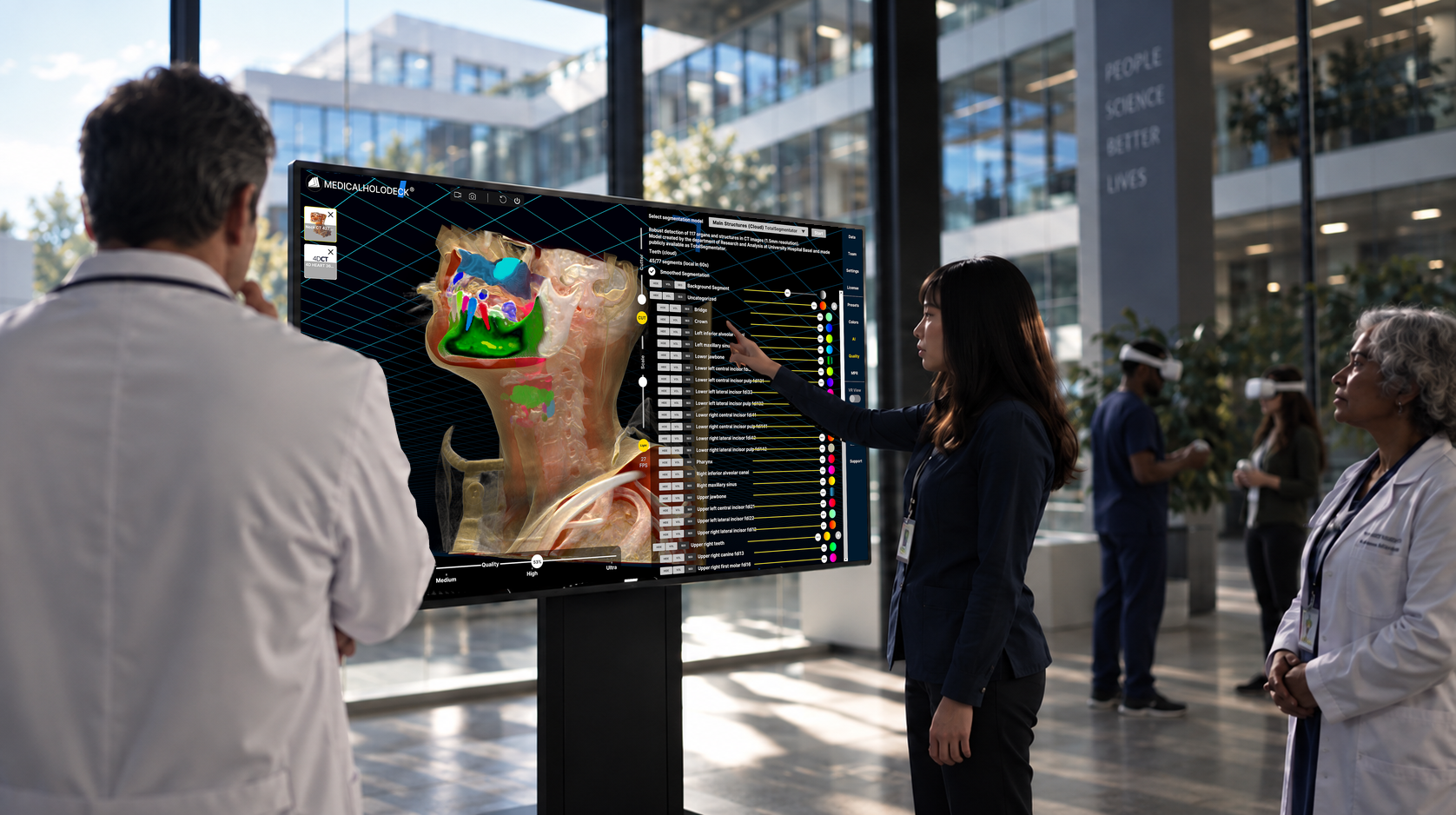
Automatically segment supported anatomical structures in CT and MRI data. Isolate regions of interest and examine their relationships within the surrounding anatomy.
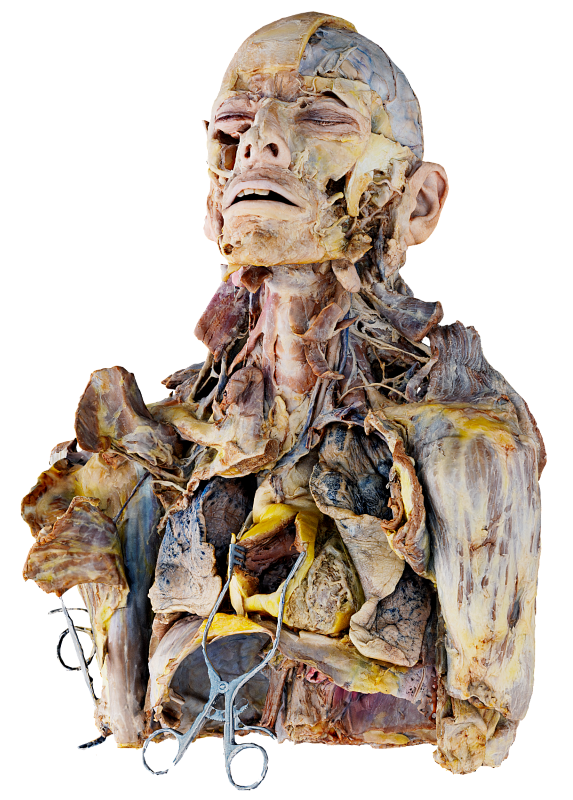
Study human anatomy through detailed, cadaver-based 3D dissections. Explore anatomical layers and spatial relationships to support structured teaching and independent study.
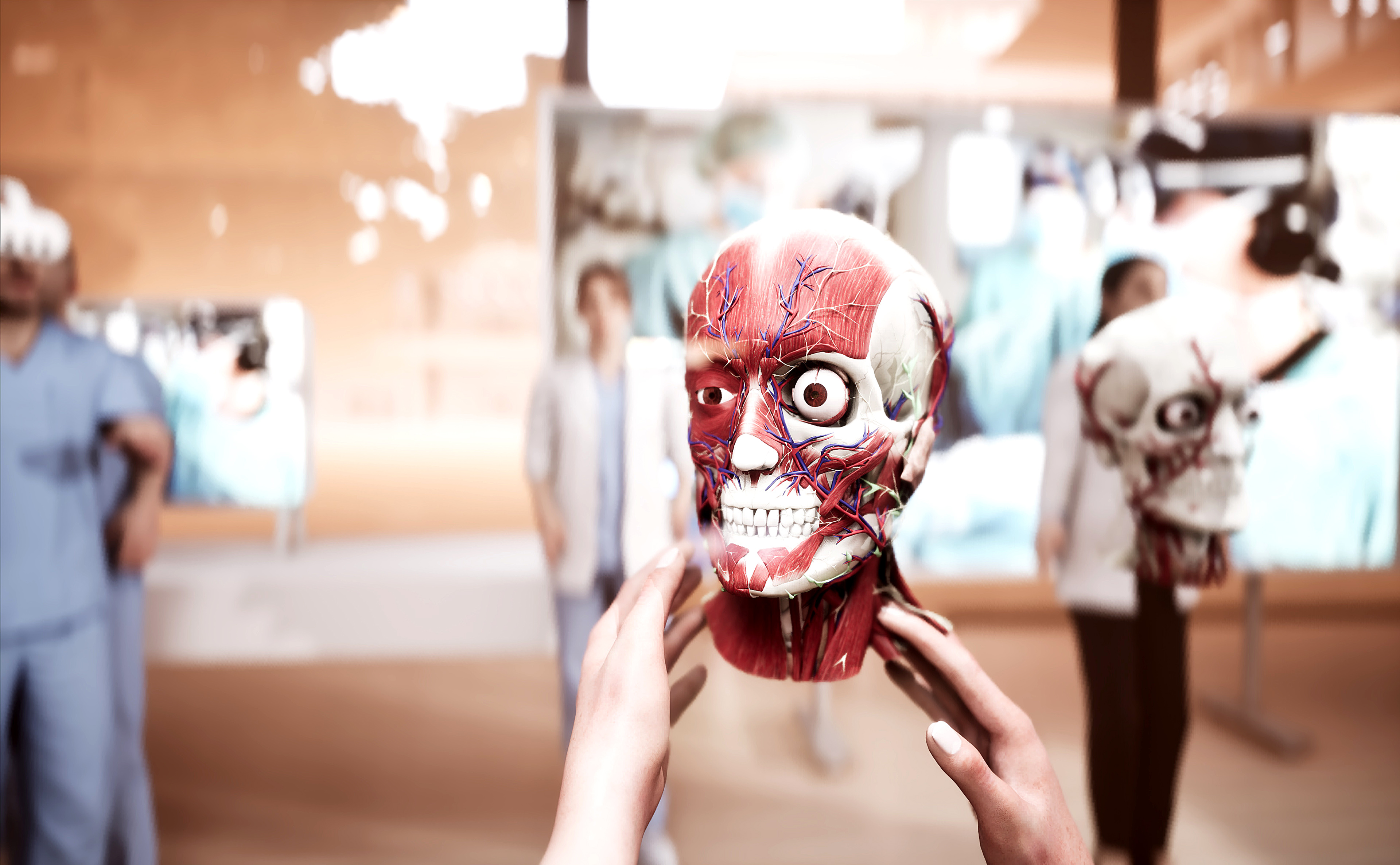
Build anatomical knowledge with detailed male and female 3D models. Explore structures and body systems in a shared environment for guided lessons and independent learning.
Capture explanations and demonstrations as interactive 3D recordings. Replay and share sessions so learners can revisit anatomical content from their own perspective.
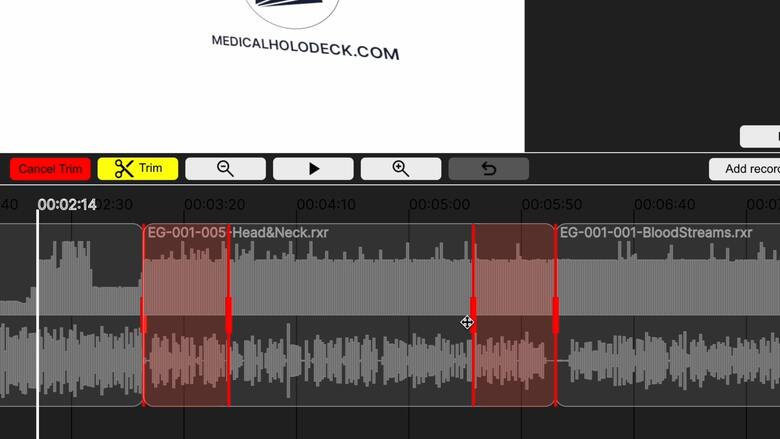
Edit and structure spatial recordings into reusable teaching material. Trim sessions, arrange recorded content, and prepare lessons for students and professional training.
Your setup
Build your configuration online or discuss your requirements with our team. Get guidance on applications, hardware, and licensing, with online resources to support setup and everyday use.
Spatial OS runs on Windows and supports standard monitors, compatible touch displays, stereoscopic 3D displays, and VR headsets. A VR headset is optional. Workstation requirements depend on the applications and devices you select. Review the technical specifications when assessing existing hardware or planning a new setup.
Discuss your PACS environment, data requirements, and intended workflow with our team. We’ll assess connectivity and integration requirements for your institution before deployment.
Participants can explore the same dataset in a shared session while retaining independent viewpoints on supported screens and VR headsets. The licenses, workstations, and devices required depend on your group size and session setup.
Spatial OS supports education, training, research, and non-diagnostic communication. Medicalholodeck is not a certified medical device and must not be used for diagnosis, clinical decision-making, surgical planning, or navigation.
Have more questions? Contact us
Demo and trial
Explore medical imaging, anatomy, and collaboration in a guided demonstration focused on your requirements. Or download a trial to experience the applications firsthand.