Teacher mode
The teacher controls the session data while students observe without changing it.
Any active participant can enter or leave teacher mode, so instructors and learners can take turns leading a demonstration.
TeamXR
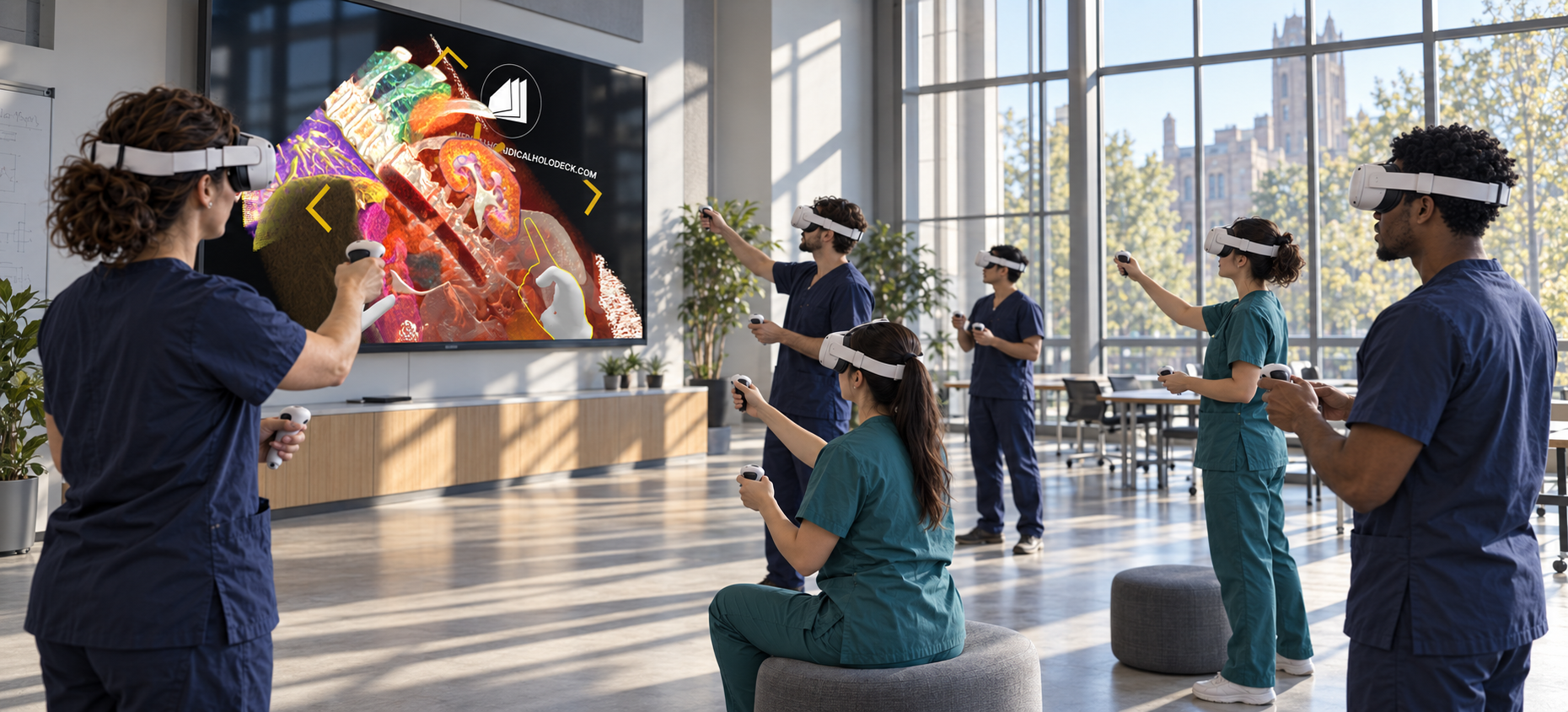
Bring instructors and learners into a shared VR session for medical teaching and group training. Teach with anatomy models and medical imaging, demonstrate spatial relationships, and let learners explore the content together.
How it works
Start a group session, load the material for your lesson, and guide learners through the anatomy. Switch between instructor demonstrations and independent exploration as the session progresses.
Teaching and session controls
Move between guided demonstrations and independent practice. For groups in the same room, align the virtual content with the physical space.
The teacher controls the session data while students observe without changing it.
Any active participant can enter or leave teacher mode, so instructors and learners can take turns leading a demonstration.
Spatial anchors give headsets a shared reference to the room. Virtual models appear in the same physical position for every participant.
Available on standalone Meta Quest 3 for groups in the same room, without external tracking equipment.
Participants see the same dataset and each other’s interactions in real time.
Keep synchronization enabled for demonstrations and group discussion.
Learners can explore different datasets independently while remaining in the shared virtual environment.
Disable synchronization for individual practice. Microphone controls let participants enable or mute their audio.
Teaching and training
Group training
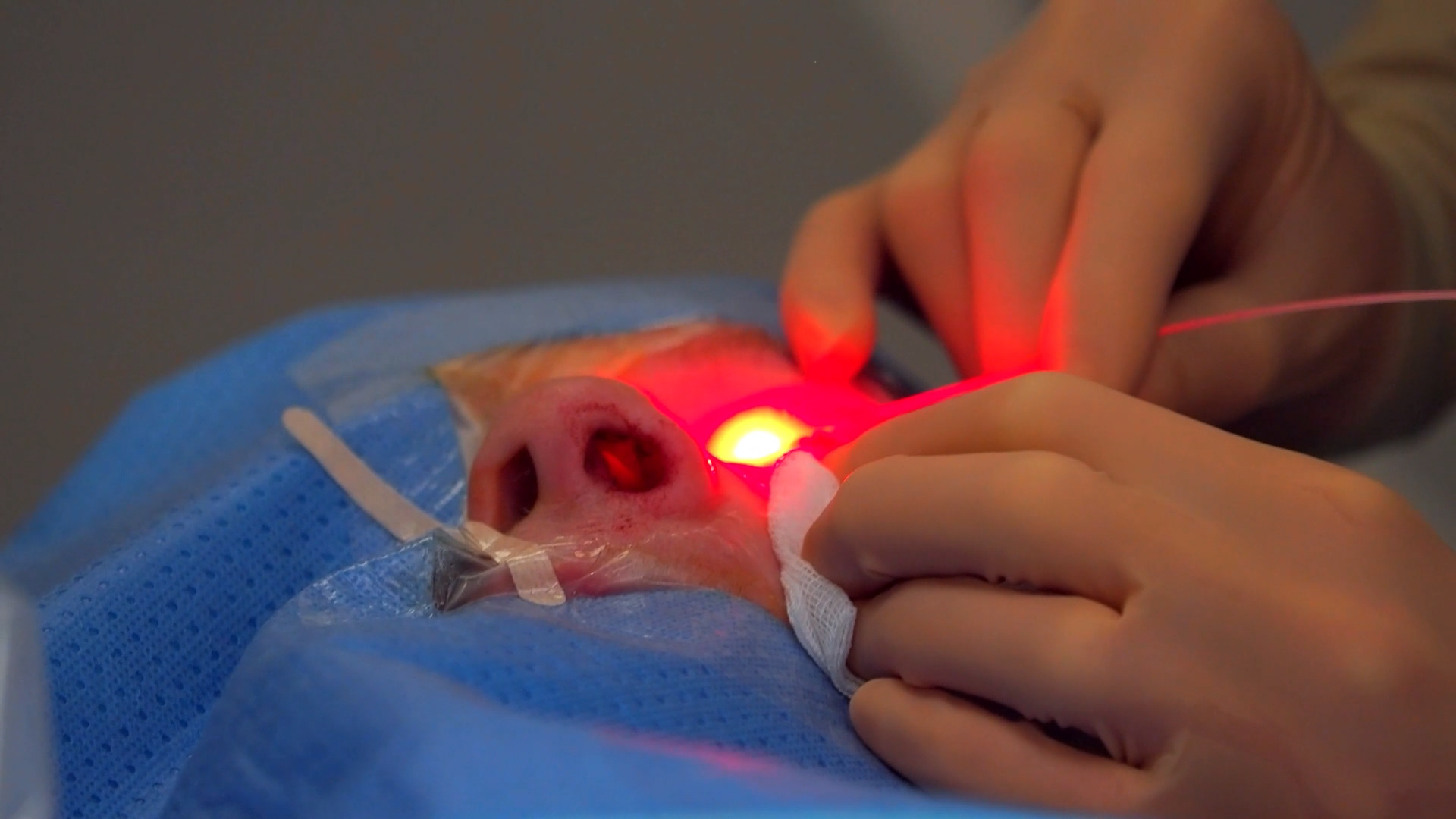
Use CT and MRI datasets to teach anatomical relationships and discuss surgical concepts with students and residents. Guide the group through a case, then let learners examine the 3D content independently and explain their observations.
Medical Imaging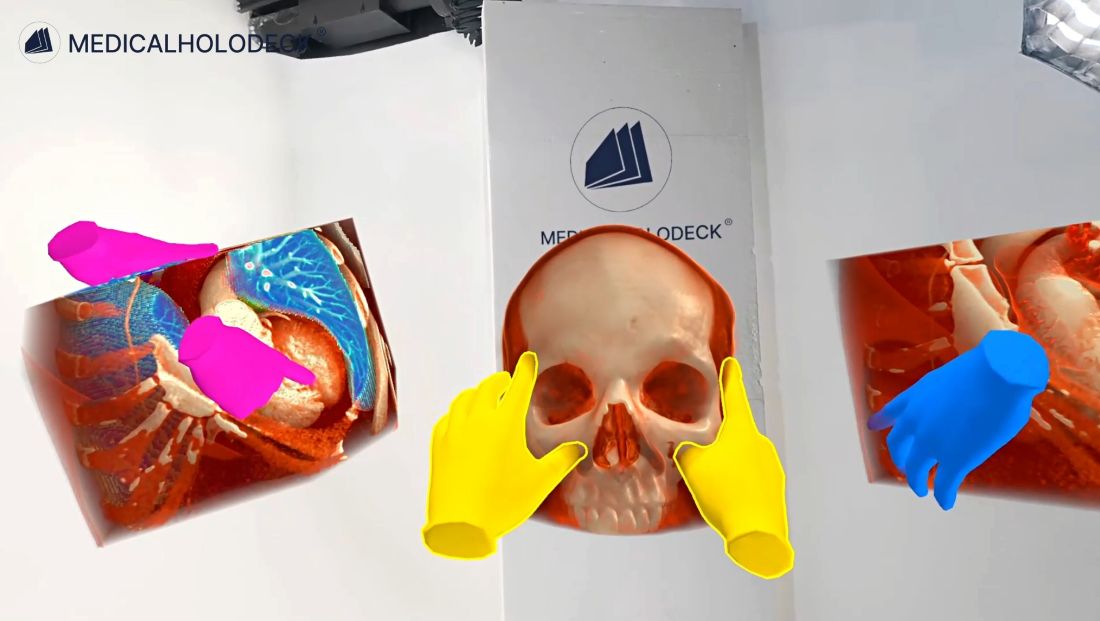
Anatomy education
Teach the position, shape, and relationships of anatomical structures using 3D models. Demonstrate in teacher mode, answer questions in the shared session, and give learners time to explore from their own viewpoints.
Anatomy MasterTeamXR + RecordXR
Use RecordXR to capture anatomy and medical imaging demonstrations for follow-up study. Learners can replay the recording and explore its 3D content from their own viewpoint, revisiting the structures and explanations covered in the lesson.
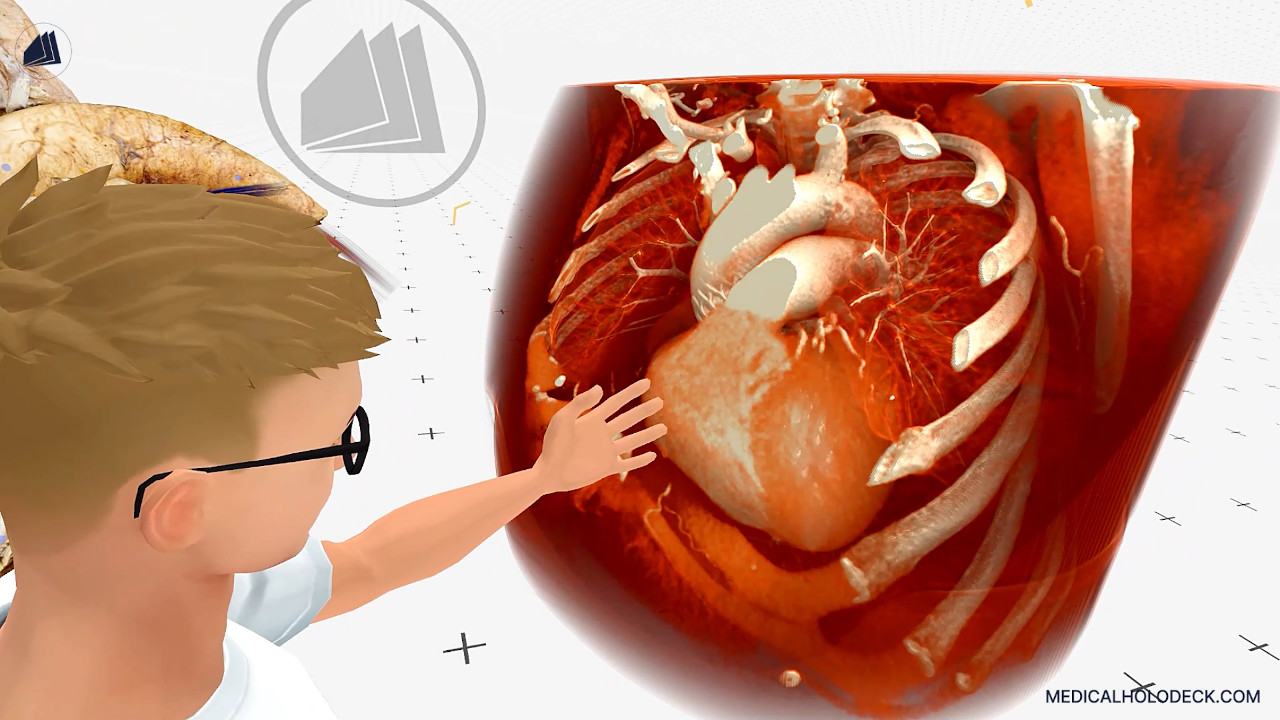
The host creates a team in Medicalholodeck and shares its six-digit code. Participants open TeamXR and enter the code to join. Saved or recent sessions can also be rejoined.
Use anatomy models and medical imaging from your library, or import new imaging data. Content added to the session is shared with the participants. Enable synchronization for group demonstrations, or disable it for independent exploration.
Confirm supported devices, network access, and the intended group size before deployment. Shared spatial anchoring is available for participants in the same room using standalone Meta Quest 3 headsets. Contact our support team to discuss the setup for your institution.
Demo and trial
Book a demonstration to discuss your teaching goals, group size, devices, and deployment requirements. Download the application trial to try Medicalholodeck.