Medical imaging.
Powered by AI.
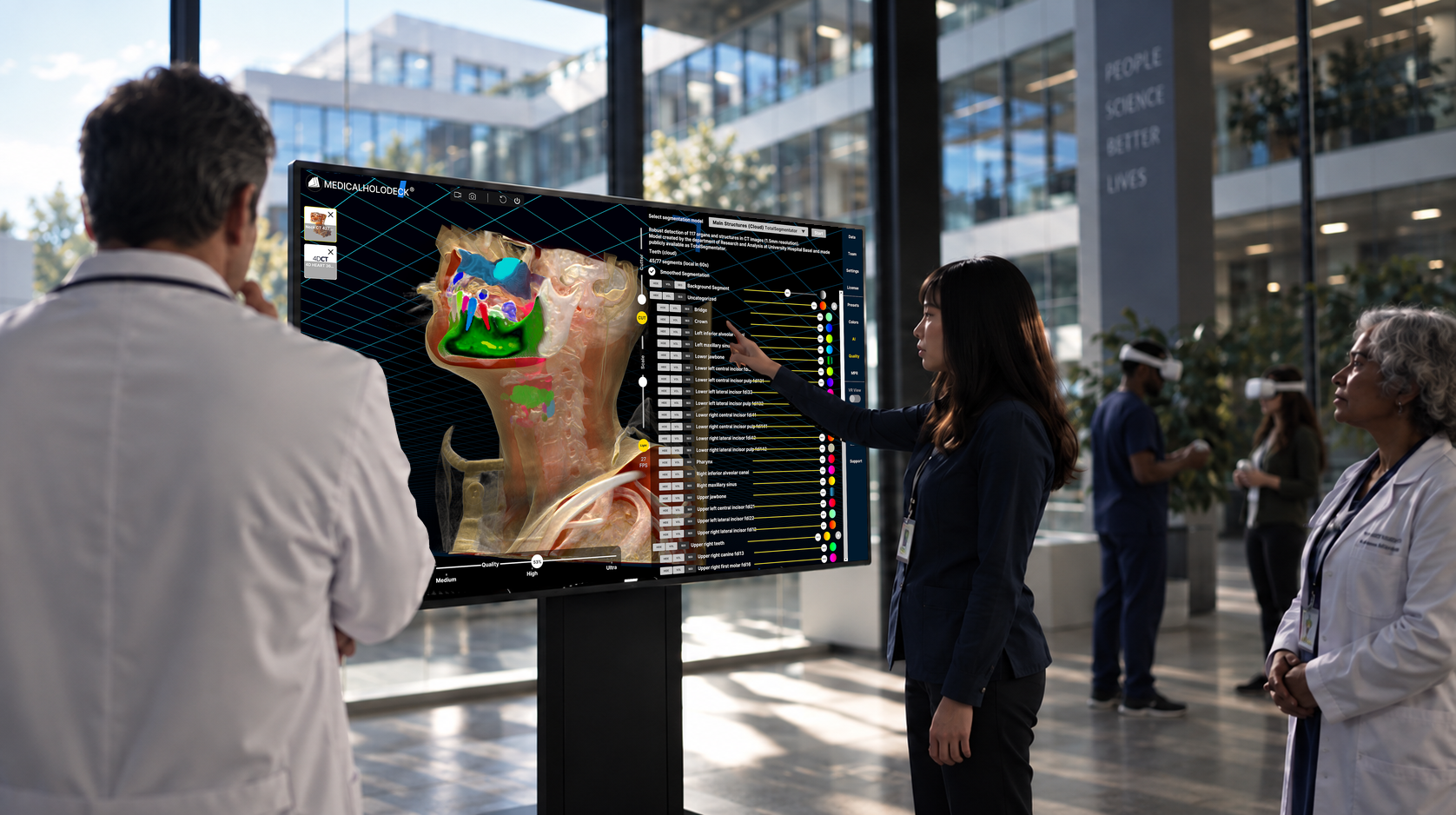
Turn CT and MRI into segmented 3D anatomy with medical AI. Cloud or local.
One AI platform.
Multiple ways to run it.
Medicalholodeck AI combines medical imaging models, segmentation and spatial visualization in one integrated platform – available in the cloud, locally on dedicated AI hardware, or as an enterprise deployment.
Local. Cloud. Enterprise.
Medicalholodeck AI is the same platform across different infrastructure models. Choose based on privacy, scale, IT policy and workflow requirements.
AI inside your institution.
Run supported AI models on local infrastructure. Confirm model availability and hardware requirements for your deployment with our team.
Fastest to deploy.
Use Medicalholodeck AI without dedicated local AI hardware. Suitable for education, research and distributed teams.
Built around your IT.
Deploy across centralized GPU systems, private cloud or institution-specific infrastructure.
Choose how you use Medicalholodeck AI.
Medical AI.
In your institution.
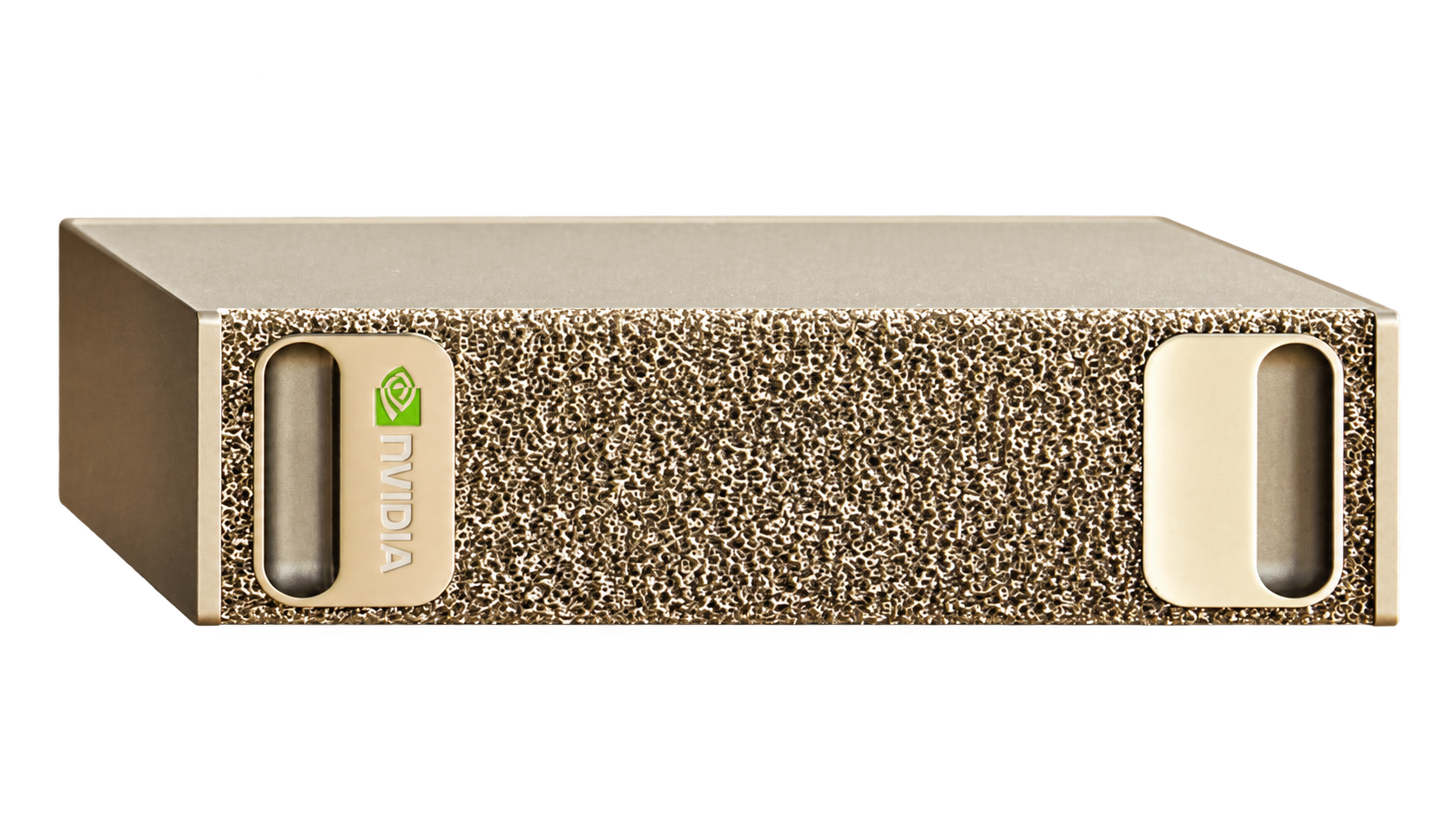
Run supported AI models on local GPU infrastructure, integrated with your institutional network.
We help you define the right setup—from model selection and hardware requirements to integration.
- Medical imagingCT / MRI · DICOM
- Medicalholodeck AILocal GPU processing
- Segmented anatomyReview and visualize in Medicalholodeck
Medical AI.
In the cloud.
Use Medicalholodeck AI without dedicated local AI hardware. Suitable for education, research and distributed teams.
We help you choose the right cloud setup for your medical imaging workflow.
- Medical imagingCT / MRI · DICOM
- Medicalholodeck AICloud processing
- Segmented anatomyReview and visualize in Medicalholodeck
Medical AI.
Built around your IT.
Deploy across centralized GPU systems, private cloud or institution-specific infrastructure.
We help hospitals, universities and networks define the infrastructure and integration for their Medicalholodeck AI workflow.
- Medical imagingCT / MRI · DICOM
- Medicalholodeck AIInstitution-specific infrastructure
- Segmented anatomyReview and visualize in Medicalholodeck
From scan to segmentation to spatial anatomy.
Import the medical image, choose a model, generate the segmentation, inspect the result and continue in Medicalholodeck.
- 01
Import
Load supported CT or MRI data.
- 02
Select Model
Choose the AI segmentation task for the dataset.
- 03
Segment
Generate anatomical segmentations.
- 04
Inspect
Review the segmentation result in Medicalholodeck.
- 05
Visualize
Use the result in 2D, glasses-free 3D or VR, or export STL for 3D printing.
TotalSegmentator + MONAI.
One Medicalholodeck workflow.
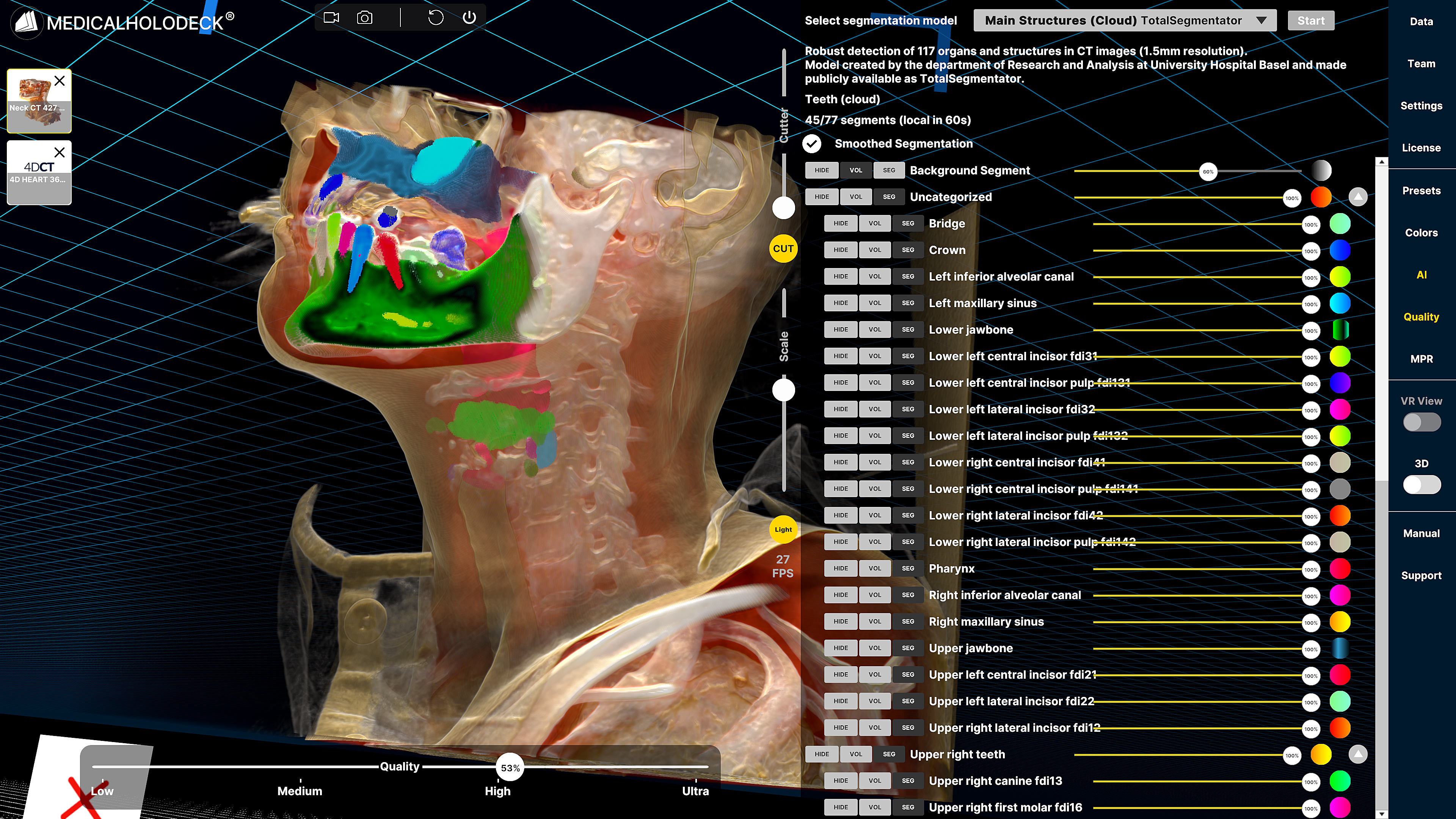
Medicalholodeck AI brings broad anatomical segmentation and specialized medical imaging models into one interface. Select the task, run inference and inspect the result in Medicalholodeck.
Broad anatomical segmentation.
A broad family of CT and MRI segmentation tasks for automatically separating organs, bones, vessels, cavities, muscles and other anatomical structures.
Specialized medical imaging models.
MONAI bundles add task-specific medical imaging AI to the same Medicalholodeck workflow – from whole-body CT and whole-brain MRI to pancreas, prostate and interactive annotation.
This is a selection of model workflows. Cloud availability does not imply local availability; confirm supported models and versions for your deployment.
TotalSegmentator functions
Explore selected segmentation tasks. Availability depends on the model and deployment.
TotalSegmentator functions
Explore selected segmentation tasks. Availability depends on the model and deployment.
| Model / task | Modality | What it segments | Availability |
|---|---|---|---|
| Total | CT | 117 main anatomical classes | Cloud |
| Total (MR) | MRI | Main anatomical structures; class count depends on the integrated model version | Cloud |
| Lung vessels | CT | Lung vessels, trachea and bronchi | Cloud |
| Body | CT | Body, trunk, extremities and skin | Cloud |
| Body (MR) | MRI | Body trunk and extremities | Cloud |
| Vertebrae (MR) | MRI | Sacrum and vertebrae C1–C7, T1–T12 and L1–L5 | Cloud |
| Cerebral bleed | CT | Intracerebral hemorrhage | Cloud |
| Hip implant | CT | Hip implant segmentation | Cloud |
| Pleural + pericardial effusion | CT | Pleural and pericardial effusions | Cloud |
| Head glands + cavities | CT | Eyes, lenses, optic nerves, salivary glands, pharyngeal regions, nasal cavity, auditory canals and palates | Cloud |
| Liver segments (MR) | MRI | Liver segments 1–8 | Cloud |
| Craniofacial structures | CT | Mandible, skull, head, maxillary and frontal sinuses, upper and lower teeth | Ask about availability |
| Abdominal muscles | CT | Major chest, abdominal and back muscle groups | Ask about availability |
| Teeth + dental structures | CT / CBCT | Jawbones, canals, sinuses, crowns, bridges, implants, individual teeth and pulp structures | Ask about availability |
| Trunk cavities | CT | Abdominal cavity, thoracic cavity, pericardium and mediastinum | Ask about availability |
MONAI functions
Explore selected MONAI model workflows.
MONAI functions
Explore selected MONAI model workflows.
| Model / task | Modality | What it segments | Availability |
|---|---|---|---|
| Whole Body CT Segmentation | CT | 104 anatomical classes at 1.5 mm workflow resolution | Cloud |
| Whole Brain – Large UNEST | MRI T1 | 133 brain structures | Cloud |
| Swin UNETR BTCV | CT | 13 abdominal organs | Cloud |
| Pancreas CT – DiNTS | CT | Pancreas and tumor segmentation | Cloud |
| Prostate MRI Anatomy | MRI T2 | Prostate zones | Cloud |
| Spleen CT | CT | Spleen segmentation | Cloud |
| Spleen DeepEdit | CT | Interactive spleen segmentation / annotation workflow | Cloud |
Segmentation workflow functions
Open to see what happens after inference.
Segmentation workflow functions
Open to see what happens after inference.
| Function | Environment | Description | Status |
|---|---|---|---|
| Segment toggle | Medicalholodeck | Show, hide and isolate automatically segmented anatomical structures and groups. | Included |
| Local AI segmentation | Local GPU infrastructure | Run supported models on compatible local infrastructure; confirm the deployment requirements with our team. | Confirm deployment |
| Segmentation smoothing | Desktop / PC-VR | Smooth segmented regions for cleaner surfaces and improved 3D visualization. | Supported |
| Segmentation to mesh | Medicalholodeck | Convert AI-generated segmentations into 3D structures for visualization, editing and export workflows. | Supported |
From scan to segmented anatomy.
Follow the workflow from medical imaging to AI-generated segmentation and spatial visualization.
Imaging, segmentation and TeamXR
Heart workflow
Dental workflow
Show the result.
Explore segmented anatomy in Medicalholodeck: review patient-specific structures, inspect 3D anatomy and view the results spatially.
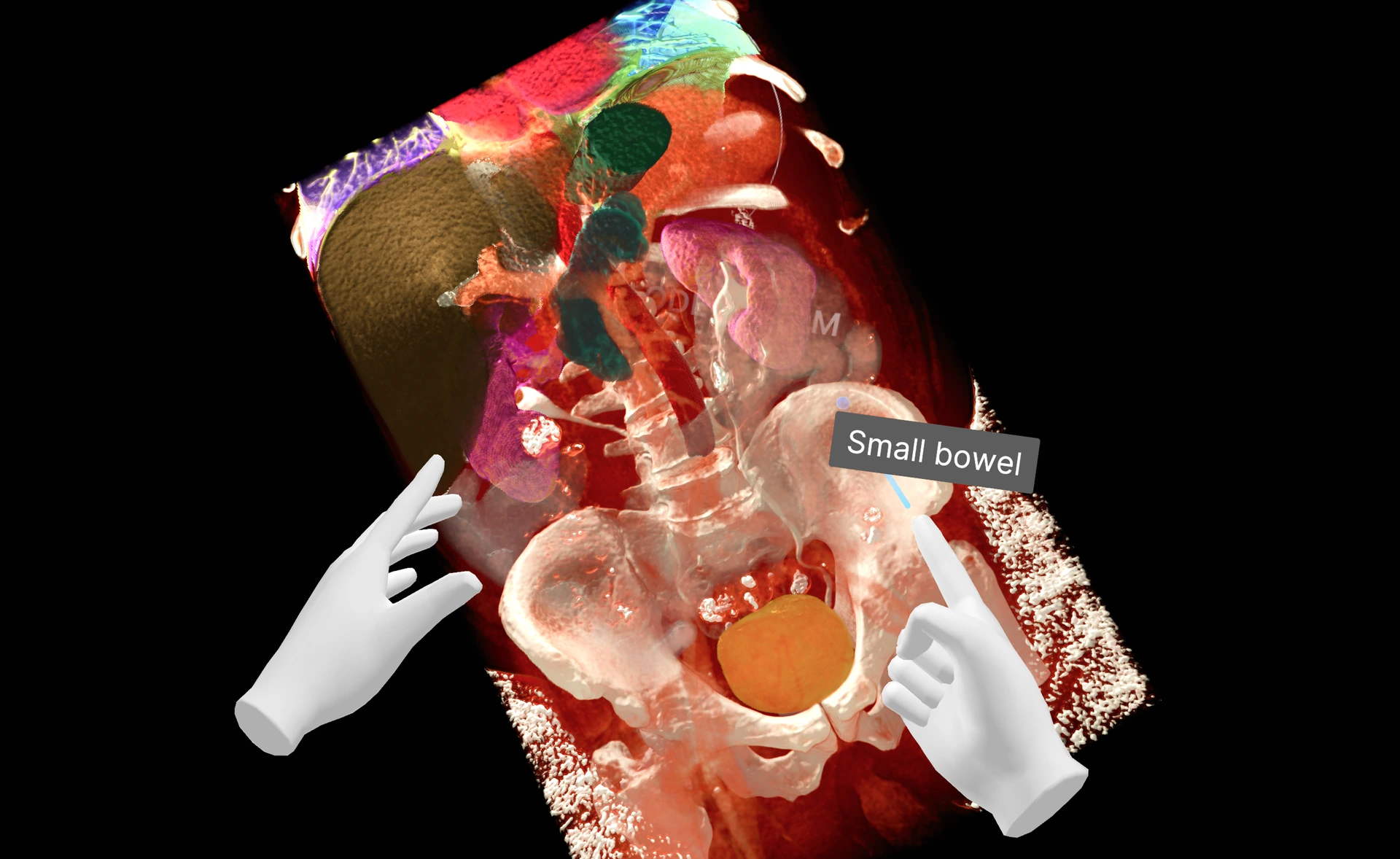
Patient-specific segmentation
Review segmented organs, vessels or skeletal structures together with the original volume.
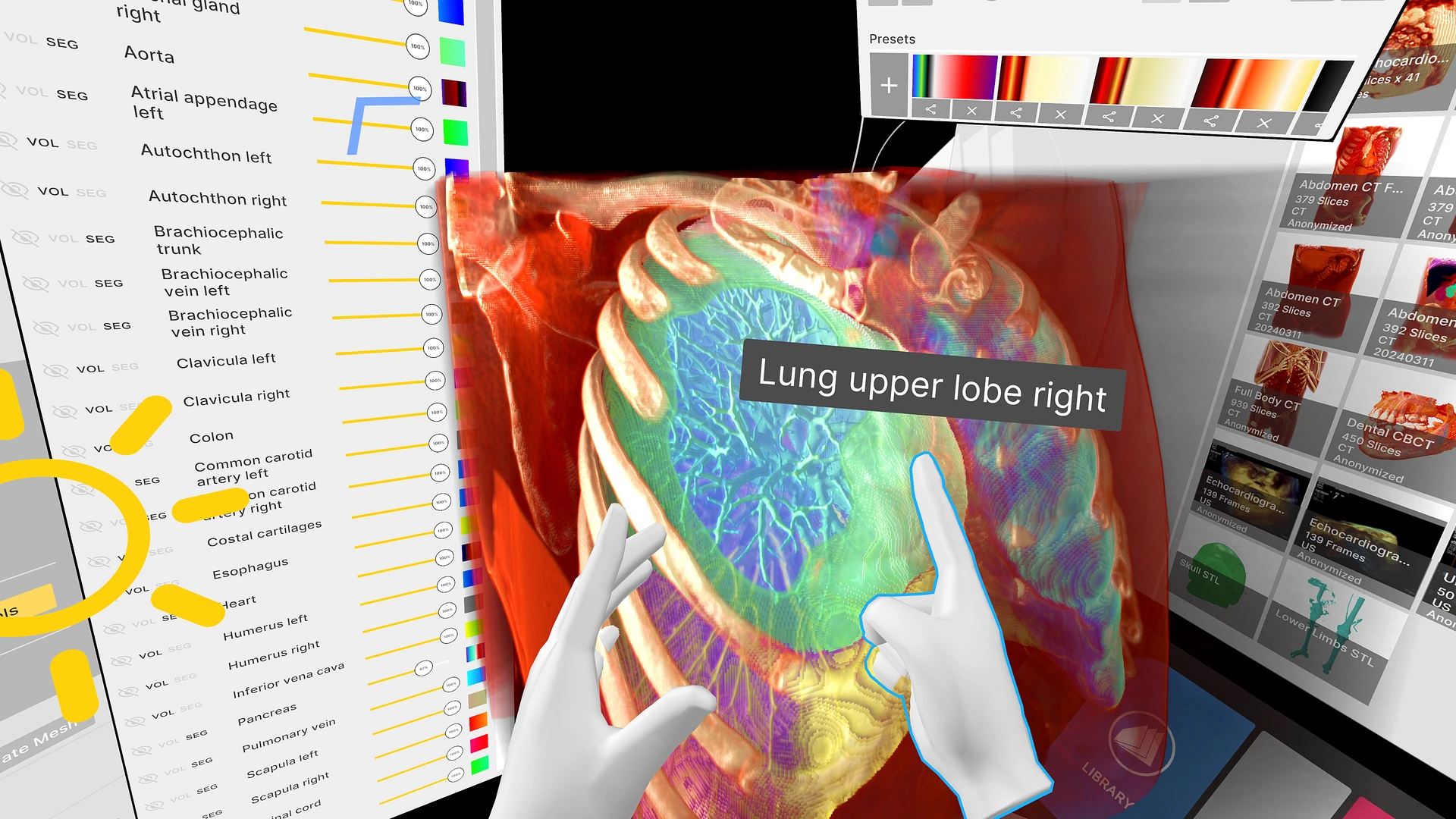
3D anatomy
Explore segmented anatomical structures in 3D.
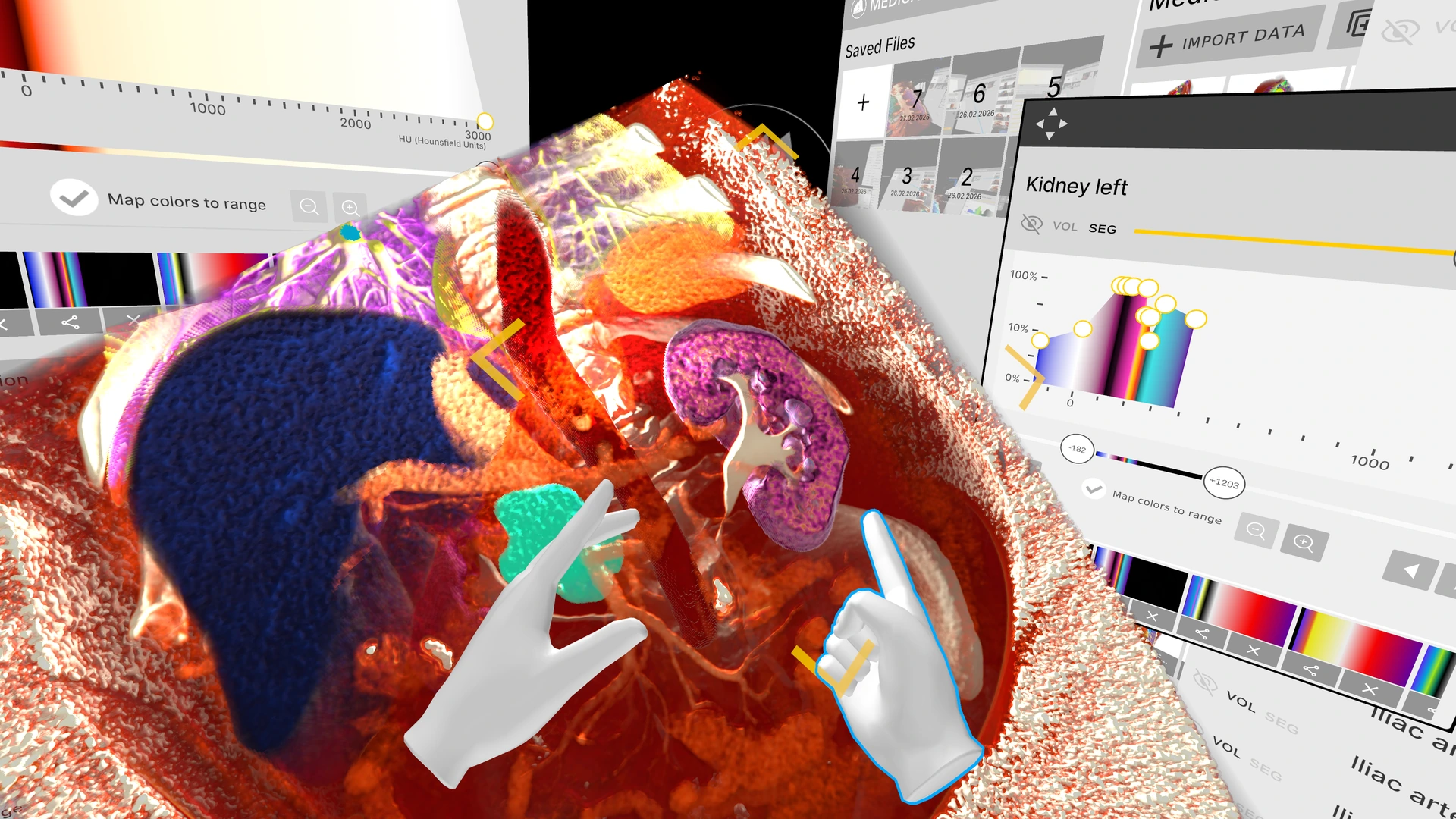
Spatial visualization
Use the same AI result across glasses-free 3D, VR and interactive displays.
Not one AI model.
A medical AI platform.
One workflow, from imaging to anatomy
Medicalholodeck brings TotalSegmentator and MONAI model workflows into one interface. The platform connects model selection and segmentation with the work that comes before and after: opening medical imaging, inspecting anatomical structures and preparing the result for visualization.
Choose the model. Review the result.
Start with your dataset and choose a supported segmentation task. Different models address different structures and imaging tasks, so the choice depends on what you want to examine and what the model supports. Once segmentation is complete, review the extracted structures alongside the original volume. This gives the result its anatomical context and helps you assess whether it is useful for the task at hand.
Explore anatomy for training and research
From there, the same segmented anatomy can be explored in 2D, on a glasses-free 3D display or in VR. A training session can move from an overview of the scan to a closer examination of individual structures. Research teams can use these views to inspect their imaging and discuss the segmentation results together.
Take the next step into 3D printing
When a physical model would help, export the segmented anatomy as STL for 3D printing. The model still needs to be checked and prepared for the intended print. The value of the platform is this continuity: AI segmentation becomes part of an imaging workflow that leads to inspection, discussion and practical use of the anatomy.
AI results become spatial.
Use AI-generated anatomy across the Medicalholodeck display and VR environment.
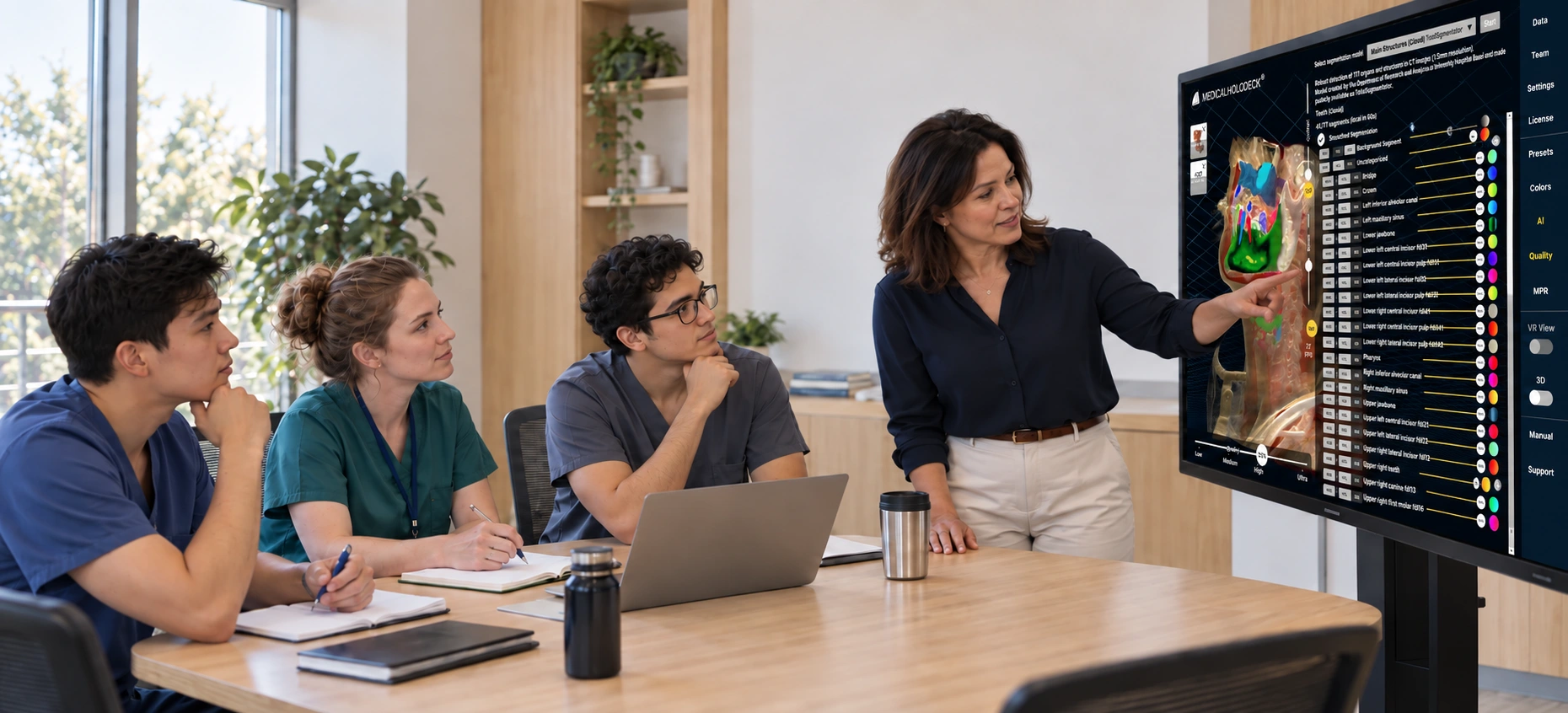
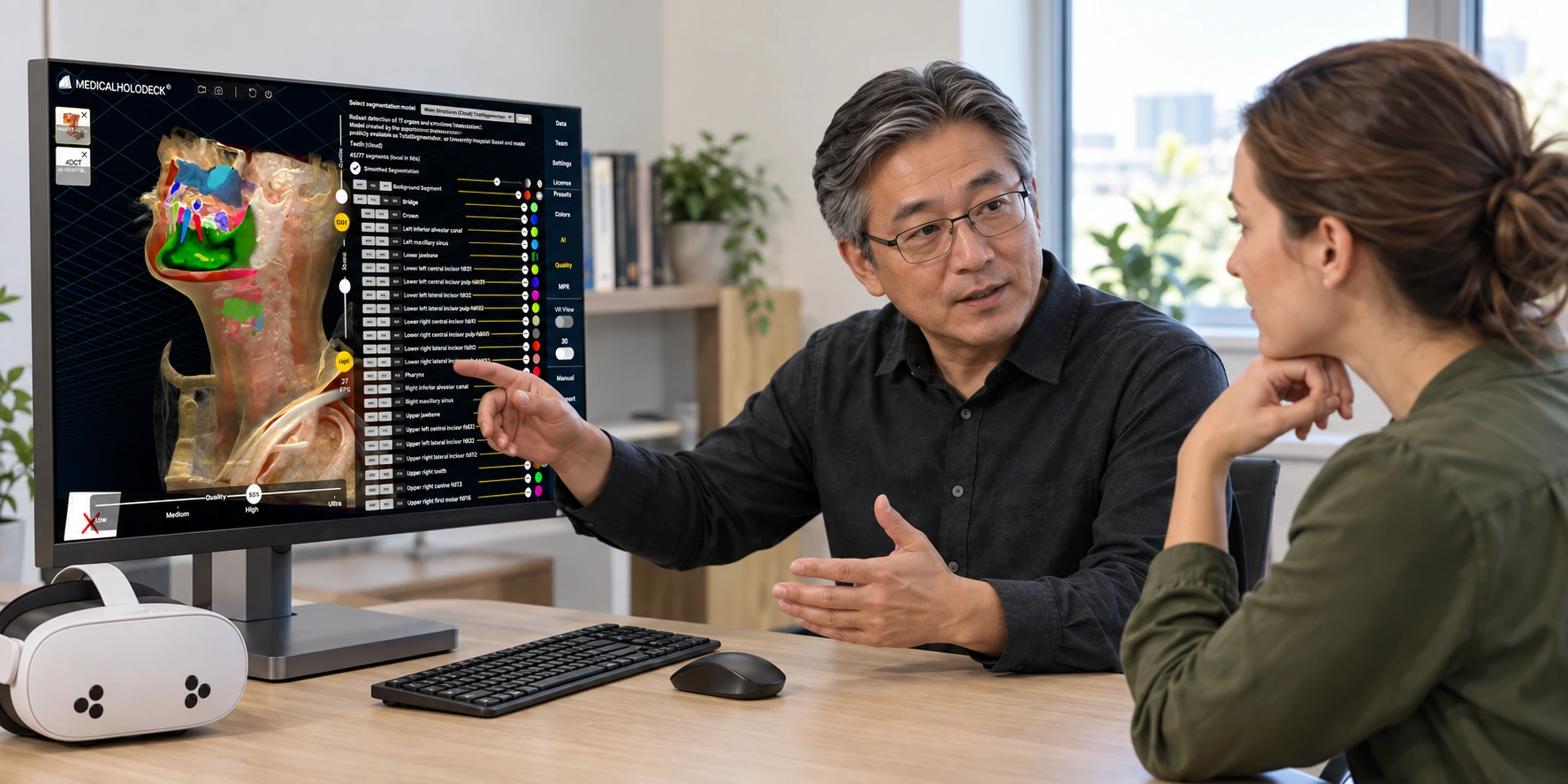
Desktop
Review medical images and AI-generated structures on a conventional display.
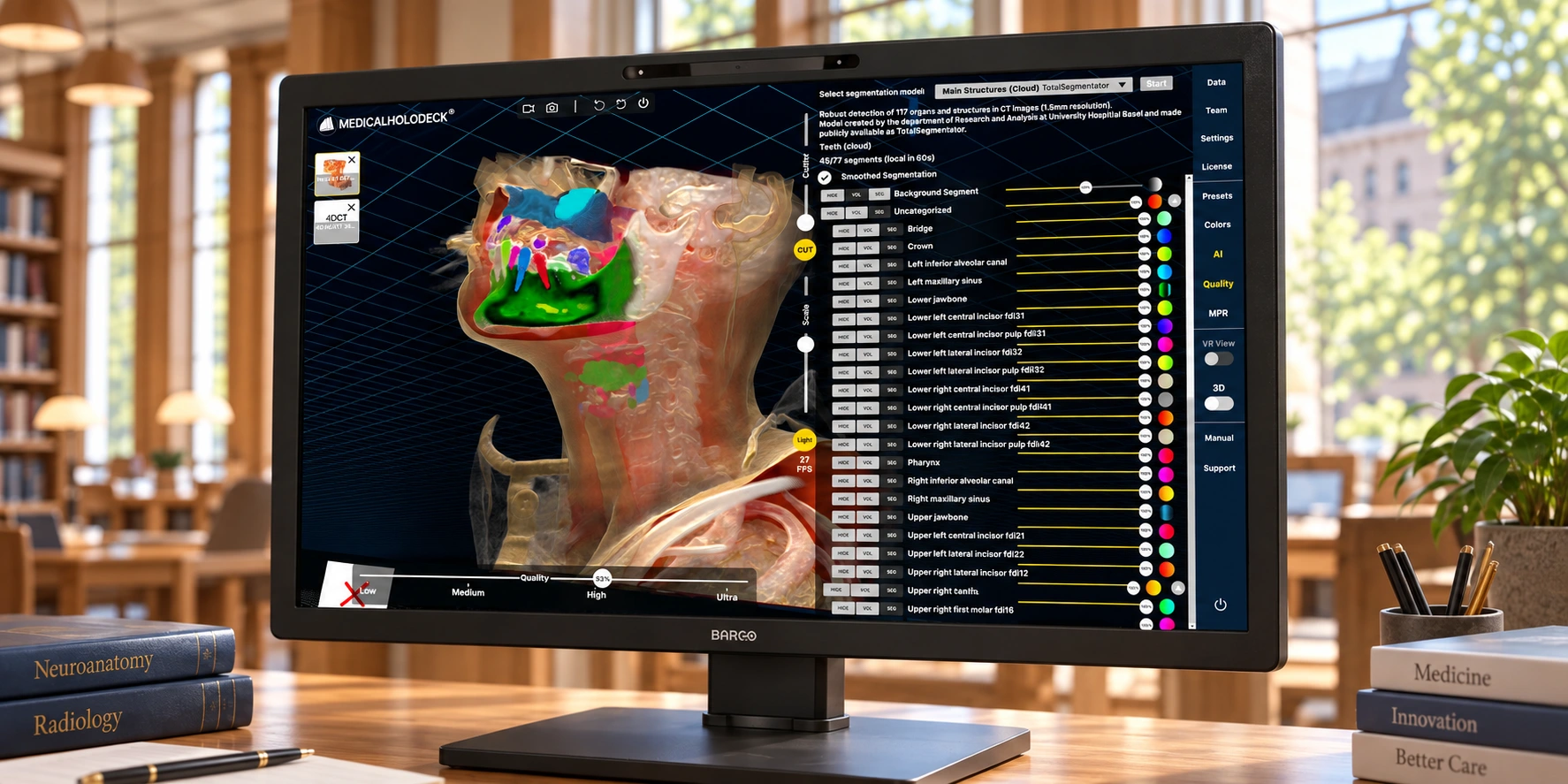
Glasses-Free 3D
View anatomy with spatial depth directly on a compatible 3D display.
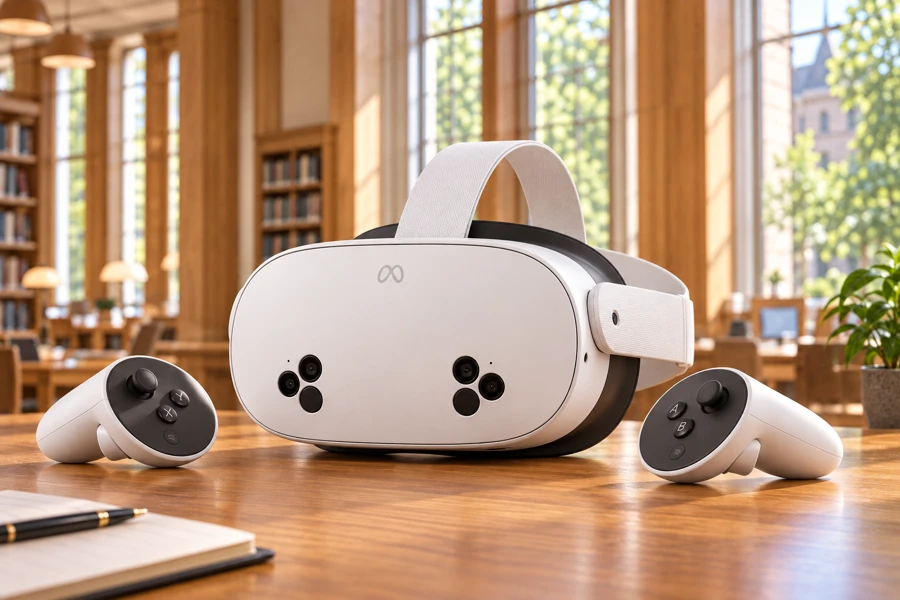
VR
Inspect AI-generated anatomy in standalone VR or PC-VR.
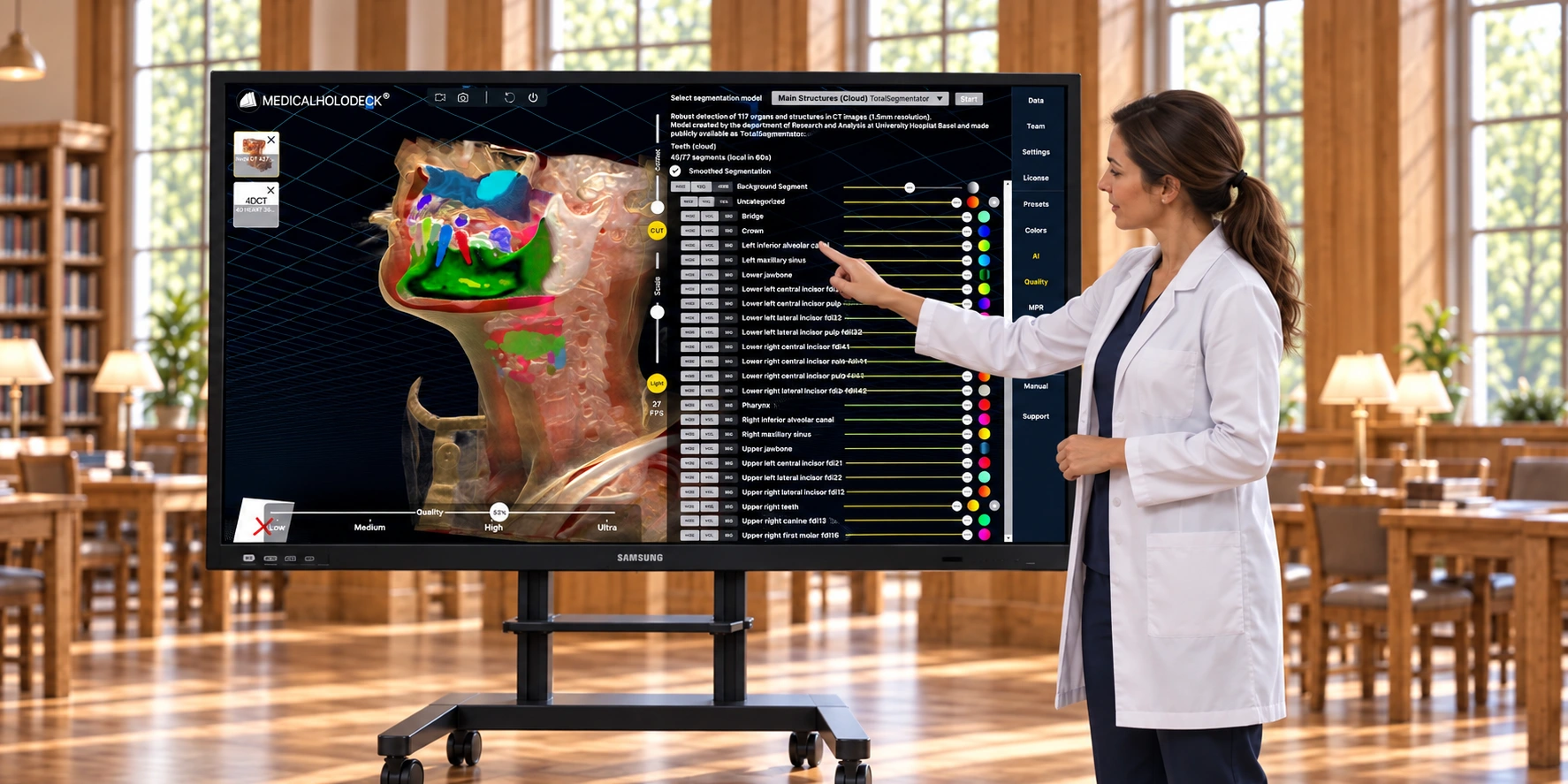
Interactive Displays
Use AI-generated anatomy on large-format touch displays.
Pixels become anatomy.
Convert AI-generated DICOM segmentations into 3D structures that can be visualized, edited and exported.
Medical AI for
training and research.
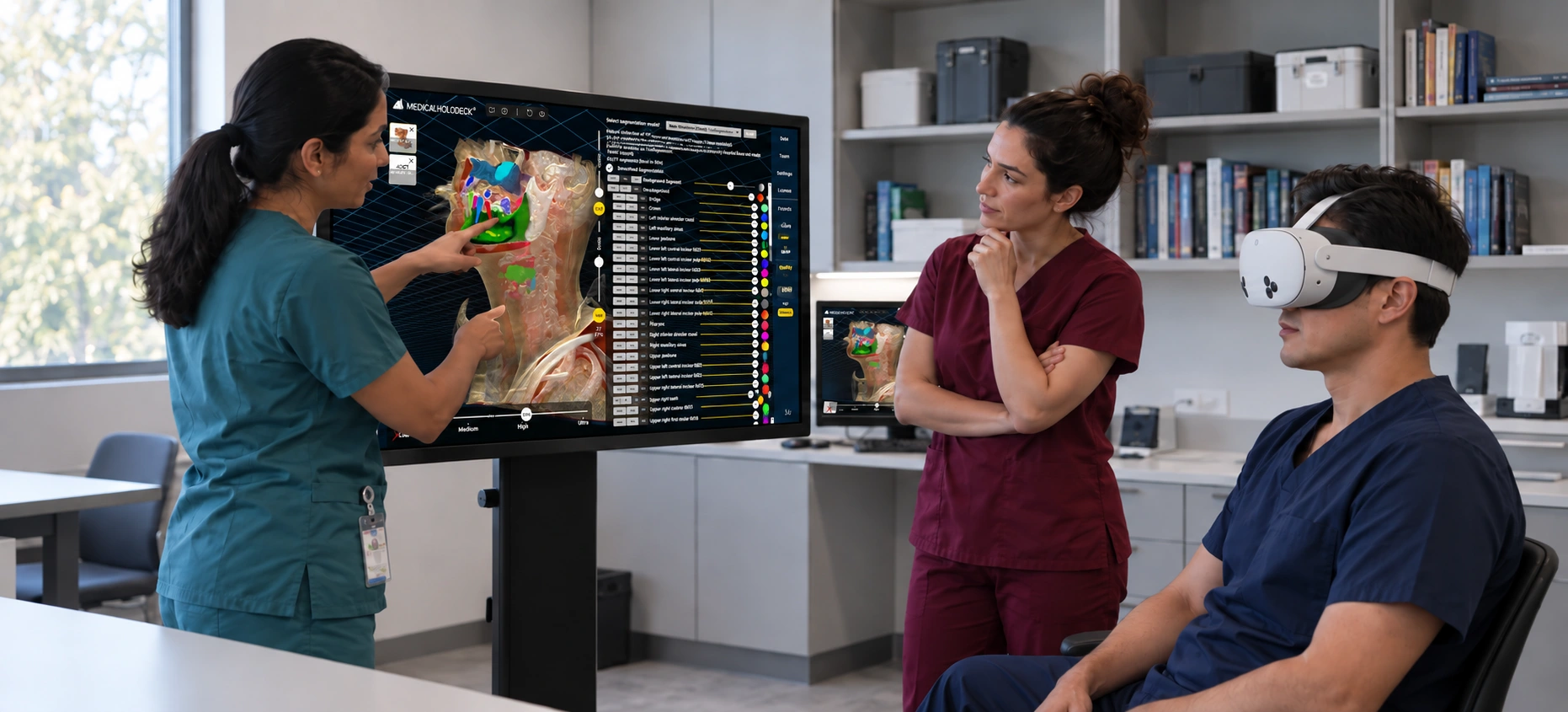
Training
Turn real medical imaging into understandable spatial anatomy for training and simulation.
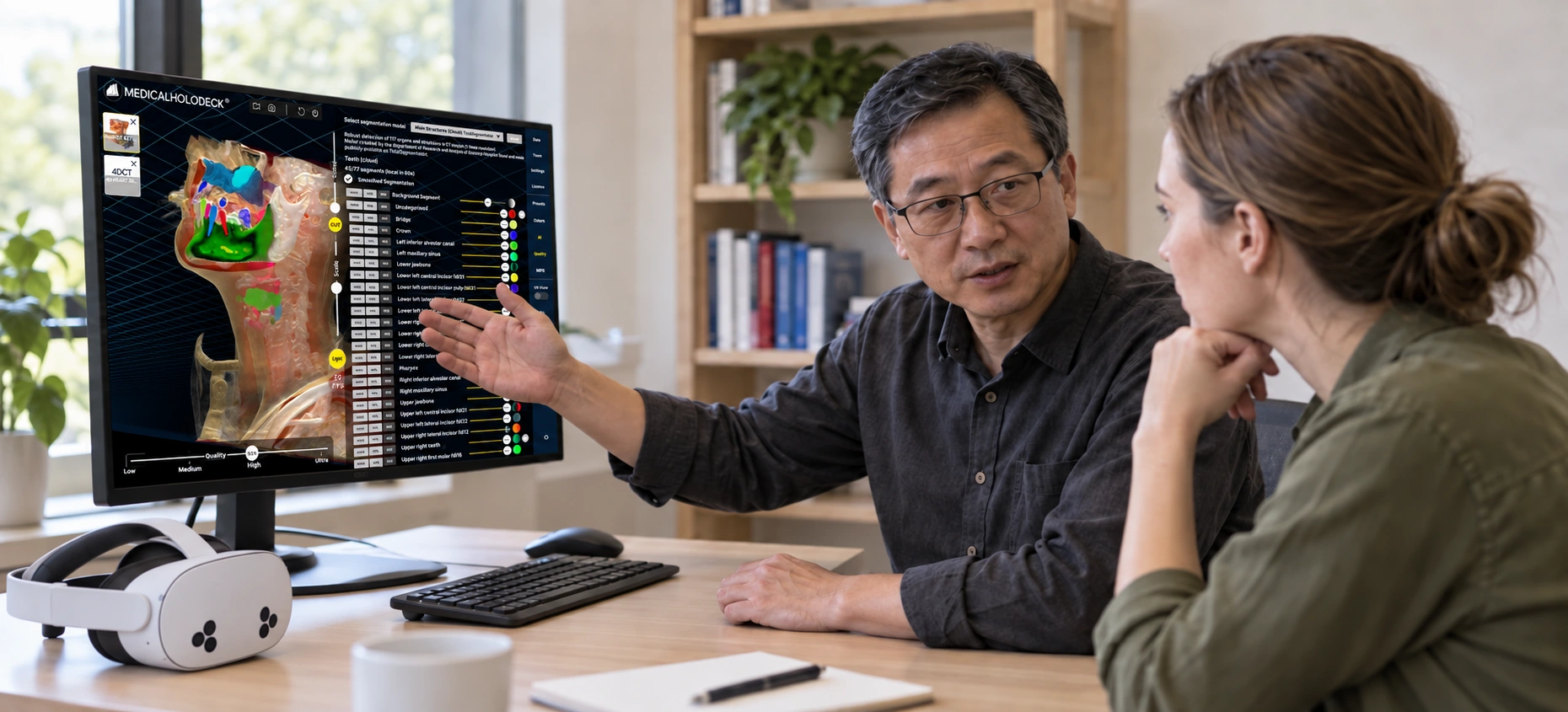
Research
Accelerate medical imaging workflows and explore AI-generated anatomy spatially.
Have a medical AI model?
Bring it to Medicalholodeck.
Medicalholodeck provides the medical imaging and spatial visualization layer around your AI.
Medical imaging. AI.
Spatial visualization.
Bring medical-image AI into your Medicalholodeck workflow – in the cloud or on dedicated local AI hardware.