Medical Imaging.
Made spatial.
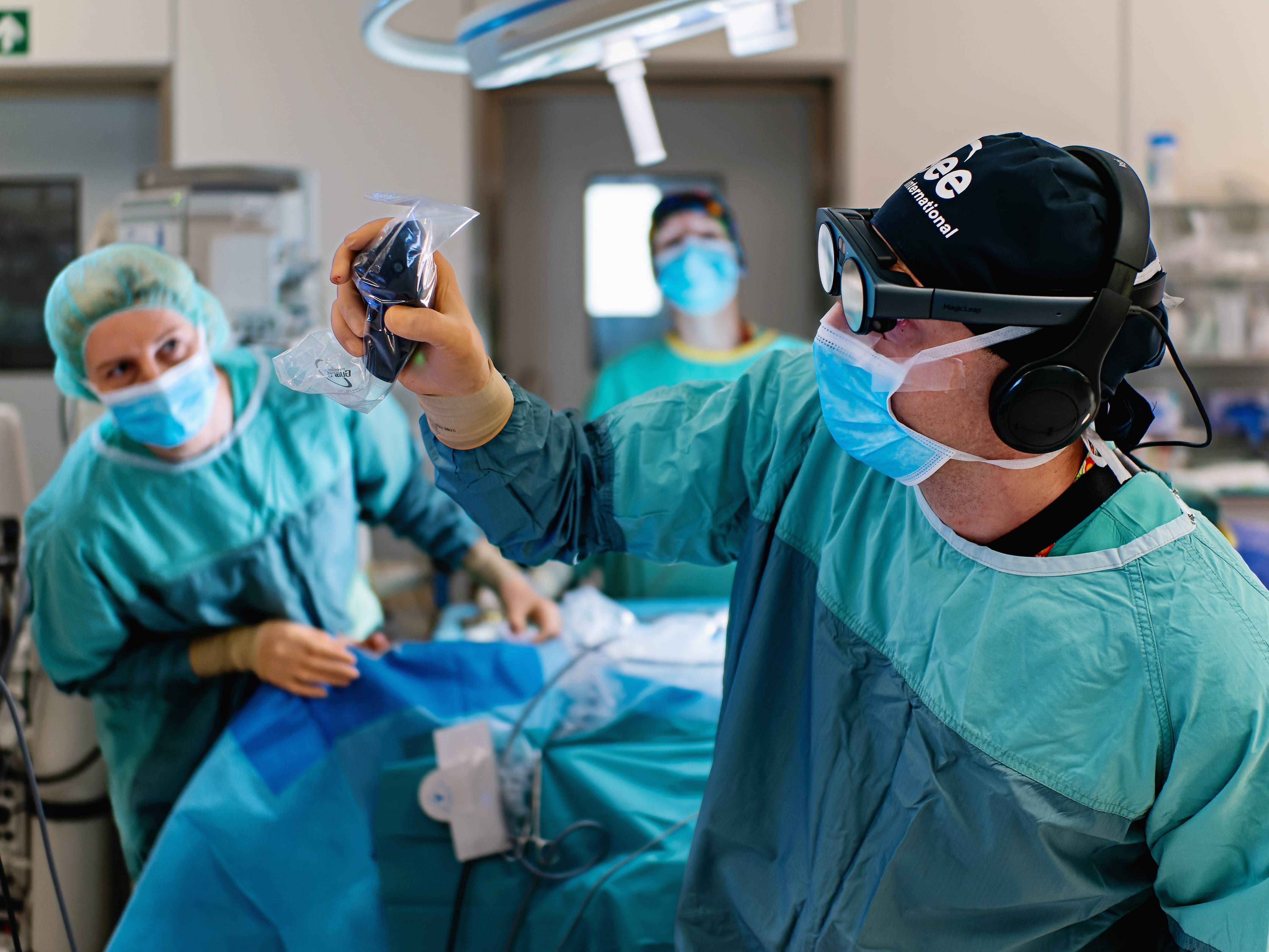
Explore patient-specific anatomy in interactive 3D for case discussion, surgical training and research.
From imaging
to spatial anatomy.
Import CT, MRI and other DICOM datasets as 3D volumes. Rotate and scale anatomy to examine structures and their relationships.
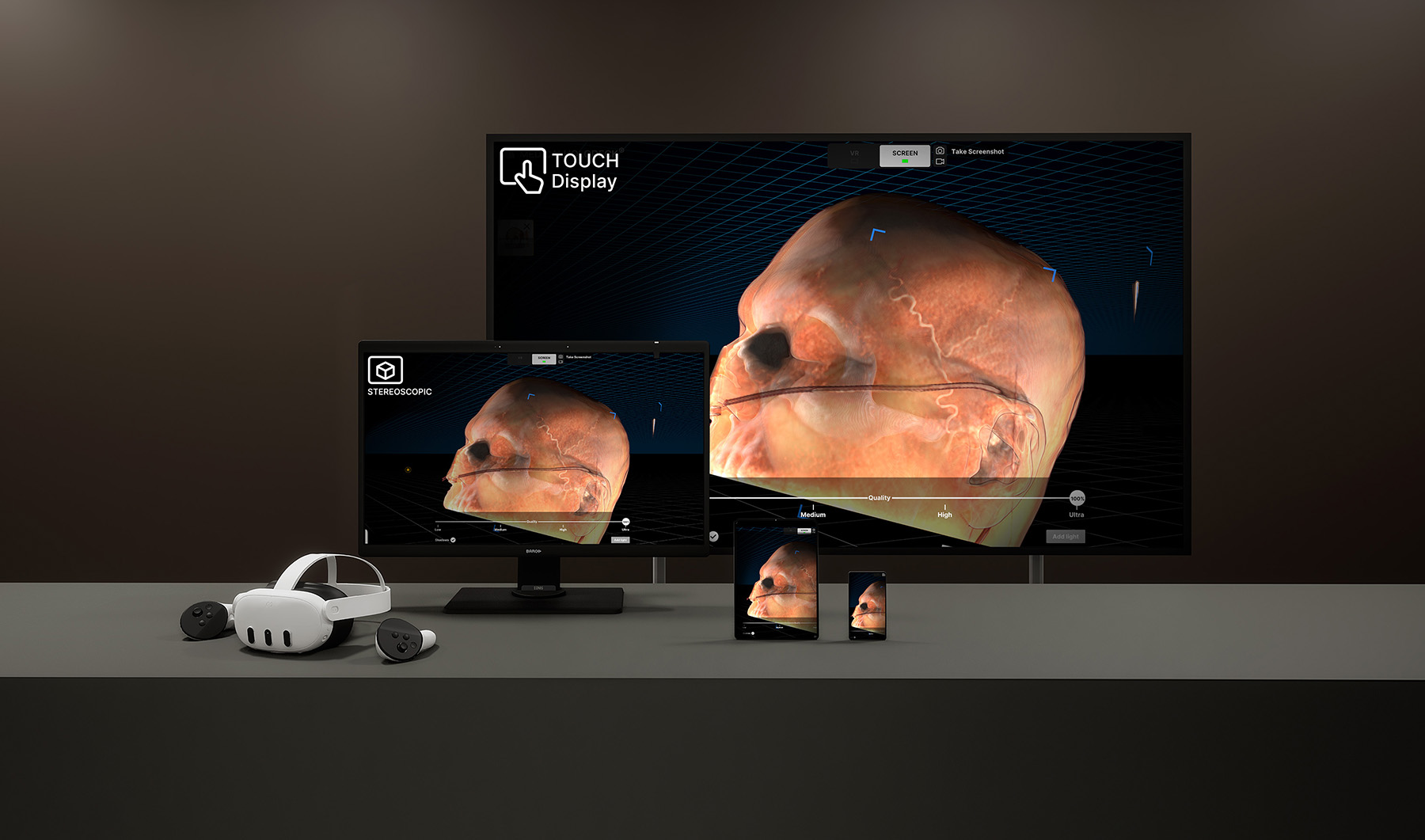
Explore on VR, autostereoscopic displays, touchscreens or desktop monitors, and share views for training, case discussion and research.
Optional Medicalholodeck AI segmentation can isolate organs, bones and vessels for focused exploration.
Import medical imaging
Import 2D, 3D or 4D DICOM datasets from CT, MRI, CBCT, ultrasound, echocardiography or angiography.
Explore anatomy in 3D
Rotate, scale and adjust the volume to examine anatomical relationships and segmented structures in context.
Choose your device
Explore individually or with a group using VR, autostereoscopic displays, touchscreens, desktop monitors or iOS devices.
Spatial imaging.
Across your workspace.
Choose how to explore and discuss patient anatomy: immersive VR, glasses-free 3D displays or interactive touchscreens.
Virtual reality
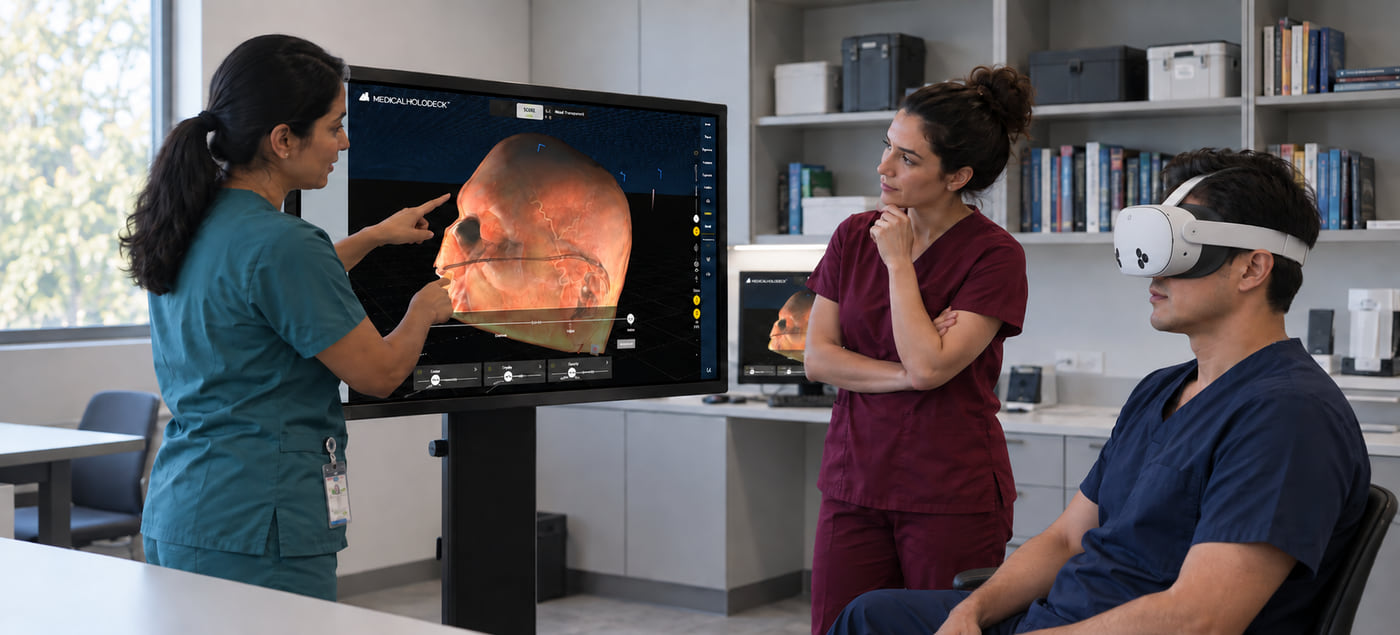
Explore 3D anatomy from any viewpoint. Rotate and scale the volume to examine depth and relationships between structures.
Use the standalone Medicalholodeck app or connect a compatible headset to Spatial OS on Windows.
Autostereoscopic displays
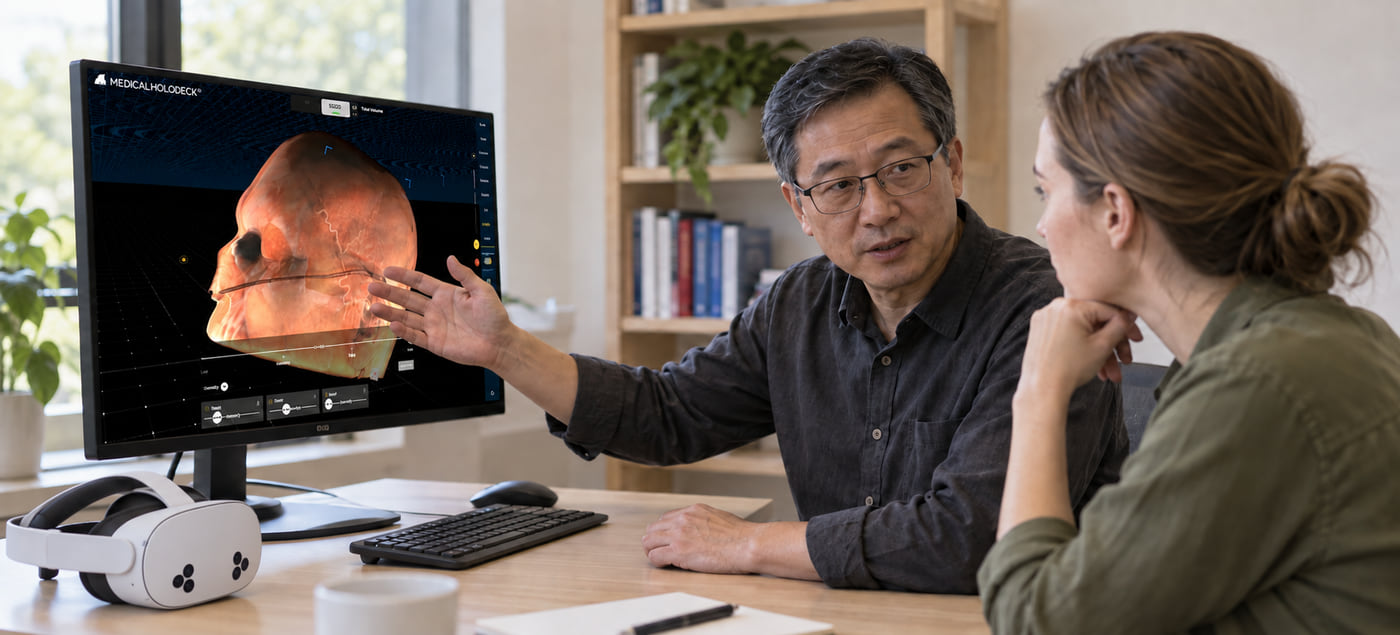
View anatomy with glasses-free 3D depth. Examine structure shape and position at the workstation.
Requires a Spatial OS-compatible 3D display; viewing conditions and simultaneous viewer count depend on the display.
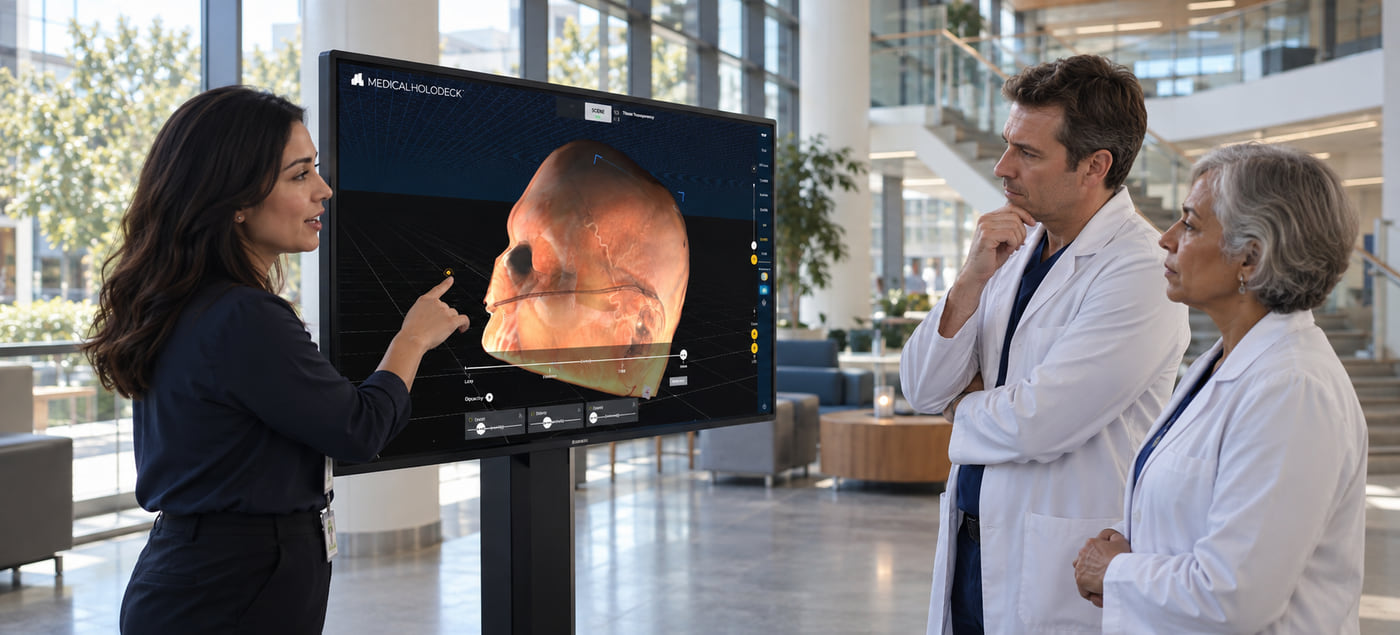
Interactive touchscreens
Explore and orient the dataset directly on a Windows touchscreen. Share a view during case discussions or training.
Choose a desktop display for small groups or a large screen for simulation labs.
Spatial OS runs Medical Imaging on a Windows PC and connects compatible VR headsets, autostereoscopic displays and standard 2D screens. The PC renders the dataset for each view, allowing individual exploration and shared-screen discussion within the same session.
Simultaneous use of the PC screen and a VR headset requires the Second Viewer license. Standalone VR and iOS use their respective Medicalholodeck apps.
Standard monitors
Work with the 3D volume on a standard Windows monitor using mouse and keyboard controls. Rotate, enlarge and inspect anatomy for training or research, and prepare views for a case presentation. A standard monitor shows the scene in perspective, without stereoscopic depth.
iPhone & iPad
Explore medical imaging and 3D anatomy in the Medicalholodeck iOS app. Use touch interaction for individual study and anatomy discussions on an iPhone or iPad. The app also offers augmented reality viewing.
Examine patients.
In depth and in context.
Explore patient anatomy in 3D to understand structural relationships and complex cases in training, case discussion and research.
Cardiac anatomy
Assess cardiac morphology in its full 3D context, then examine individual structures and their spatial relationships.
Evaluate cardiac morphology and spatial relationships
Examine the chambers, myocardium and great vessels within the complete patient volume to support anatomical assessment and procedural planning.
Differentiate internal cardiac structures
Use color-coded segmentation to distinguish cardiac chambers and vascular structures and assess their spatial relationships.
Dental and craniofacial assessment
Assess dentition, maxillofacial bone and adjacent structures in spatial 3D to support diagnosis, treatment planning and interdisciplinary case review.
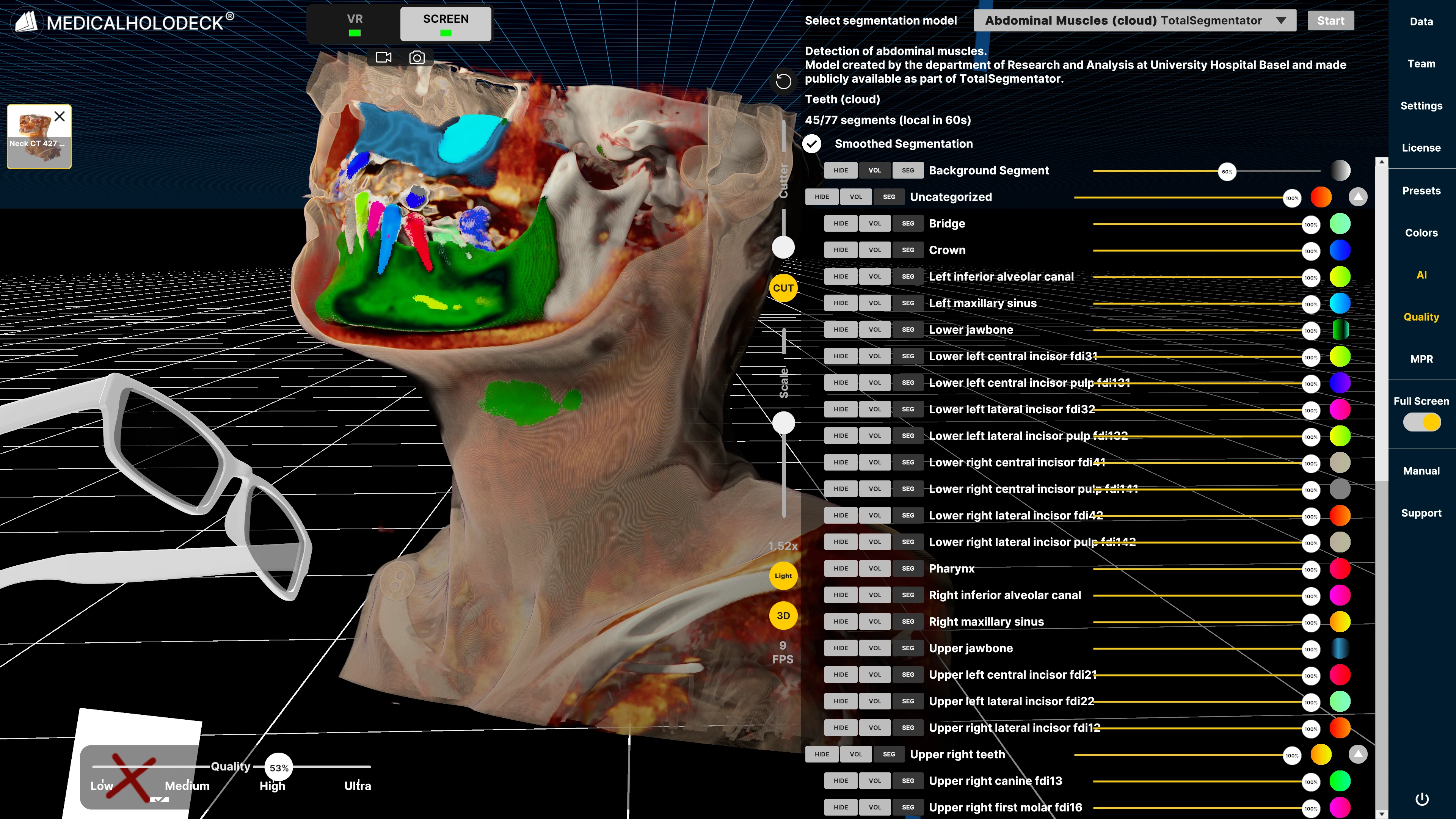
Assess segmented craniofacial structures
Differentiate structures across the head and neck to clarify complex spatial relationships for case assessment and treatment planning.
Evaluate dentition and jaw relationships
Examine tooth position and its relationship to surrounding maxillary and mandibular structures for dental and maxillofacial planning.
Spatial orientation and internal structures
Establish anatomical orientation and examine internal structures within the complete patient volume to support confident interpretation and clinical communication.
Establish cranial orientation in spatial 3D
Examine cranial morphology from multiple perspectives to clarify the position and relationships of internal structures during case review.
Assess abdominal structures in context
Differentiate abdominal organs and surrounding structures within the complete patient volume to support spatial assessment and procedural planning.
Segmentation is available through the optional Medicalholodeck AI service. These demonstrations are intended for training, case discussion and research.
Real datasets.
Meaningful exploration.
Bring patient-specific anatomy into professional training, case communication and research. Explore how spatial imaging can support the questions your team wants to investigate.
Explore surgical anatomy.
Build a structured training discussion around patient-specific imaging. Rotate the volume, expose internal structures and relate the region of interest to surrounding anatomy. With RecordXR, instructors can record complete spatial lessons for replay, review and sharing.
Training example
An instructor can guide a group through a cranial dataset, inviting participants to identify landmarks and explain the anatomical relationships relevant to a procedural approach.
Make complex cases easier to discuss.
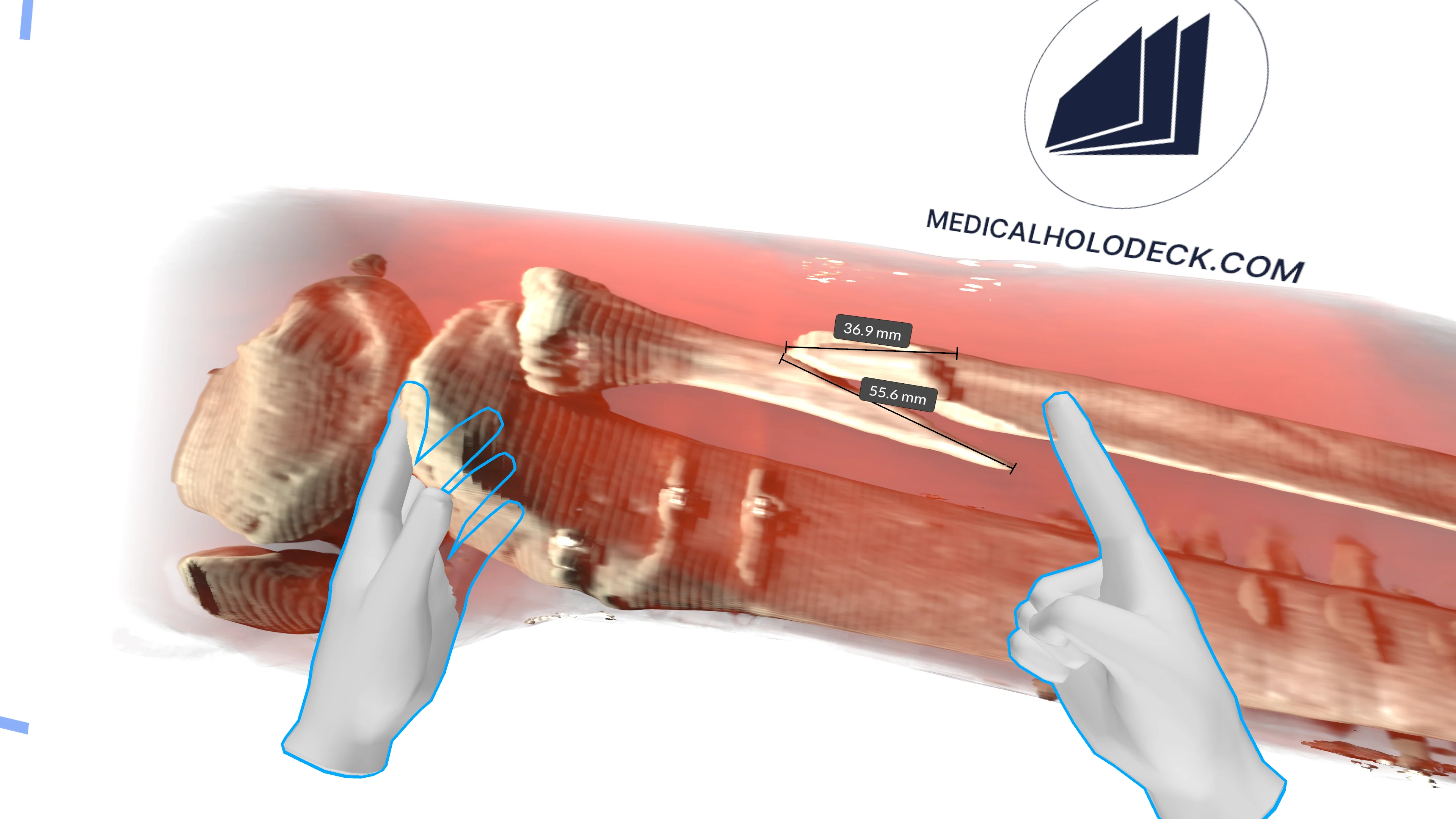
Give every colleague the same spatial reference for patient-specific imaging. Use a shared view, measurements and annotations to clarify structures, findings and clinical questions during multidisciplinary review.
Discussion example
During a case presentation, highlight a structure or measurement and explain its relationship to the surrounding anatomy so the team can evaluate the same evidence together.
Turn patient imaging into a learning experience.
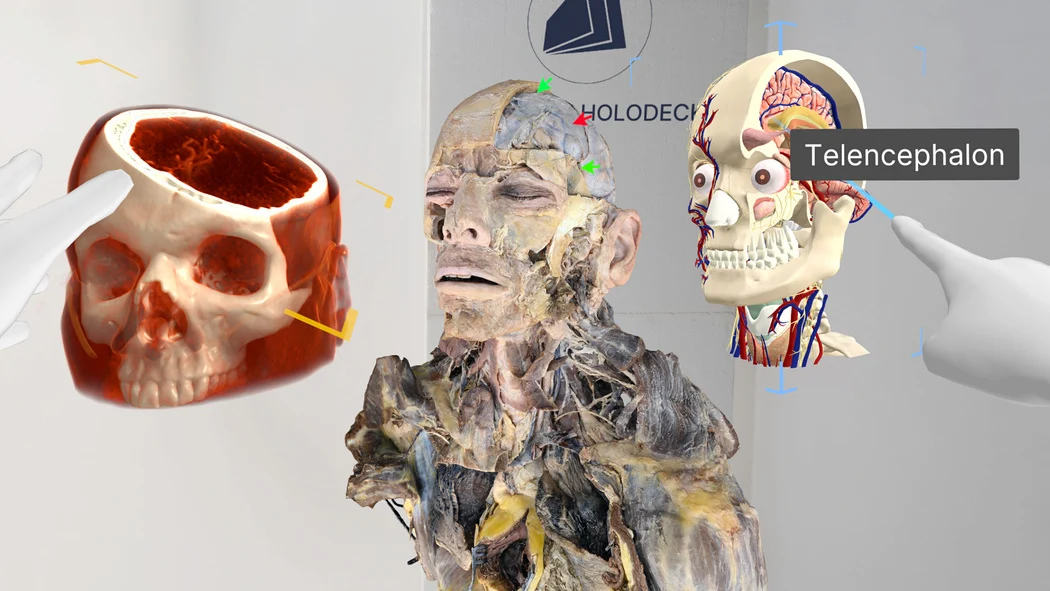
Connect CT and MRI volumes with established anatomical knowledge. Guide learners through orientation, depth and spatial relationships, then compare imaging with anatomy and dissection content to build clinically grounded understanding.
Session example
Build a lesson around one region: identify it in the scan, trace its relationships to neighbouring structures and discuss how the imaging corresponds to anatomy in the body.
Turn complex datasets into research insight.
Examine patient-specific volumes, segmentations and derived surfaces in a shared spatial workspace. Compare structures, document observations and communicate findings with a common visual reference across the research team.
Research example
Present a region of interest, compare its segmented structures and record the questions that require further analysis or validation.
Functions
Bring spatial imaging
into your simulation lab.
Choose a setup for hands-on training and case discussion-from software on existing equipment to a complete simulation lab.
Explore the store