Certified Interactive Touch Displays

For Demonstrations and Group Sessions

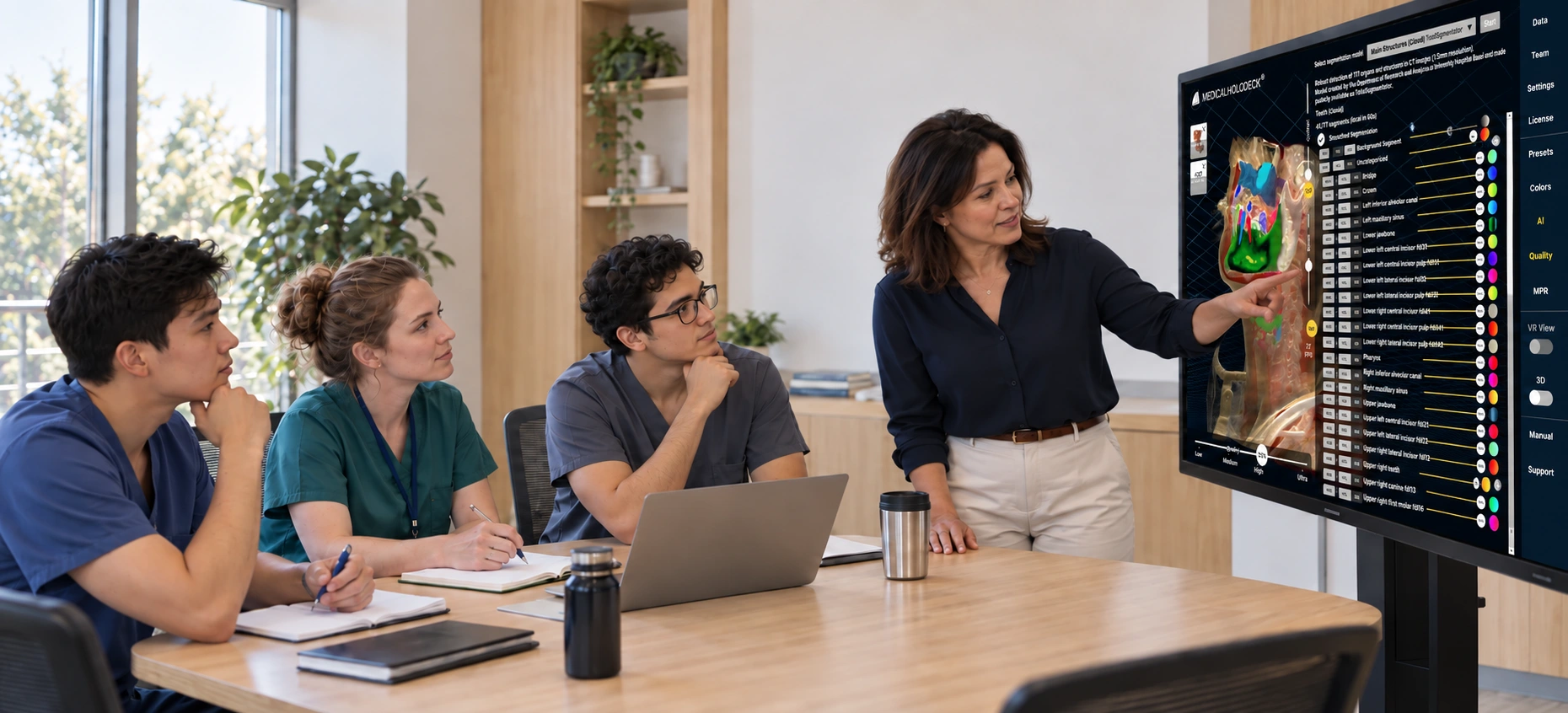
Display and manipulate medical imaging data, AI segmentations, and anatomical models directly on the touchscreen for the whole group to see. Spatial OS runs on the connected Windows workstation and also supports compatible 3D displays and VR headsets.

Illustrative scene: An instructor and students discuss AI segmentations on a touch display.
TouchWindows Workstation

Samsung Interactive Display · 75 Inches

For Meetings and Small Groups

Discuss CT and MRI data in Medical Imaging and show structures segmented by Medicalholodeck AI. Control the content directly on the screen while the group follows your steps.

The 75-inch format suits smaller rooms and shorter viewing distances. Use the same screen for anatomy education with Anatomy Master and Dissection Master.
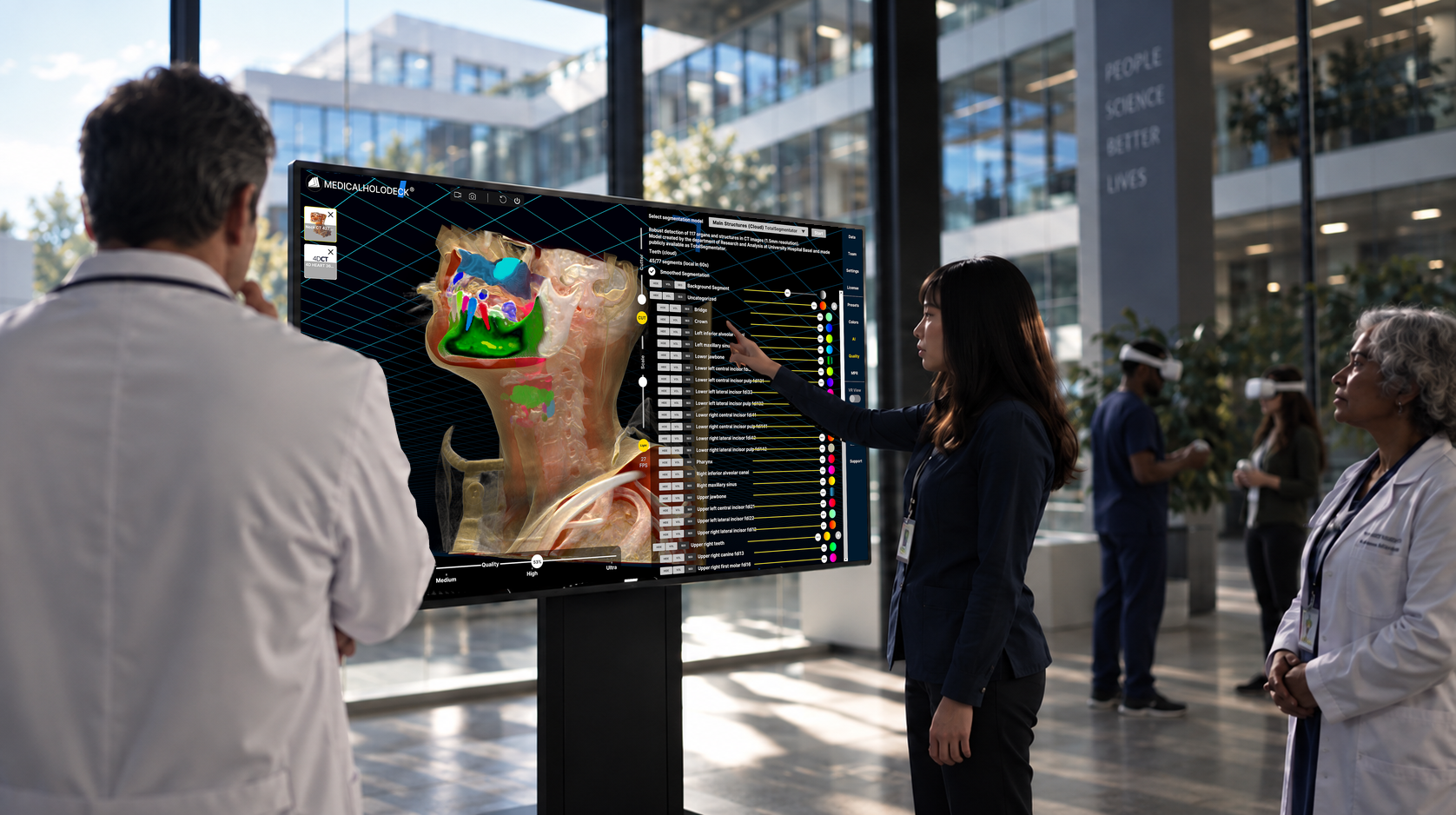
Illustrative scene: A group works with Medicalholodeck AI on a large touch display.
TouchWindows Workstation

Samsung Interactive Display · 86 Inches

For Classrooms and Simulation Centers

The larger screen suits demonstrations, case discussions, and training with more participants. Present medical imaging data, AI segmentations, or anatomical specimens to the whole group.

The 86-inch format provides a larger view for participants seated farther away. Like the smaller model, it supports direct touch control.

Touch, 3D, and VR on One Workstation

Spatial OS adds other ways to view the content alongside the touch display. A compatible 3D display provides spatial depth without glasses. A VR headset lets you explore structures immersively. All devices connect to a suitable Windows workstation.

Medical Imaging and AI

Examine CT and MRI data and discuss AI segmentations alongside the original images.

From Overview to Detail
Present the dataset on the touch display. Then use a 3D display or VR to examine spatial relationships in more detail.
Display Format
The touch display shows content in 2D. An additional autostereoscopic 3D display provides depth perception without glasses.

Teaching and Training

Teach anatomy with Anatomy Master and Dissection Master. Show structures and specimens directly on the screen.

Group Interaction
Participants can explore content on the display themselves and discuss their observations with the group.
System Configuration
We match the displays, VR headset, and workstation to your use case, with the appropriate AI deployment and software licenses.