Certified 3D Displays

Autostereoscopic, Glasses-Free 3D

Certified 3D displays let you examine and manipulate CT and MRI data in Medical Imaging and work with segmentation results from Medicalholodeck AI at your Windows workstation, without a headset or 3D glasses. Anatomy Master and Dissection Master also support teaching and training.

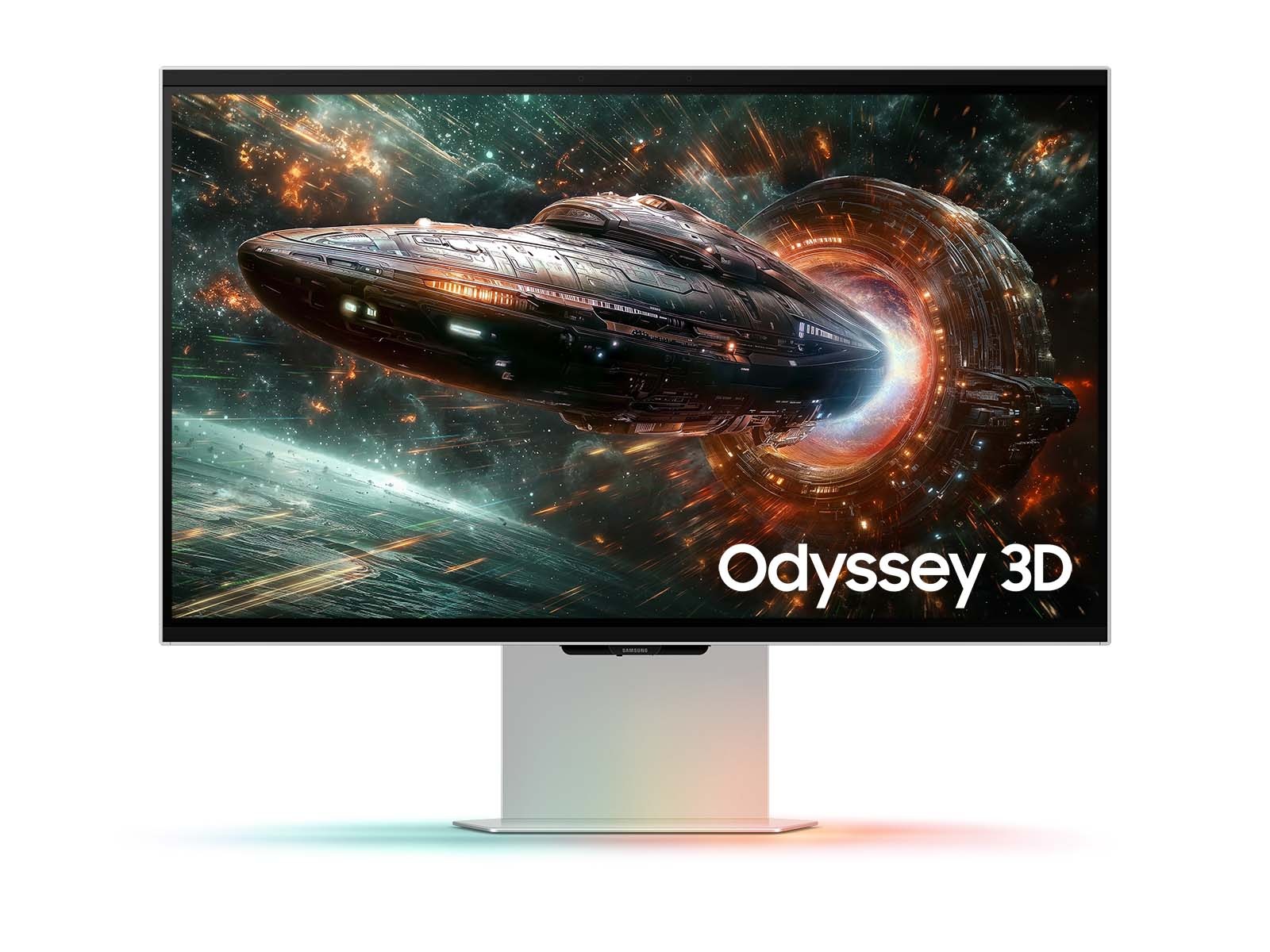
Samsung Odyssey 3D
Glasses-Free 3DWindows PC

Samsung Odyssey 3D

Budget

For an Affordable Start with Medical Imaging and AI

This 27-inch monitor offers an affordable entry into stereoscopic workflows with Medicalholodeck. Examine CT and MRI data in 3D using Medical Imaging, and work with structures segmented by Medicalholodeck AI alongside the source imaging data.

Eye tracking aligns the 3D view with your position. Stay at your regular PC workstation and switch between Medicalholodeck and other applications. The same monitor supports teaching with Anatomy Master and Dissection Master.
Acer SpatialLabs
Glasses-Free 3DWindows PC

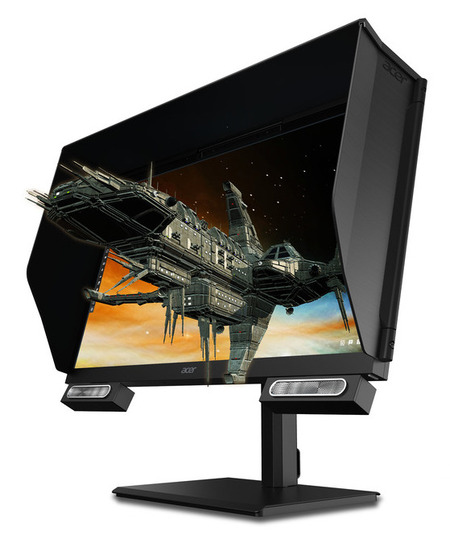
Acer SpatialLabs

Varies by Model

For Professional Imaging Work with a Suitable Display Size

The SpatialLabs display family adds glasses-free 3D to your Windows workstation. Examine and manipulate medical imaging data in Medical Imaging, and explore the spatial relationships of structures segmented by Medicalholodeck AI.

Choose a model to suit your screen-size and workspace requirements. The specific model and its compatibility with your workstation determine the configuration. Anatomy Master and Dissection Master extend the setup for teaching and training.

Barco Eonis 3D
Glasses-Free 3DWindows PC

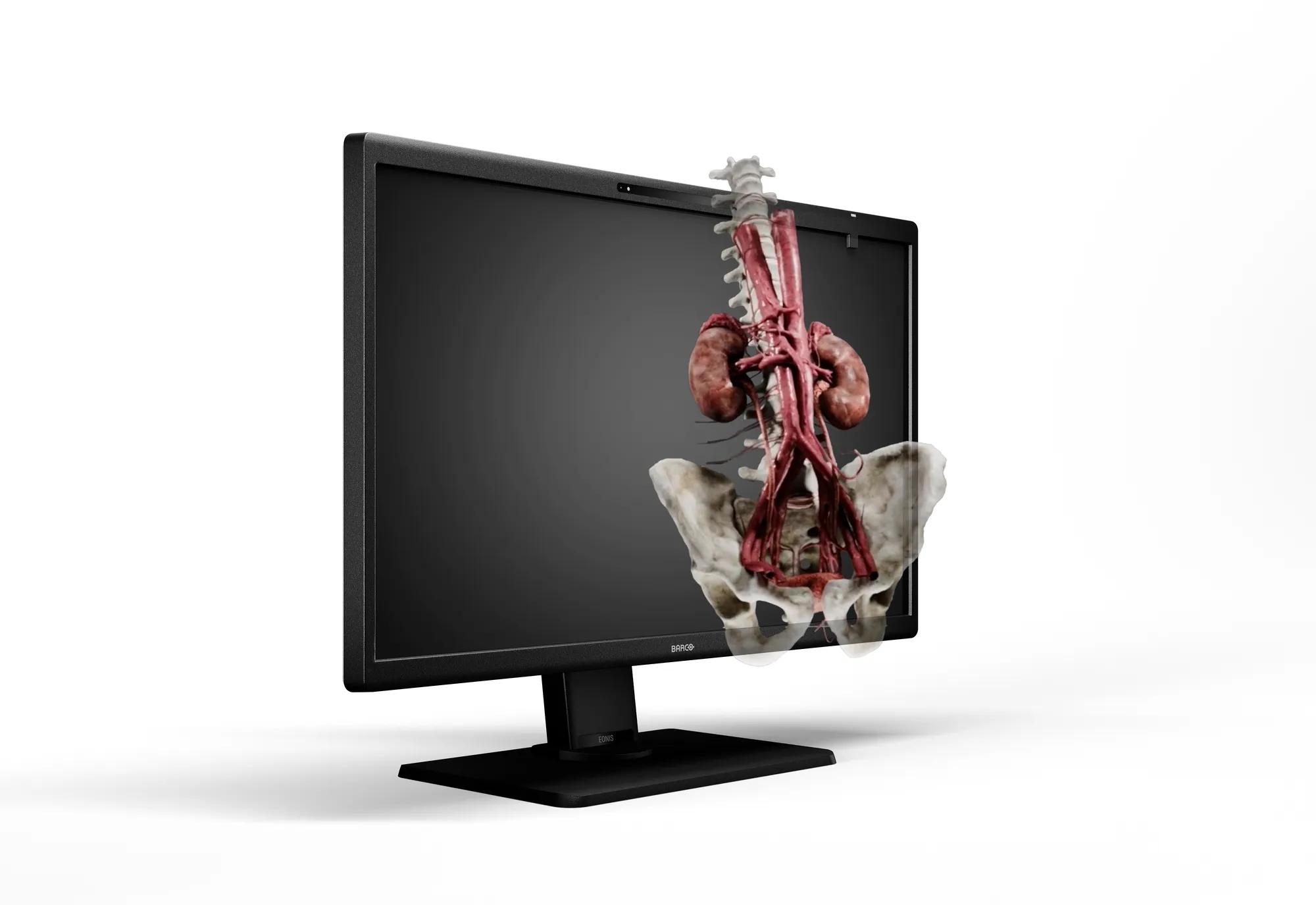
Barco Eonis 3D

Premium

For Institutions Requiring Display Quality Assurance

Eonis 3D (MDRC-8127) is a 27-inch display for professional medical imaging workflows. Use Medical Imaging to examine CT and MRI data in 3D and work with segmentations from Medicalholodeck AI. It suits a dedicated workstation within an institutionally managed display environment.

Barco focuses on consistent image quality over time, with front-sensor calibration and QAWeb Enterprise integration. These features matter when display management and quality assurance are part of your IT processes.

3D at Your Medicalholodeck Workstation

Connect a compatible VR headset, additional monitors, and touch displays to the same Windows workstation running Spatial OS. Work with imaging data on the 3D display, explore spatial relationships in VR, or discuss and interact with content together on a touch display. Medicalholodeck runs on the workstation, with Spatial OS providing the working environment for these display options.

Medical Imaging and AI

Examine and manipulate CT and MRI data with Medical Imaging, and work with structures segmented by Medicalholodeck AI. Stereoscopic depth helps you understand spatial relationships at your desk.

In Your Workflow
PACS connectivity and STL export are available with a suitable Windows setup. Depending on the configuration, AI segmentation runs in the cloud or on dedicated local hardware.
Workstation Selection
Match the workstation to your datasets and display. The 3D display provides depth perception; the PC and AI infrastructure perform the processing.

Anatomy Education

Use Anatomy Master and Dissection Master to explore spatial relationships between anatomical structures and specimens without wearing a headset.

In Teaching
Suitable for supervised individual learning stations and switching between models, explanations, and other teaching materials.
Viewing Position
The stereoscopic view follows the tracked user position. An additional shared screen is useful for larger groups.