Certified VR Headsets

For anatomy education, independent learning, and working with medical imaging data in 3D using Medicalholodeck. Interact with your hands or controllers. Choose the headset and operating mode that fit your workflow.

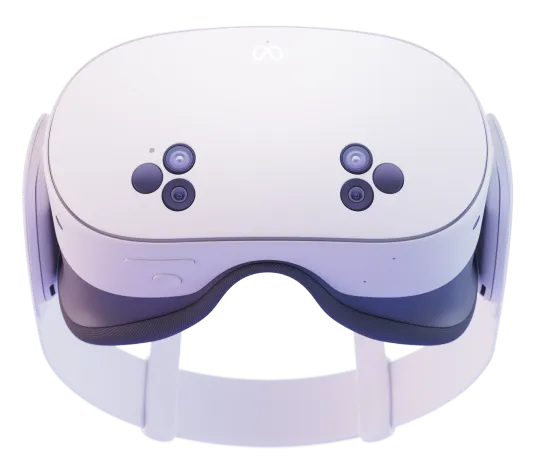
Meta Quest 3S
StandalonePC VR

Meta Quest 3S

Budget

For Independent Learning and Multiple Learning Stations

Quest 3S offers a lower purchase cost for getting started with Medicalholodeck. Learners explore anatomical models and specimens with Anatomy Master and Dissection Master, and work with CT and MRI data in Medical Imaging.

Standalone operation makes it easy to move between classrooms. The same headset can connect to a PC for workflows using the Windows version.

Storage

Available with 128 or 256 GB. Our recommendation for Medicalholodeck: 128 GB is sufficient.
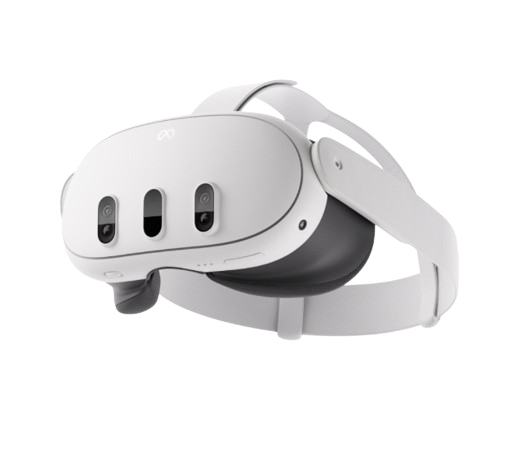
Meta Quest 3
StandalonePC VR

Meta Quest 3

Midrange

For Regular Anatomy Teaching and Detailed Imaging Work

Explore anatomical structures and specimens in 3D with Anatomy Master and Dissection Master, and examine and manipulate CT and MRI data in Medical Imaging. Quest 3 provides a clear view of labels and fine structures.

Continuous lens spacing adjustment makes it easier to fit shared headsets to different users. Use the headset on its own or connect it to the Windows version of Medicalholodeck.

Storage

Currently available with 512 GB, which is sufficient for Medicalholodeck.

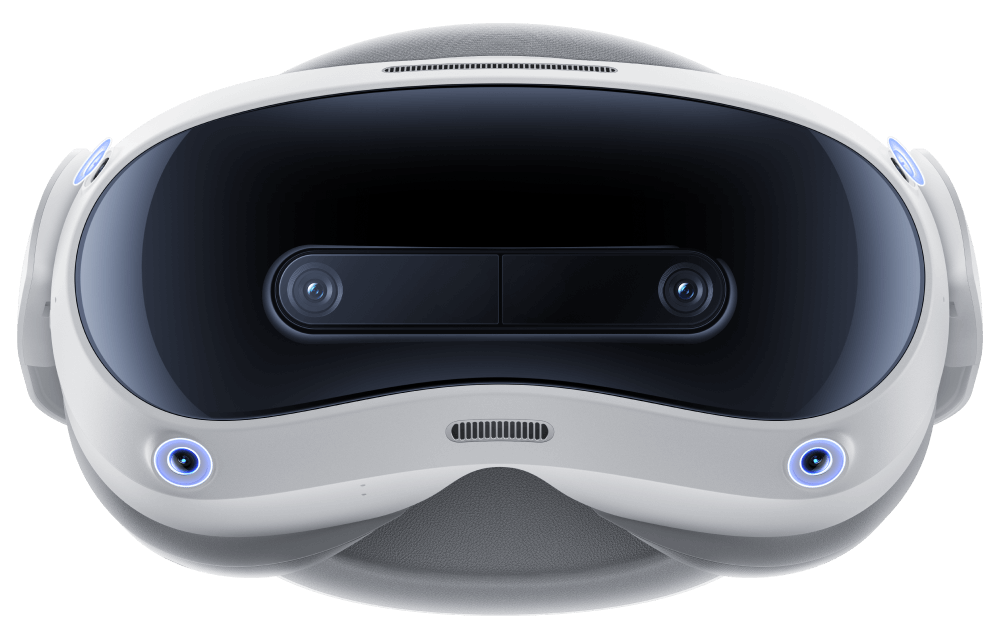
Pico 4 Ultra
StandalonePC VR

Pico 4 Ultra

Midrange

For Anatomy Education and Medical Imaging

Pico 4 Ultra supports Medicalholodeck as a standalone app and through a Windows PC. Use it to study anatomical models and specimens, and to examine and manipulate medical imaging data in Medical Imaging.

Institutions already using Pico can add Medicalholodeck to their existing device environment, keeping setup and support on one platform.

Storage

Available with 256 GB, which is sufficient for Medicalholodeck.

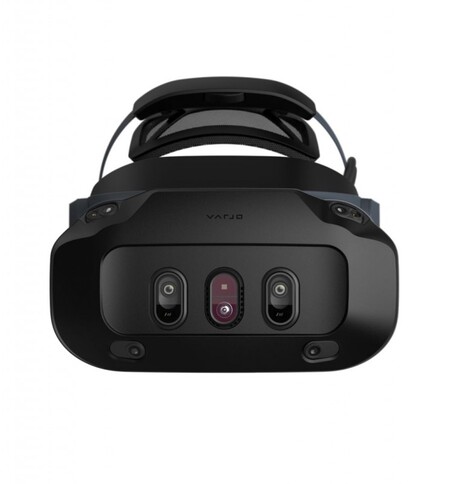
Varjo XR-4
PC VR

Varjo XR-4

Premium

For a Dedicated Medicalholodeck Workstation with High Visual Detail

Varjo XR-4 connects to a Windows workstation. Its high display resolution supports work with fine anatomical structures, small labels, and medical imaging data in Medical Imaging.

Lens spacing adjusts automatically. The connected workstation renders the images and provides the Windows features of Medicalholodeck. A compatible PC is required.

Standalone and PC VR Compared

Quest 3, Quest 3S, and Pico 4 Ultra support standalone use and PC VR. Varjo XR-4 requires a Windows workstation.

Standalone

Medicalholodeck runs directly on the headset. Suitable for portable anatomy teaching with Anatomy Master and Dissection Master, independent learning, and Medical Imaging with supported datasets.

Practical Benefit
Without a connected PC, learning stations can be set up flexibly and moved between classrooms.
When to Choose It
Choose standalone when portability and independent learning are the priority. For your own imaging data, check the features you need and the size of your datasets.

PC VR

The Windows workstation runs Medicalholodeck and renders the images. The connected headset displays the VR view, while head movements and input are sent to the PC.

Working with Your Own Imaging Data
Workstation rendering for detailed CT and MRI volumes, plus Windows features such as PACS connectivity and STL export from Medical Imaging.
When to Choose It
Choose PC VR with a suitable workstation when these features or your dataset requirements are decisive. Meta Quest and Pico use a supported PC connection; Varjo requires a compatible workstation and connection setup.