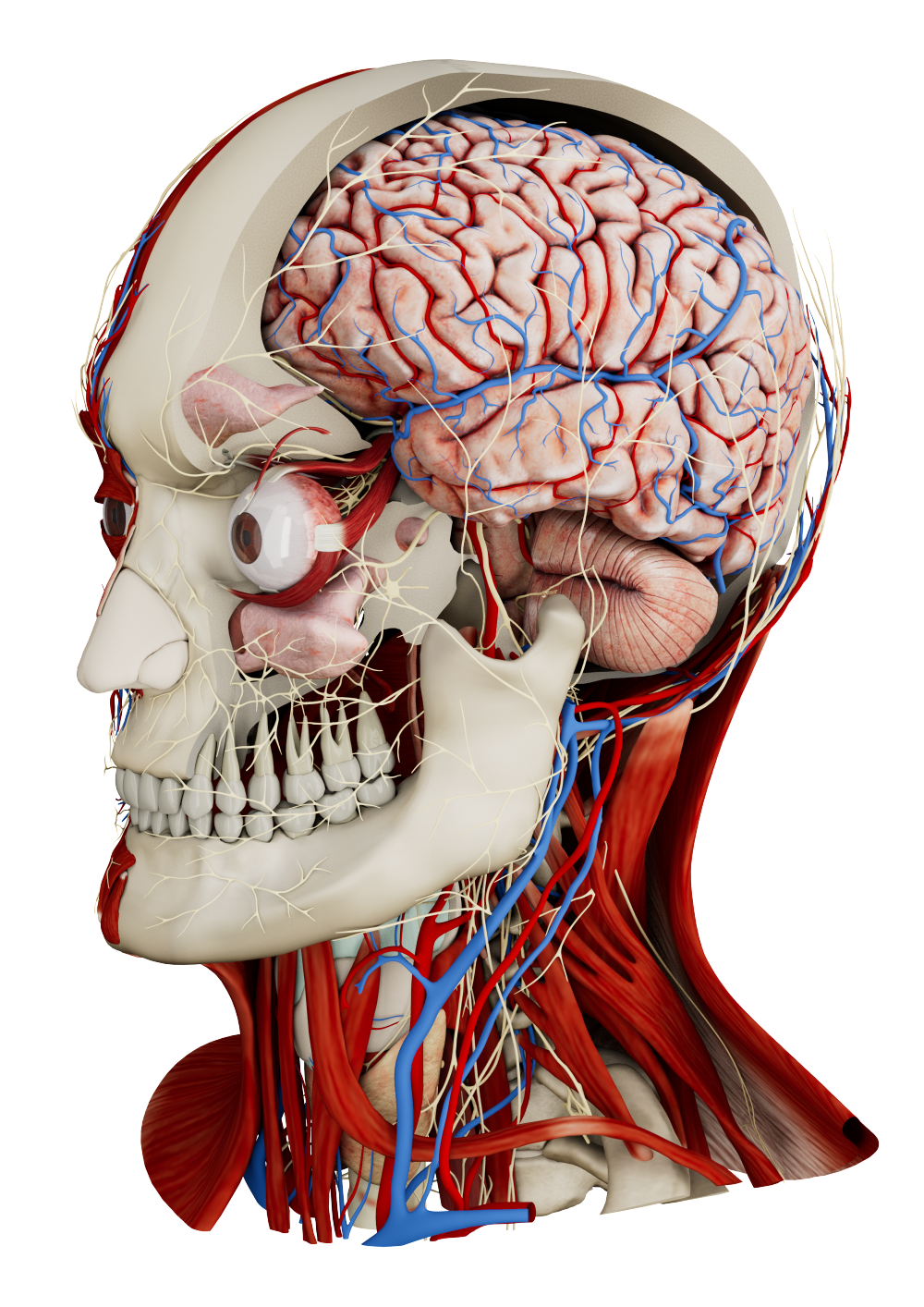
Medicalholodeck can be used across a wide range of hardware setups, from lightweight mobile access to high-performance systems. Each option is designed to support different use cases, workflows, and technical requirements, while providing access to the same spatial medical data and core functionalities.
Spatial OS: stereoscopic 3D screens and virtual reality
Spatial OS runs virtual reality, glasses-free stereoscopic 3D screens, and standard 2D displays from the same computer. A single workstation performs all rendering, data handling, and computation and outputs the same spatial dataset in parallel to all connected displays. This ensures that all participants work with identical data in real time, regardless of whether they are using VR or a screen.
In a PC-based setup, the system provides the required performance through a dedicated graphics card for real-time 3D rendering and sufficient system memory for smooth handling of large datasets. This removes the performance limits of standalone devices and allows Medicalholodeck to display complex spatial data with high image quality and stable frame rates. Multiple high-resolution DICOM datasets can be visualized in the same spatial scene without performance constraints, enabling detailed exploration, dissection, and annotation of anatomical structures.
Advanced workflows are supported on the same system without switching hardware. These include AI-based segmentation, simultaneous visualization of multiple imaging modalities, and high-quality lighting and shading. This configuration is suited for hospitals, clinics, and educational institutions where accuracy, dataset size, and computational headroom are essential.
Glasses-free stereoscopic 3D screens connected to the same device enable spatial visualization without headsets or glasses. These displays use eye tracking and directional light projection to deliver separate images to each eye, creating a stable depth impression directly on the screen surface. DICOM data, segmentations, and 3D models appear to extend in front of and behind the display, while depth cues such as relative position and spatial separation remain clearly visible.
Compatible glasses-free 3D displays include Acer SpatialLabs, Samsung Odyssey 3D, and Barco Eonis. These systems are cali/pated for high-resolution medical imagery and precise depth rendering.
At the same time, VR headsets connected to the same system provide immersive access to the same spatial scene while maintaining individual viewpoints. One user can work in VR while others follow or interact with the same case on stereoscopic or 2D screens. No data duplication or workflow interruption is required, and all views remain synchronized.
Remote rendering: location independent high performance
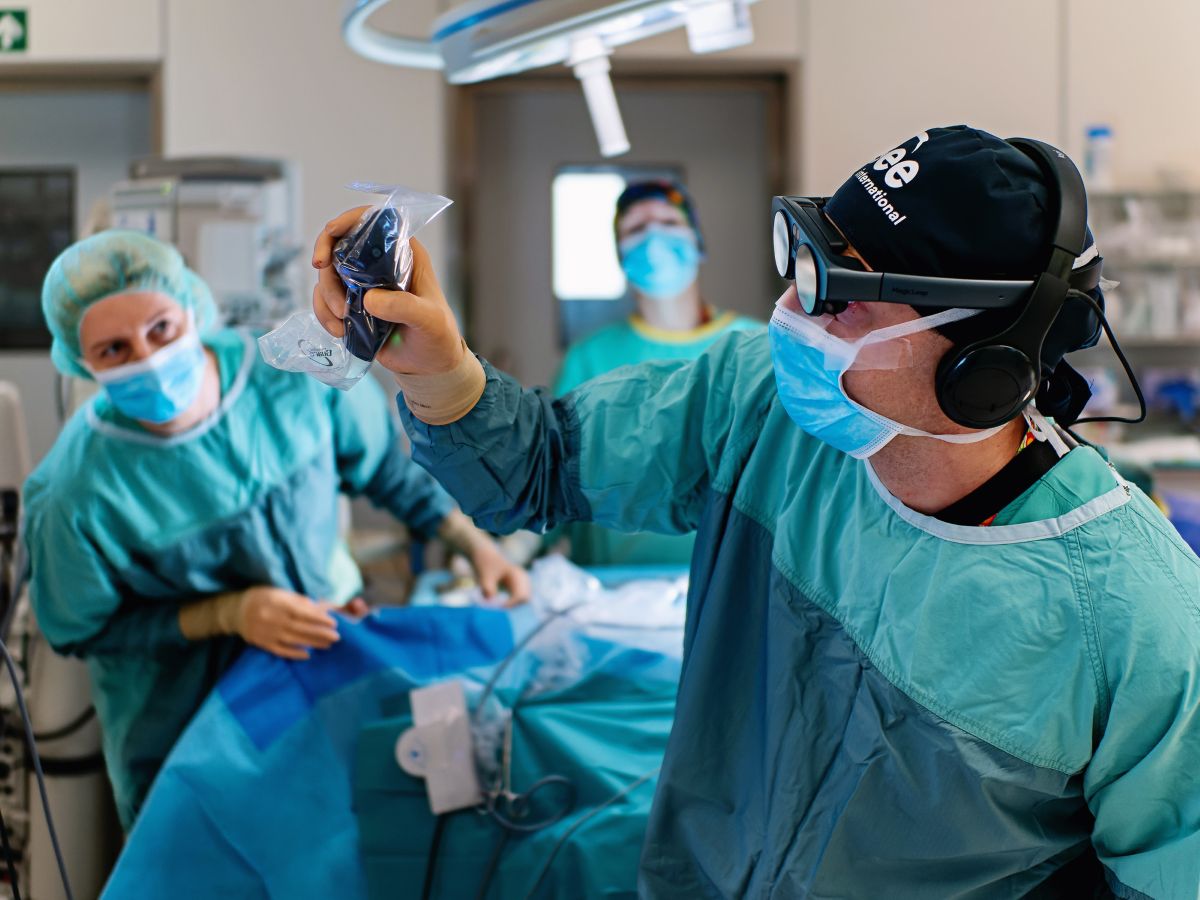
In a remote rendering setup, the VR headset runs locally while all computation, rendering, and data handling are executed on a remote high-performance server. Rendered images are streamed to the headset in real time, and user input is transmitted back to the remote system, enabling access to complex spatial datasets without requiring local high-end hardware.
This setup enables full-quality VR experiences on lightweight or standalone devices without depending on their local hardware performance. Large DICOM datasets, digital twins, high-resolution anatomical models, complex scenes, and AI-based segmentation are processed remotely and streamed to the VR headset with consistent image quality and performance.
Remote rendering enables flexible deployment across locations and institutions. Users can access the same high-performance environment from different rooms, buildings, or sites without relocating powerful hardware. Centralized servers provide consistent performance and image quality while multiple users connect from lightweight VR devices or workstations. This setup supports teaching sessions, clinical case reviews, collaborative discussions, and distributed teams working together on the same spatial data in real time.
Medicalholodeck supports its own remote rendering service, which can be used as a standalone solution or deeply integrated into existing clinical hospital infrastructure. The architecture supports centralized system management. Updates, data storage, and performance scaling are handled on the server side, while headsets function as access points. Remote rendering prioritizes performance and consistency while removing location and hardware constraints.
Portable standalone headsets
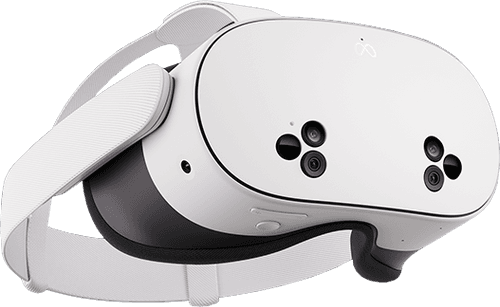
Standalone headsets provide easy, location-independent access to a lightweight, fully immersive virtual reality experience. All processing runs directly on the device, enabling interaction with 3D medical data without external hardware. Compared to PC-based or remote-rendered systems, standalone setups are relatively cost-efficient but come with limited performance and reduced computational headroom.
This configuration is often used in educational environments where multiple headsets are required and cost per device is a key consideration.
For Meta
devices
i
For Meta Quest headsets
View small-sized CT/MRI scans, segment anatomy with AI, and
explore 3D anatomy in virtual reality.
Limited performance may occur with medical imaging. For full
performance, use PC-VR.
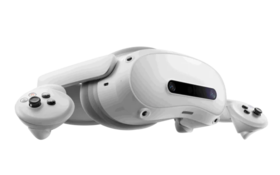
Medicalholodeck supports standalone VR devices such as Meta Quest and Pico 4 Ultra. These headsets combine display, tracking, input, and computing hardware in a single, self-contained device and do not require a connected PC or external server. This makes them easy to deploy, quick to set up, and usable in almost any location with minimal technical preparation.
Standalone headsets are particularly well suited for education and training environments. Multiple devices can be deployed at a moderate cost per unit, allowing entire student groups or classes to work in VR at the same time. Their portability enables use in classrooms, skills labs, seminar rooms, or temporary training spaces without dedicated infrastructure. Battery-powered operation and wireless use further support flexible scheduling and rapid room changes.
On-device processing allows users to load and interact with 3D medical data directly in VR. Anatomical models, basic DICOM datasets, and prepared teaching content can be explored spatially, rotated, dissected, and annotated. For introductory training, anatomy education, and guided learning scenarios, this level of performance is often sufficient and practical.
However, standalone VR performance is limited by the available mobile-grade CPU, GPU, memory, and thermal constraints. While DICOM data can be visualized, very large datasets, high-resolution anatomical detail, complex multi-dataset scenes, and advanced visual effects quickly reach these limits. AI-based segmentation, multi-modality fusion, and high-fidelity rendering require significantly more computational power than standalone devices can provide locally.
For this reason, standalone headsets are best suited for cost-sensitive, scalable, and mobile use cases, especially in education and basic training. For clinical review, advanced imaging workflows, large datasets, and AI-driven processing, Medicalholodeck recommends PC-based or remote-rendered configurations, which remove local hardware limitations while maintaining full VR immersion.
Easy access with traditional 2D screens
Medicalholodeck can also be used on standard 2D monitors without specialized hardware. The application runs in desktop mode and allows interaction with medical data using mouse and keyboard input. Core functions such as model navigation, slice inspection, measurements, annotations, and AI-based segmentation remain available.
While true stereoscopic depth is not provided, spatial relationships can still be understood through rotation, clipping, transparency, and synchronized views. This supports basic anatomy exploration, imaging review, and case discussion without requiring immersive devices.
This setup integrates easily into existing classrooms, offices, and computer labs. It requires no additional training or equipment and allows quick access for a large number of users. Lecturers can demonstrate cases on a shared screen, and students can work individually on their own computers.
2D screens are well suited for introductory learning, preparation, and review tasks. They prioritize accessibility and scalability and provide a practical entry point into 3D and spatial medical data before moving to immersive or stereoscopic systems.
Mobile augmented reality on iOS
Medicalholodeck supports mobile augmented reality on iOS devices such as iPad and iPhone through a dedicated AR-focused application. In this setup, DICOM data and 3D models are placed directly into the real-world environment using the device camera. Anatomical structures appear anchored in physical space and can be viewed, rotated, scaled, and repositioned, allowing users to explore medical content in a familiar, real-world context.
For iPad and
iPhone
i
For iPhone and iPad
View medical imaging and 3D anatomy in augmented reality on
mobile devices.
Interaction is performed entirely through touch input and device movement, making the experience intuitive and immediately accessible without additional hardware. Users can walk around models, view them from different angles, and adjust their position in space, which supports spatial understanding in a natural and approachable way. Installation and access are straightforward via the App Store, enabling rapid deployment on personal or institutional devices.
Mobile AR is constrained by the performance limits of mobile hardware. While selected DICOM datasets and prepared 3D models can be displayed effectively, very large datasets, high-resolution anatomical detail, advanced lighting, and AI-based segmentation are not feasible at the same level as on PC-based, remote-rendered, or stereoscopic systems. Depth perception and spatial precision are also limited compared to dedicated 3D display technologies.
This configuration is well suited for quick revision sessions, bedside explanations, patient consultations, and informal teaching scenarios. It prioritizes accessibility, portability, and ease of use, enabling spatial medical content to be shared and explored wherever an iPad or iPhone is available, without requiring dedicated infrastructure.
Which hardware works best for you?
Medicalholodeck supports a range of hardware configurations so users can choose what fits their clinical, educational, or research environment. Each setup addresses different needs in terms of performance, mobility, collaboration, and technical infrastructure.
Some use cases require maximum image quality and computing power, others prioritize portability, simple deployment, or access for larger groups. Medicalholodeck does not enforce a single hardware model and can be integrated into existing workflows and IT environments.
By supporting VR, stereoscopic 3D screens, standard displays, and mobile devices, Medicalholodeck remains usable in classrooms, hospitals, offices, and remote settings. Users can start with basic access and move to higher-performance configurations as requirements change.
Choose the setup that fits your current needs and work with spatial medical data in your existing environment. If you need help selecting a suitable hardware configuration, contact info@medicalholodeck.com.