VR plus stereoscopic display
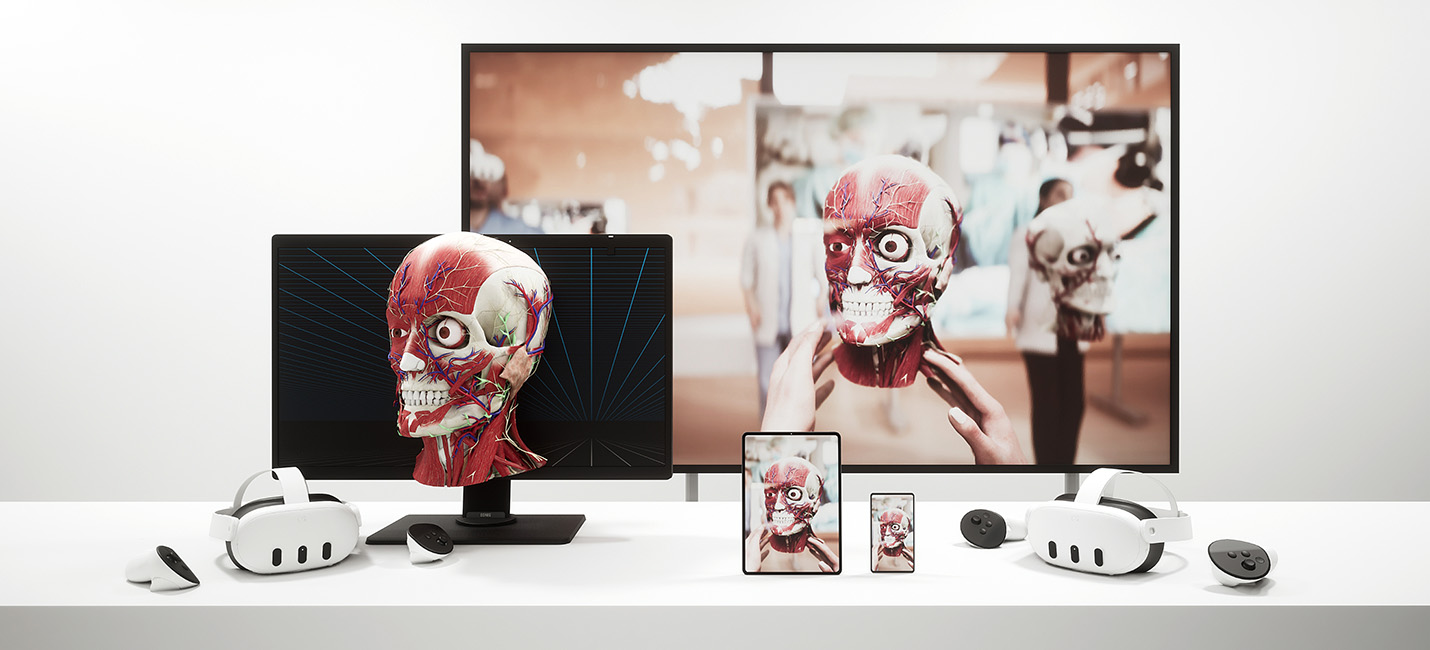
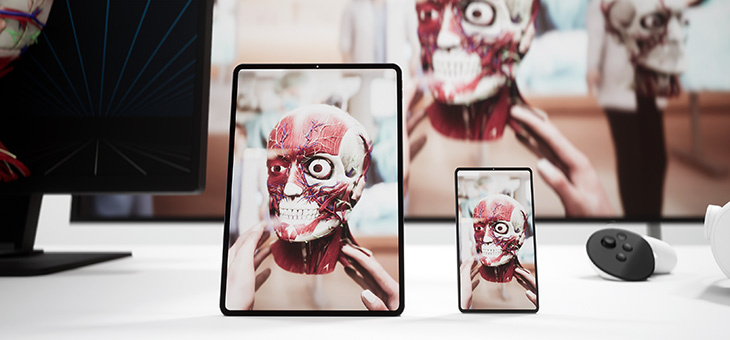
Medicalholodeck runs Virtual Reality, glasses-free stereoscopic 3D displays, and standard 2D screens from the same computer at the same time. One workstation performs all rendering and computation and outputs the same spatial dataset to all connected displays in real time.
In a PC-based setup, a dedicated graphics card and sufficient memory enable real-time 3D rendering and smooth handling of large datasets. This removes the limits of standalone devices and allows high-quality visualization of complex spatial data. Multiple high-resolution DICOM datasets can be explored in the same scene for detailed analysis and annotation.
Advanced workflows are supported on the same system without switching hardware. These include AI-based segmentation, simultaneous visualization of multiple imaging modalities, and high-quality lighting and shading. This configuration is suited for hospitals, clinics, and educational institutions where accuracy, dataset size, and computational headroom are essential.
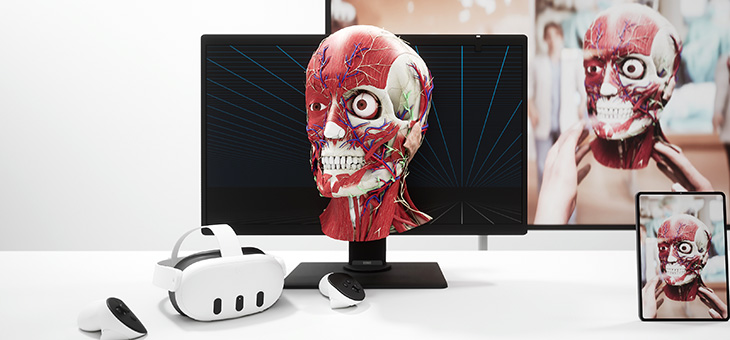
Glasses-free stereoscopic 3D screens enable spatial visualization without headsets or glasses. Using eye tracking and directional light projection, they deliver separate images to each eye, creating a stable depth impression. DICOM data, segmentations, and 3D models appear to extend in front of and behind the display with clear spatial depth.
Compatible glasses-free 3D displays include Acer SpatialLabs, Samsung Odyssey 3D, and Barco Eonis. These systems are calibrated for high-resolution medical imagery and precise depth rendering.
What is a stereoscopic display?
A 3D display is a screen that presents images with depth, allowing viewers to perceive three dimensions – height, width, and depth – instead of a flat 2D image. It does this by showing slightly different images to each eye, enabling the brain to reconstruct a spatial, three-dimensional view of objects.
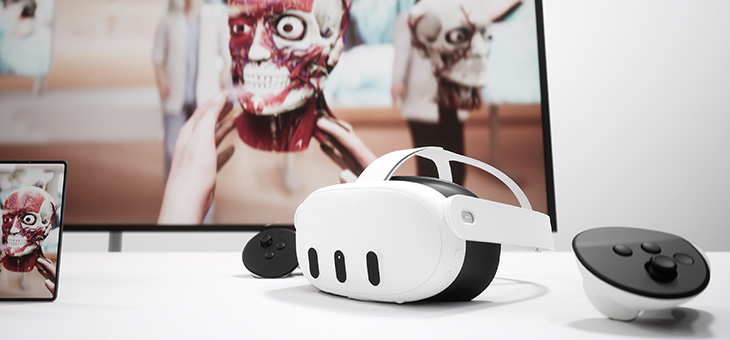
At the same time, VR headsets connected to the same system provide immersive access to the same spatial scene while maintaining individual viewpoints. One user can work in VR while others follow or interact with the same case on stereoscopic or 2D screens. No data duplication or workflow interruption is required, and all views remain synchronized.