New dissection content: male pelvis now available
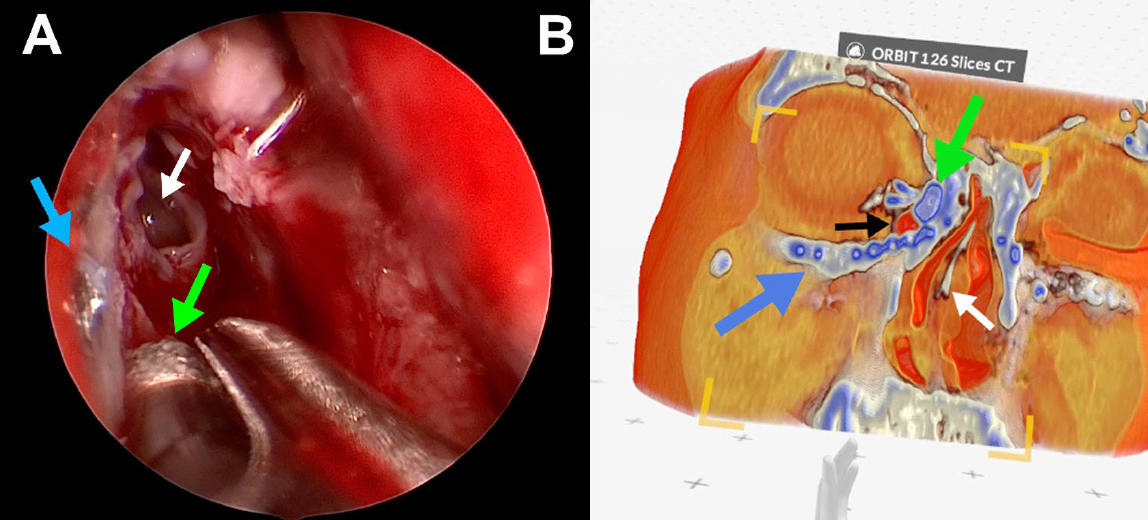
Dissection Master expands with a new ultra high-resolution male pelvis model. Carefully prepared and digitized, the model features 14 annotated layers that allow detailed exploration of both superficial and deep structures.
Team session history
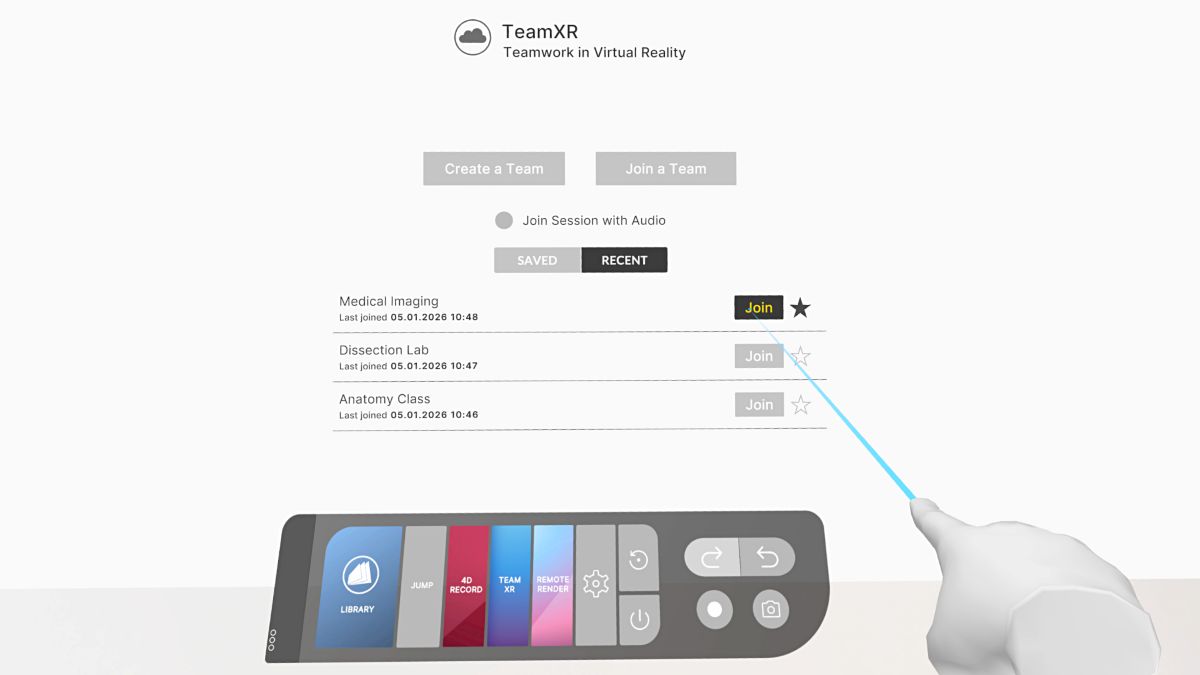
Managing collaborative sessions is now easier: team session history lets you revisit recent sessions, add custom names for better organization, and mark favourites for quick access. You can also recreate rooms with the same participants, making it simple to continue discussions, teaching sessions, or clinical reviews without starting over.
Download RecordXR files via browser
Downloading recordings from standalone devices is now easier. Visit link.medicalholodeck.com, connect your device, and download RecordXR files directly to your desktop via your browser. This simplifies sharing, archiving, and post-session review.
Improved DICOM quality control
DICOM data quality control is now more intuitive with a single, unified slider. Easily adjust resolution and volume quality to balance visual fidelity and performance, ensuring the best possible experience across different datasets and hardware setups.
More intuitive MPR zoom
Zoom the MPR panel by holding the button and sliding up or down. This provides more intuitive control and enables fast, precise view adjustments.
Precise zoom control for tissue filters
Zoom in and out on tissue filters with fine-grained control for more precise and accurate editing of DICOM data.
Drawings and measuring blended into data
Drawings and measurements are now seamlessly integrated into 3D medical imaging data. This improves depth perception and makes spatial relationships clearer, helping you interpret structures more naturally and work with greater confidence in three dimensions.
Clear data range display for segmentation filters
The data range is now shown on the segmentation’s tissue filter, providing clear visibility of the exact intensity values included. This makes it easier to understand, adjust, and refine segmentations with precision, improving accuracy and confidence during editing.
Tissue filter mode toggle
The absolute/relative button on the tissue filter has been replaced with a toggle for clarity. The new toggle simplifies interaction and makes the current mode immediately understandable.
Automatic zoom for segment editors
Segment editors are automatically zoomed in on the data range. This reduces manual adjustments and helps users focus directly on relevant structures.
Fixed
-
Selecting the model option preset is undoable/redoable.
-
Data values are correctly displayed and interpreted on segmentation’s tissue filter.
-
Patient selection in the PACS explorer correctly handles duplicate names.
-
Masking respects mirroring and is correctly performed on all DICOM data.
-
The list of drives displays correctly in the file explorer.
-
iOS: AirPlay does not go black when using the app.