Recording from every angle
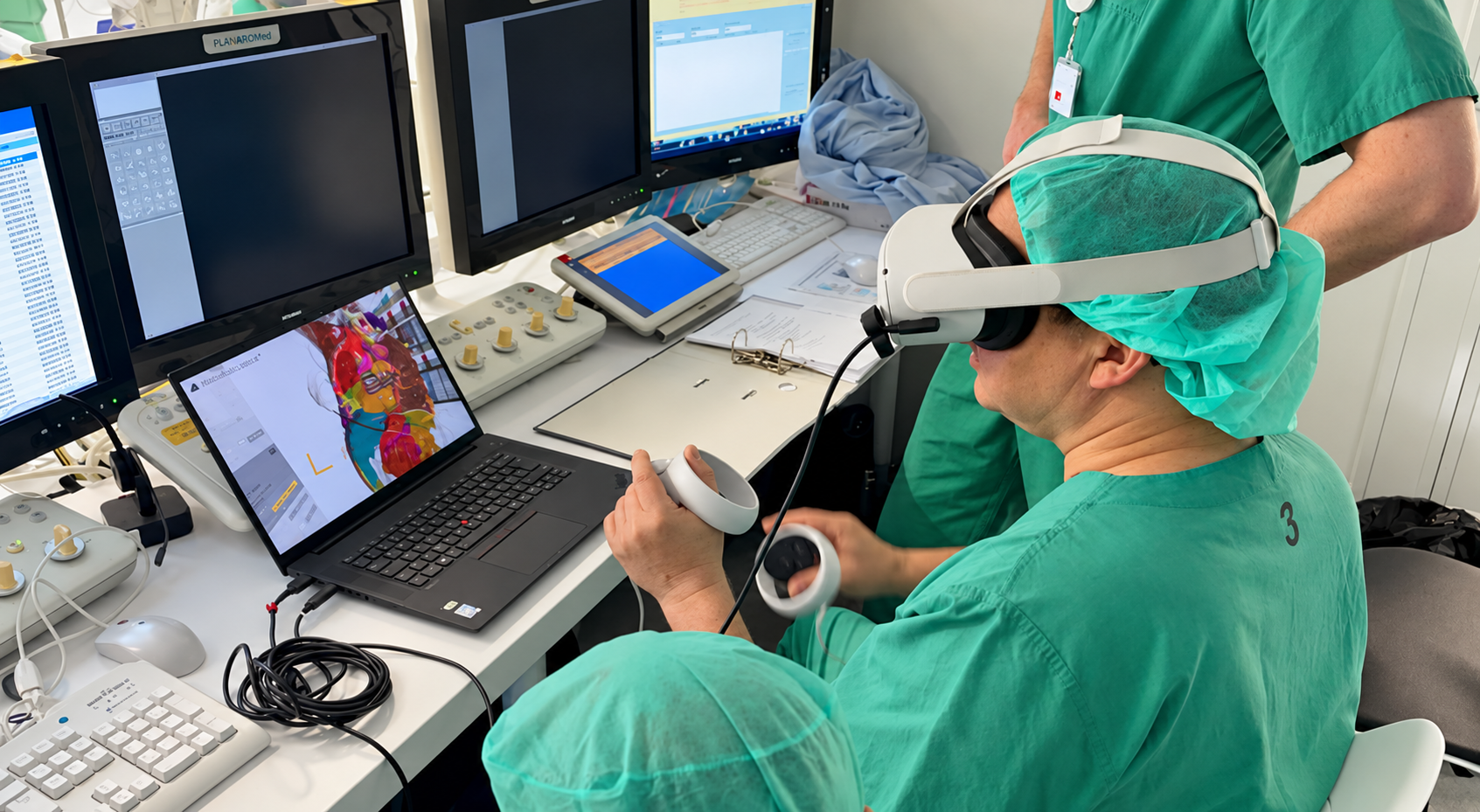
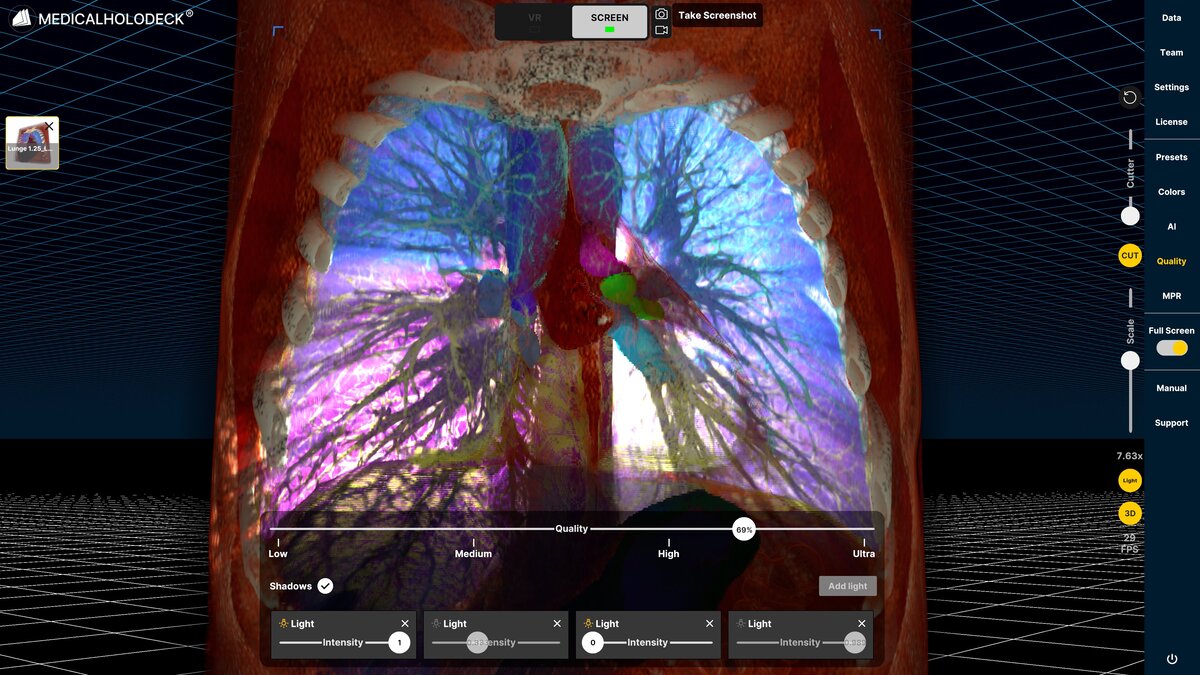
When working in a PC-VR setup, separate recording and screenshot controls for Screen and VR views now allow independent capture of both perspectives. A new recording preview also lets you verify the active recording view while capturing.
Everything in its place
Choose a custom output directory for exports and save operations on your PC. Organize recordings, screenshots, and project files exactly where they fit best within your workflow.
Keep the horizon level
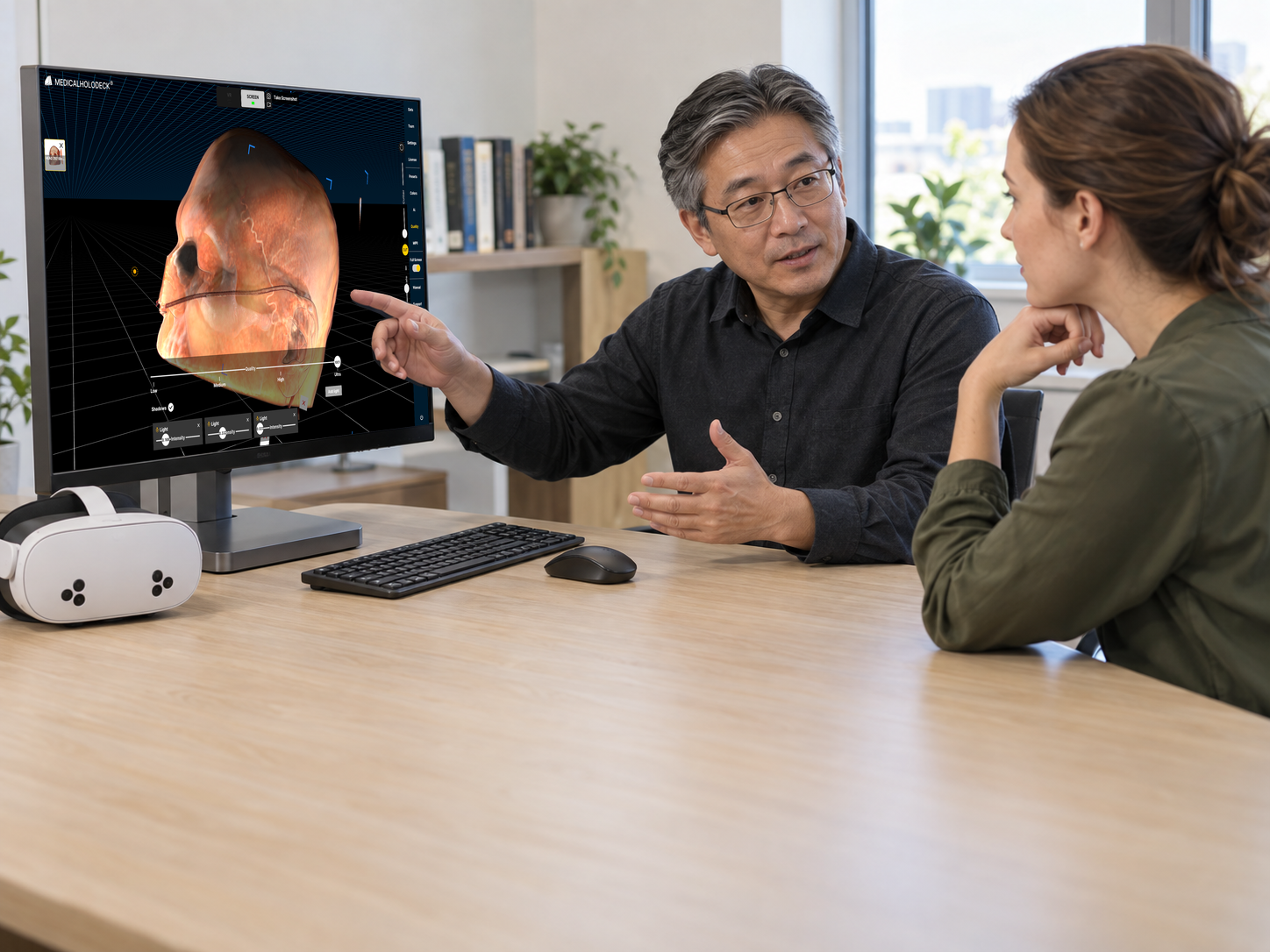
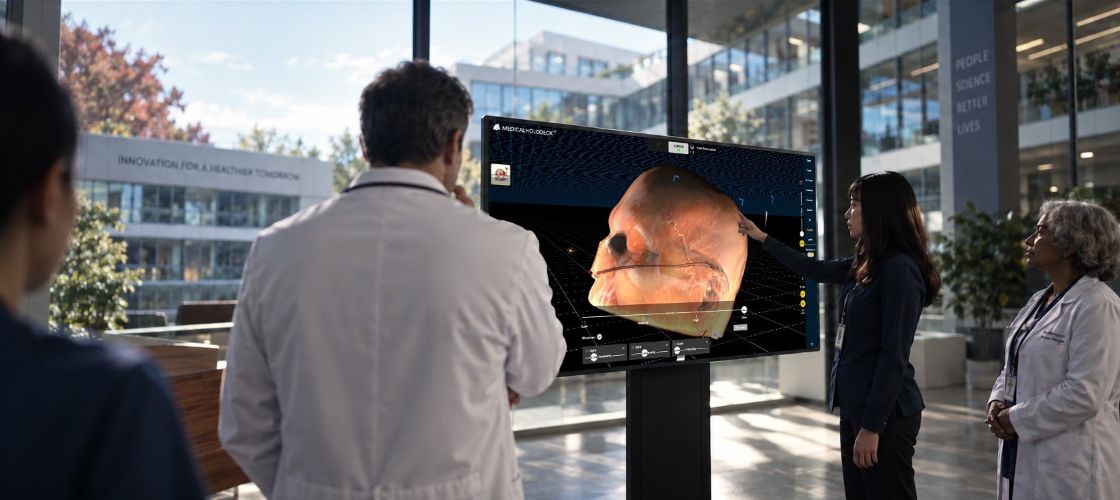
On 2D and 3D screens, orbital camera controls have replaced trackball controls, keeping the horizon level while rotating around models. This makes navigation more stable and intuitive when exploring medical content in 3D.
Better orientation. Better workflow.
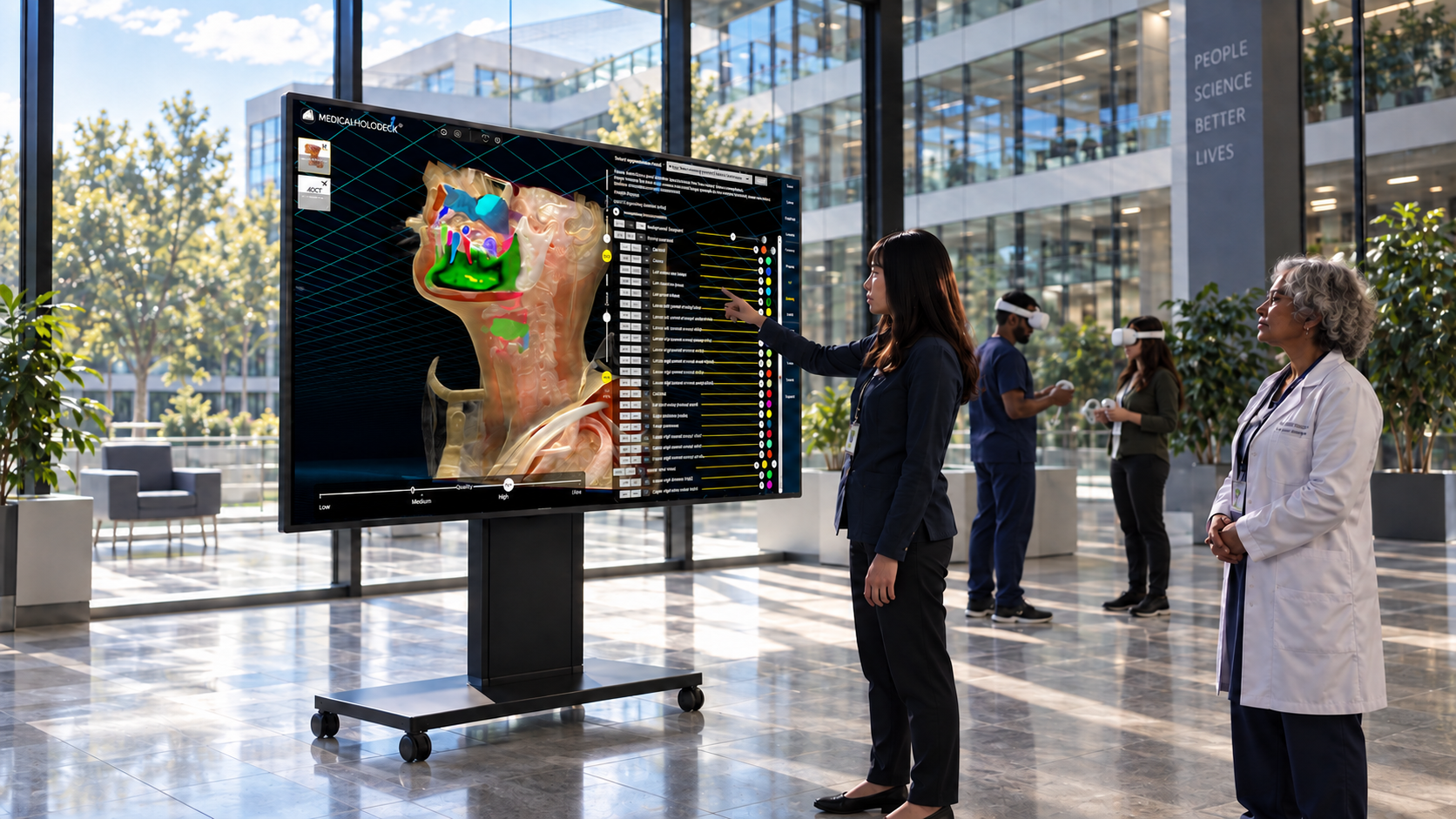
Across 2D screens, 3D displays, and VR, a new scale indicator provides a size reference for the active model, helping maintain context when working with anatomical structures and medical data. In VR, the volumetric model interface has been redesigned with a tabbed layout, making settings and tools easier to access and navigate.
Smoother. Faster. More reliable.
This update also includes improvements to XR recording reliability, model loading, memory management, and TeamXR compatibility. XR recordings are now more reliable during playback and under heavy system load, while models load more consistently and are correctly centered on screen. Static XR recordings shared through TeamXR now download and play correctly on unsupported platforms.
Better player positioning
The XR Recording Player now displays correctly, providing a more reliable playback experience when reviewing immersive sessions. Participant positioning in TeamXR on standalone devices now works reliably again, improving collaboration and communication in shared virtual environments.
Anatomy speaks Latin
Dissection Master now displays Latin anatomical terminology alongside the selected language. This supports medical education and aligns anatomy labels with internationally recognized nomenclature.
Available now
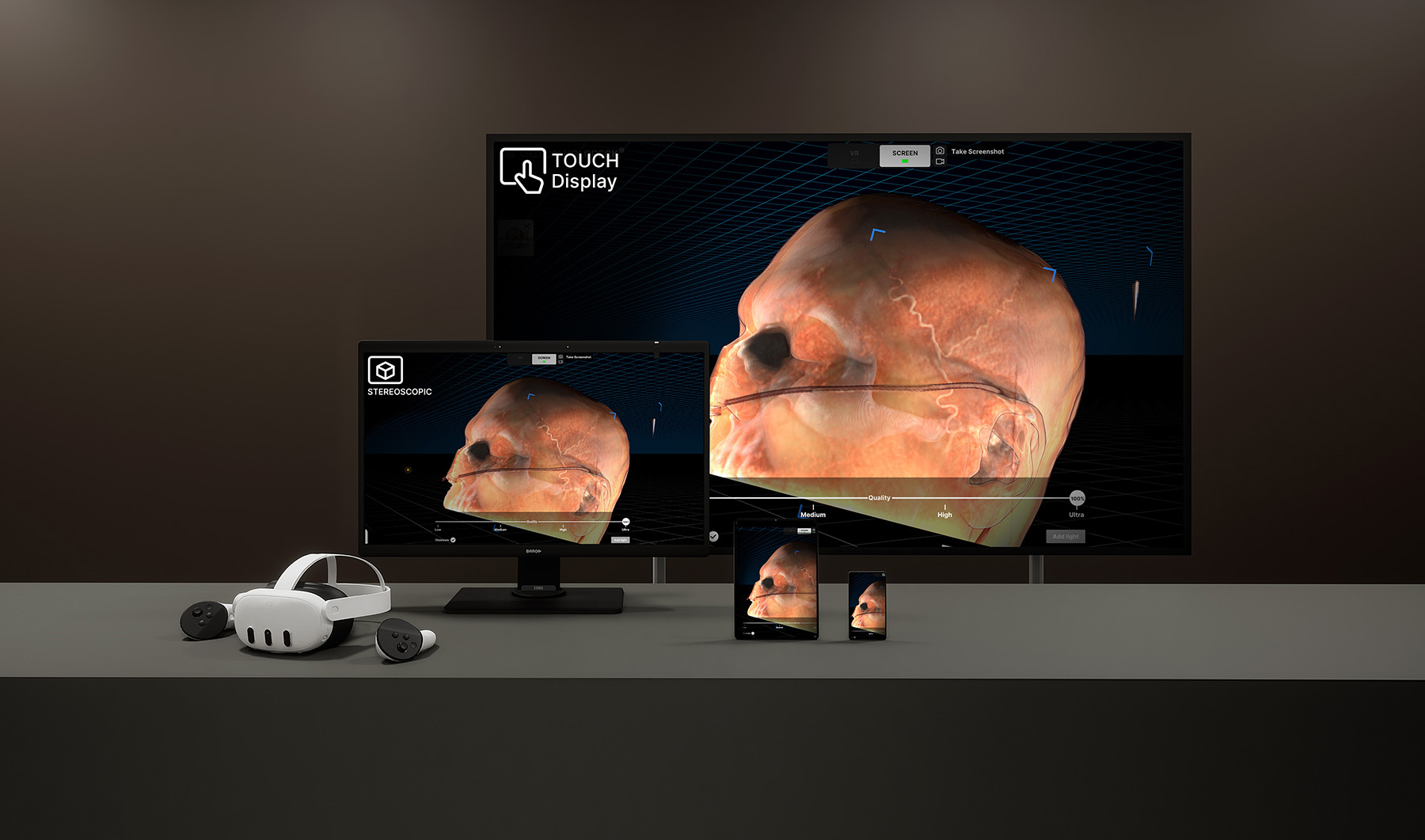
Medicalholodeck Spatial OS is available for Windows workstations and supports standard 2D displays, stereoscopic 3D screens, and connected VR headsets.
Medicalholodeck VR is available for Meta Quest and Pico standalone devices, providing immersive anatomy, medical imaging, collaboration, and education directly inside VR.
Download Spatial OS for Windows or start using Medicalholodeck VR today and experience medical imaging across screens, 3D displays, and immersive environments.
For any questions regarding hardware, deployment, licensing, or training, contact info@medicalholodeck.com
June 2026