Support practical dissection
Introduce a region before a lab session and revisit it afterwards. Learners can repeat the sequence and identify the structures discussed in class.
Medical education
Study human dissections in 3D, layer by layer. Use annotated anatomy to prepare for practical sessions, guide group teaching, and revisit structures after class.
How it works
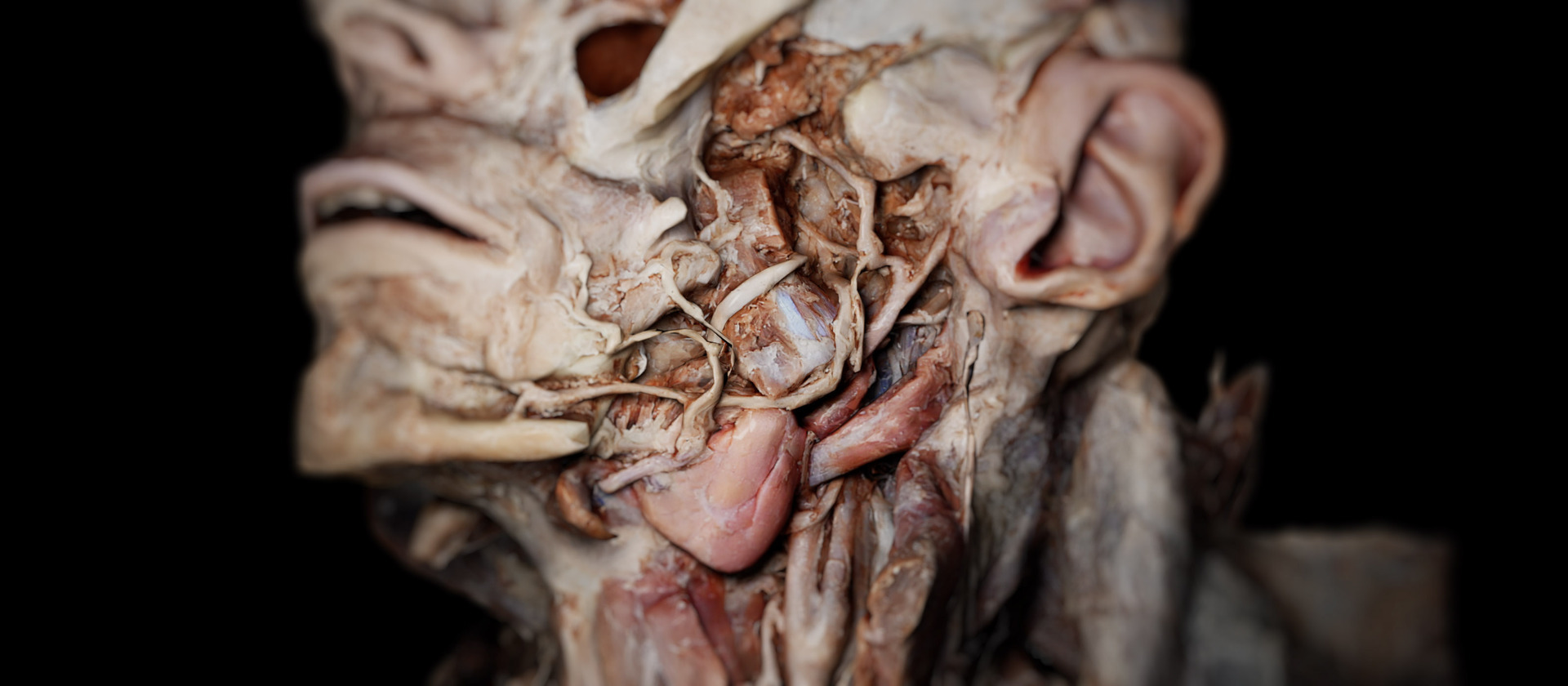
Dissection Master presents detailed 3D anatomy from human dissections. Rotate the material, examine individual structures, and use annotations to orient learners.
In your curriculum
Use digital dissection alongside physical specimens, or provide access to dissection anatomy in courses without a cadaver lab. Choose the format around the learning objectives.
Introduce a region before a lab session and revisit it afterwards. Learners can repeat the sequence and identify the structures discussed in class.
Use annotated human dissections for instructor-led lessons and independent study. Digital exploration supports visual and spatial anatomy learning; physical dissection remains a distinct practical skill.
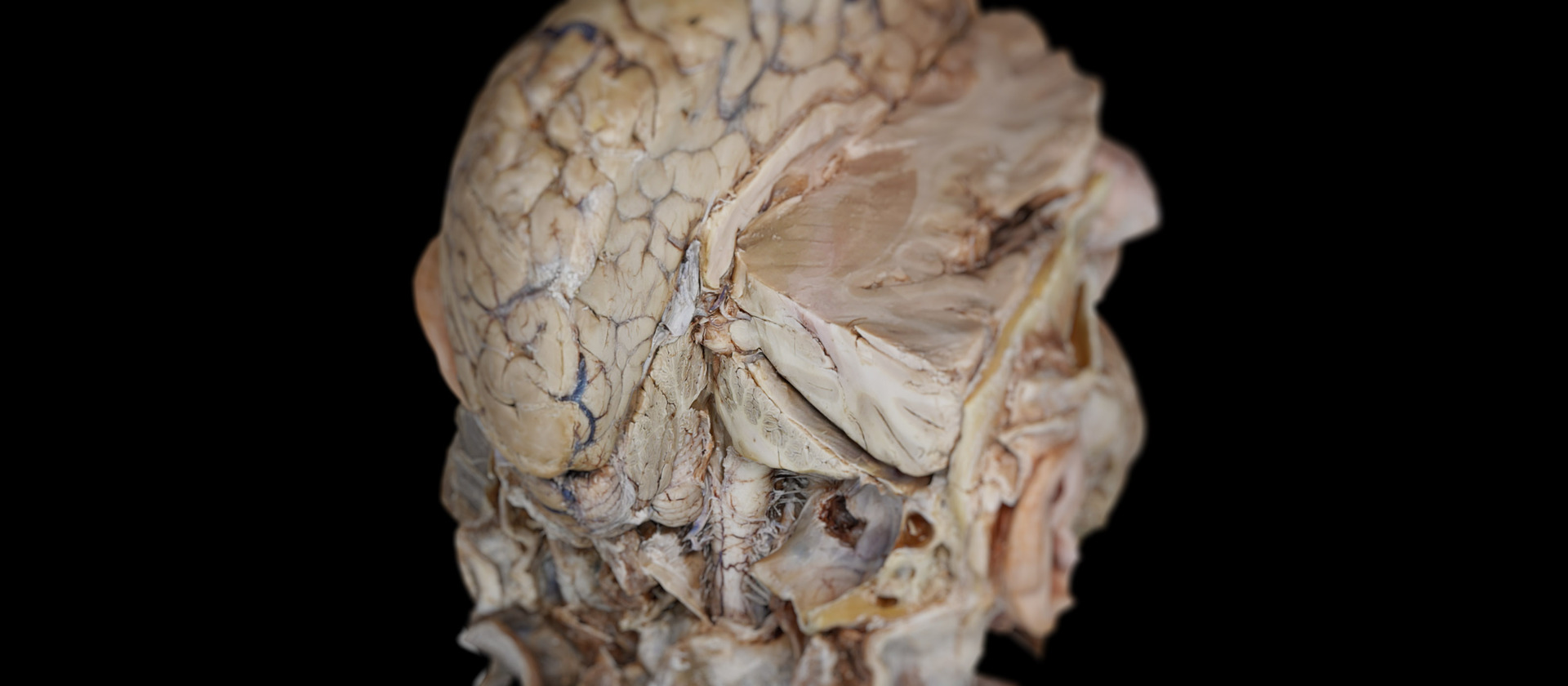
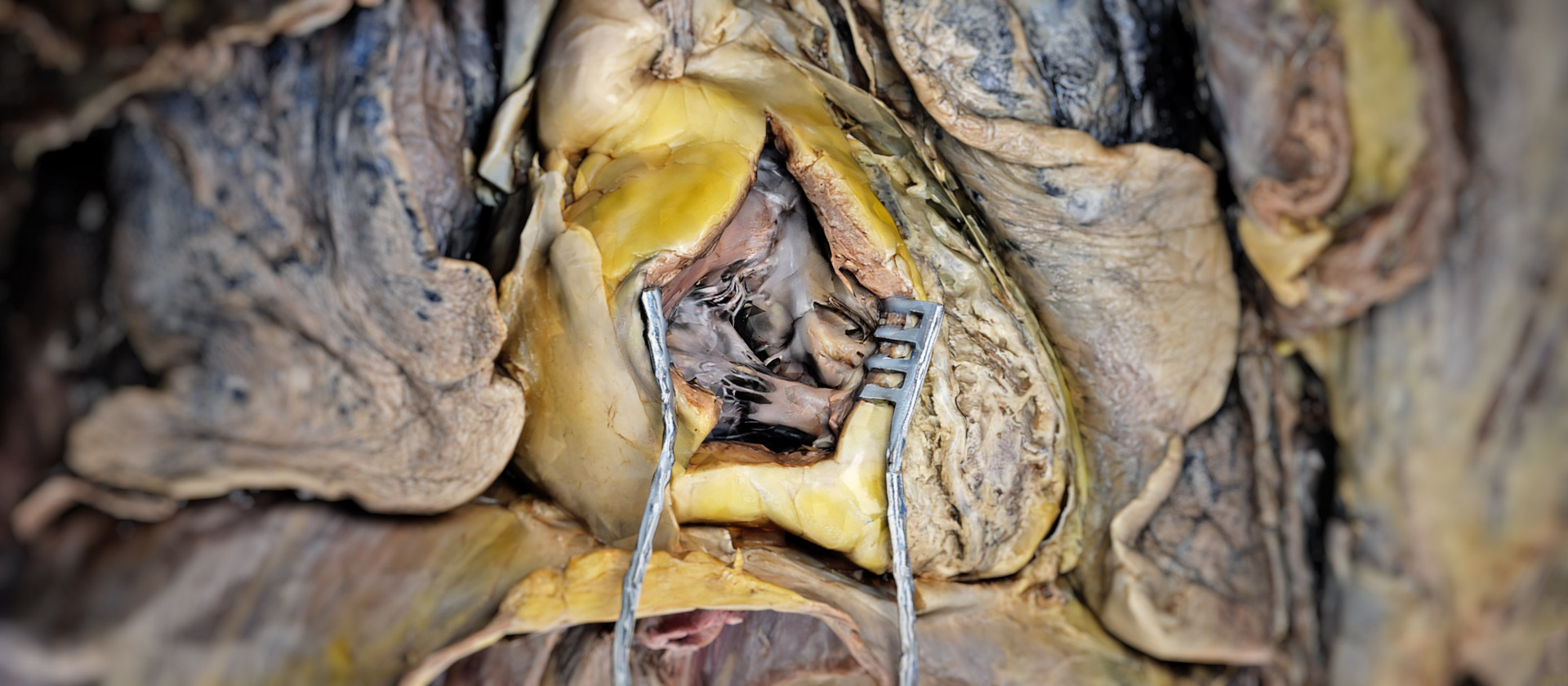
Dissection anatomy is more than a collection of labelled structures. A teaching sequence can show how the appearance of a region changes as deeper layers are revealed and how structures relate to those around them. Digital dissection material allows the same sequence to be examined again during discussion or revision.
The instructor can establish orientation, select the region, and identify the layers relevant to the course objective. Annotations support identification, while rotation gives learners another view of the relationship being explained. Questions can ask students to describe what lies adjacent to a structure or how its position changes in another view.
General atlas models and medical imaging add complementary references. The atlas can introduce the system, the dissection material shows a specimen’s layered anatomy, and imaging provides cross-sectional information from a selected dataset. Their differences should remain explicit throughout the lesson.
Where physical dissection is part of the curriculum, digital material can be used for preparation and follow-up. Learners can become familiar with a region before entering the lab and revisit the same anatomical relationships after the practical session. The instructor can define tasks that connect the two learning formats.
Courses without access to physical specimens can use annotated human dissections for visual and spatial anatomy teaching. The material supports examination of layers and relationships, while physical dissection remains a distinct practical activity. The course objectives determine the appropriate combination of resources.
Shared sessions and recordings extend the material beyond the main demonstration. Students can revisit a guided explanation, prepare questions, and discuss the same region with the instructor or a study group. A defined sequence and topic help keep these activities connected with the curriculum.
Software
Use Dissection Master as the core teaching material, with an anatomical atlas and medical imaging to add context.
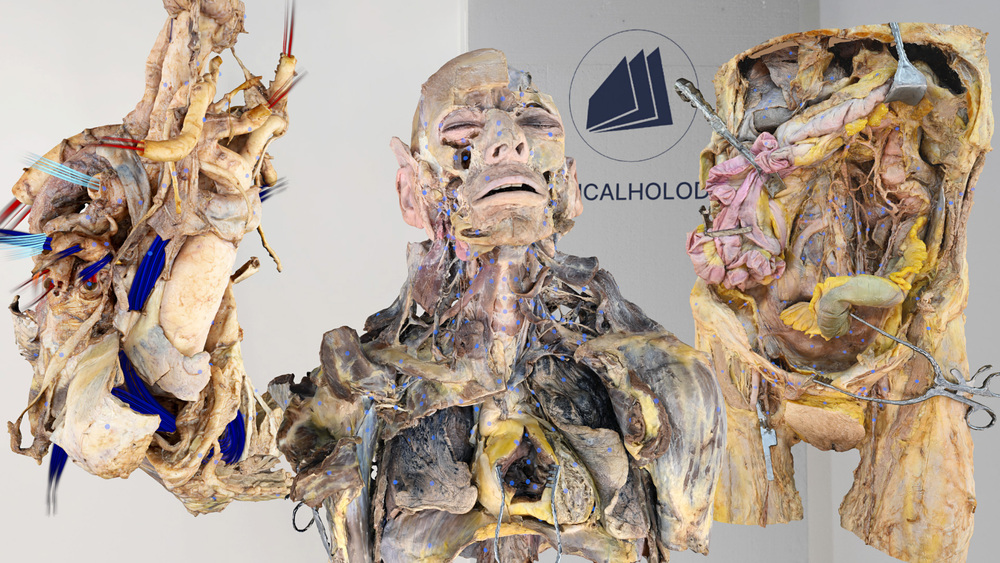
Examine annotated human dissections in 3D, following anatomical layers and spatial relationships.
Explore Dissection Master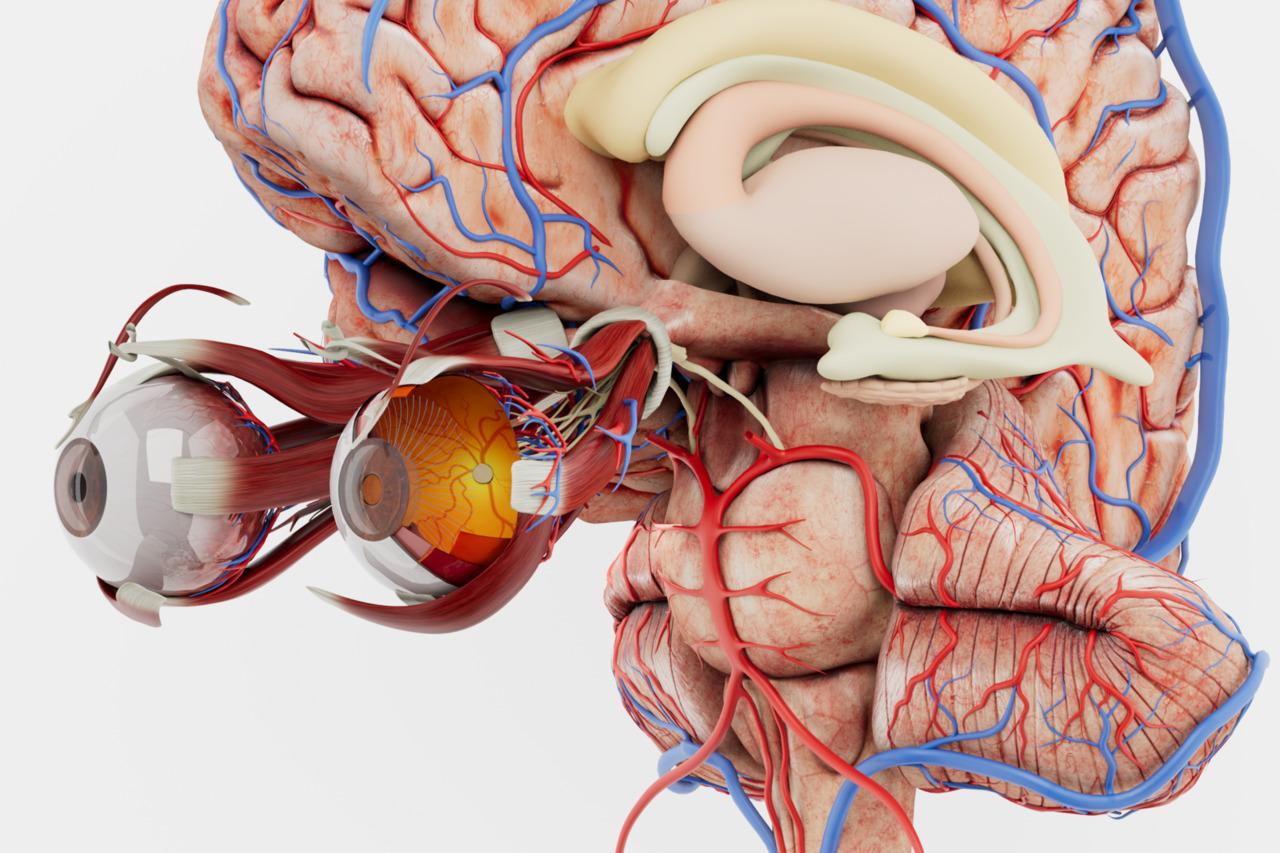
Identify body systems and establish anatomical orientation before studying the dissections.
Explore Anatomy Master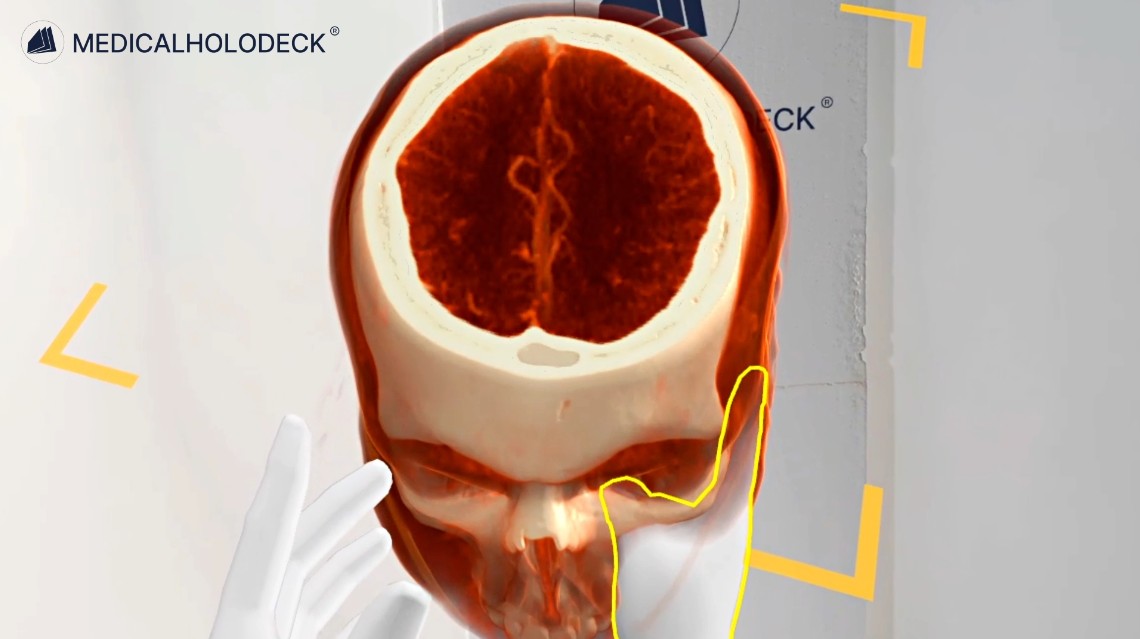
Compare dissection anatomy with CT and MRI data to connect 3D structures with cross-sectional views.
Explore Medical Imaging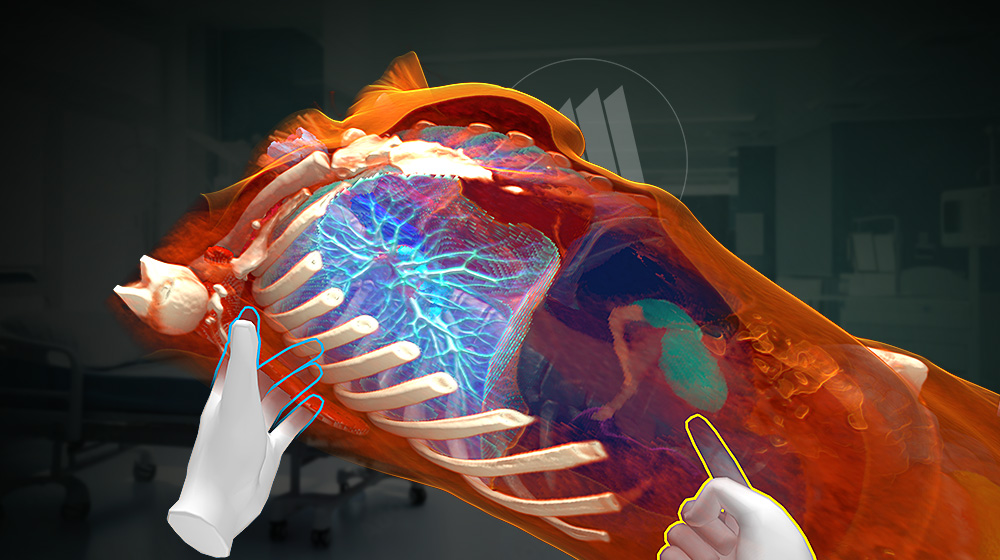
Segment supported structures in imaging data to prepare views for comparison with dissection anatomy.
Explore Medicalholodeck AIGroup teaching
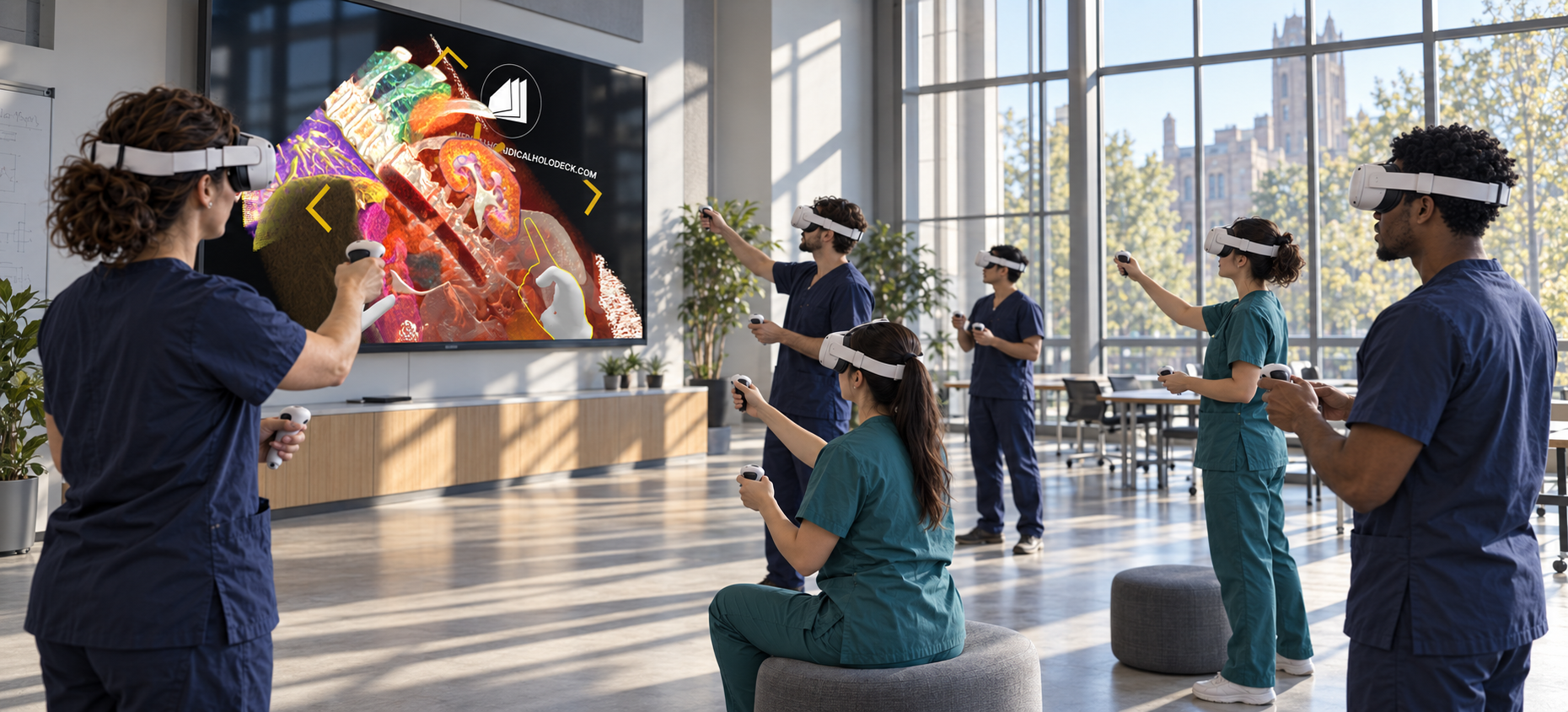
With TeamXR, instructors and learners examine the same dissection material in a shared session, in one room or from different locations.
Use teacher mode to direct the session and manage participant interaction while explaining anatomical structures.
Mixed reality displays anatomy within the physical teaching space. On supported headsets, spatial anchoring aligns the shared content at the same location for participants in the room.
Independent study
Learners can return to the anatomical material for revision. With RecordXR, instructors can also record an explanation, including voice and interactions with 3D content.
Revisit the sequence from superficial to deeper structures and connect each layer with the lesson’s anatomical landmarks.
Capture a demonstration for preparation or revision, so learners can replay the material discussed in class.
Explore RecordXRGet started
Evaluate the anatomy and teaching tools with a trial. Plan device access, licenses, and group sessions around your curriculum and class size.
Medicalholodeck is available for supported standalone headsets, Windows and PC-VR systems, and iOS devices. Features and device support vary by application.
Technical specificationsUse the manual to learn the anatomy controls and teaching workflow. Contact our team for questions about installation and course setup.
Read the manualVirtual dissection
Tell us about your course, group size, and available hardware. We can help identify a suitable teaching setup.