Cross-disciplinary discussion
Connect anatomical structures with the topics each group is studying. Ask participants to describe their reasoning using the shared model.
Medical education
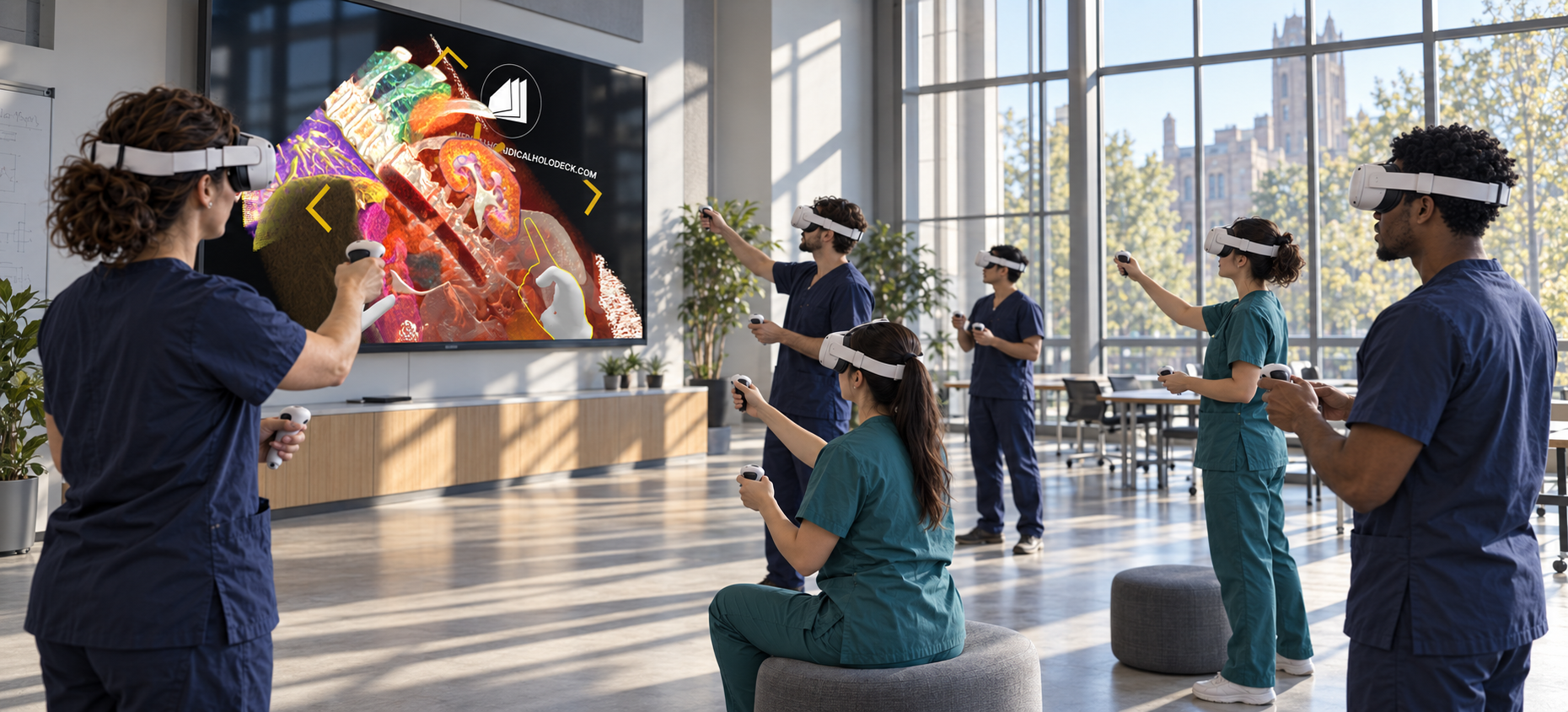
Bring learners from different disciplines together around the same anatomy and imaging. Use shared 3D material for case-based teaching and professional development.
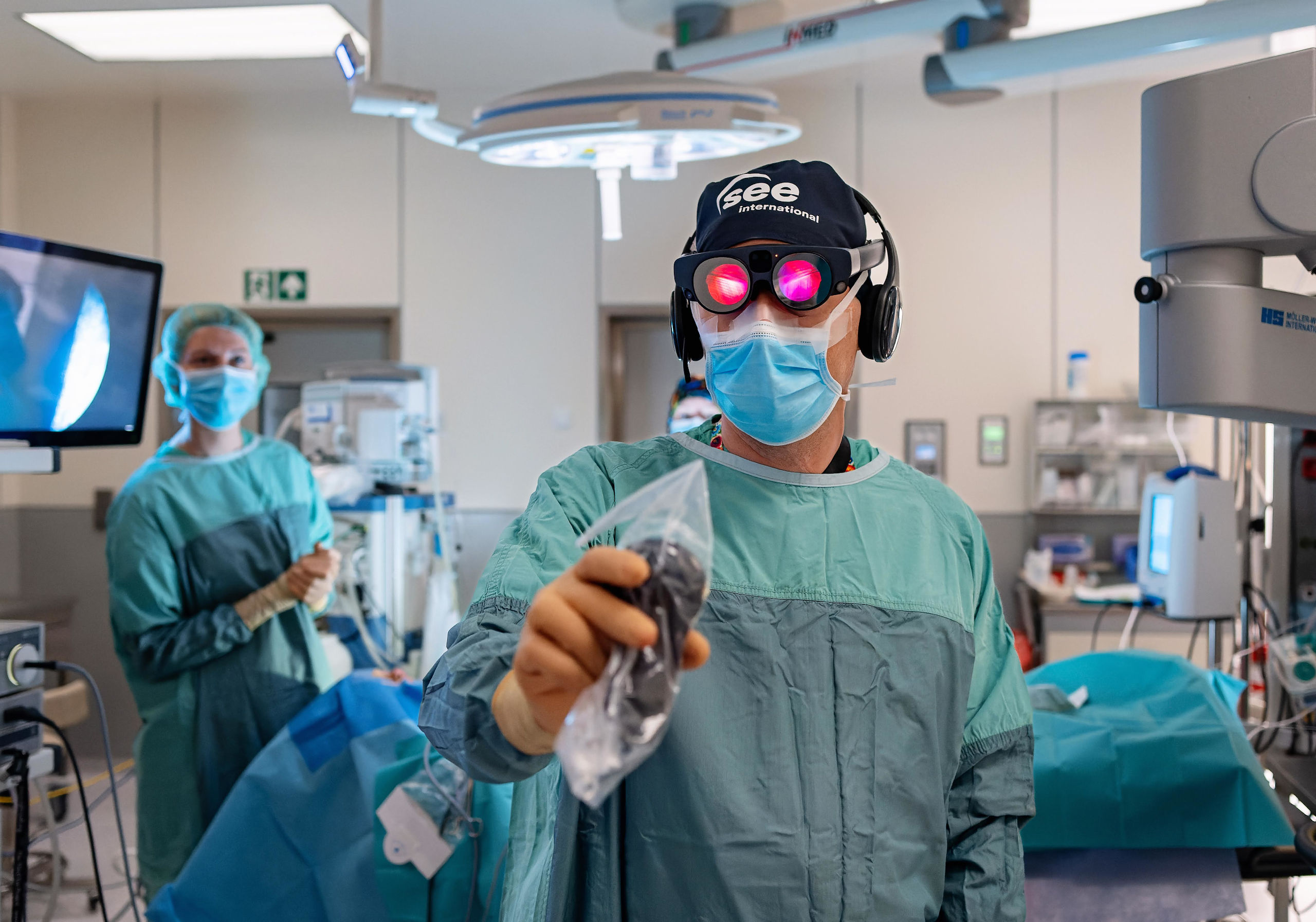
How it works
Use a common anatomical reference to connect the questions and terminology raised by different disciplines.
In your curriculum
Use the same material across teaching sessions for medicine, nursing, and allied health learners.
Connect anatomical structures with the topics each group is studying. Ask participants to describe their reasoning using the shared model.
Use supervised case discussions to revisit anatomy and imaging. Recorded explanations can support staff teaching and onboarding.
Interdisciplinary teaching brings together learners who may use different terminology or have different levels of imaging experience. A shared anatomical reference allows the group to identify the structures under discussion and clarify how each discipline approaches the material.
The session can begin with an overview of the selected case and the questions each group will address. Participants can then examine the same anatomy, explain their perspective, and compare views. The instructor can return to particular structures when additional context is needed.
The case should support a defined educational purpose. The level of detail can change according to the audience, but the material remains a common reference for the discussion. This is particularly useful when a course connects anatomy, imaging, and professional communication across programmes.
Professional development sessions can revisit anatomical topics through focused case discussions. Participants can describe the relationships illustrated by the dataset and connect them with the teaching objective. The instructor can use questions and interactive exploration to make the session participatory.
Recorded explanations can become reusable material for staff teaching, onboarding, or course revision. A recording should state its topic, establish orientation, and present a manageable sequence of views. Separate recordings can address different levels of experience without requiring one session to cover every audience.
A teaching library can combine general anatomy, dissection material, and selected imaging cases. Organizing these resources around course topics makes their purpose clear. Live sessions can then use the same material for discussion, while participants revisit the explanations independently.
Software
Combine anatomy, dissection, and imaging according to the learning objective.
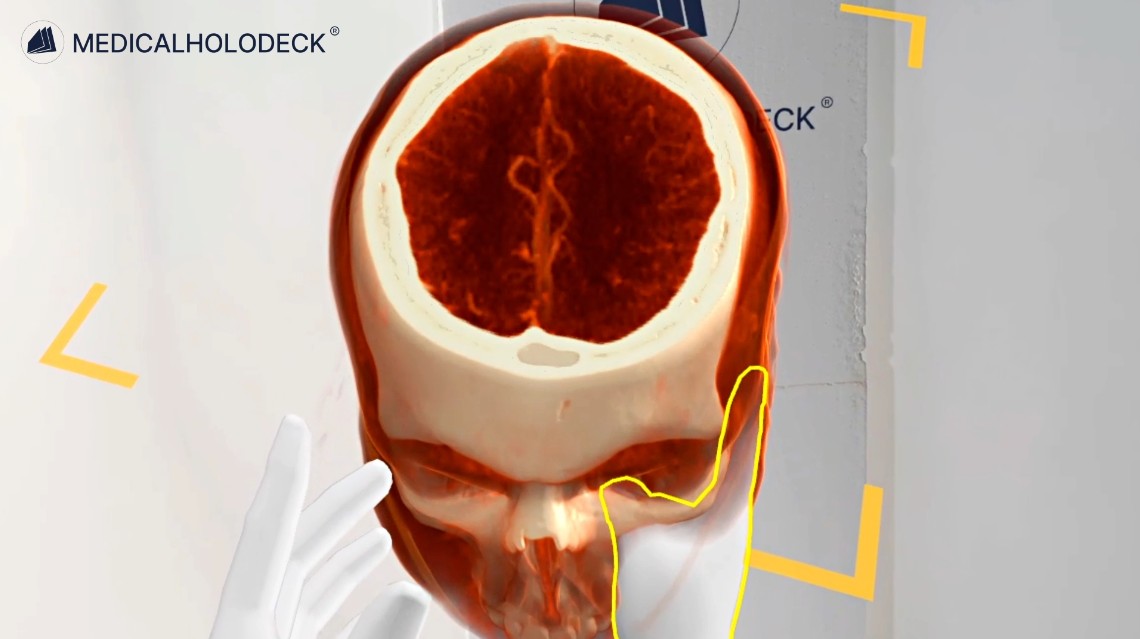
Import CT and MRI data in DICOM format and examine volumes, slices, and anatomical relationships.
Explore Medical Imaging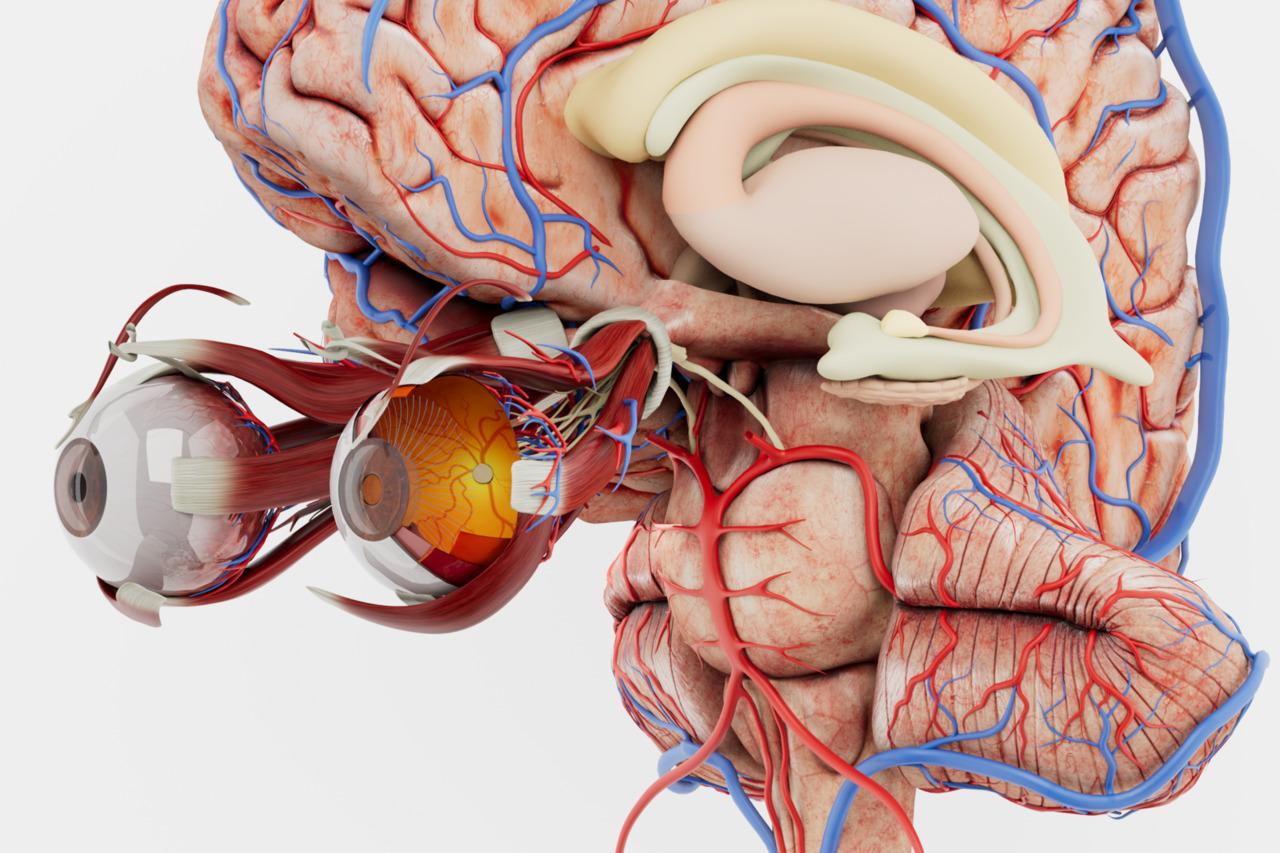
Build anatomical orientation with an interactive atlas of the major body systems.
Explore Anatomy Master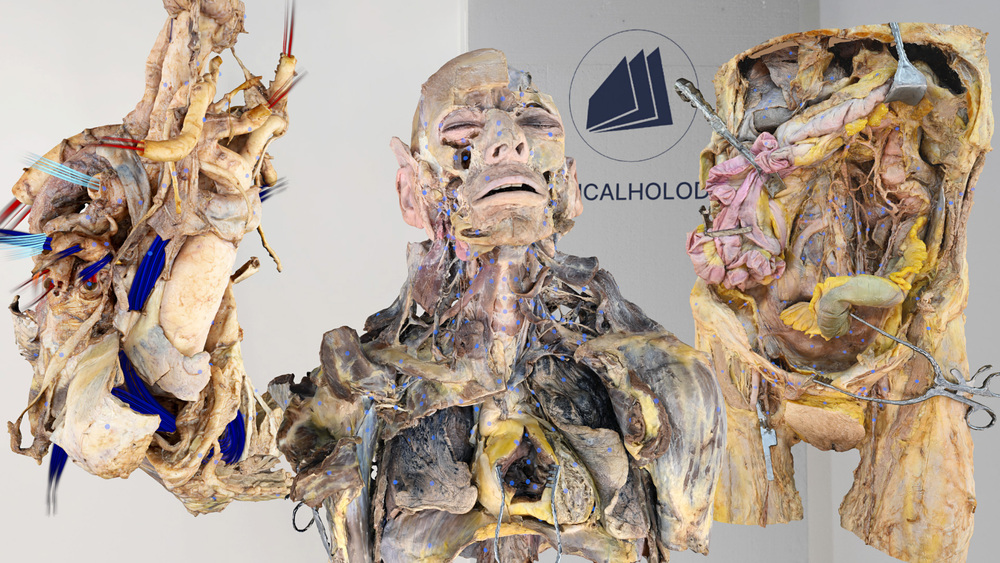
Explore anatomy from human dissections, examining structures and layers in their spatial context.
Explore Dissection Master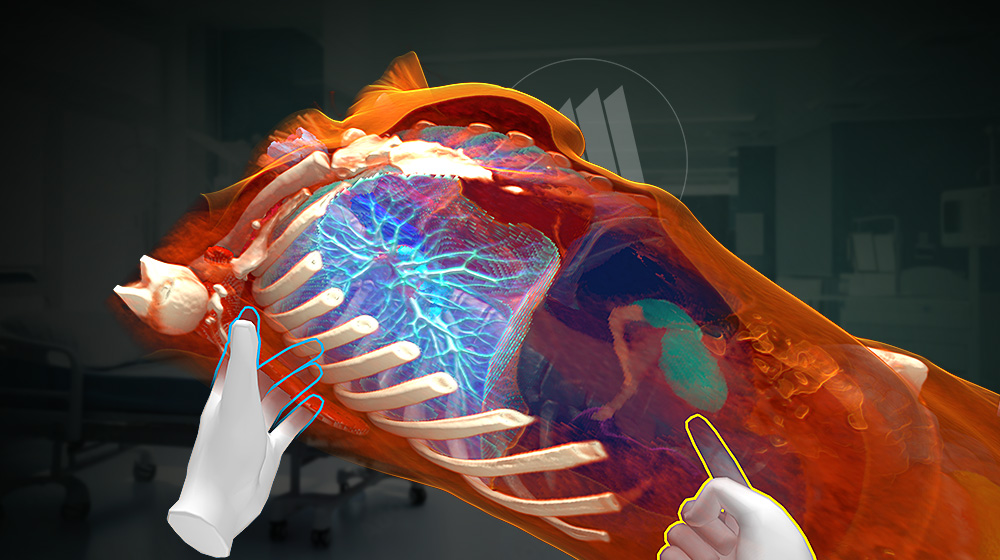
Segment supported structures in medical imaging data to prepare anatomical views for teaching.
Explore Medicalholodeck AIGroup teaching
TeamXR lets participants join a shared session locally or remotely to work with the same 3D content.
Use teacher mode to direct the lesson and manage interactions while participants discuss the material.
Record explanations with RecordXR and organise them into a library for teaching and revision.
Get started
Evaluate the applications with a trial. Plan devices, licences, and group access around your curriculum and class size.
Medicalholodeck is available for supported standalone headsets, Windows and PC-VR systems, and iOS devices. Features and device support vary by application.
Technical specificationsUse the manual to learn the controls and teaching workflow. Contact our team for help with installation, licences, and course setup.
Read the manualInterdisciplinary education
Tell us about your learning objectives, group size, and available hardware. We can help identify a suitable setup.