Guided introductions
Focus on a small set of structures and give learners questions to answer while exploring the model.
Medical education
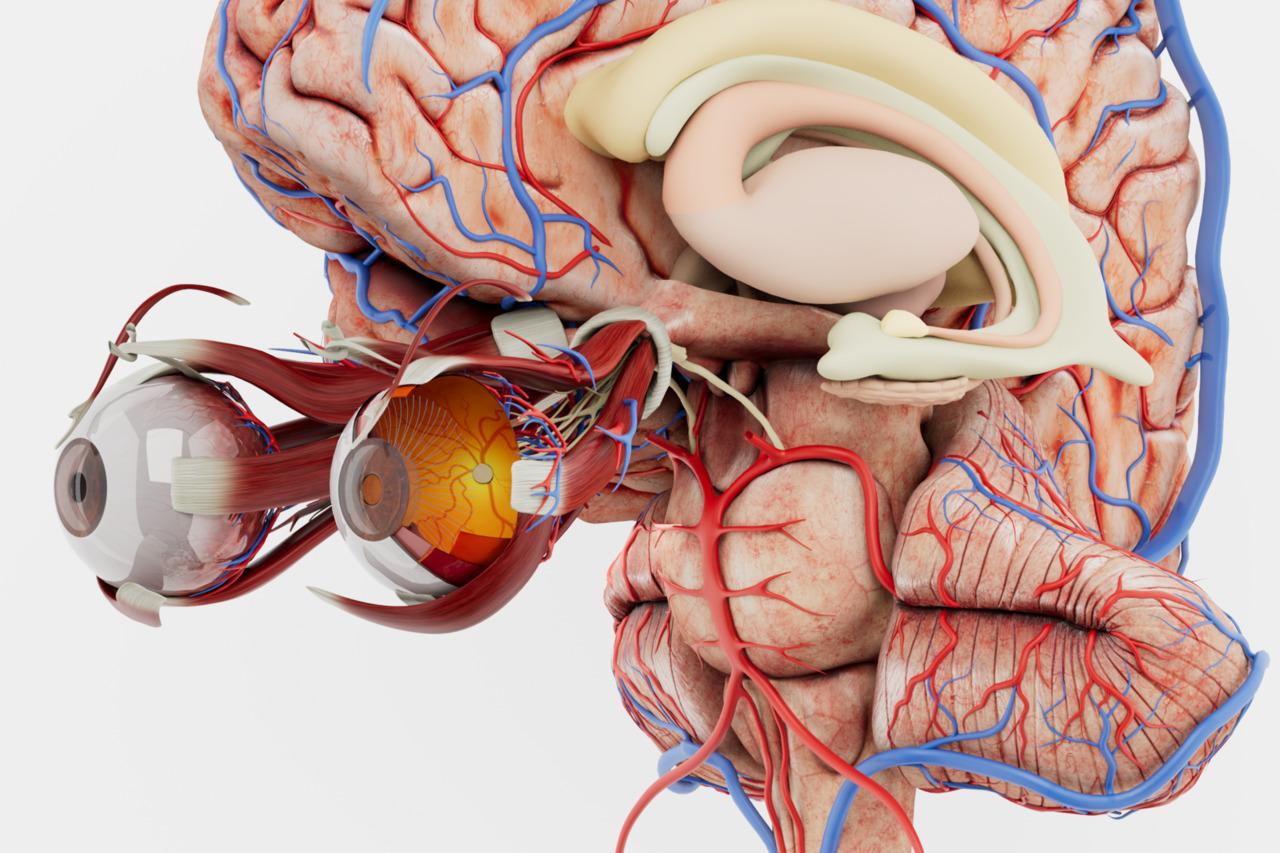
Introduce body systems through guided exploration of 3D anatomy. Choose the material and level of detail around the lesson, the curriculum, and the learners.
How it works
Use Anatomy Master as a visual reference for biology lessons, with clear questions and short guided activities.
In your curriculum
Use the atlas alongside classroom activities and textbooks to introduce organs and body systems.
Focus on a small set of structures and give learners questions to answer while exploring the model.
Add detail as the course develops. Teachers select the material and decide which views suit the group and lesson.
A school anatomy lesson can use a 3D atlas to introduce a body system and show where its organs are located. The teacher can choose a limited set of structures and connect them with the curriculum. An overview of the body provides context before the class concentrates on the selected region.
The activity should have clear questions. Learners might identify a structure, describe its location, or explain how two parts of a system are arranged. Rotation and isolation allow the teacher to demonstrate the relationship while keeping the lesson focused on the same material.
Teachers determine the content and level of detail appropriate to the group. The atlas can support introductory biology, while more specialized resources can be considered when the curriculum calls for them. The software provides material for the lesson; the teacher defines the educational sequence.
A 3D demonstration can introduce a topic before learners return to diagrams, written work, or other classroom activities. Students can compare the model with familiar illustrations and explain what each representation shows. This connects the visual exploration with the wider lesson.
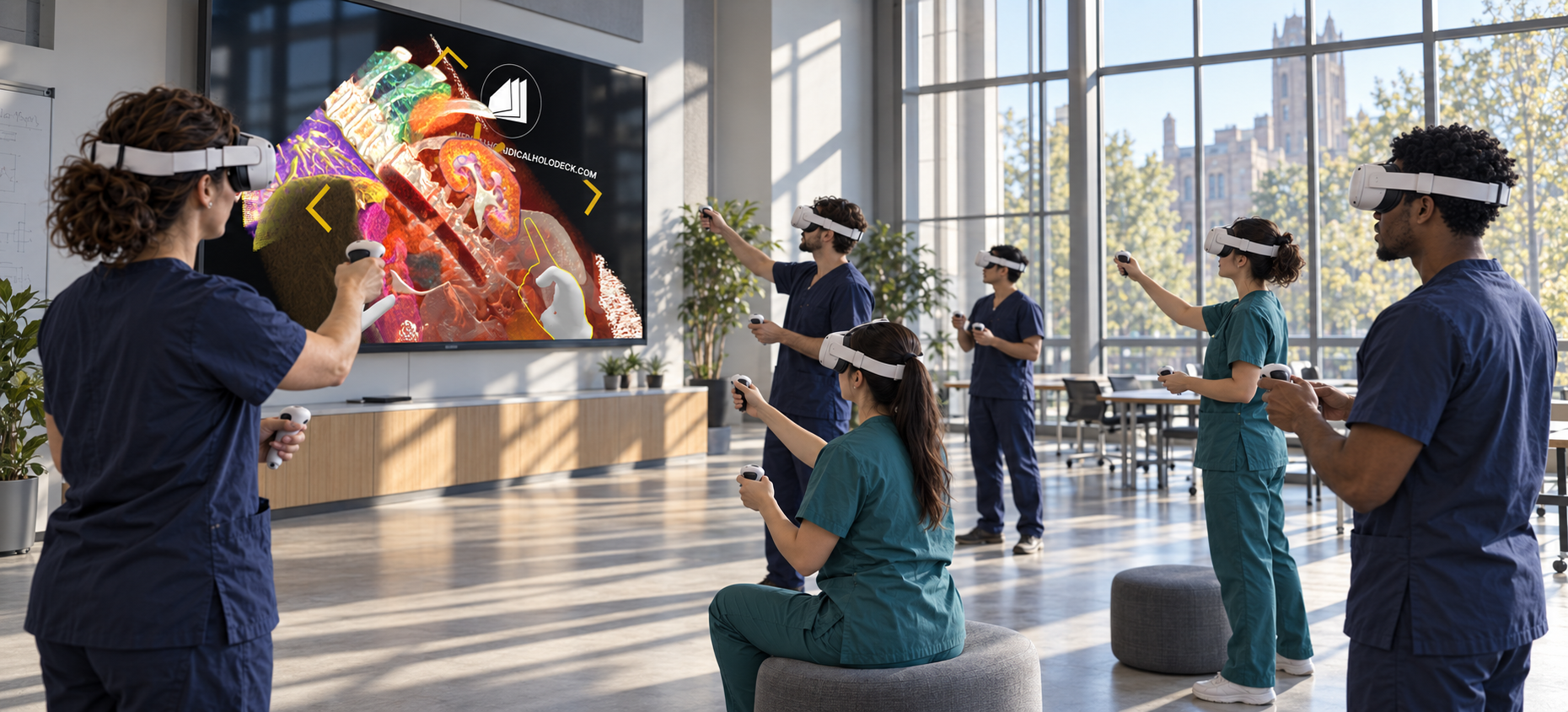
Group sessions can combine teacher-led explanation with short periods of learner interaction. The teacher can establish orientation, ask questions, and return to the relevant view when answers need clarification. A defined task gives the activity a structure beyond simply examining the model.
Recorded explanations can support follow-up lessons and revision. A short walkthrough can introduce one body system or revisit the structures covered in class. The language, pacing, and detail should reflect the learner group and the curriculum objectives.
Software
Combine anatomy, dissection, and imaging according to the learning objective.
Introduce the main body systems with labelled 3D models, selected and explained by the teacher.
Explore Anatomy Master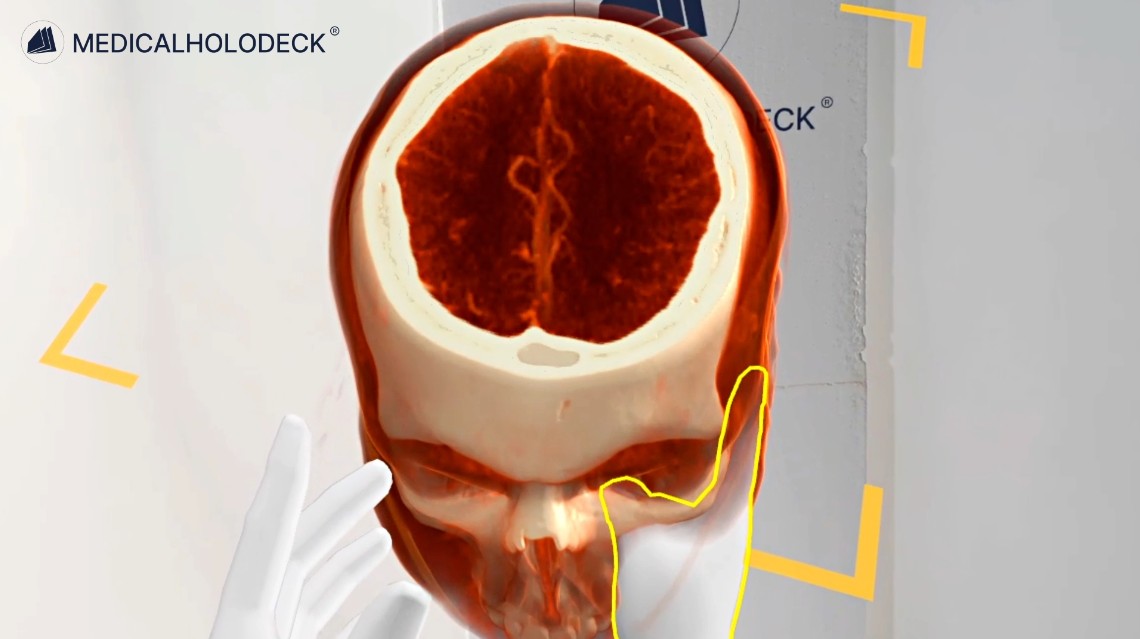
Introduce basic CT and MRI concepts when they are relevant to the course and stage of learning.
Explore Medical ImagingGroup teaching
TeamXR lets an instructor guide a shared session around the same anatomical content.
Use teacher mode to direct the explanation and manage learner interaction during the session.
Use RecordXR to capture a short narrated demonstration for follow-up lessons or revision.
Get started
Evaluate the software and plan device access, lesson formats, and licences for your school.
Medicalholodeck is available for supported standalone headsets, Windows and PC-VR systems, and iOS devices. Features and device support vary by application.
Technical specificationsUse the manual to learn the teaching controls. Contact our team about school licences, available hardware, and classroom implementation.
Read the manualSchool anatomy education
Tell us about your curriculum, learner group, and available devices. We can help you evaluate a teaching setup.