Imaging orientation
Help residents connect cross-sectional views with 3D anatomy. Use rotation and slicing to explain how structures relate across views.
Medical education
Use patient-specific CT and MRI data for anatomy teaching, case discussion, and imaging education. Give residents material they can explore together and revisit independently.
How it works
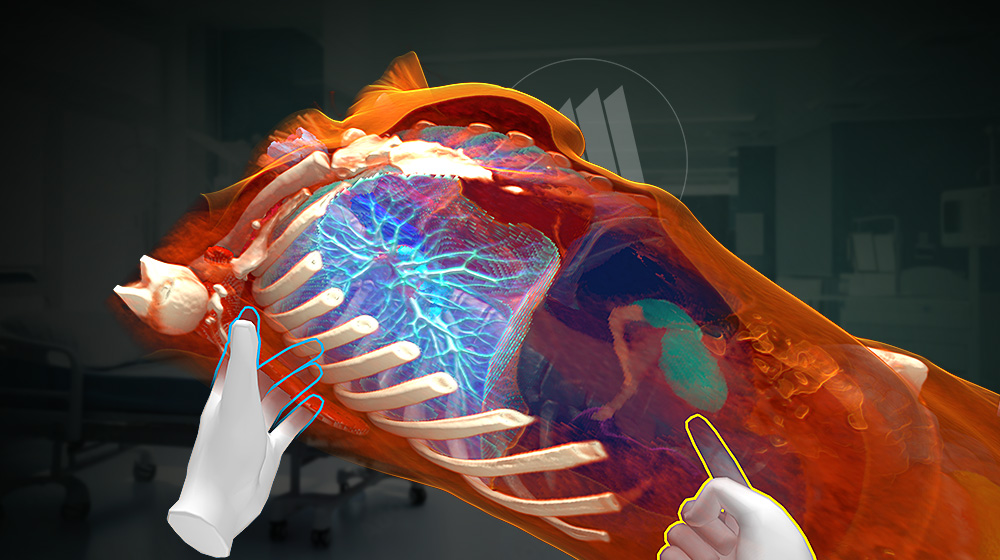
Medical Imaging displays DICOM datasets in 3D, connecting volumetric views with the anatomy discussed in residency teaching.
In your curriculum
Structure sessions around educational objectives and the anatomical features illustrated by each case.
Help residents connect cross-sectional views with 3D anatomy. Use rotation and slicing to explain how structures relate across views.
Compare anatomical examples, ask learners to describe what they see, and discuss differences in a supervised teaching session.
Residency education can use patient-specific imaging to discuss the anatomy represented in a selected case. The instructor can prepare views that establish orientation and address a defined teaching objective. A manageable sequence helps residents connect the 3D volume with the source images rather than navigate an unfamiliar dataset without context.
Case selection should follow the topic and the experience of the learners. A session may introduce scan orientation, examine a regional relationship, or compare views of the same structure. The discussion remains tied to the material visible in the dataset and the questions set for the teaching session.
Segmentation can prepare focused views of supported structures. Contextual views should remain available when neighbouring anatomy is important to the explanation. Residents can then discuss how the selected structures relate to the wider region and the corresponding cross-sectional imaging.
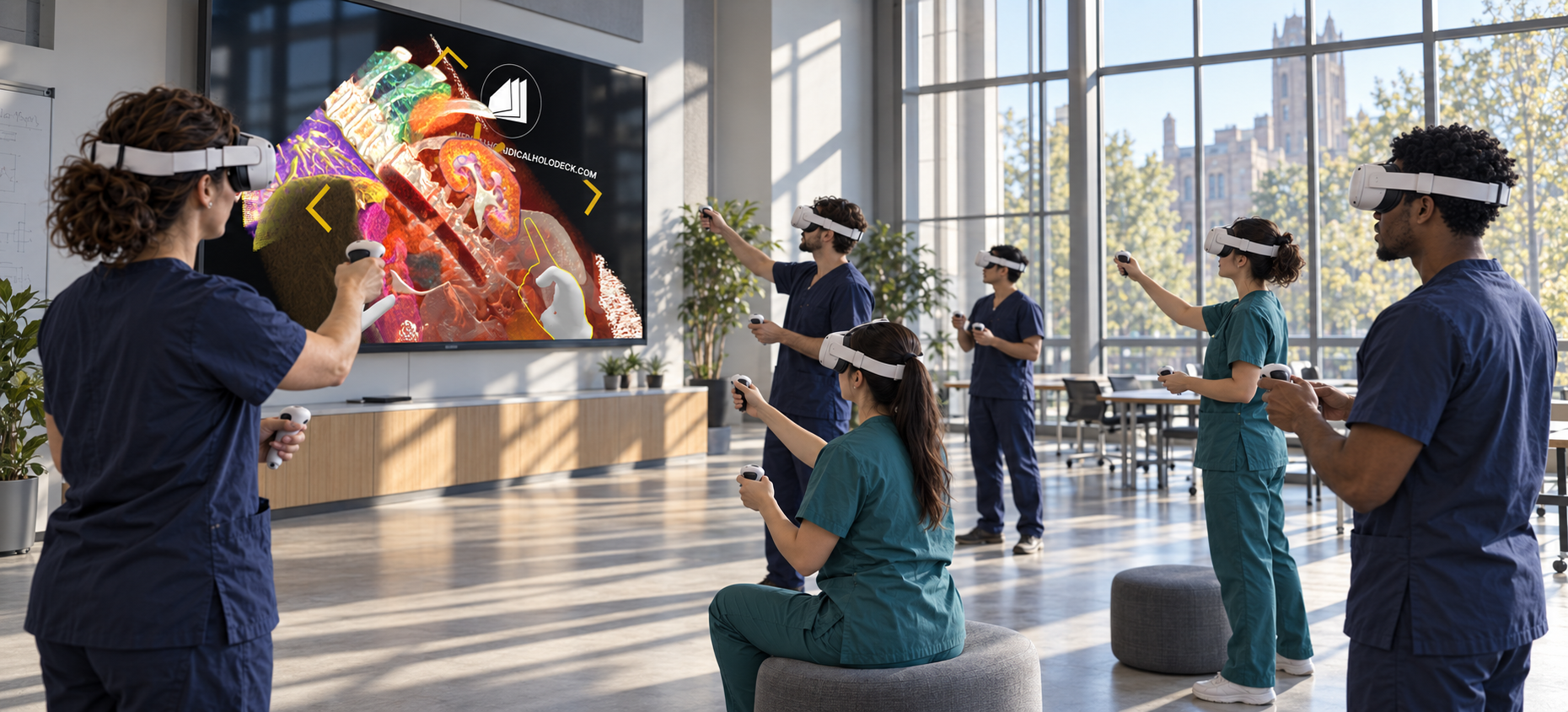
An instructor-led session can ask residents to describe anatomical landmarks and explain spatial relationships to the group. Participants can examine the same region from different directions and return to particular slices when clarification is needed. The shared reference gives the discussion a defined anatomical context.
The same case can be revisited after a teaching session or practical exercise. Residents can explore the prepared views independently, identify questions, and compare their explanation with the instructor’s walkthrough. Reusing the material provides continuity within the educational programme.
Recorded explanations can form a library of focused teaching cases. Each recording can identify the topic, establish orientation, and follow a consistent sequence through the anatomy. The material supports preparation, revision, and peer teaching alongside supervised professional education.
Software
Combine anatomy, dissection, and imaging according to the learning objective.
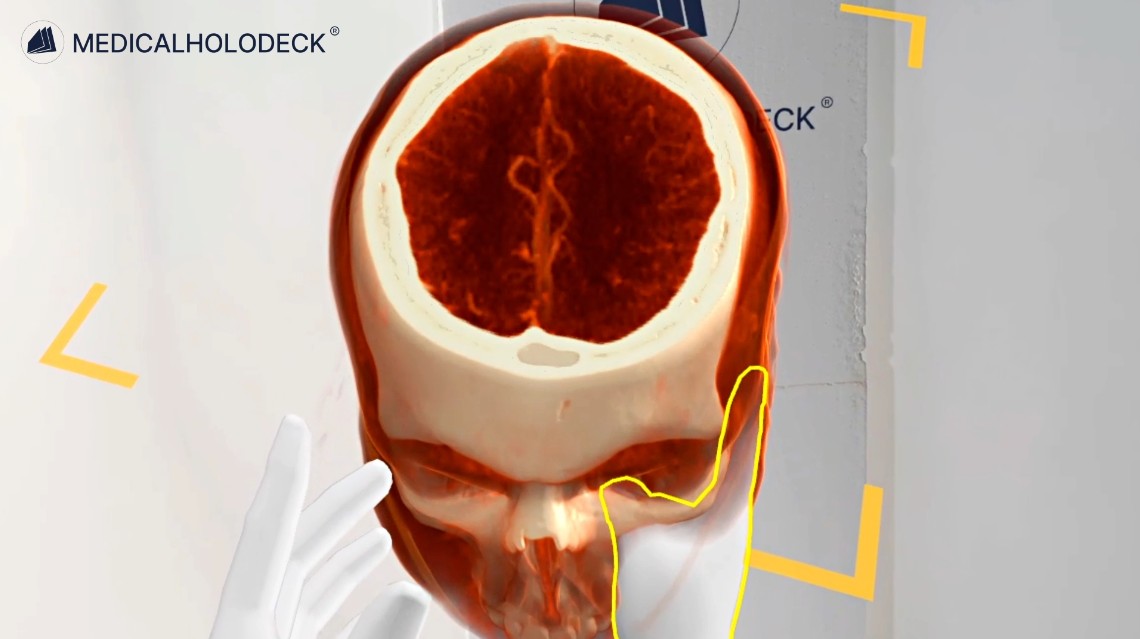
Use CT and MRI datasets to teach scan orientation and patient-specific anatomical relationships.
Explore Medical ImagingSegment supported structures to prepare focused anatomical views for teaching.
Explore Medicalholodeck AI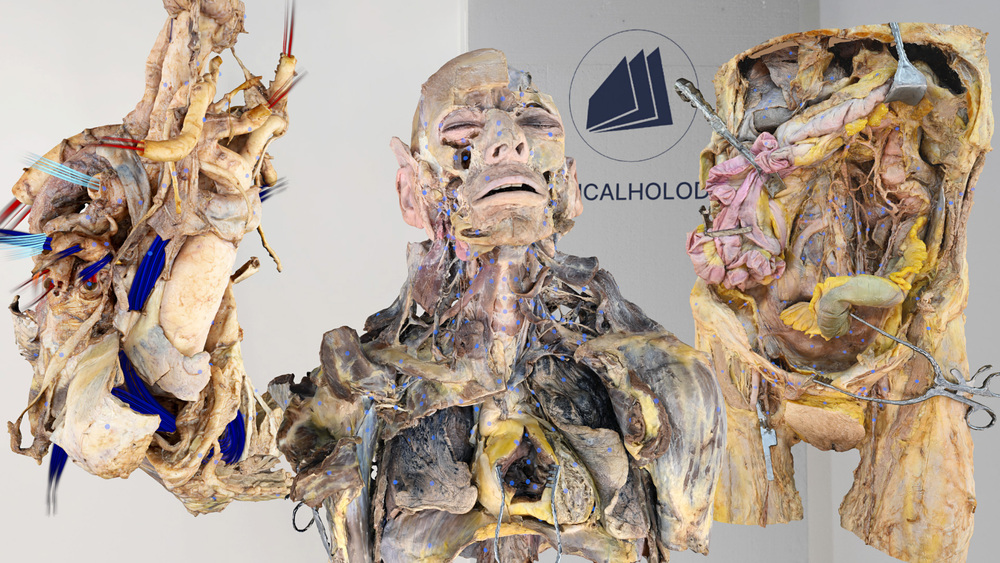
Explore anatomy from human dissections, examining structures and layers in their spatial context.
Explore Dissection Master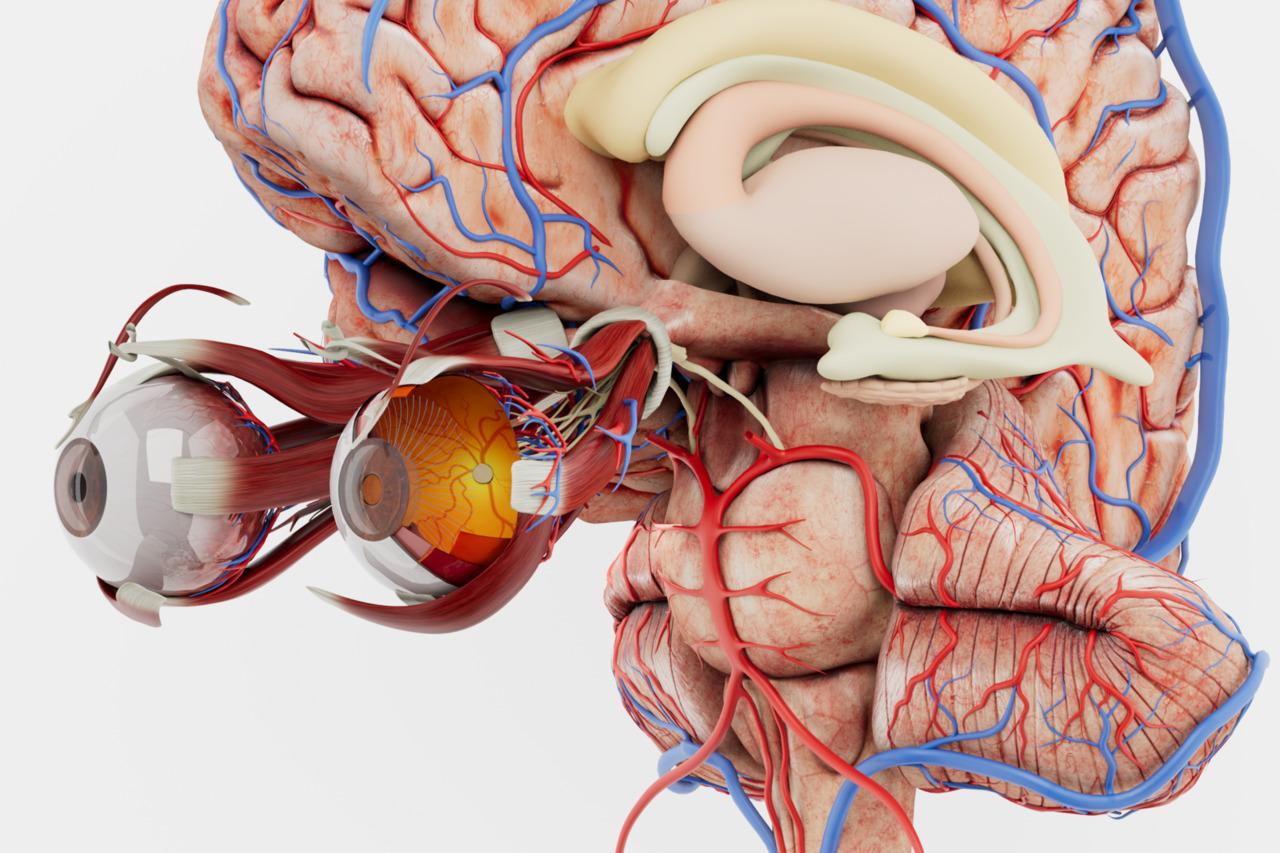
Build anatomical orientation with an interactive atlas of the major body systems.
Explore Anatomy MasterGroup teaching
TeamXR supports shared case-based teaching with participants in one room or at different locations.
Use teacher mode to manage interaction and direct attention to the structures being explained.
Record narrated case walkthroughs with RecordXR for residents to replay after the teaching session.
Get started
Evaluate the applications with a trial. Plan devices, licences, and group access around your curriculum and class size.
Medicalholodeck is available for supported standalone headsets, Windows and PC-VR systems, and iOS devices. Features and device support vary by application.
Technical specificationsUse the manual to learn the controls and teaching workflow. Contact our team for help with installation, licences, and course setup.
Read the manualMedical residency
Tell us about your learning objectives, group size, and available hardware. We can help identify a suitable setup.