Foundational anatomy
Introduce organs and body systems through guided exploration. Connect labels with anatomical locations and relationships.
Medical education
Connect anatomy with imaging in nursing lessons and simulation teaching. Use 3D models to explain body systems, identify landmarks, and revisit topics after practical sessions.
How it works
Use anatomical models and teaching datasets to build a visual reference for the topics covered in nursing coursework.
In your curriculum
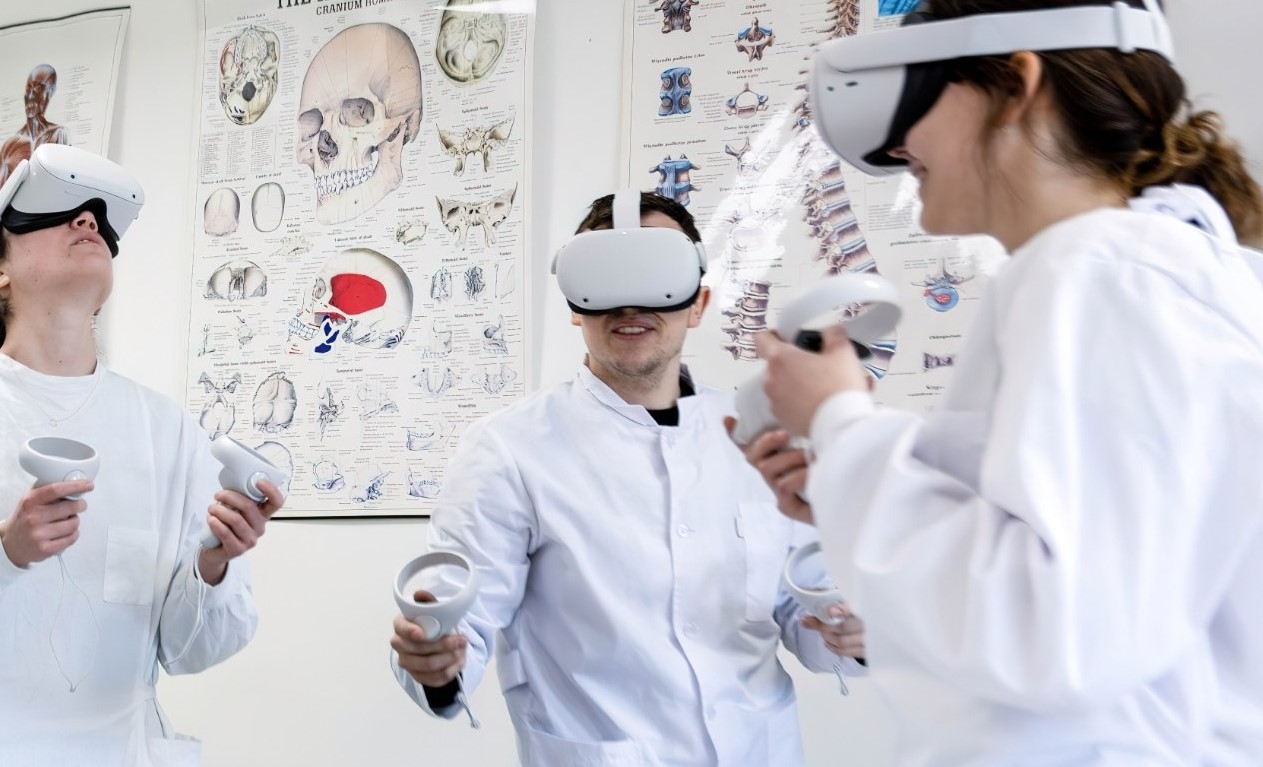
Use 3D exploration alongside nursing lectures, practical sessions, and physical simulation.
Introduce organs and body systems through guided exploration. Connect labels with anatomical locations and relationships.
Use CT and MRI teaching data to introduce scan orientation and help learners locate familiar anatomical landmarks.
Nursing education introduces anatomy through body systems, practical topics, and selected clinical teaching cases. A 3D model provides a visual reference for locating structures and examining their relationships. The instructor can choose material that connects directly with the topic covered in the course.
An introductory lesson may concentrate on organs and landmarks, while later sessions can compare the same region with imaging. Moving between a model and a dataset requires a clear explanation of their different roles. The model represents general anatomy, while the imaging illustrates the selected case.
The level of detail should follow the learning objective. A lesson that establishes orientation needs a different sequence from one that explores a regional relationship. Prepared views help the instructor organize the explanation without requiring learners to navigate all available material at once.
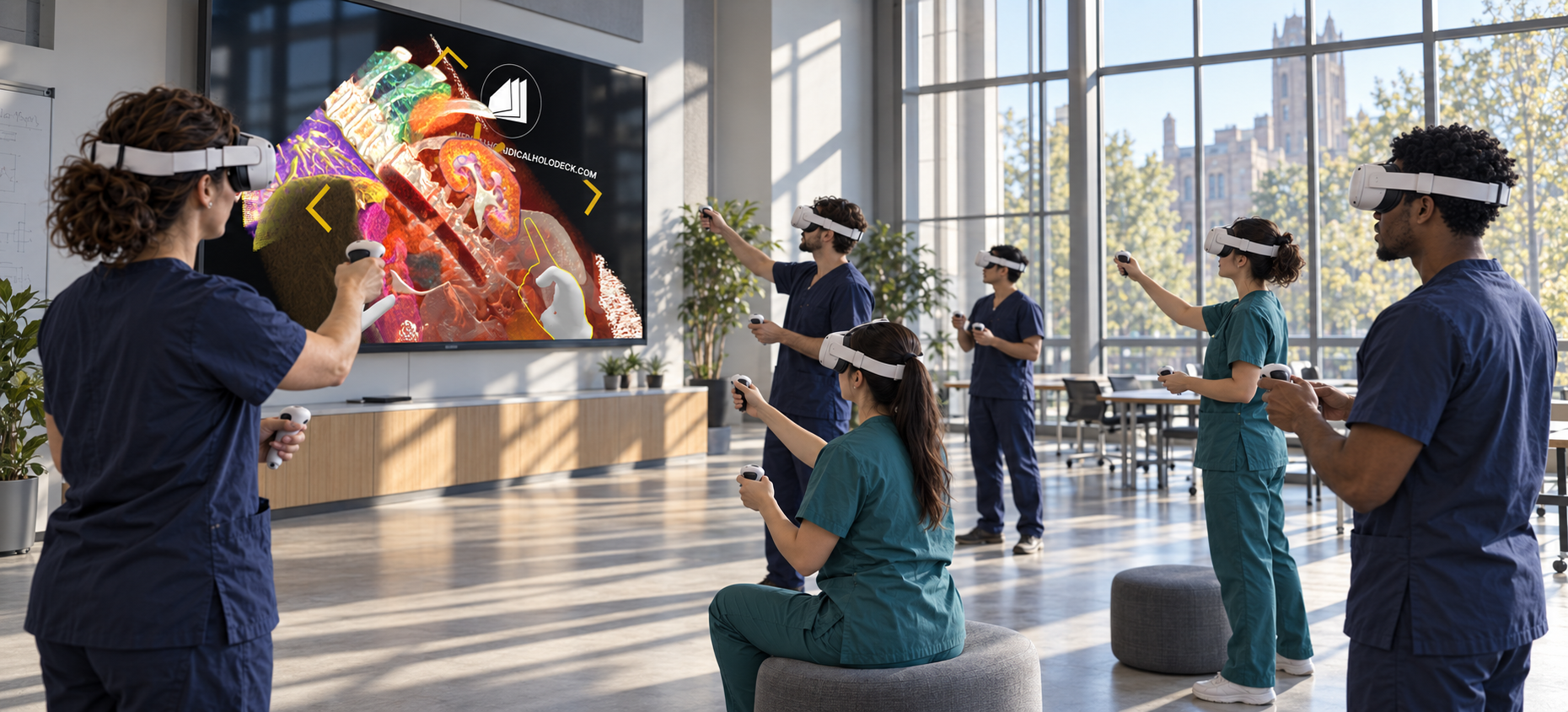
Before a simulation exercise, the instructor can introduce the relevant region and establish the anatomical terminology used during the session. Learners can identify structures, describe their positions, and compare the model with selected imaging views. The material provides context for the practical teaching.
During debriefing, the group can return to the same views and revisit anatomical relationships that need clarification. Participants can explain the region in their own words and connect it with the course topic. Reusing the material gives the introduction and debriefing a consistent reference.
Recorded walkthroughs can support preparation and independent revision. A focused explanation can address a body system, introduce imaging orientation, or revisit a regional topic. These resources sit alongside the programme’s lectures, practical sessions, and supervised simulation activities.
Software
Combine anatomy, dissection, and imaging according to the learning objective.
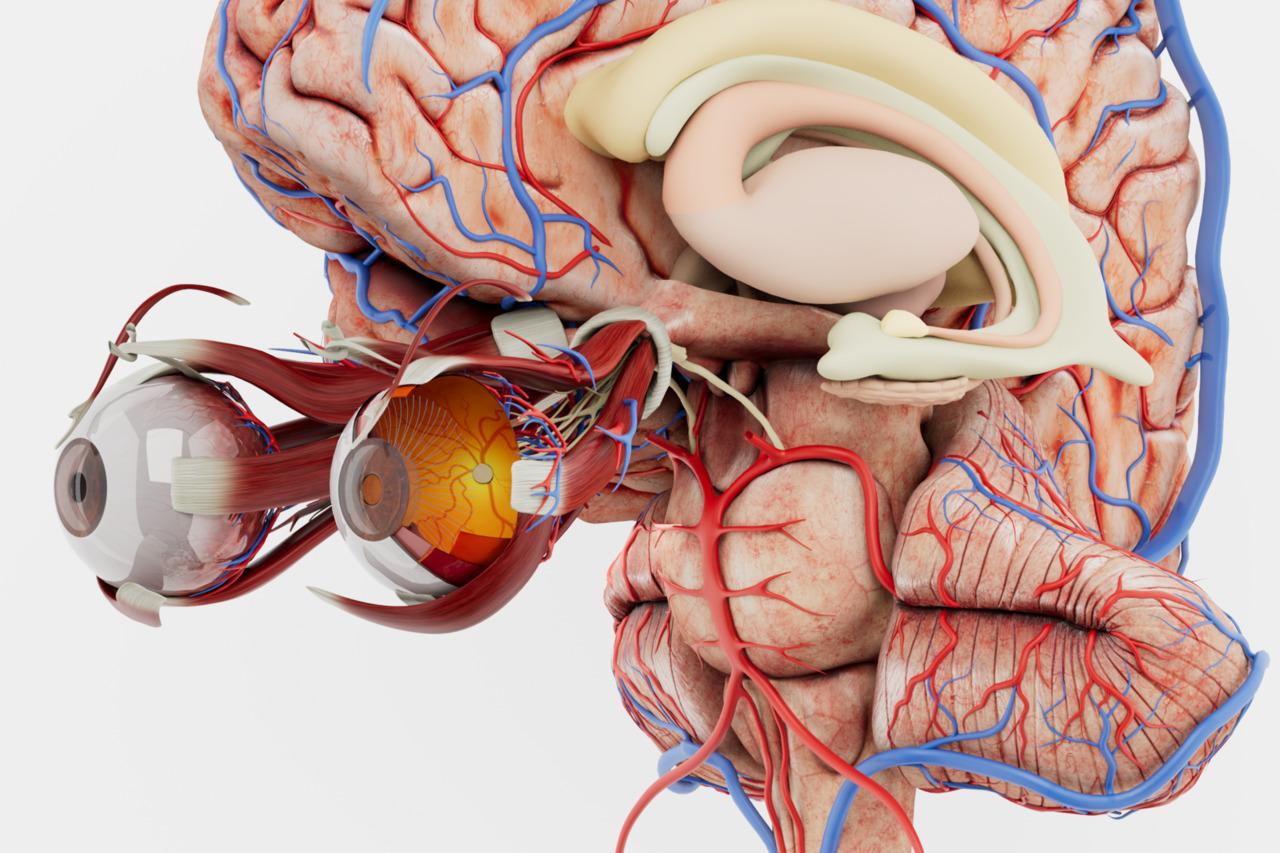
Introduce major body systems with a structured, labelled anatomical atlas.
Explore Anatomy Master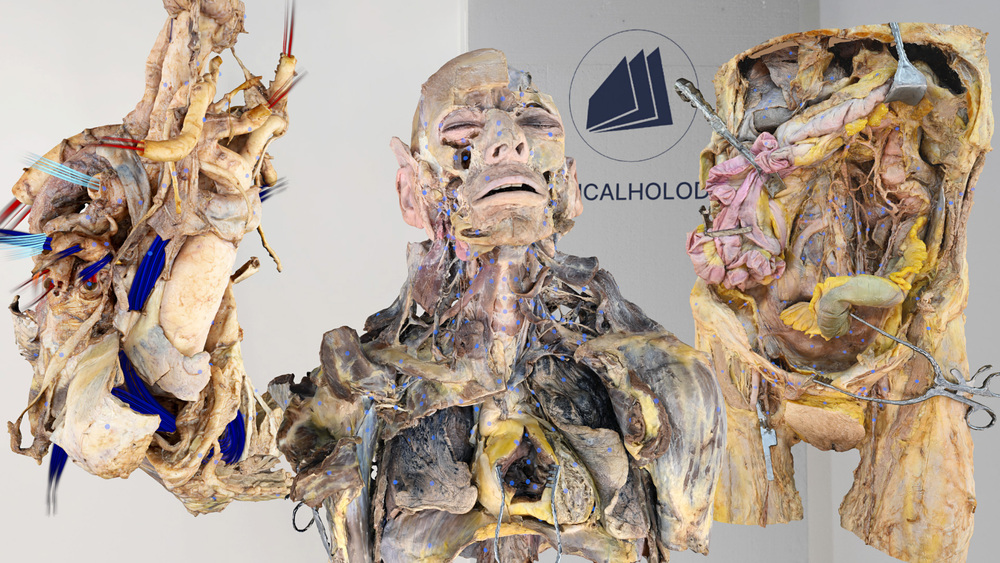
Examine human dissections when learners need a closer view of structures and layers.
Explore Dissection Master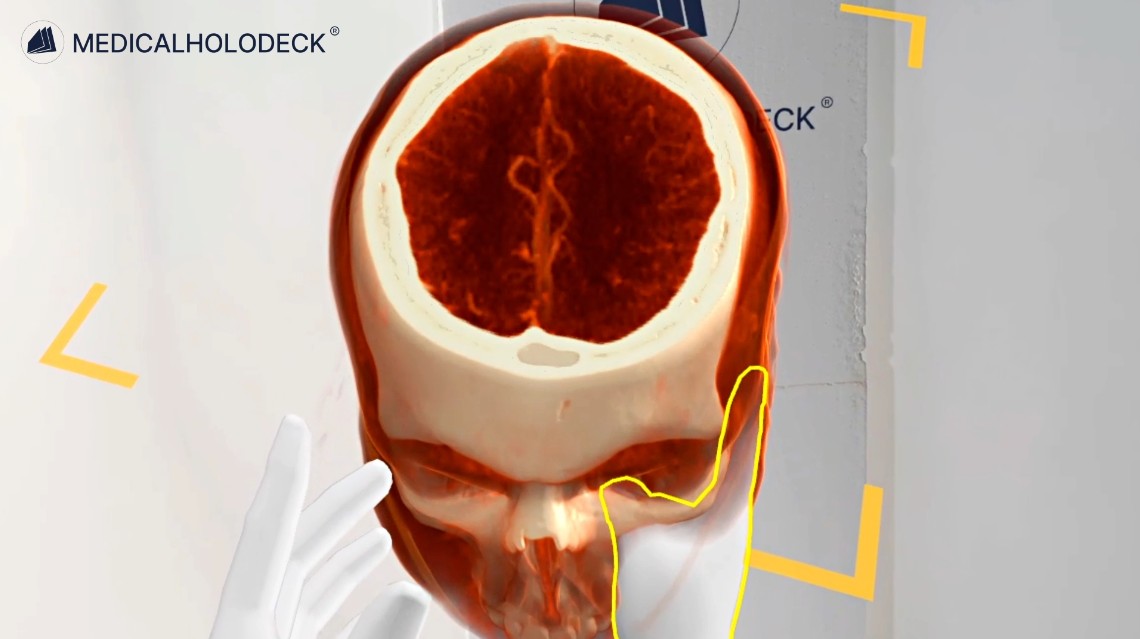
Explore CT and MRI datasets to teach scan orientation and anatomical landmarks.
Explore Medical Imaging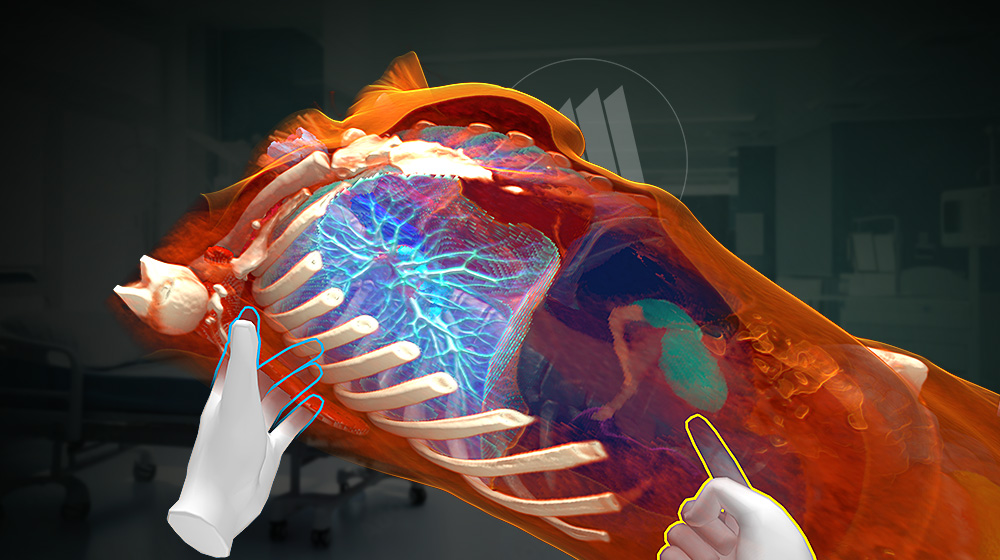
Segment supported structures in medical imaging data to prepare anatomical views for teaching.
Explore Medicalholodeck AIGroup teaching
TeamXR supports instructor-led group sessions with shared anatomical models and imaging.
Use teacher mode to guide the explanation and manage learner interaction.
Record an anatomical walkthrough with RecordXR for preparation, debriefing, or independent revision.
Get started
Evaluate the applications and plan devices, licences, and group teaching around your nursing curriculum.
Medicalholodeck is available for supported standalone headsets, Windows and PC-VR systems, and iOS devices. Features and device support vary by application.
Technical specificationsUse the manual to learn the anatomy and teaching controls. Contact our team about nursing programme licences and simulation teaching setups.
Read the manualNursing education
Tell us about your curriculum, class size, and available devices. We can help identify a suitable setup.