Landmarks and layers
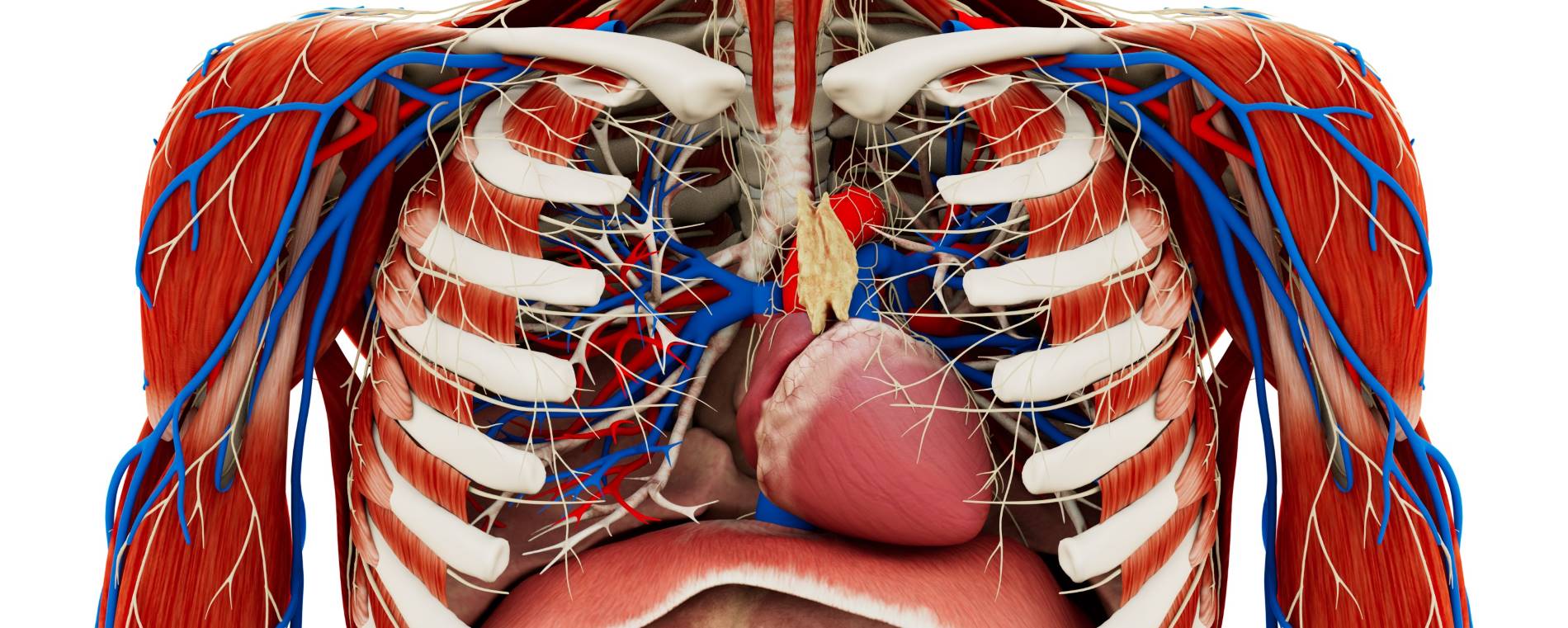
Connect visible surface landmarks with the position of deeper structures. Use models and dissections to compare anatomical views.
Medical education
Study musculoskeletal anatomy and connect surface landmarks with deeper structures. Use 3D material alongside practical teaching in osteopathy, physiotherapy, and allied health courses.
How it works
Explore bones, joints, muscles, and tissue layers as a visual reference for functional anatomy teaching.
In your curriculum
Use anatomy exploration alongside palpation, physical examination, and manual skills teaching.
Connect visible surface landmarks with the position of deeper structures. Use models and dissections to compare anatomical views.
Introduce the anatomy before a hands-on exercise and revisit it during discussion. Physical teaching provides the tactile practice.
Functional anatomy teaching requires learners to relate visible landmarks to the structures below them. An anatomical model provides a reference for examining bones, joints, muscles, and surrounding tissues in spatial context. The instructor can introduce the region as a whole before focusing on a particular relationship.
Human dissection material adds a layered reference for the same course topic. The instructor can compare views, identify structures, and explain how neighbouring tissues are arranged. Imaging provides a further representation when the lesson includes cross-sectional anatomy or scan orientation.
These resources complement practical teaching. The visual material explains anatomical organization, while supervised exercises provide the tactile component of palpation, physical examination, and manual skills courses. Their different roles should remain clear within the lesson sequence.
Before a practical session, the instructor can introduce the anatomical region and identify the landmarks learners will discuss. Participants can explain structural relationships using the model and connect the terminology with their course material. The extent of the session should follow the practical learning objective.
After the exercise, the group can return to the same views and revisit difficult anatomical relationships. Questions can ask learners to describe the position of a structure or explain how it relates to a surface landmark. This links the visual reference with the debriefing discussion.
Shared sessions and recorded walkthroughs can support teaching across groups and locations. An instructor can demonstrate the region, manage interaction, and preserve the explanation for revision. Learners can then revisit the material alongside their practical instruction and other course resources.
Software
Combine anatomy, dissection, and imaging according to the learning objective.
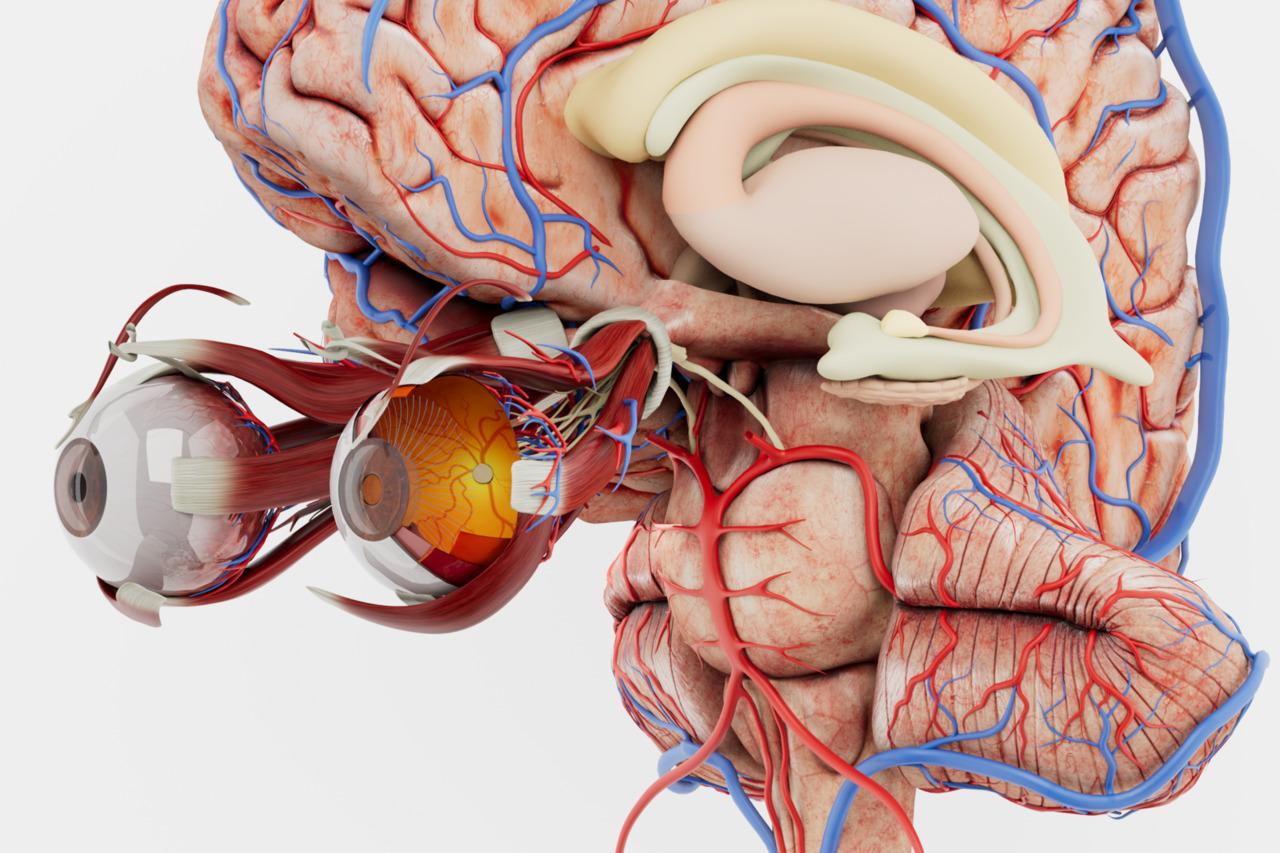
Explore bones, joints, and muscles to introduce the anatomy behind functional movement.
Explore Anatomy Master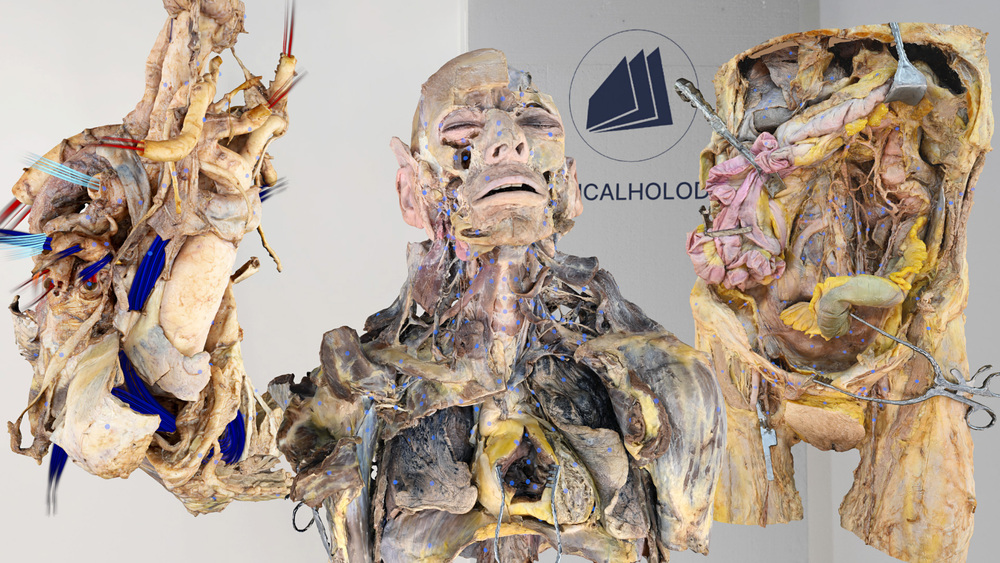
Study human dissections to examine tissue layers and regional anatomical relationships.
Explore Dissection Master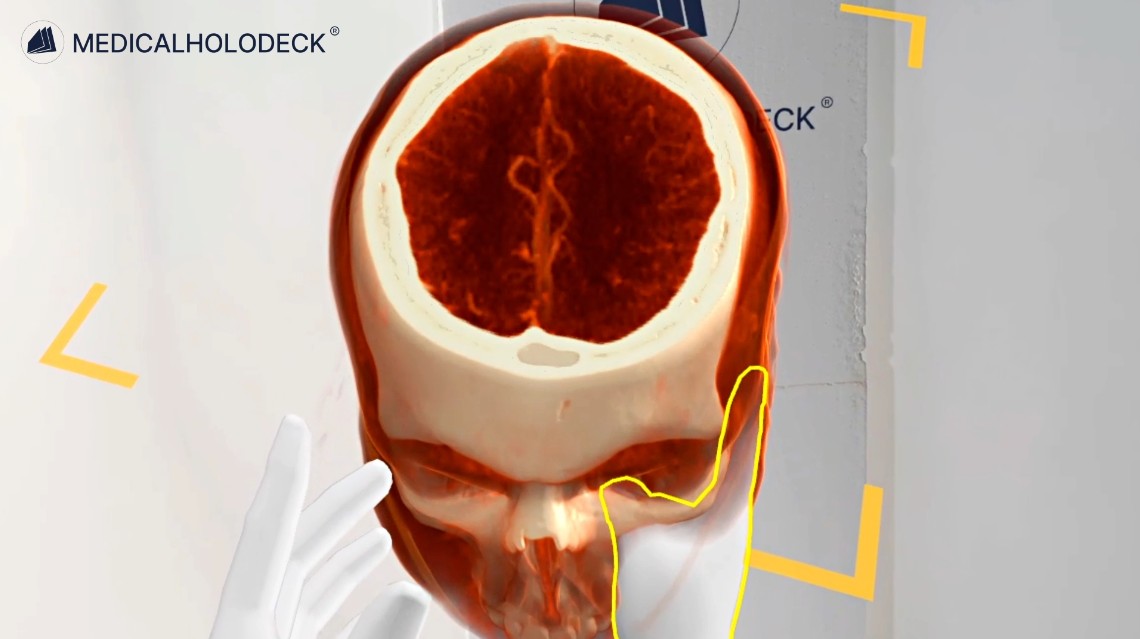
Use joint, spine, and soft-tissue imaging datasets for anatomy and scan-orientation teaching.
Explore Medical Imaging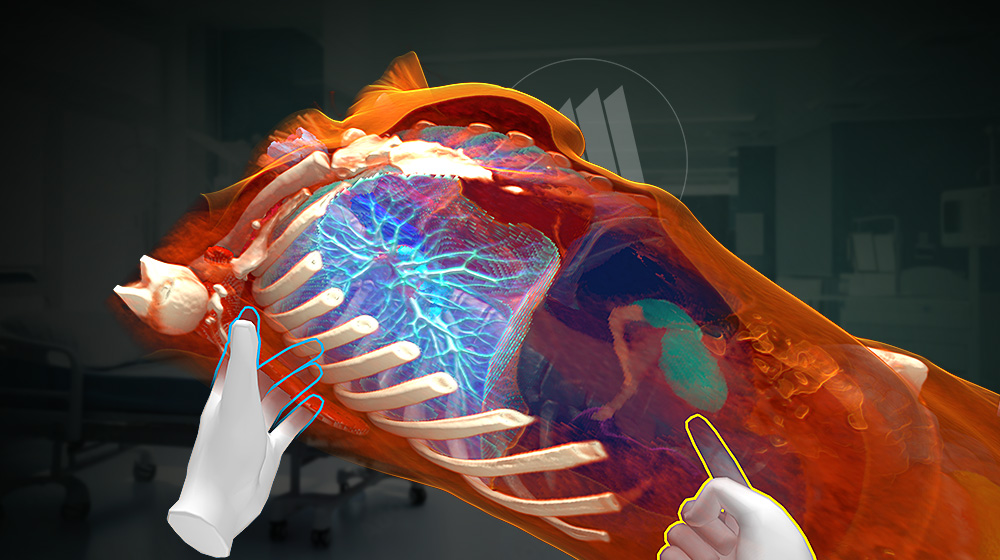
Segment supported structures in medical imaging data to prepare anatomical views for teaching.
Explore Medicalholodeck AIGroup teaching
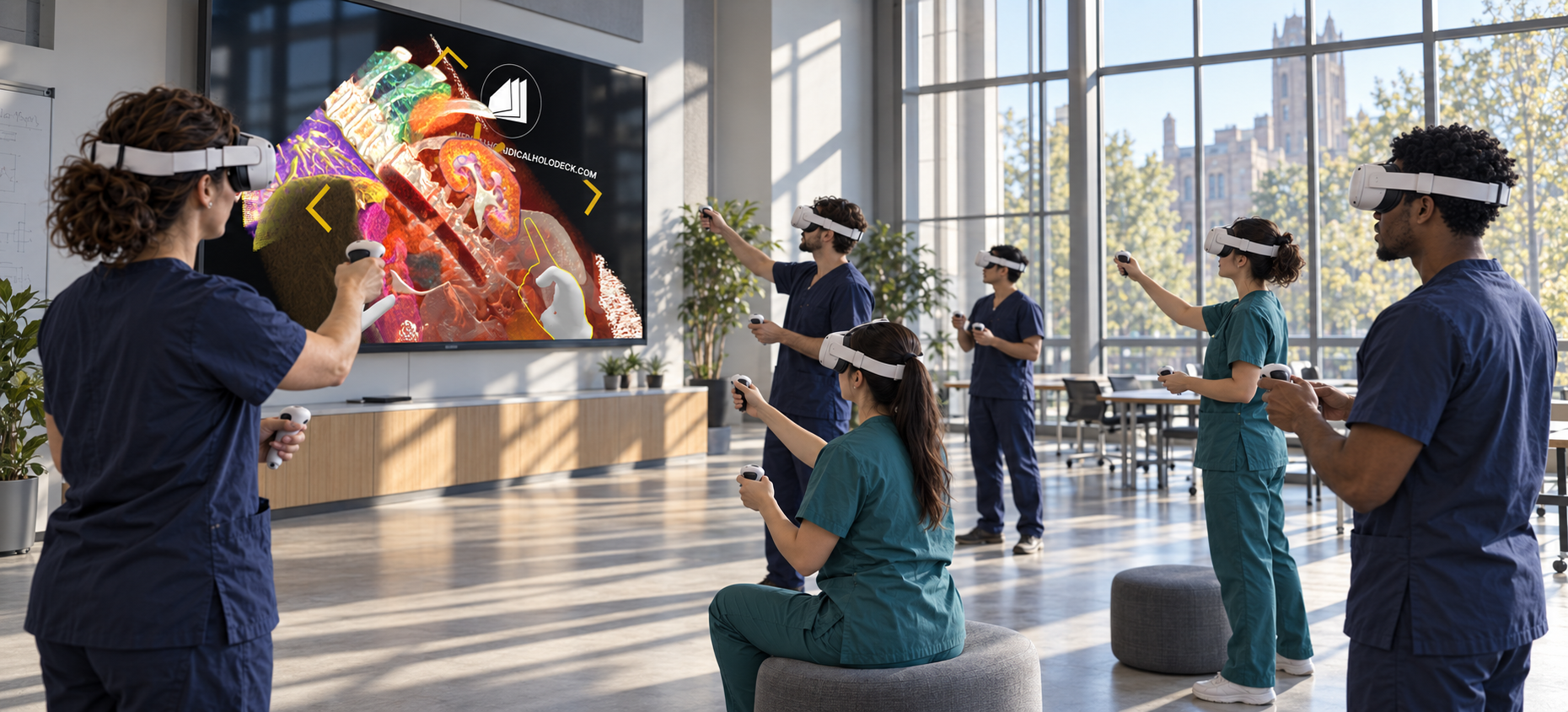
With TeamXR, instructors and learners work with the same anatomical models in one room or from different locations.
Use teacher mode to guide the group and manage interaction while showing anatomical landmarks.
On supported headsets, spatial anchoring places shared anatomy at the same physical location for participants in the room.
Get started
Evaluate the tools and plan access around your functional anatomy and practical teaching courses.
Medicalholodeck is available for supported standalone headsets, Windows and PC-VR systems, and iOS devices. Features and device support vary by application.
Technical specificationsUse the manual to learn the anatomy and teaching controls. Contact our team about programme licences and implementation.
Read the manualOsteopathic and allied health
Tell us about your programme, teaching objectives, and available devices. We can help identify a suitable setup.