Patient conversations
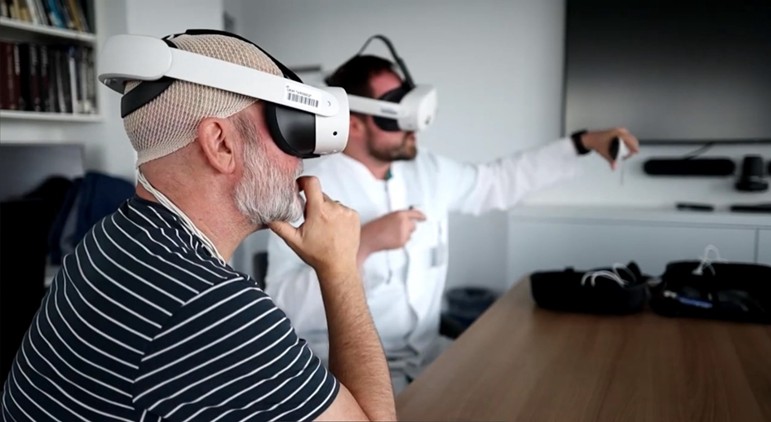
Show the location and relationships of structures using plain language. Patient-specific imaging can provide a reference for an explanation led by a medical professional.
Medical education
Use 3D anatomy and imaging to support clear explanations and conversations with patients. Introduce the relevant structures, show their relationships, and leave time for questions.
How it works
Choose anatomical models or an imaging dataset to support the discussion. Keep the explanation focused on the patient’s questions.
Communication
Use 3D content to explain anatomy in individual conversations or in broader health education sessions.
Show the location and relationships of structures using plain language. Patient-specific imaging can provide a reference for an explanation led by a medical professional.
Use anatomical models to introduce body systems in community sessions, group teaching, or educational presentations.
Visual explanations are most useful when the material is selected around the conversation. A professional can start with an anatomical overview, introduce the structures relevant to the discussion, and then use more focused views where additional detail is needed.
A general model can establish basic orientation before patient-specific imaging is shown. The two resources should be presented as different references: the model explains general anatomy, while the imaging represents the selected dataset. Clear language helps make this distinction understandable.
The explanation should leave time for questions. Returning to a familiar view allows the professional to clarify a structure or relationship without introducing more complexity than the conversation requires. The 3D material supports the professional’s explanation and does not replace the dialogue.
General anatomical walkthroughs can be developed for group education, community presentations, or preparatory information. The presenter can choose a defined topic, such as a body system or anatomical region, and build a clear sequence from an overview to selected structures.
Recordings can preserve the narration and visual demonstration for reuse. The terminology, pacing, and level of detail should match the intended audience. A focused explanation is easier to place within a wider educational programme than a recording that attempts to cover several unrelated topics.
Live teaching and recorded material have different roles. A recording provides a repeatable reference, while a professional conversation allows questions and clarification. Using them together gives the educational material context and allows the explanation to respond to the audience.
Software
Combine anatomy, dissection, and imaging according to the learning objective.
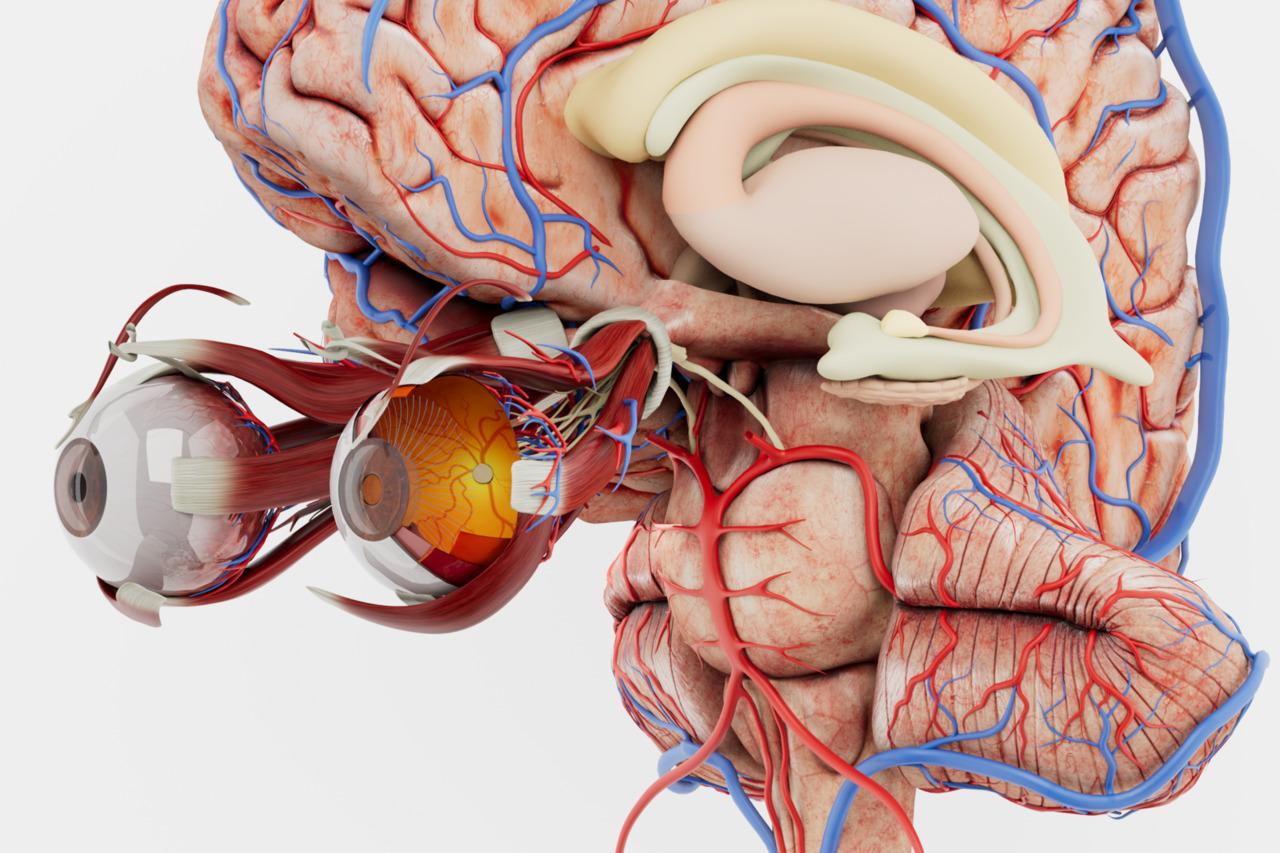
Use an anatomical atlas to introduce body systems and explain the structures being discussed.
Explore Anatomy Master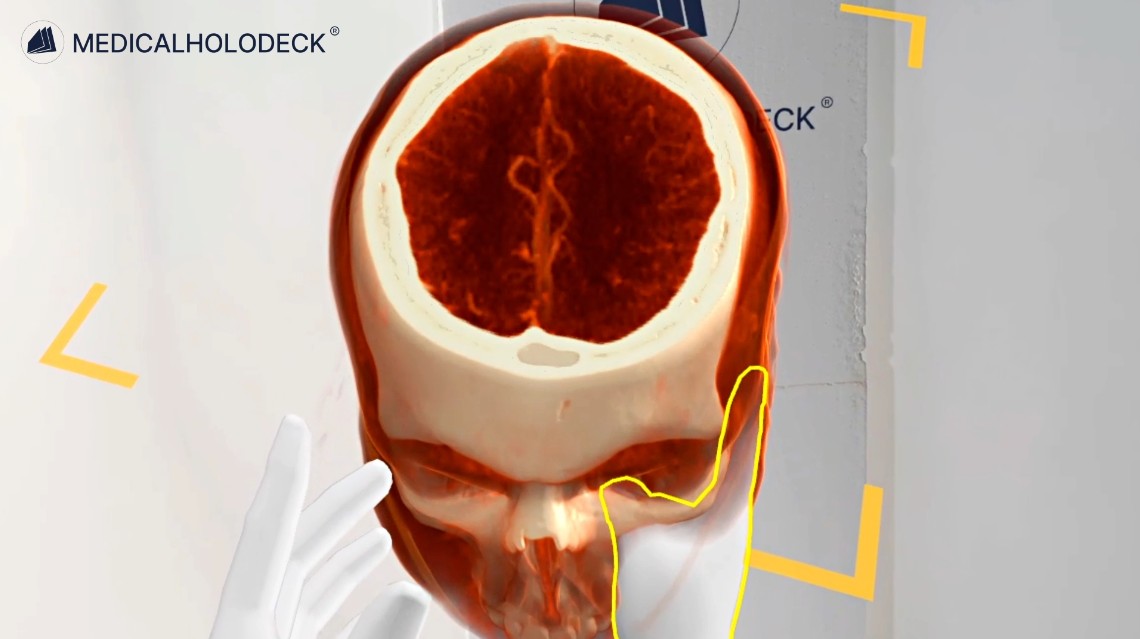
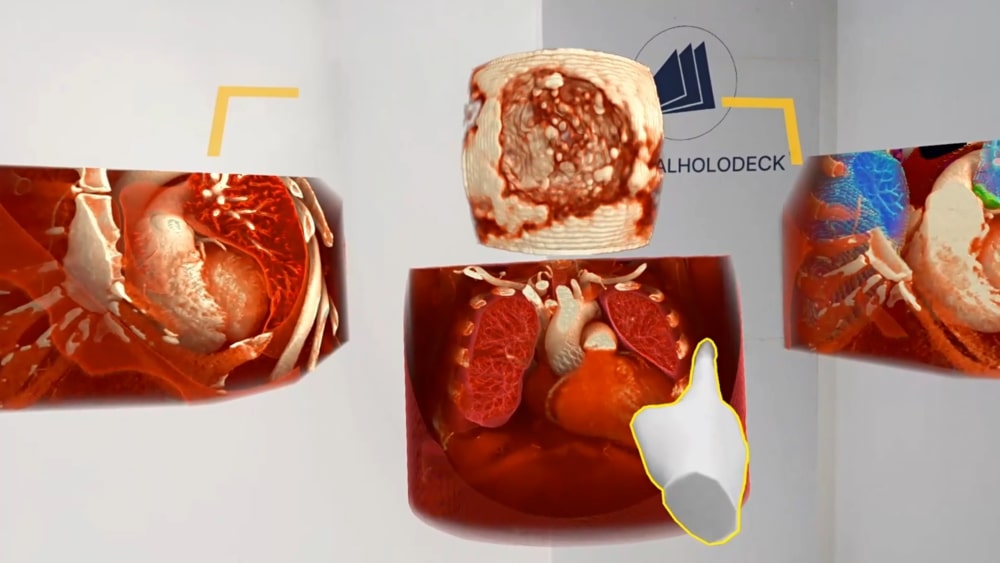
Present CT and MRI data in 3D as a visual reference for patient communication.
Explore Medical ImagingEducational content
RecordXR captures voice and interactions with 3D material, so an explanation can be replayed as educational content.
Create a narrated introduction to an anatomical region or body system for patient education.
Use recorded walkthroughs in group education or public health presentations, choosing content appropriate to the audience.
Get started
Evaluate the applications and choose devices suited to the setting and the material you intend to explain.
Medicalholodeck is available for supported standalone headsets, Windows and PC-VR systems, and iOS devices. Features and device support vary by application.
Technical specificationsUse the manual to learn the viewing controls. Contact our team about devices, licences, and communication workflows.
Read the manualPatient education
Tell us about your setting and the material you want to explain. We can help identify a suitable setup.