Anatomy revision
Study a region layer by layer and practise locating structures. Return to the same material when preparing for an assessment.
Medical education
Study anatomy and medical imaging at your own pace. Use interactive models, human dissections, and 3D imaging alongside your course material.
How it works
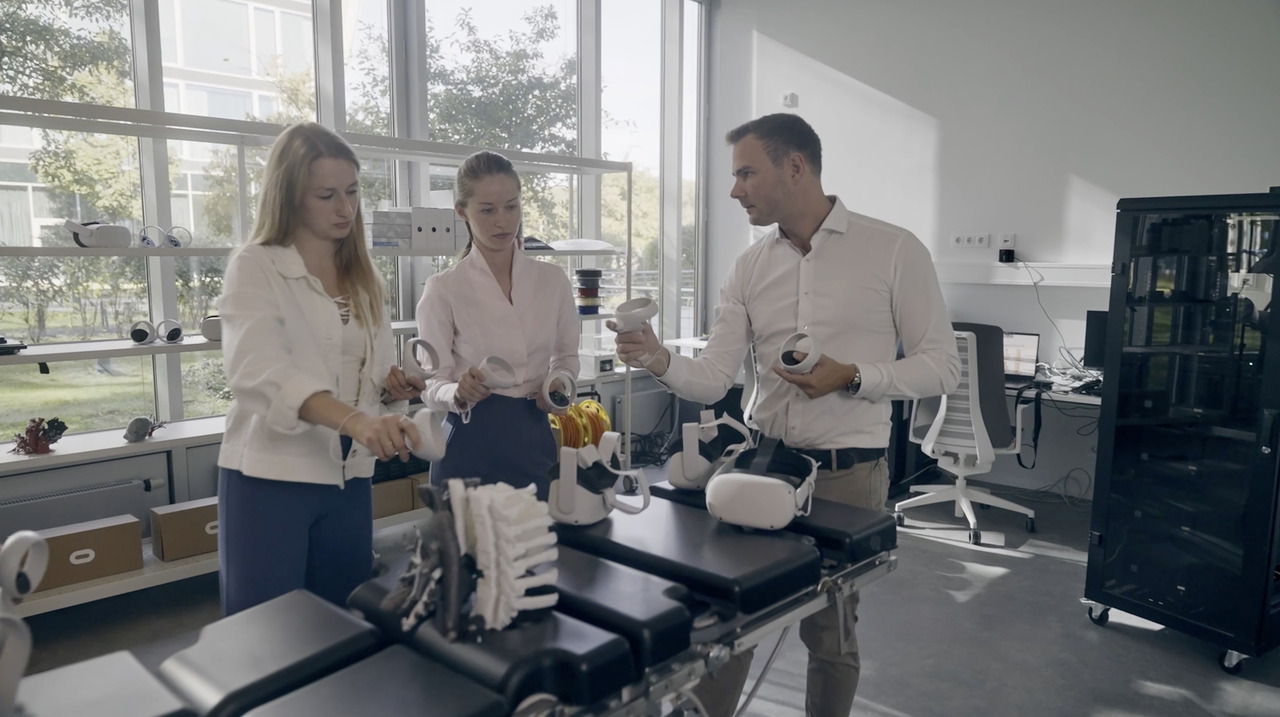
Start with a region or system you are studying, then use the models to connect names, locations, and spatial relationships.
Study routine
Use 3D exploration as one part of your study routine, alongside lectures, textbooks, and practical work.
Study a region layer by layer and practise locating structures. Return to the same material when preparing for an assessment.
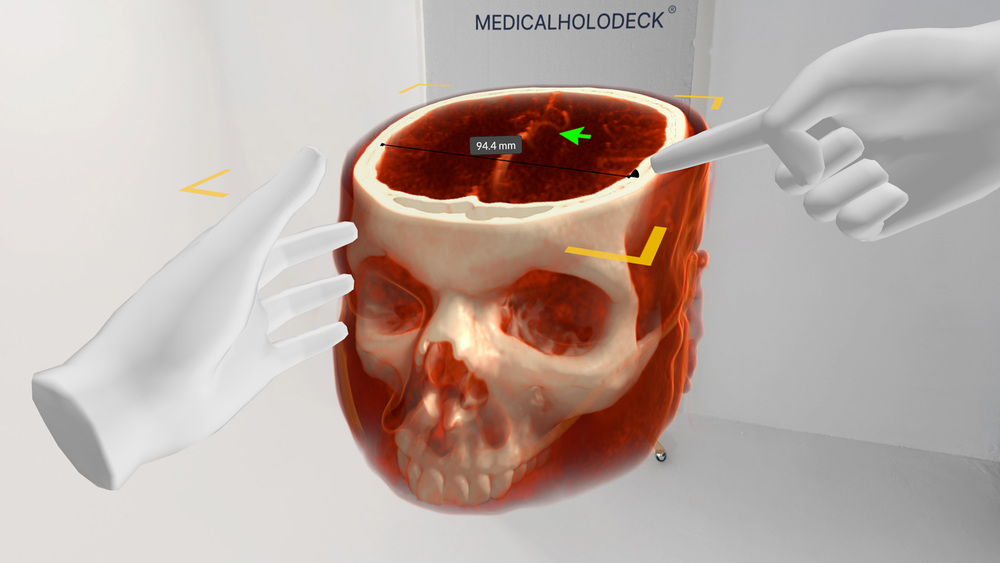
Use teaching datasets to learn scan orientation and connect cross-sectional views with 3D anatomy.
Independent anatomy study can begin with the topic covered in a course or textbook. A 3D model provides another reference for examining where the structures lie and how they are arranged. Start with the region as a whole before concentrating on a smaller set of anatomical questions.
Labels can support identification, while rotation and isolation allow the material to be examined from different directions. The study activity can then move beyond recognizing a name: describe the position of a structure, identify neighbouring landmarks, and explain the relationship in your own words.
As your course progresses, human dissections and imaging can add different forms of anatomical information. A general atlas, a dissection specimen, and an imaging dataset are distinct resources. Use them according to the course objective rather than assume that each represents the same anatomy.
A defined study task is more useful than exploring without a topic. Select a region, identify the structures you need to know, and set questions that connect the model with your course material. Return to the same views when revising so the sequence remains familiar.
Imaging study can focus on orientation and anatomical landmarks in teaching datasets. Compare the volume with selected slices and describe how a structure appears in each view. If a relationship remains unclear, record the question and discuss it with an instructor or study group.
Guided recordings can provide another reference for revision. Replay the instructor’s explanation, revisit the anatomical material, and compare the sequence with your own understanding. These resources support preparation and review alongside the lectures, textbooks, and practical work in your programme.
Software
Combine anatomy, dissection, and imaging according to the learning objective.
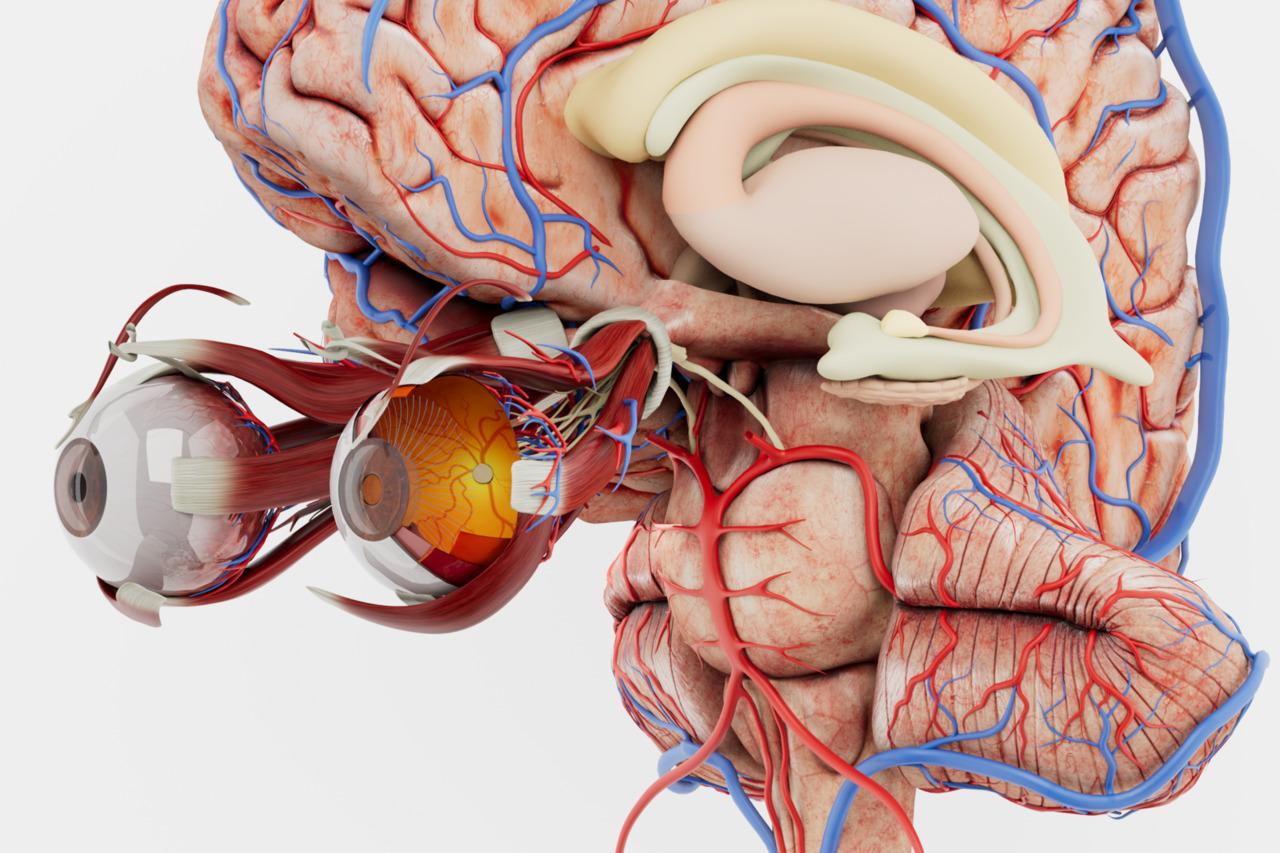
Start with a labelled atlas of the major body systems for structured anatomy study.
Explore Anatomy Master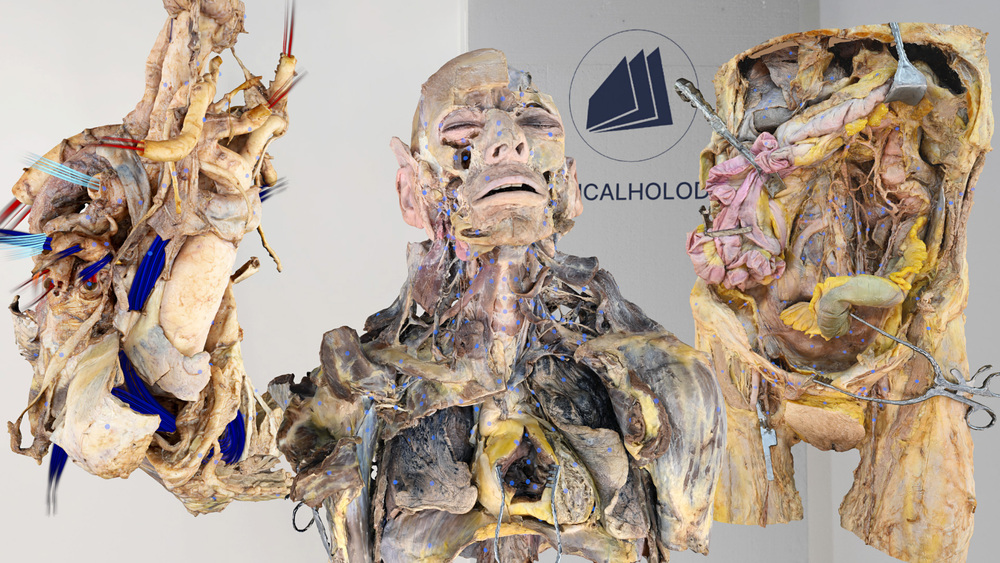
Move into detailed human dissections when studying layers and regional anatomy.
Explore Dissection Master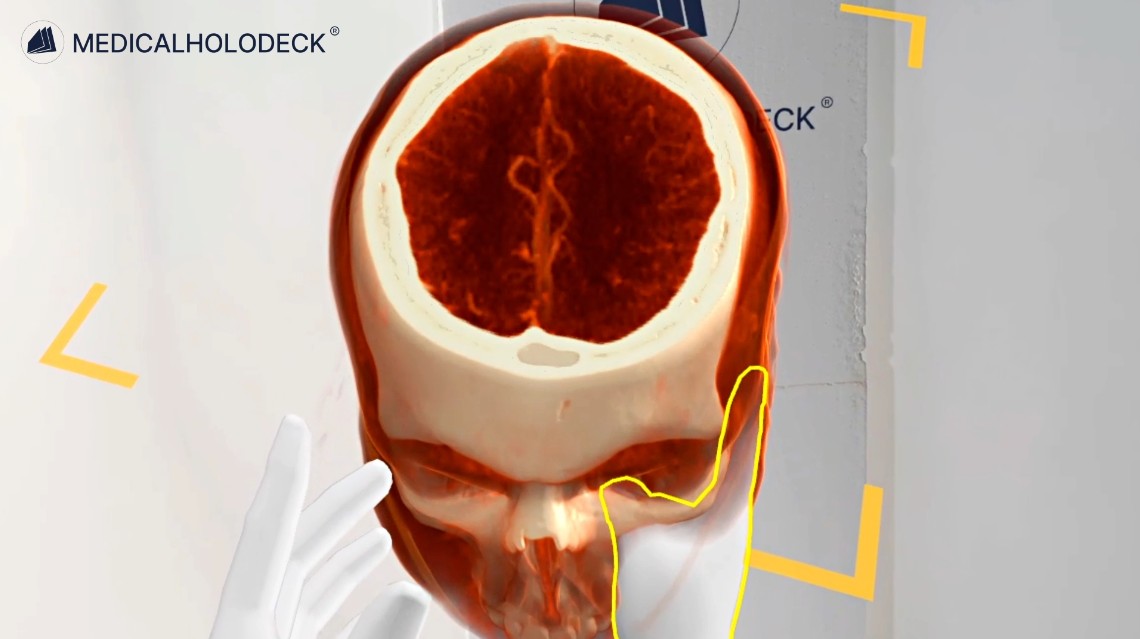
Import CT and MRI data in DICOM format and examine volumes, slices, and anatomical relationships.
Explore Medical Imaging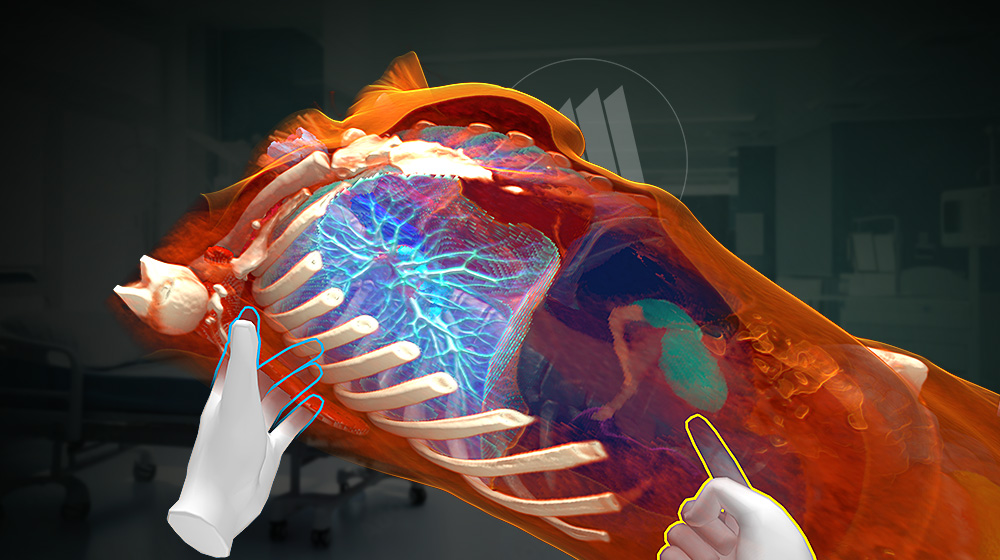
Segment supported structures in medical imaging data to prepare anatomical views for teaching.
Explore Medicalholodeck AIGuided learning
Use spatial recordings made by instructors to repeat demonstrations and connect them with your own exploration.
Replay the explanation and return to the relevant anatomical material while revising.
Use the course objectives to identify questions and discuss them with your instructor or study group.
Get started
Try the applications and check which devices support the material you want to study.
Medicalholodeck is available for supported standalone headsets, Windows and PC-VR systems, and iOS devices. Features and device support vary by application.
Technical specificationsUse the manual to get familiar with navigation, anatomy tools, and imaging controls. Contact support if you need help with installation or access.
Read the manualIndependent learning
Download a trial to explore the anatomy and imaging tools, or contact support about device compatibility.