Regional anatomy
Study head and neck, neuroanatomy, or other course-specific regions in spatial context. Use annotations to orient the group.
Medical education
Examine human dissections in detail and connect anatomical layers with medical imaging. Support regional anatomy, neuroanatomy, and surgical orientation teaching.
How it works
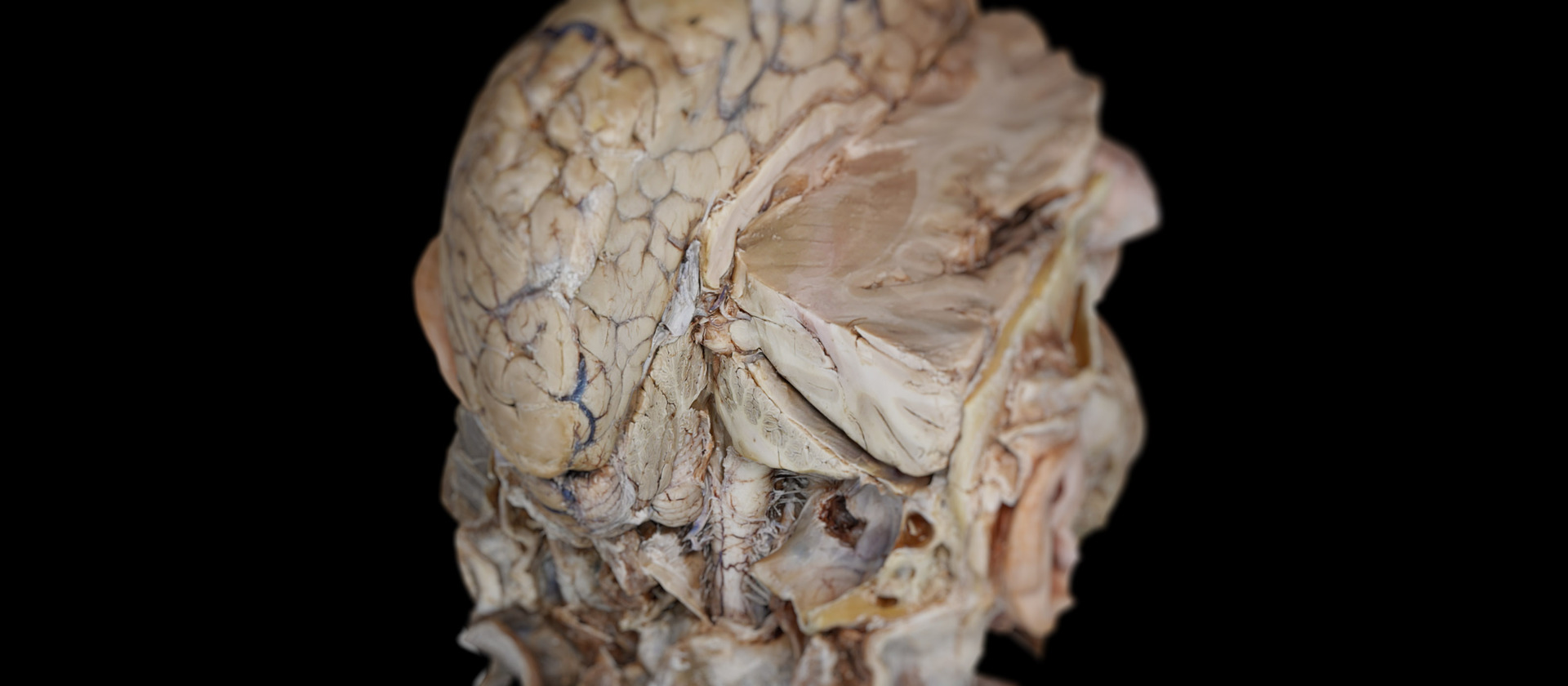
Dissection Master provides annotated anatomy from human dissections for courses that build on foundational knowledge.
In your curriculum
Use repeatable exploration to prepare for practical anatomy sessions and support discussion of anatomical regions.
Study head and neck, neuroanatomy, or other course-specific regions in spatial context. Use annotations to orient the group.
Connect visible structures with cross-sectional imaging and discuss the anatomical relationships illustrated by each view.
Advanced anatomy teaching moves beyond the identification of individual structures. Learners need to explain how structures are arranged within a region and how those relationships appear as deeper layers are revealed. Human dissection material provides a reference for this form of regional exploration.
An instructor can select a region, establish orientation, and guide the class through the layers relevant to the lesson. Annotations support identification, while rotation allows the group to examine the arrangement from different directions. The sequence can be repeated when students need to revisit a particular relationship.
The detail should follow the course objective. Head and neck anatomy, neuroanatomy, and surgical orientation teaching may use the same software with different material and questions. A defined scope helps learners concentrate on the relationships they are expected to explain.
CT and MRI teaching datasets add a cross-sectional reference to regional anatomy study. The instructor can compare the structures discussed in dissection material with their appearance in imaging. This requires a clear distinction between a general anatomical specimen and the anatomy represented in a selected dataset.
Learners can be asked to identify a landmark in the 3D material and then locate the corresponding region in the imaging views. The discussion can consider orientation, visibility, and the information available in each representation. The exercise connects resources without treating them as interchangeable.
Case-based tutorials and recorded walkthroughs can extend this work beyond the lecture. A recording can document a defined regional sequence with narration, while a live session allows students to ask questions and explain the anatomy themselves. Both can accompany supervised practical anatomy teaching.
Software
Combine anatomy, dissection, and imaging according to the learning objective.
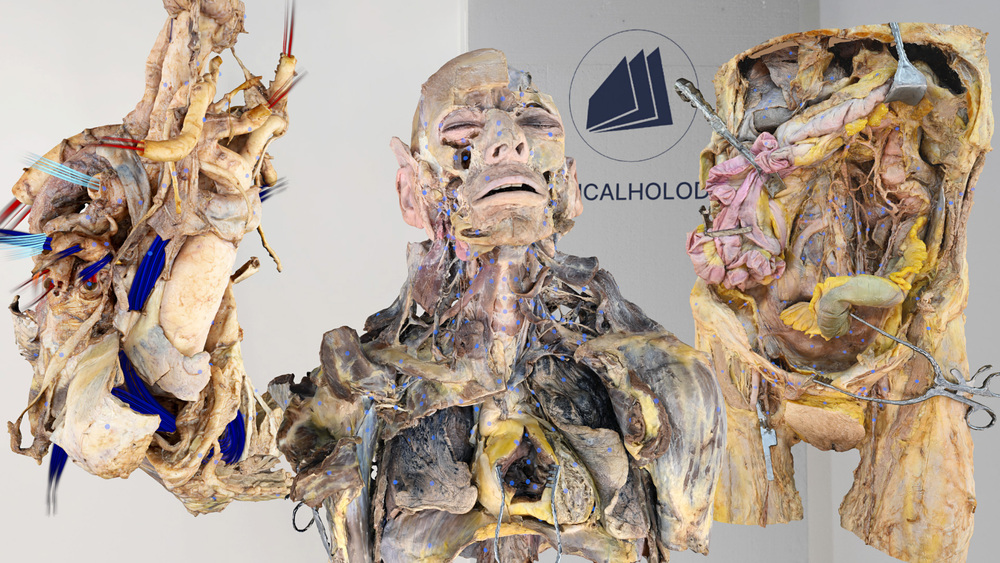
Study annotated human dissections layer by layer for advanced regional anatomy.
Explore Dissection Master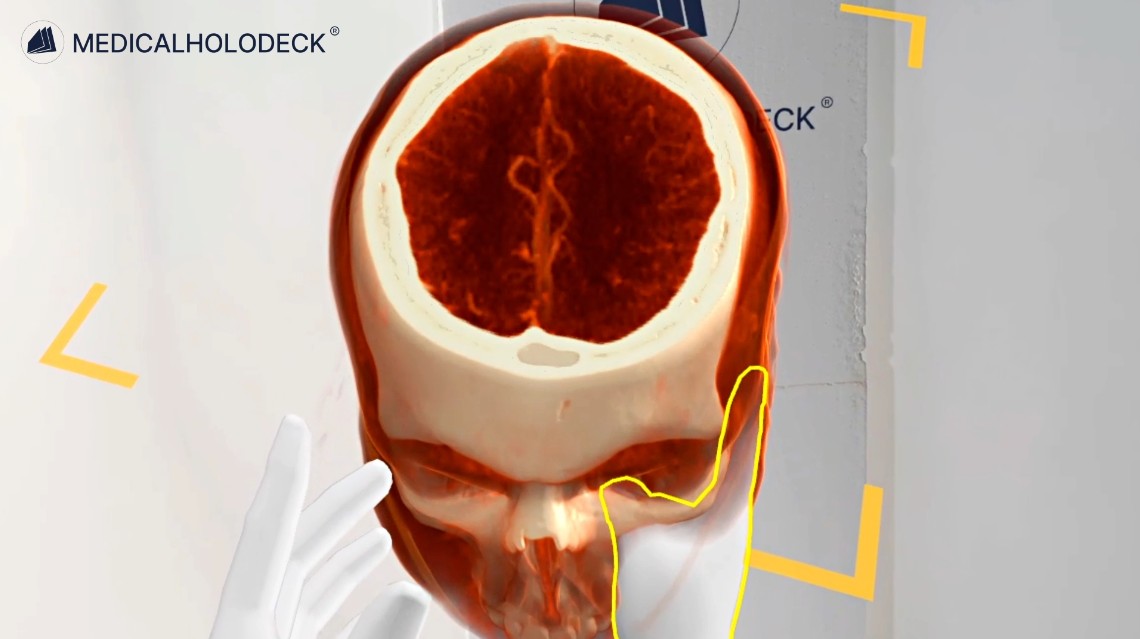
Compare CT and MRI datasets with dissection anatomy for imaging-based teaching.
Explore Medical Imaging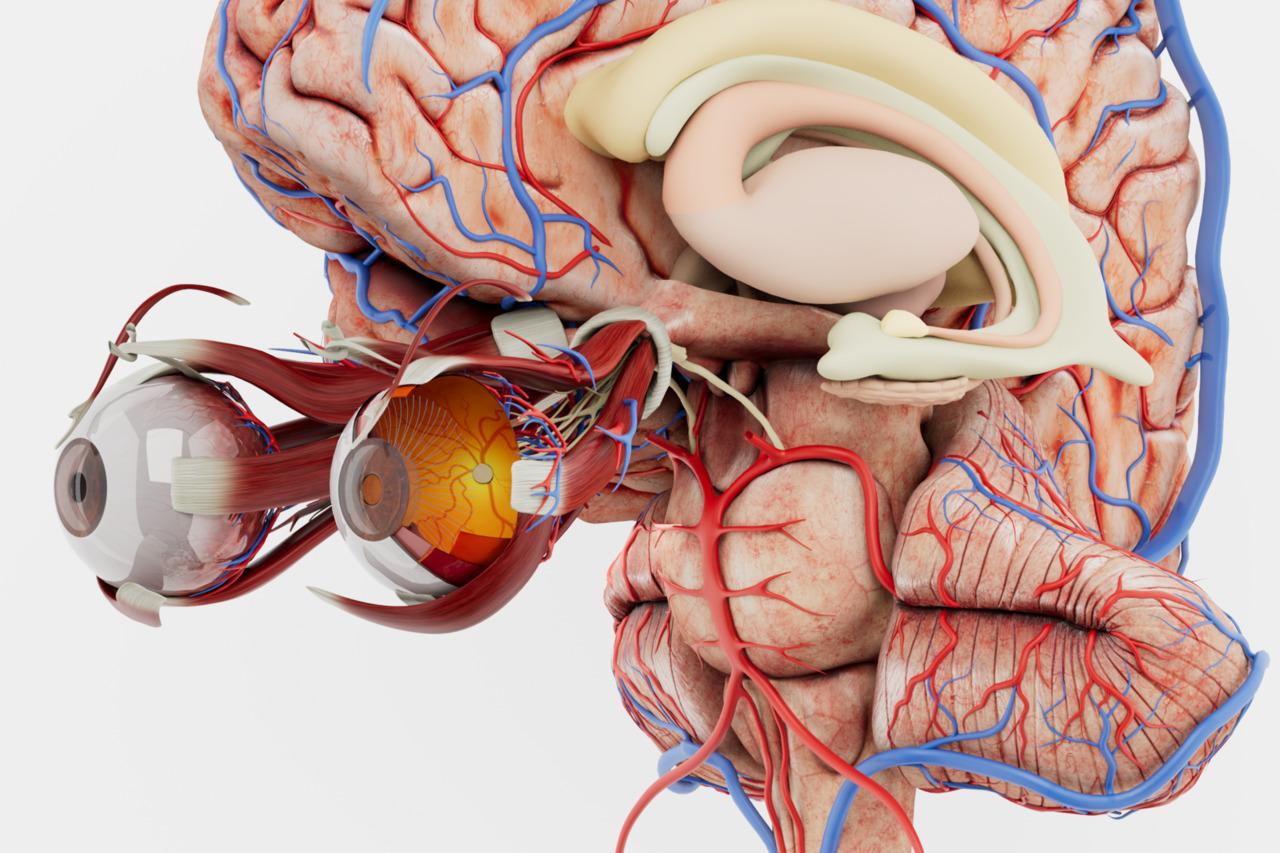
Build anatomical orientation with an interactive atlas of the major body systems.
Explore Anatomy Master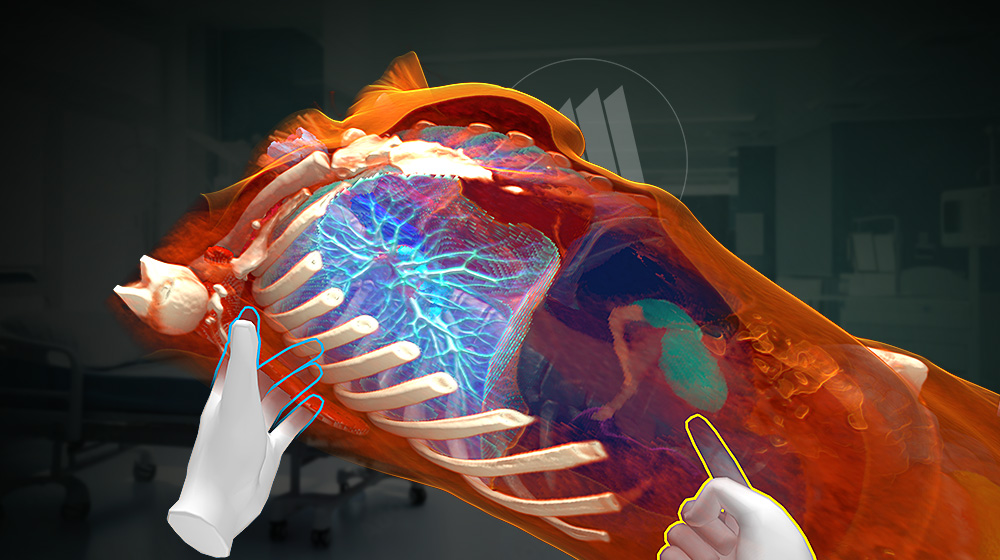
Segment supported structures in medical imaging data to prepare anatomical views for teaching.
Explore Medicalholodeck AIGroup teaching
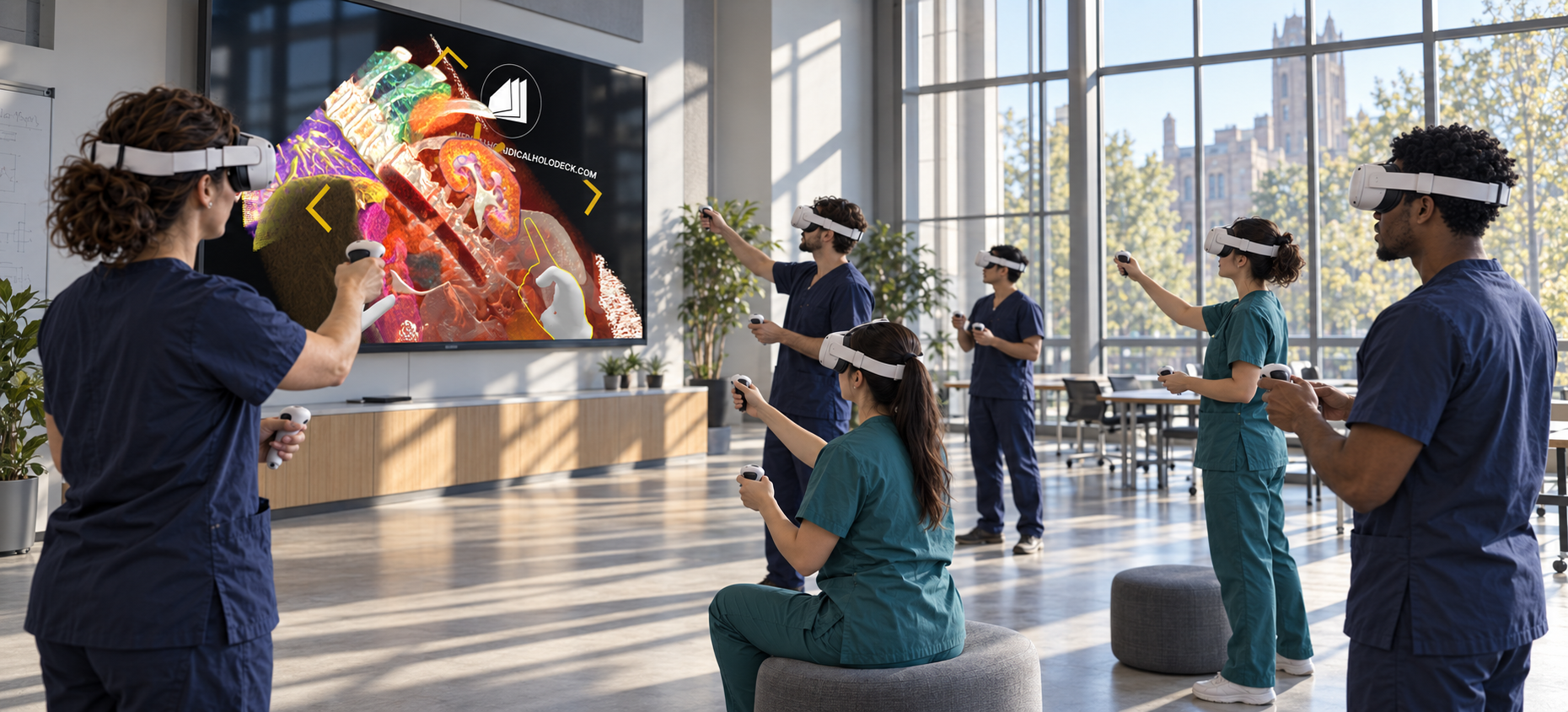
Use TeamXR for shared exploration, locally or across locations. Learners work with the same dissection and imaging material.
Teacher mode helps the instructor guide the explanation and manage participant interaction.
Record narrated walkthroughs with RecordXR and use RecordXR Studio to structure them for revision.
Get started
Evaluate the applications with a trial. Plan devices, licences, and group access around your curriculum and class size.
Medicalholodeck is available for supported standalone headsets, Windows and PC-VR systems, and iOS devices. Features and device support vary by application.
Technical specificationsUse the manual to learn the controls and teaching workflow. Contact our team for help with installation, licences, and course setup.
Read the manualAdvanced anatomy
Tell us about your learning objectives, group size, and available hardware. We can help identify a suitable setup.