Guided classroom teaching
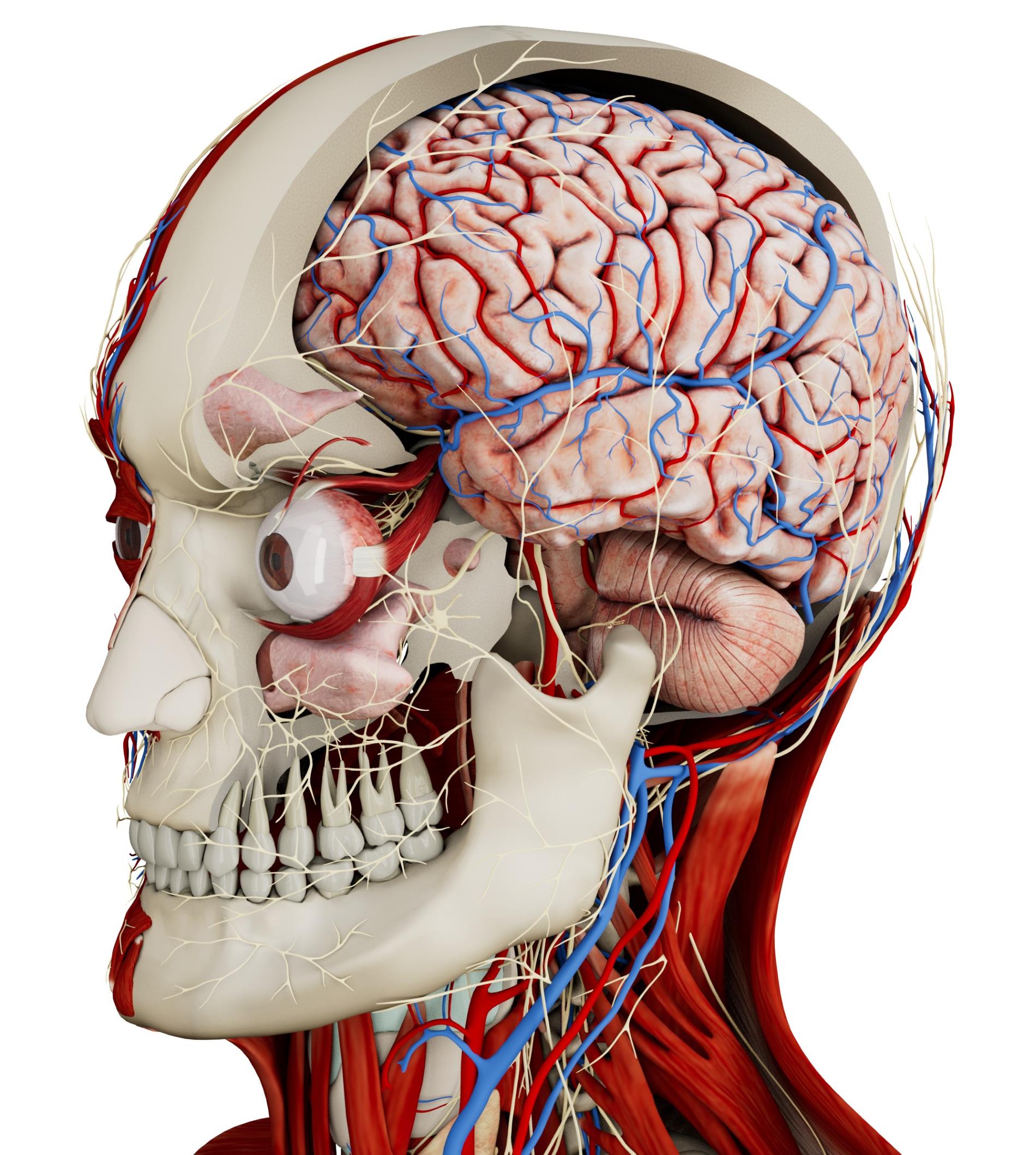
Show how organs, bones, muscles, and vessels relate to one another. Introduce anatomical terminology while learners examine the model.
Medical education
Introduce body systems and spatial relationships with interactive 3D anatomy. Use the same models for lectures, small-group teaching, and independent study.
How it works
Anatomy Master gives first-year students a visual reference for medicine, nursing, dentistry, and allied health courses.
In your curriculum
Use 3D models alongside lectures, textbooks, and practical sessions, with activities matched to the stage of the course.
Show how organs, bones, muscles, and vessels relate to one another. Introduce anatomical terminology while learners examine the model.
Set a region or system to revisit after class. Students can repeat the exploration at their own pace and prepare for practical assessments.
Foundational anatomy courses ask learners to connect names with structures, positions, and relationships. A 3D atlas gives the instructor a reference that can be examined from several directions. The lesson can begin with the body as a whole before focusing on the system or region covered in the course.
Labels can support the introduction of terminology, but the teaching activity should extend beyond naming structures. Learners can describe where an organ lies, identify nearby landmarks, and explain how the selected region relates to the rest of the body. Rotation and isolation allow these relationships to be examined without changing the teaching resource.
The same material can be used across medicine, nursing, dentistry, and allied health programmes. The questions and level of detail should follow the course objectives. An introductory lesson may concentrate on orientation, while later sessions can revisit the model with more specific anatomical questions.
A lecture can use the model to establish the anatomical context before introducing diagrams or more detailed course material. In a tutorial, students can explore the same region and explain selected relationships. This gives the teaching sequence continuity across different formats.
Independent activities can ask learners to revisit a region, identify a set of structures, or explain the anatomy in their own words. The task should be linked to the material covered in class rather than rely on unrestricted exploration alone. Students can then bring their questions to the next tutorial or practical session.
As the course progresses, human dissections and imaging can extend the discussion. The atlas remains a general anatomical reference, while these additional resources introduce layered anatomy and cross-sectional views. Presenting their different roles clearly supports a structured progression through the programme.
Software
Combine anatomy, dissection, and imaging according to the learning objective.
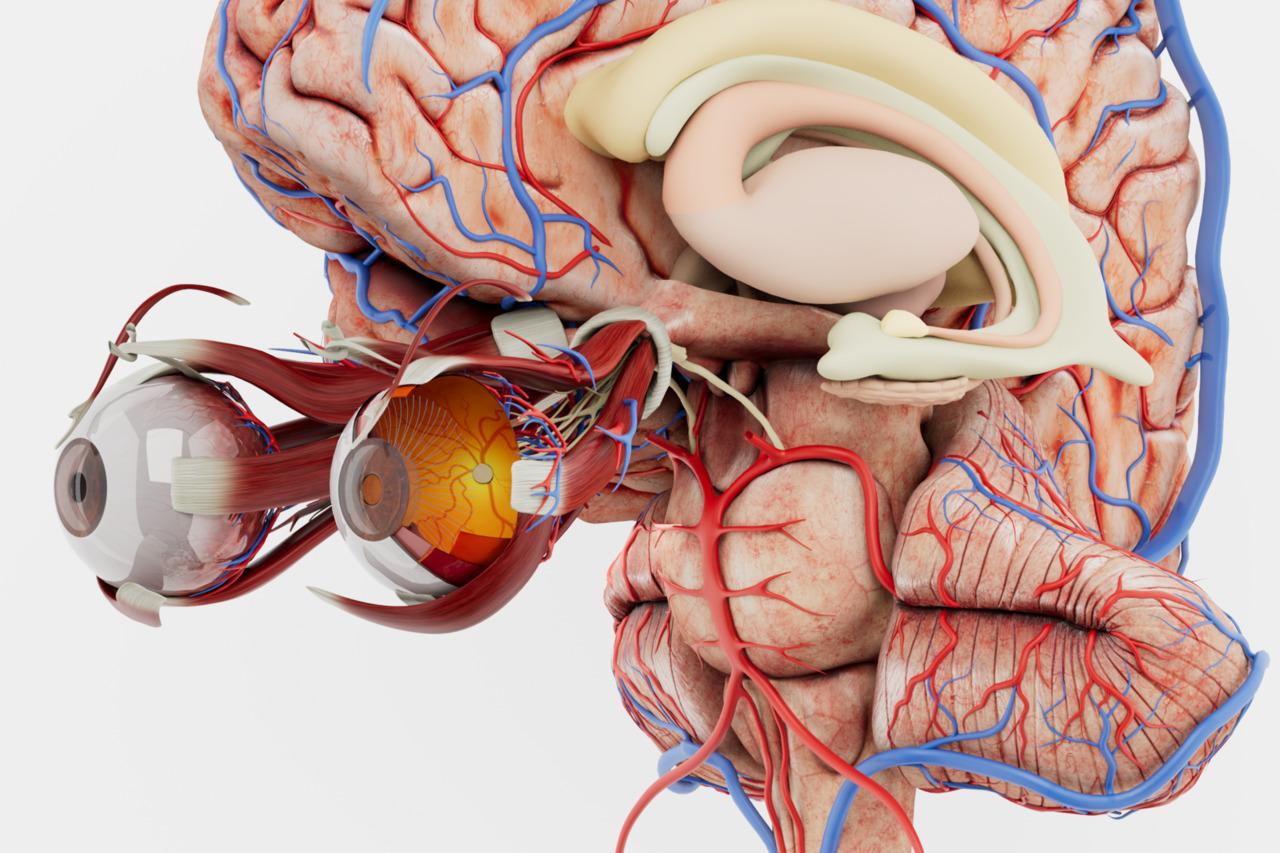
Introduce the main body systems with labelled 3D models for foundational anatomy teaching.
Explore Anatomy Master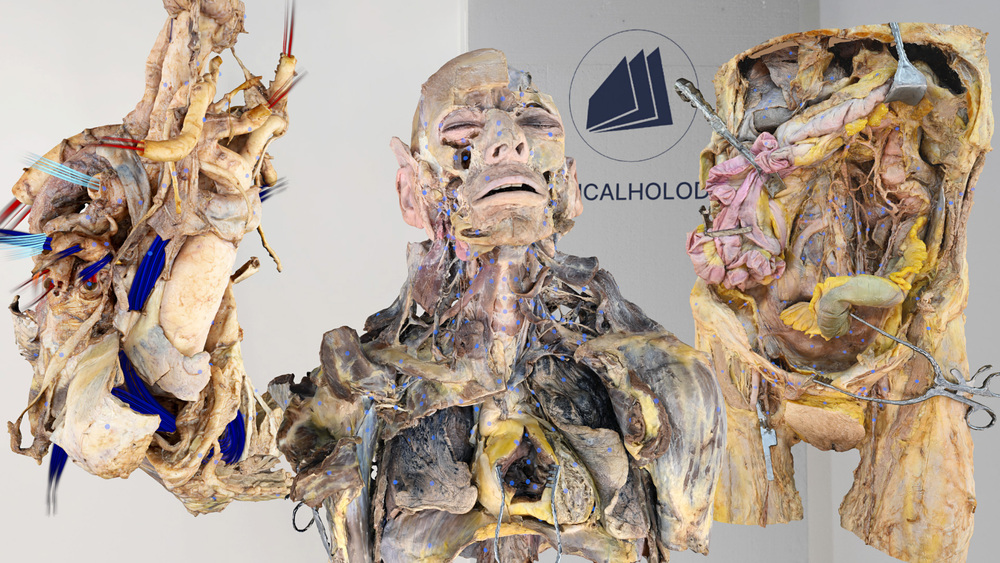
Extend the course with human dissections when learners are ready to study anatomical layers.
Explore Dissection MasterGroup teaching
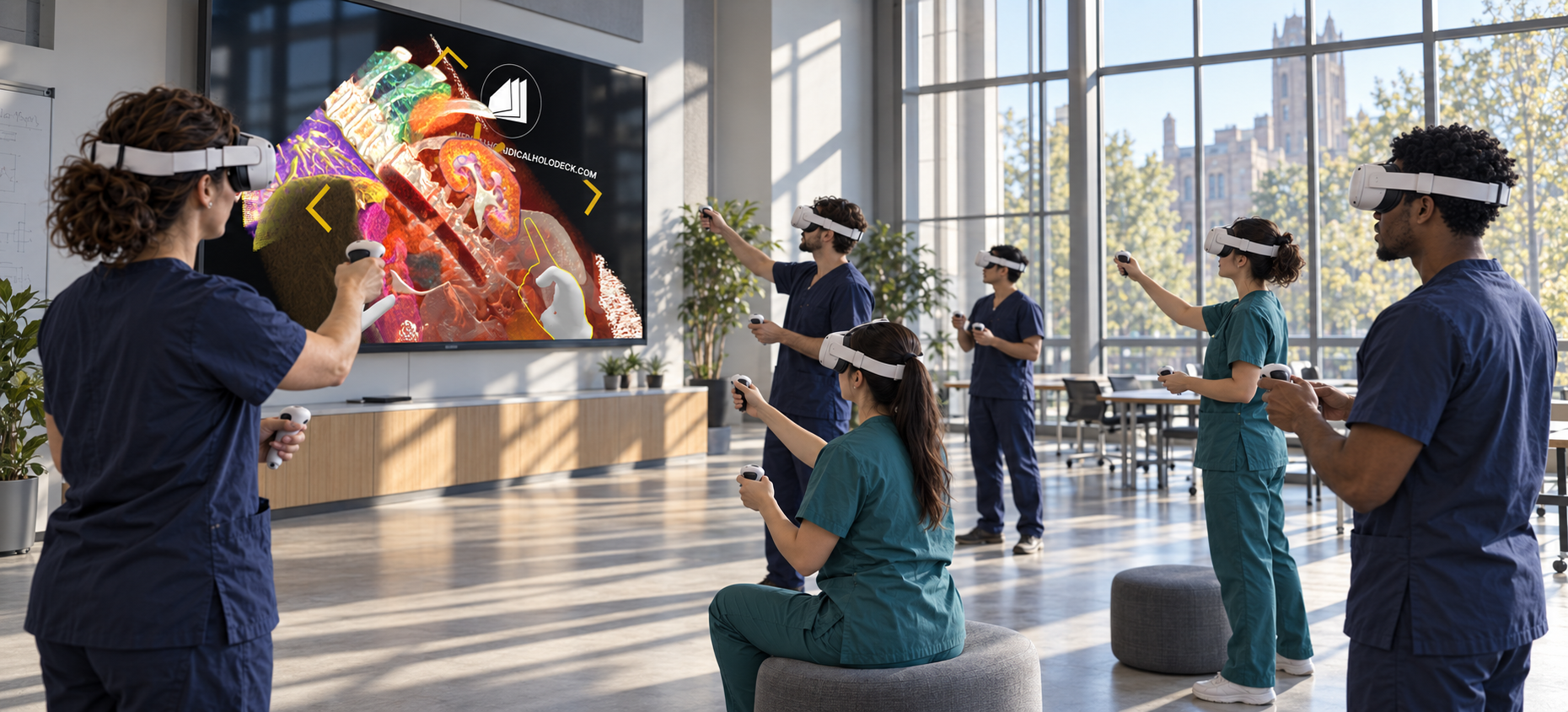
TeamXR brings instructors and learners into a shared session with the same anatomical material.
Use teacher mode to direct the session and manage interaction while explaining structures.
Record a walkthrough with RecordXR so learners can revisit the teaching sequence after class.
Get started
Evaluate the applications with a trial. Plan devices, licences, and group access around your curriculum and class size.
Medicalholodeck is available for supported standalone headsets, Windows and PC-VR systems, and iOS devices. Features and device support vary by application.
Technical specificationsUse the manual to learn the controls and teaching workflow. Contact our team for help with installation, licences, and course setup.
Read the manualAnatomy fundamentals
Tell us about your learning objectives, group size, and available hardware. We can help identify a suitable setup.