Imaging-based teaching
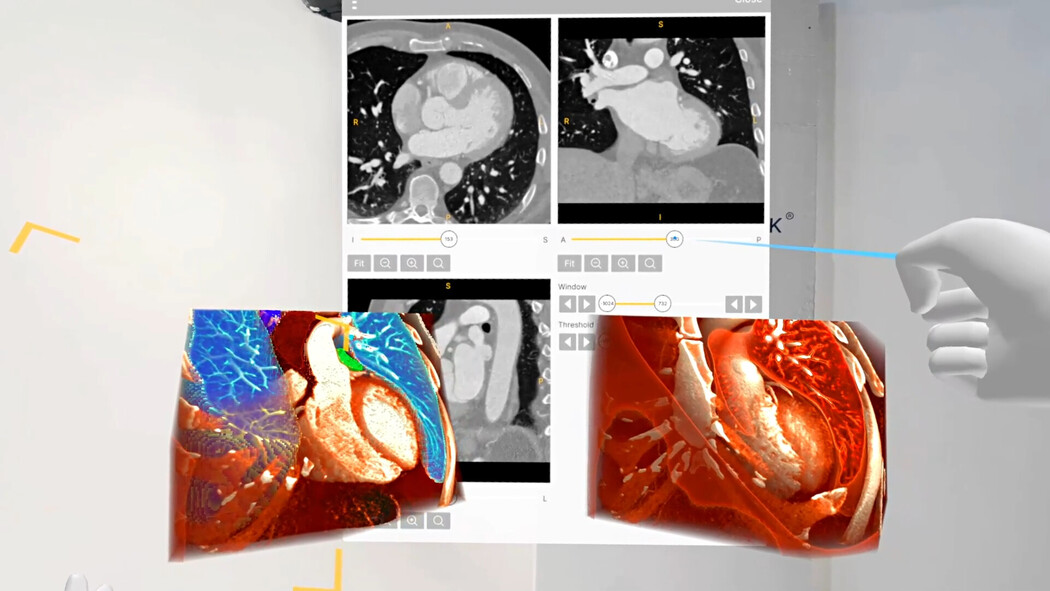
Compare 3D anatomy with slices to discuss cardiac orientation and adjacent structures.
Explore Medical ImagingProfessional use cases
Examine cardiac anatomy in 3D and connect imaging views with the structures discussed in training and patient communication.
Workflow
Import a DICOM dataset, select the relevant views, and use the anatomy as a shared reference.
Applications
Use volumetric views to explain anatomical relationships and connect them with cross-sectional imaging.
Compare 3D anatomy with slices to discuss cardiac orientation and adjacent structures.
Explore Medical ImagingCreate narrated anatomical walkthroughs for training and patient education.
Explore RecordXR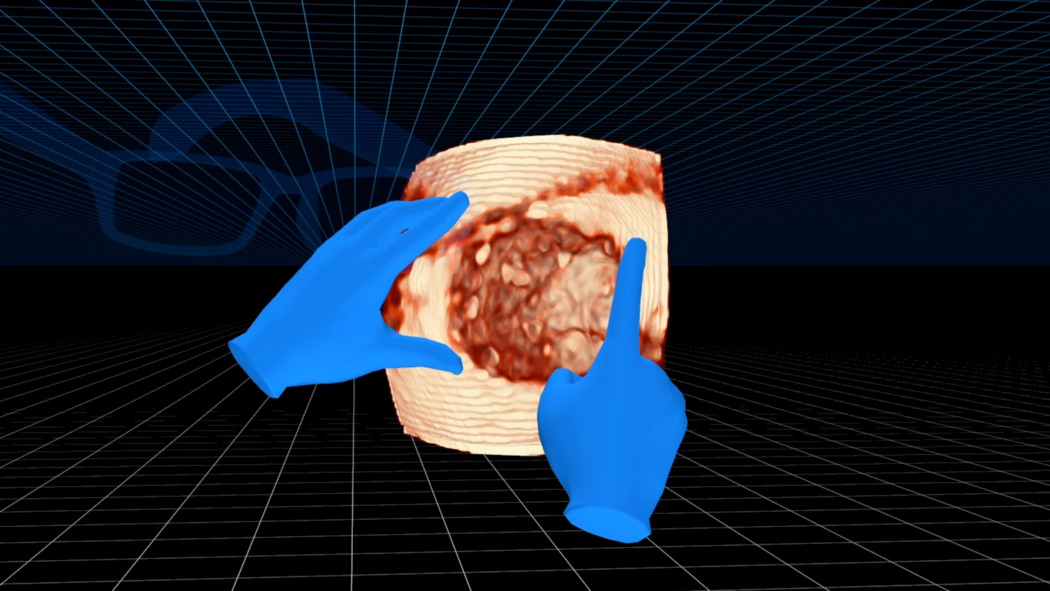
Cardiac anatomy is often taught through a combination of diagrams, cross-sectional imaging, and anatomical specimens. Volumetric imaging adds a spatial reference that can be rotated during the explanation. Learners can connect chambers, vessels, and adjacent structures with the imaging views used in the session.
The instructor can start with an overview of the heart and then focus on a selected region. Keeping orientation explicit is particularly useful when moving between an external 3D view and the source imaging. The same dataset can therefore support both an introduction to cardiac anatomy and a more detailed discussion for experienced participants.
The level of detail should follow the teaching objective. A session about regional relationships may use a wider field of view, while a focused explanation may isolate the relevant structures. Returning to the broader anatomy gives learners context for the selected view.
For professional education, case material can be used to connect anatomical knowledge with imaging orientation. Participants can describe a structure in the 3D view and identify its appearance in the associated slices. The instructor can then discuss the differences between these representations and the information each view contributes to the explanation.
For patient communication, the same material needs a different presentation. The professional can limit the number of structures shown, use familiar language, and pause for questions. A general anatomical model may establish the basic orientation before patient-specific imaging is introduced into the conversation.
Recorded demonstrations can support preparation and revision. Separate recordings for professional learners and patients allow the language and detail to match each audience. The aim is a clear explanation of the selected anatomy, with a sequence that viewers can follow and revisit.
Collaboration
Bring colleagues into a shared TeamXR session to discuss cardiac anatomy using the same dataset.
For instructor-led sessions, teacher mode provides control over participant interaction while the material is explained. A session can combine a prepared presentation with questions and shared exploration, allowing participants to return to the same views when clarification is needed.
Capture voice and 3D interactions with RecordXR for training and later discussion.

Get started
Test the software with representative data. Contact our team about supported devices, licences, and your intended use.
Begin with a dataset and session format that reflect your intended use. Check the required applications, viewing devices, group access, and preparation workflow before choosing a licence. This provides a practical basis for evaluating the setup in your own environment.