Foundational anatomy
Use a labelled atlas to establish craniofacial orientation and identify relevant structures.
Explore Anatomy MasterProfessional use cases
Explore dental and craniofacial anatomy in 3D for teaching, case discussion, and patient explanations.
Workflow
Use models or imaging to establish a common visual reference for the session.
Applications
Connect anatomical structures with the material discussed in lectures and practical training.
Use a labelled atlas to establish craniofacial orientation and identify relevant structures.
Explore Anatomy MasterCompare 3D anatomy with cross-sectional views from supported datasets.
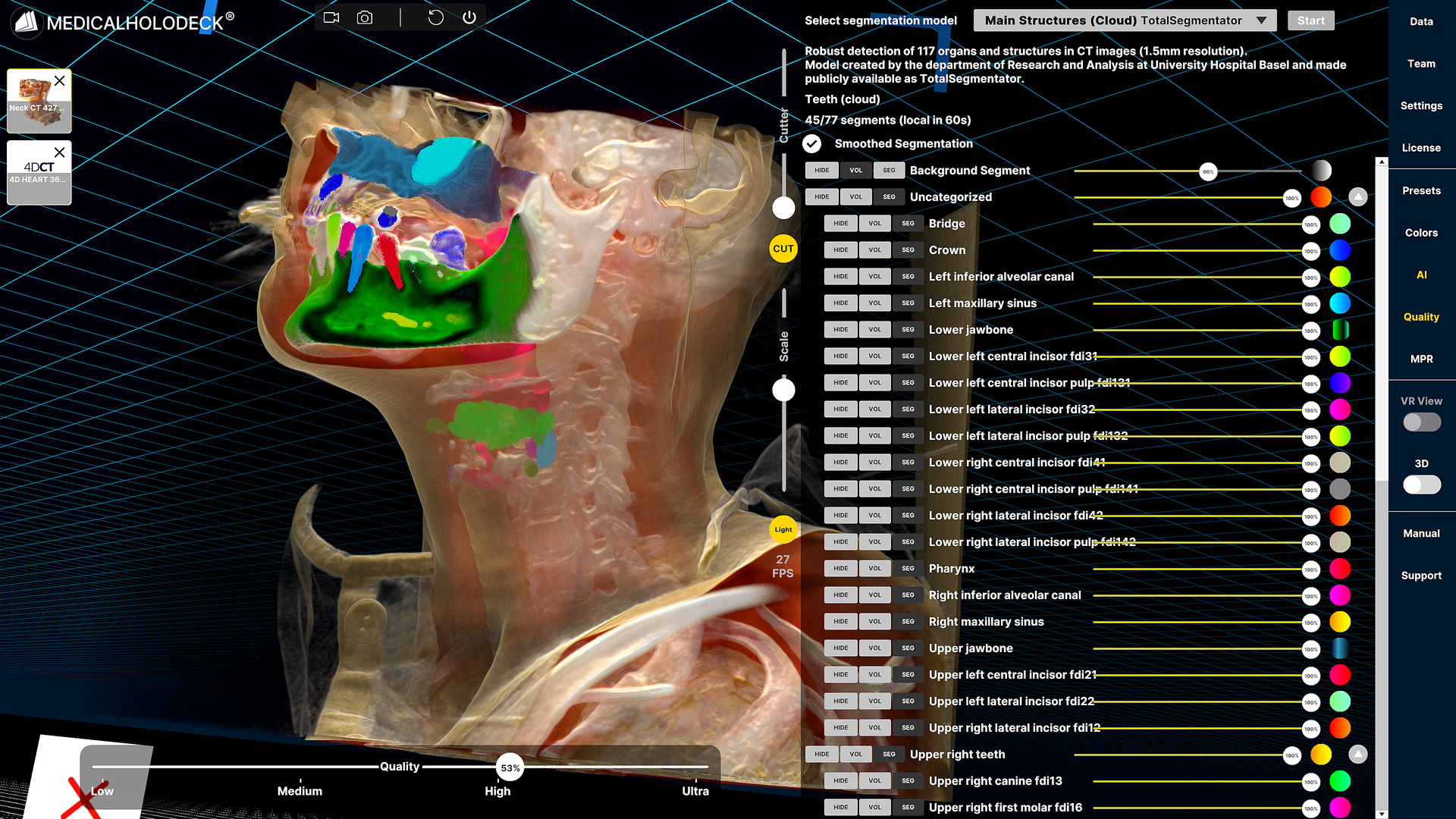
Explore Medical ImagingDental teaching includes the relationship between teeth, supporting bone, and the wider craniofacial anatomy. An anatomical atlas can establish orientation before a session moves into more detailed imaging. This provides a reference for explaining structures that are presented separately in textbooks or individual images.
For imaging-based teaching, a supported dataset can be examined in cross-sectional and volumetric views. Participants can describe the position of a structure and connect it with neighbouring landmarks. The instructor can select the level of detail around the course topic and the learners’ experience.
General models and patient-specific imaging serve different purposes. The atlas supports a systematic introduction to anatomy, while a dataset illustrates the structures visible in a particular case. Keeping this distinction explicit makes the teaching sequence easier to follow.
In a classroom or small-group lesson, the instructor can begin with a region and ask learners to identify the structures relevant to the topic. Interactive rotation and isolation allow the same material to be examined from several directions. The session can then return to the course’s diagrams and practical resources.
For patient explanations, a smaller selection of structures and views may be more suitable. The professional can use familiar language, establish orientation, and revisit the relevant view when questions arise. The visual reference supports the conversation without requiring a detailed anatomy lesson.
Recorded walkthroughs can provide reusable educational material. An explanation of a body region or a sequence of imaging views can be revisited by students before practical teaching. Audience-specific recordings keep the content, terminology, and pacing appropriate to its intended use.
Collaboration
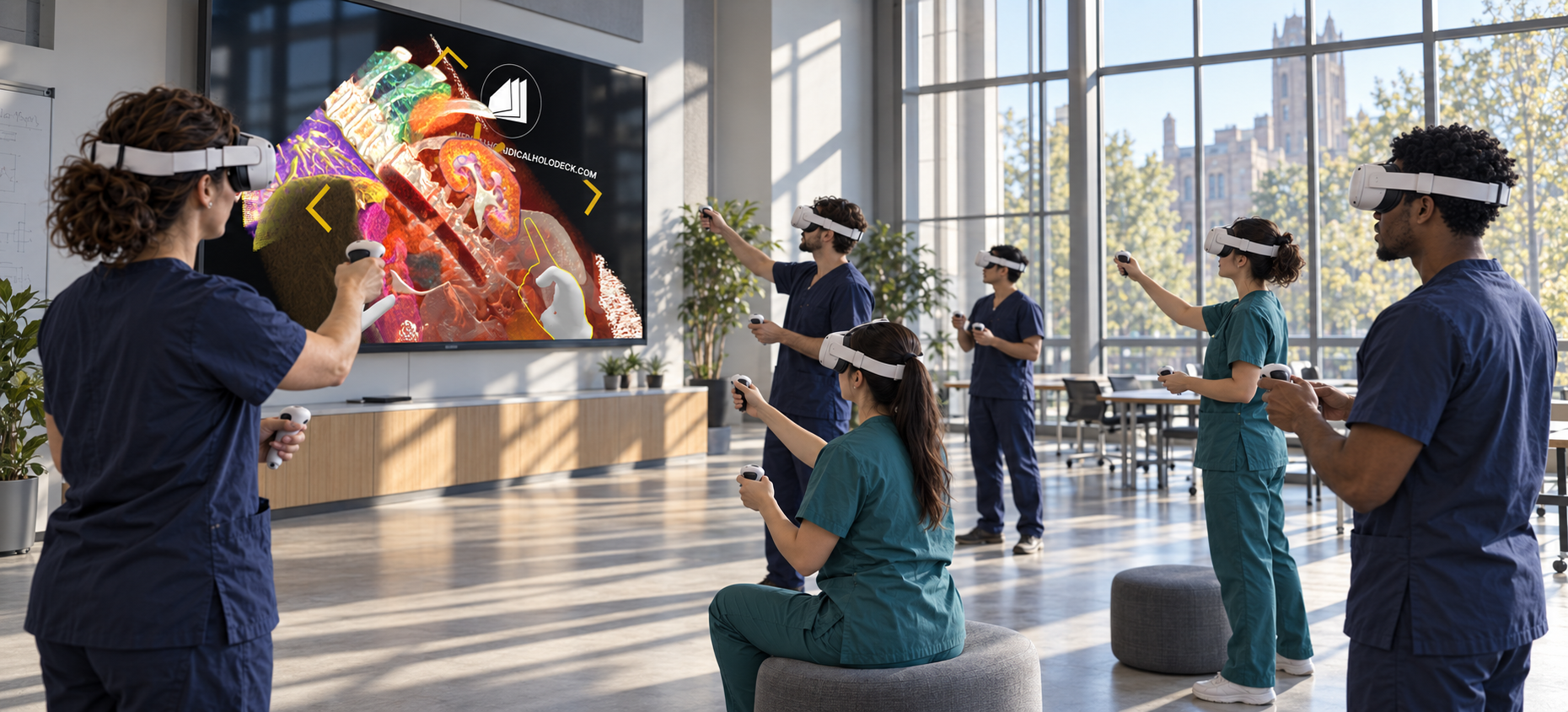
Use TeamXR to guide learners through shared anatomical material in a group session.
For instructor-led sessions, teacher mode provides control over participant interaction while the material is explained. A session can combine a prepared presentation with questions and shared exploration, allowing participants to return to the same views when clarification is needed.
Capture voice and 3D interactions with RecordXR for training and later discussion.
Get started
Test the software with representative data. Contact our team about supported devices, licences, and your intended use.
Begin with a dataset and session format that reflect your intended use. Check the required applications, viewing devices, group access, and preparation workflow before choosing a licence. This provides a practical basis for evaluating the setup in your own environment.