Anatomical visualization
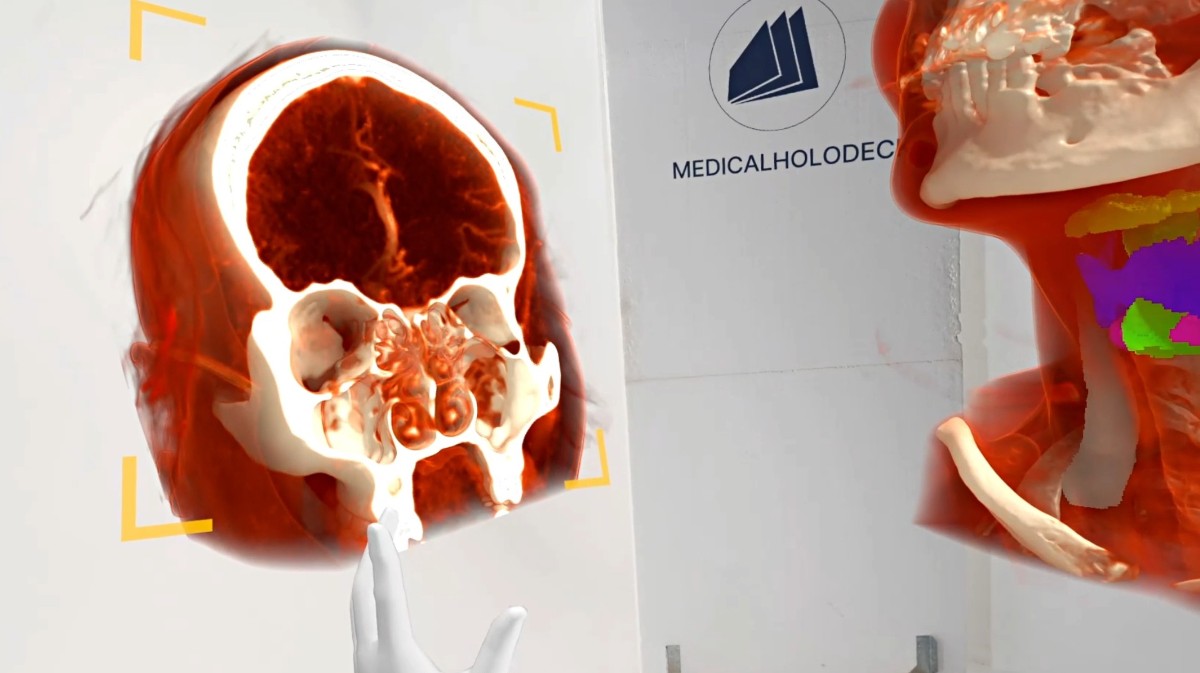
Explore the jaw and surrounding structures in volumes and slices.
Explore Medical ImagingProfessional use cases
Study craniofacial anatomy and imaging in 3D for surgical education, case presentations, and professional discussion.
Workflow
Import a DICOM dataset, select the relevant views, and use the anatomy as a shared reference.
Applications
Use 3D material to explain regional anatomy and connect it with cross-sectional imaging.
Explore the jaw and surrounding structures in volumes and slices.
Explore Medical ImagingCompare imaging with detailed human dissections for regional anatomy teaching.
Explore Dissection Master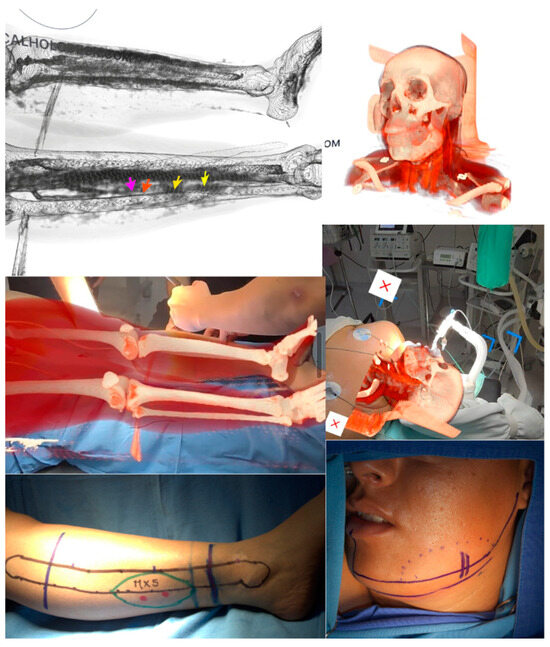
Craniofacial anatomy involves closely related structures that may be difficult to explain through one image alone. A 3D volume provides an overview of the region, while source slices show the corresponding cross-sectional information. The instructor can move between these representations during an anatomical discussion.
A teaching case can focus on the jaw, surrounding bone, or another selected region. Participants can identify landmarks and examine how the structures are arranged relative to one another. The views should be chosen around the specific anatomy illustrated by the case and the experience of the audience.
Dissection material can add a layered reference when the explanation extends beyond bone geometry. Showing imaging and human dissection models as distinct resources makes their roles clear: one represents the selected dataset, while the other supports broader regional anatomy teaching.
A concise case presentation can begin with orientation and progress through a small number of anatomical questions. Prepared views give the session a structure, while interactive exploration allows participants to examine relationships that need further explanation. This approach can support both introductory and advanced teaching.
Team discussions benefit from a common visual reference. Participants can indicate the structures they are describing and compare the same region from different directions. Instructors can use this format to connect anatomical terminology across specialties and experience levels.
Recording the presentation captures the view sequence and narration for later revision. A collection of focused recordings can support regional anatomy courses, peer teaching, and case-based education. Each recording can remain tied to a defined learning objective rather than cover an entire topic in one session.
Collaboration
Use TeamXR to present craniofacial cases and discuss anatomy with participants across locations.
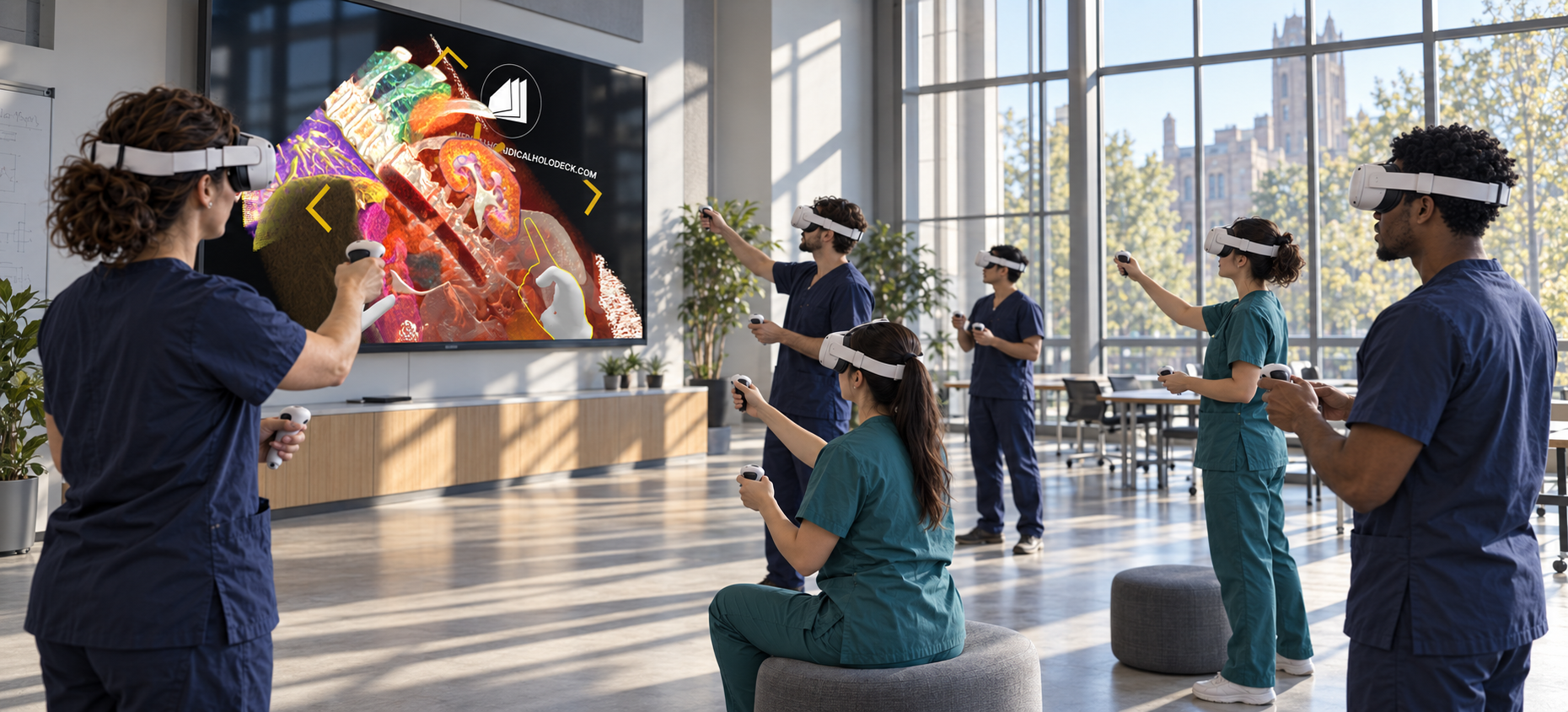
For instructor-led sessions, teacher mode provides control over participant interaction while the material is explained. A session can combine a prepared presentation with questions and shared exploration, allowing participants to return to the same views when clarification is needed.
Capture voice and 3D interactions with RecordXR for training and later discussion.
Get started
Test the software with representative data. Contact our team about supported devices, licences, and your intended use.
Begin with a dataset and session format that reflect your intended use. Check the required applications, viewing devices, group access, and preparation workflow before choosing a licence. This provides a practical basis for evaluating the setup in your own environment.