Imaging orientation
Connect cross-sectional imaging with spatial anatomy during supervised training.
Explore Medical ImagingProfessional use cases
Use patient-specific imaging to explain pediatric anatomy and support case-based education and communication.
Workflow
Import a DICOM dataset, select the relevant views, and use the anatomy as a shared reference.
Applications
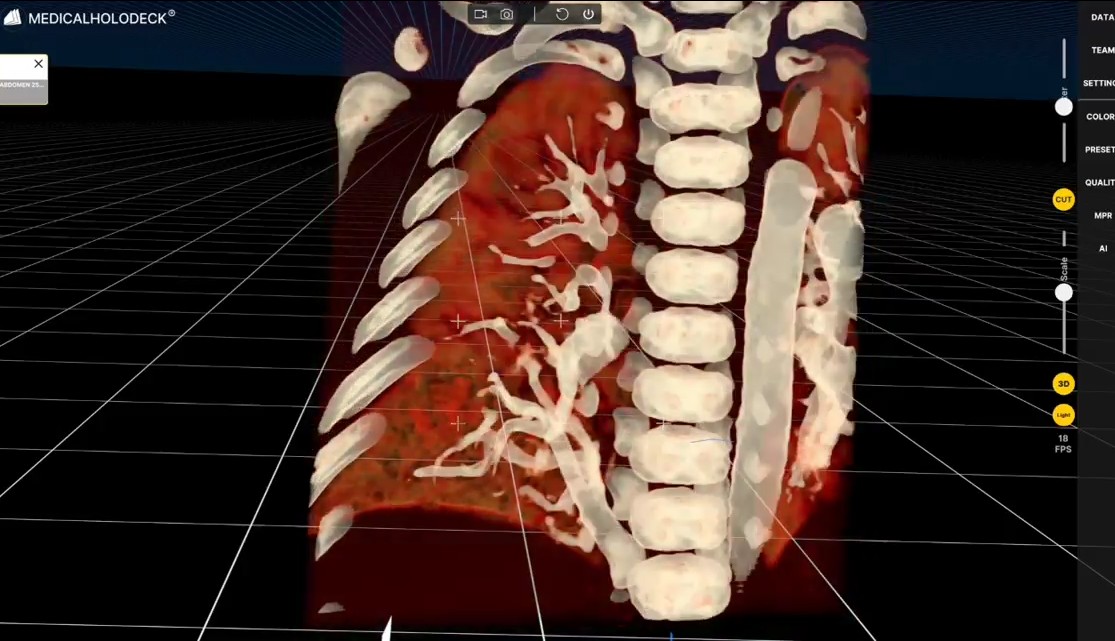
Use 3D views to describe the anatomical features of a selected pediatric dataset.
Connect cross-sectional imaging with spatial anatomy during supervised training.
Explore Medical ImagingRecord narrated demonstrations for teaching and patient education.
Explore RecordXR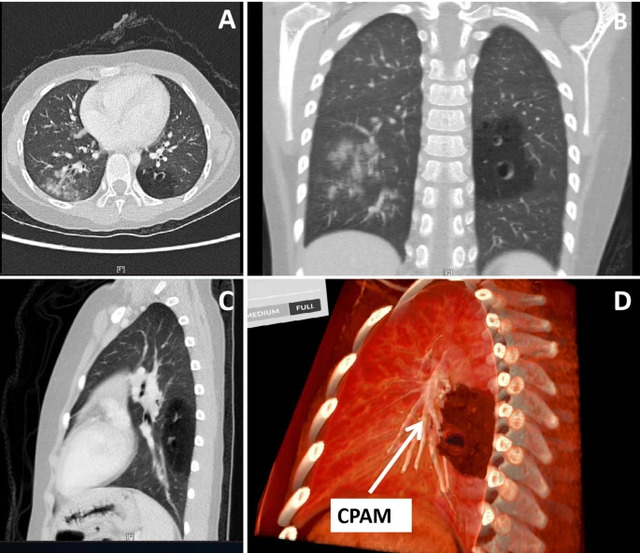
Patient-specific imaging allows a teaching session to focus on the anatomical features of a selected pediatric case. The instructor can establish orientation, show the region in 3D, and compare the relevant structures with their appearance in the source images. The explanation can therefore remain anchored to the material being discussed.
The extent of the dataset and the visibility of individual structures determine which views are useful. Preparing the material in advance allows the instructor to choose a manageable number of anatomical relationships for the session. A wider view can provide context before more detailed exploration.
The same material can be presented at different levels. Learners new to imaging may need an introduction to orientation and landmarks, while experienced participants can examine more detailed regional relationships. The dataset provides continuity as the discussion progresses.
For professional education, participants can be asked to connect a structure in the volume with its appearance in selected slices. The instructor can then discuss how the representations relate and which anatomical information each contributes. This makes the session an exercise in explanation rather than passive viewing.
Patient and family communication requires a separate presentation. The professional can introduce only the structures relevant to the conversation, use clear language, and leave time for questions. The amount of detail should support understanding of the explanation rather than reflect the full complexity of the available imaging.
Recorded anatomical walkthroughs can support preparation and revision for professional learners. General educational explanations can also be developed for other audiences. Separate material allows the terminology, pacing, and level of detail to follow the purpose of each session.
Collaboration
Discuss pediatric cases in a shared TeamXR session with colleagues and trainees.
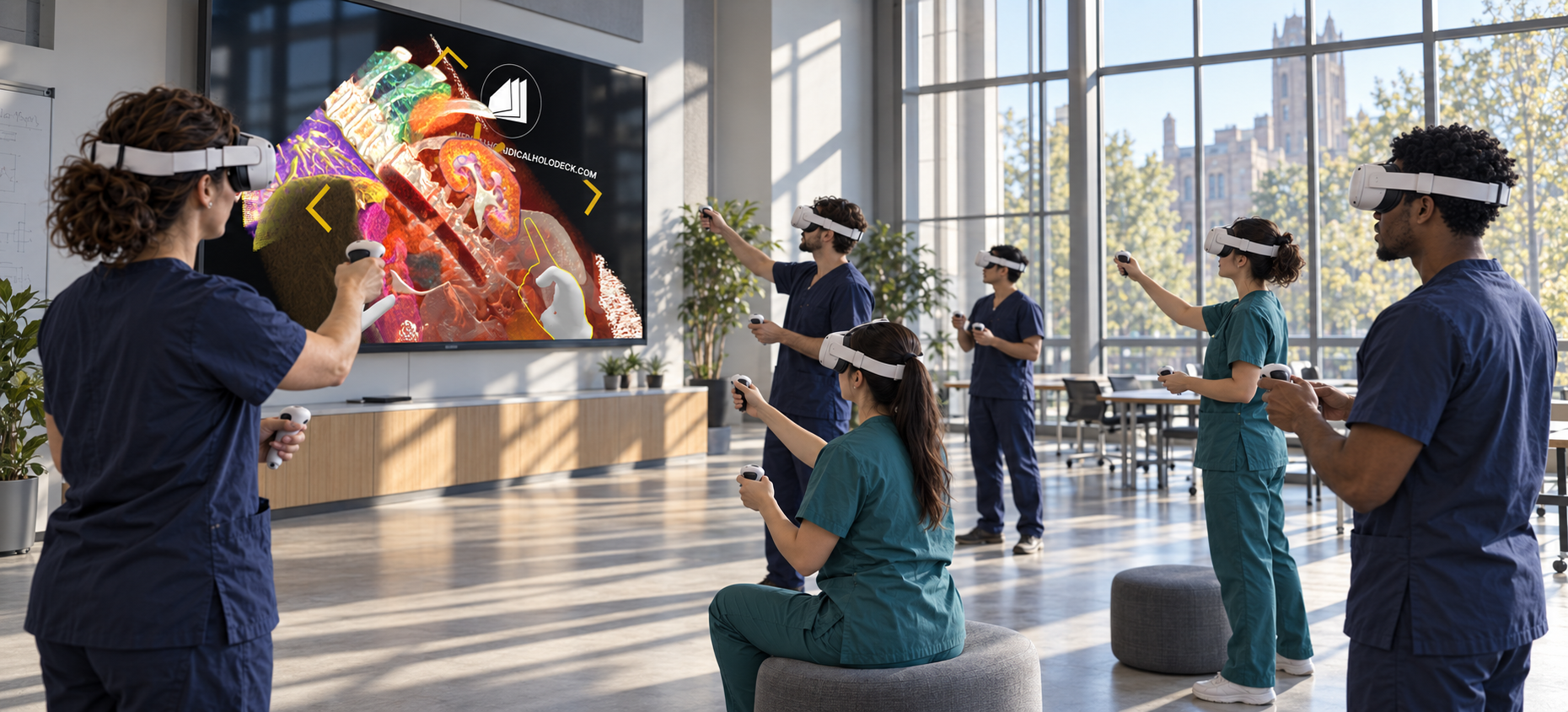
For instructor-led sessions, teacher mode provides control over participant interaction while the material is explained. A session can combine a prepared presentation with questions and shared exploration, allowing participants to return to the same views when clarification is needed.
Capture voice and 3D interactions with RecordXR for training and later discussion.
Get started
Test the software with representative data. Contact our team about supported devices, licences, and your intended use.
Begin with a dataset and session format that reflect your intended use. Check the required applications, viewing devices, group access, and preparation workflow before choosing a licence. This provides a practical basis for evaluating the setup in your own environment.