Multiplanar exploration
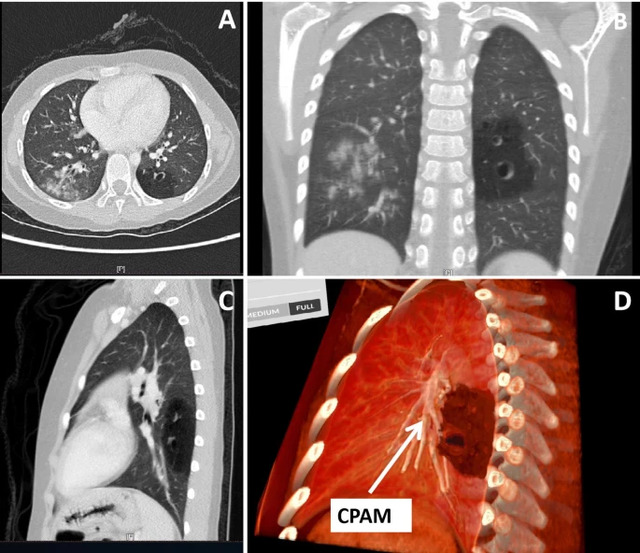
Navigate cross-sectional views alongside the volume to examine anatomical landmarks.
Explore Medical ImagingProfessional use cases
Connect cross-sectional images with volumetric anatomy. Use interactive 3D views for imaging education, case discussion, and visual communication.
Workflow
Import a DICOM dataset, select the relevant views, and use the anatomy as a shared reference.
Applications
Use Medical Imaging to relate 3D structures to the source imaging during training and discussion.
Navigate cross-sectional views alongside the volume to examine anatomical landmarks.
Explore Medical ImagingSegment supported structures to prepare focused visualizations for teaching.
Explore Medicalholodeck AICross-sectional and volumetric views describe the same dataset in different ways. A teaching session can move between them to show where a selected structure lies, how it extends through consecutive slices, and how it relates to surrounding anatomy. This supports discussion of orientation without separating the 3D representation from its source material.
An instructor can begin with a familiar anatomical region, establish the viewing planes, and then rotate the volume to examine the relationships from another direction. Participants can explain how a landmark appears in each representation and use the dataset to check their spatial understanding.
Segmented views can focus attention on selected structures. They are most useful in teaching when presented with the broader volume and the corresponding source images. This keeps the selected anatomy in context and makes the relationship between the prepared visualization and the original data explicit.
Radiology teaching often serves participants with different backgrounds. A session for new learners may concentrate on basic orientation and anatomical landmarks. More experienced participants may use the same material for detailed regional discussion or comparison of different views. The dataset can remain consistent while the questions and level of detail change.
Shared 3D sessions provide a visual reference for discussions between imaging specialists and learners from other disciplines. Participants can identify the structure they mean, compare views, and clarify terminology using the same content. This is useful when the purpose of the session is anatomical explanation or professional education.
A recorded walkthrough can document the teaching sequence, including the views used and the accompanying explanation. It can be incorporated into an existing course, used before a live session, or replayed when learners need to revisit a particular anatomical relationship.
Collaboration
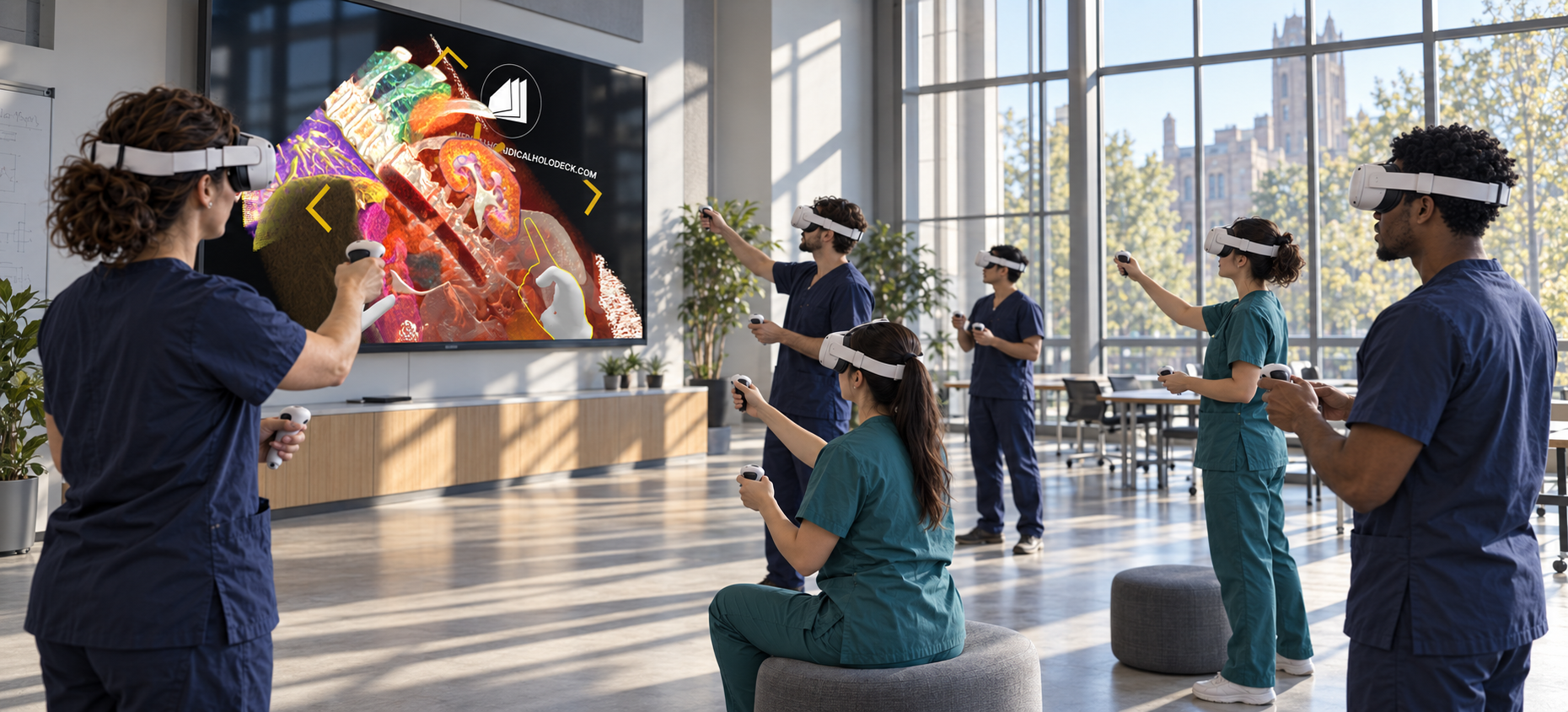
Use TeamXR to discuss the same imaging dataset with participants across departments or locations.
For instructor-led sessions, teacher mode provides control over participant interaction while the material is explained. A session can combine a prepared presentation with questions and shared exploration, allowing participants to return to the same views when clarification is needed.
Capture voice and 3D interactions with RecordXR for training and later discussion.
Get started
Test the software with representative data. Contact our team about supported devices, licences, and your intended use.
Begin with a dataset and session format that reflect your intended use. Check the required applications, viewing devices, group access, and preparation workflow before choosing a licence. This provides a practical basis for evaluating the setup in your own environment.