Renal anatomy
Study the kidney and adjacent structures in their spatial context.
Explore Medical ImagingProfessional use cases
Examine urinary tract anatomy and patient-specific imaging in 3D for urological training and case discussion.
Workflow
Import a DICOM dataset, select the relevant views, and use the anatomy as a shared reference.
Applications
Use imaging to explain regional anatomy and prepare material for professional education.
Study the kidney and adjacent structures in their spatial context.
Explore Medical ImagingSegment supported structures to prepare anatomical views for discussion.
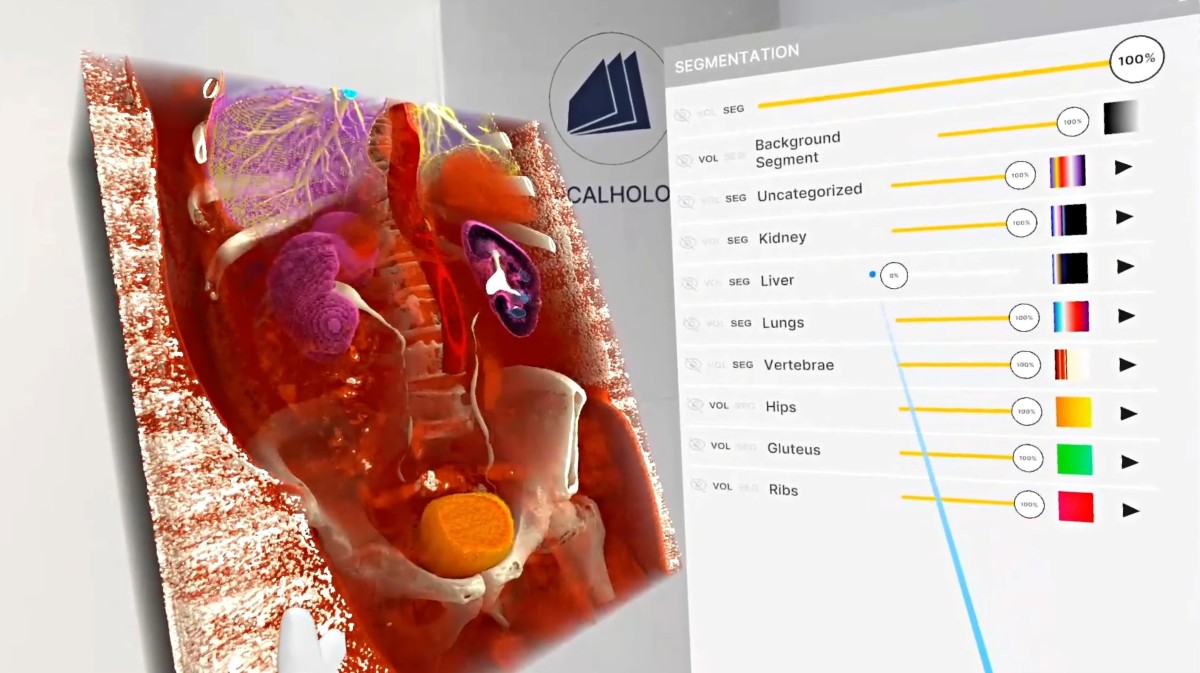
Explore Medicalholodeck AIUrological education requires learners to connect the urinary system with adjacent anatomy. A selected imaging volume can show the position of the kidneys and other structures in the region, while slices provide a reference for their cross-sectional appearance. Moving between these views supports a coherent anatomical explanation.
The instructor can start with an overview and then concentrate on a region relevant to the lesson. Participants can describe how a structure is positioned, identify neighbouring landmarks, and examine the same relationship from another direction. The anatomical detail should remain tied to the material visible in the dataset.
Where supported segmentation is used, focused views can be prepared for particular teaching questions. The surrounding anatomy remains important for interpreting the spatial reference. A combination of isolated structures and contextual views can therefore support different stages of the explanation.
A case-based session can introduce the dataset, establish orientation, and identify the relationships that participants are expected to explain. The instructor can prepare questions that require learners to connect the volume with the source imaging rather than simply follow the demonstration.
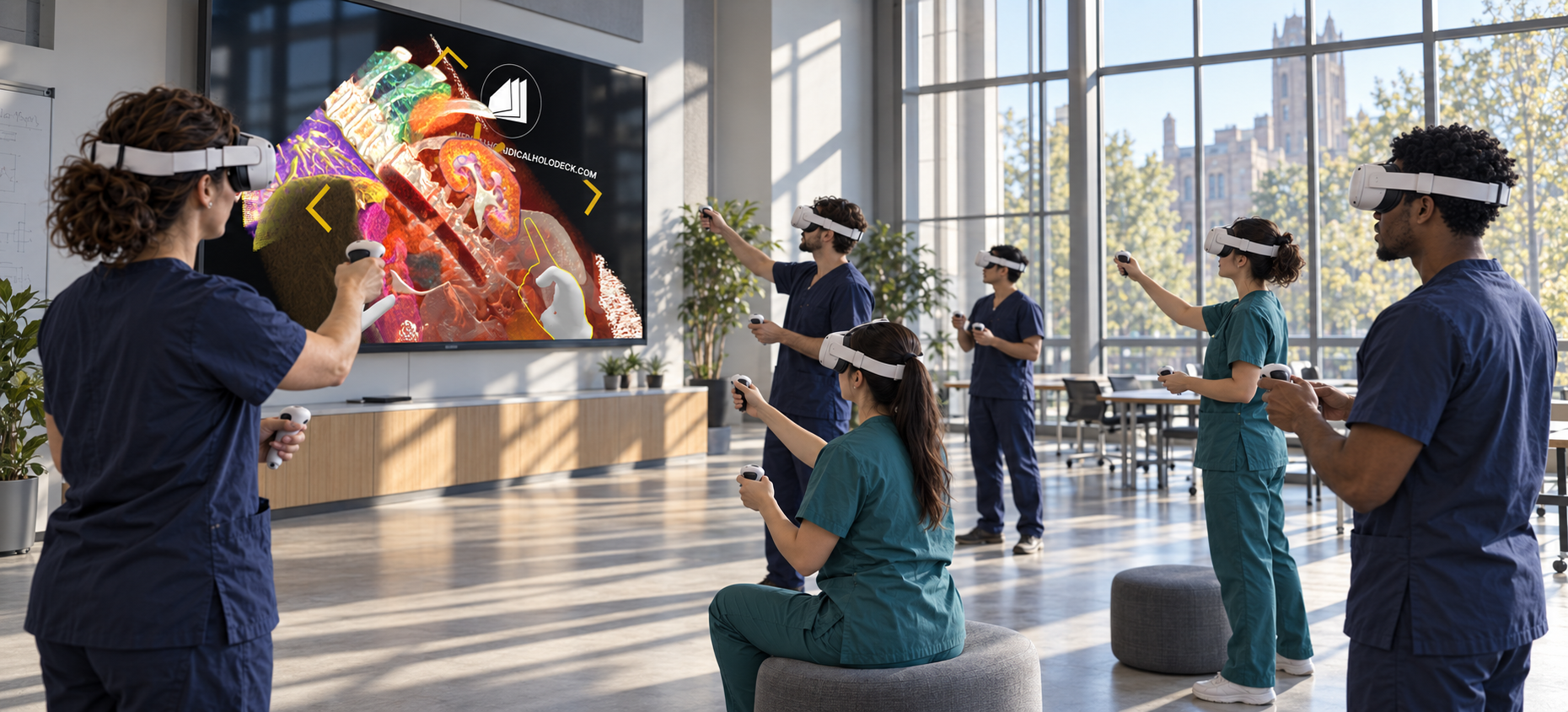
In shared sessions, participants can discuss the same anatomy without relying solely on verbal descriptions of a location. This format can be used with trainees, colleagues from related disciplines, or remote participants. The session remains focused on the selected educational material and the objectives established at the start.
Recordings can preserve the explanation for later study. Short, topic-specific walkthroughs are useful for revisiting regional anatomy or preparing for a subsequent teaching session. They can sit alongside the programme’s existing imaging resources and practical instruction.
Collaboration
Use TeamXR for shared urological case teaching with local or remote participants.
For instructor-led sessions, teacher mode provides control over participant interaction while the material is explained. A session can combine a prepared presentation with questions and shared exploration, allowing participants to return to the same views when clarification is needed.
Capture voice and 3D interactions with RecordXR for training and later discussion.
Get started
Test the software with representative data. Contact our team about supported devices, licences, and your intended use.
Begin with a dataset and session format that reflect your intended use. Check the required applications, viewing devices, group access, and preparation workflow before choosing a licence. This provides a practical basis for evaluating the setup in your own environment.