Medicalholodeck
now on 3D displays
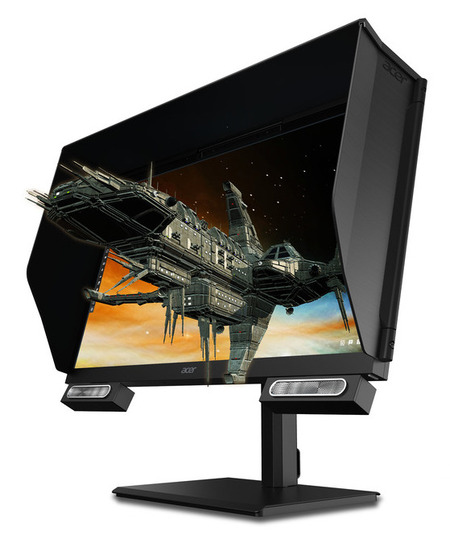
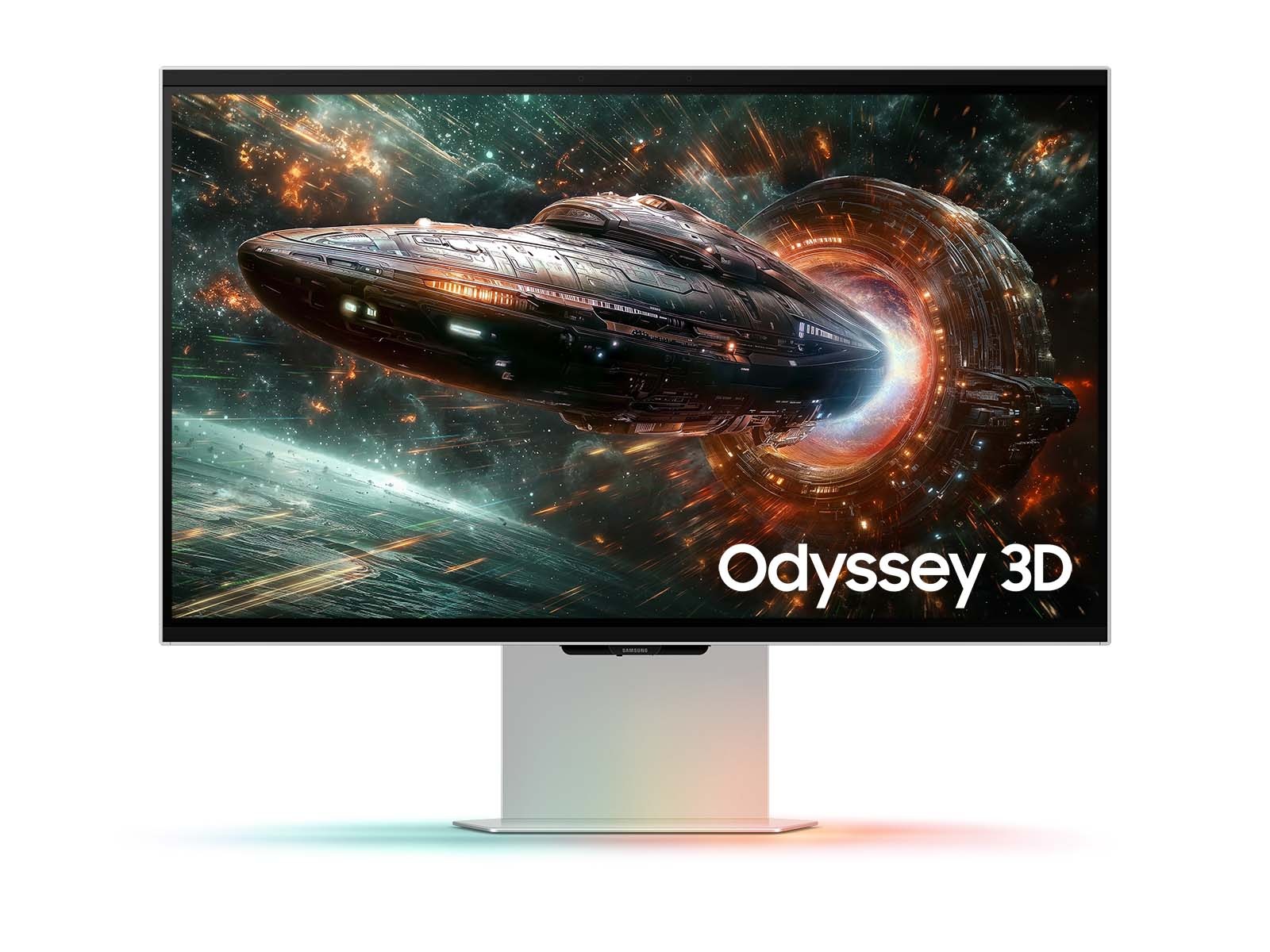
Glasses-free 3D screens have evolved into precise visualization systems for medicine, offering real spatial depth without headsets or glasses. With advances in resolution, real-time eye tracking, and AI rendering, they now meet the accuracy and reliability required for medical imaging.
Impact on medical visualization
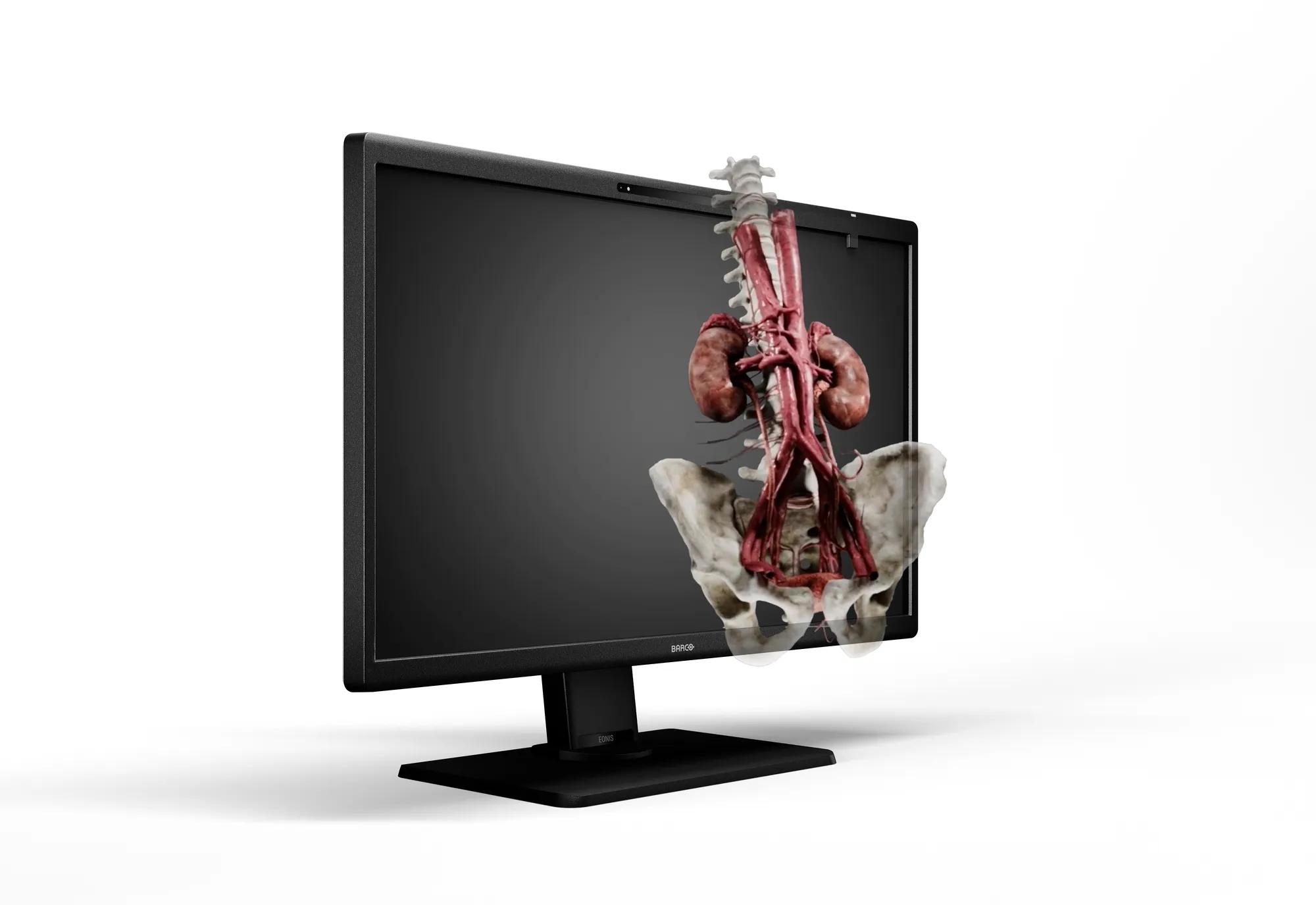
In medicine, 3D screens enable interactive anatomical exploration, surgical planning, and education. Real-time eye tracking maintains correct spatial perspective, while advanced rendering provides artifact-free images for clinical collaboration. The result is a realistic, headset-free 3D experience that supports spatial understanding and teamwork.
Key benefits:
-
No need for glasses or headsets – ideal for clinical environments
-
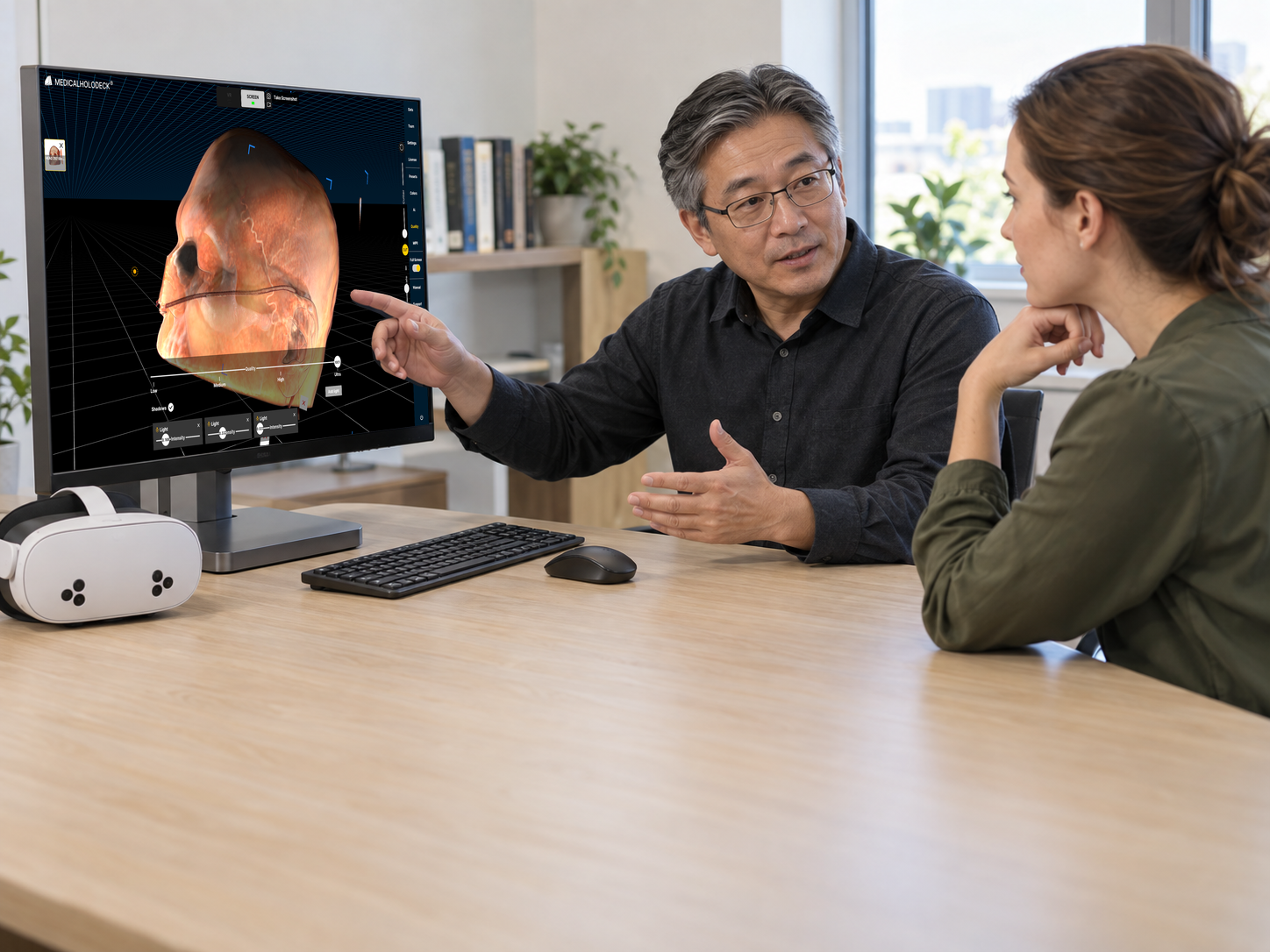
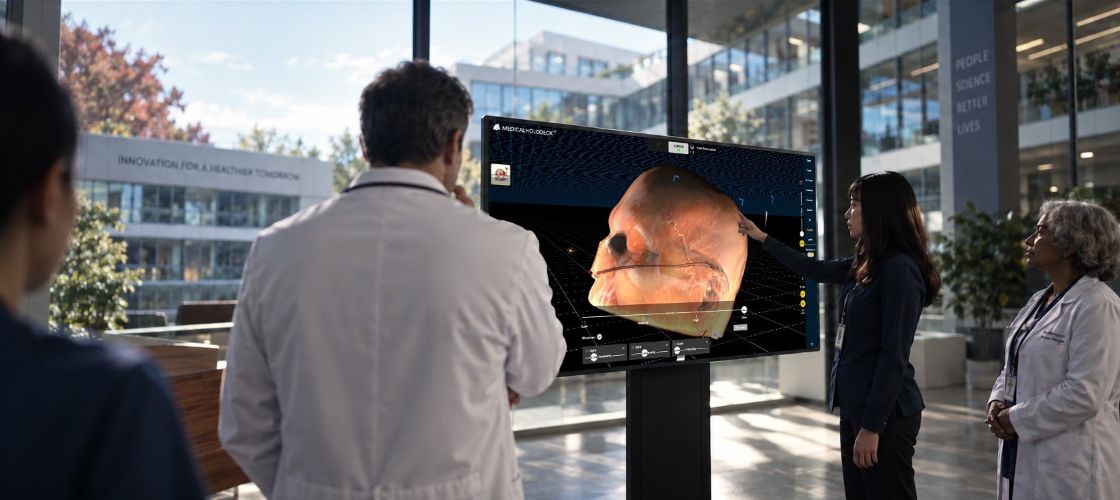
Group viewing with 3D, VR, and 2D screens in mixed setups
-
Enhanced adoption in surgical simulation, education, and
interdisciplinary collaboration
How glasses-free 3D works
3D screens create depth by showing slightly different images to each eye. Intelligent eye tracking adjusts perspectives in real time, simulating natural three-dimensional vision without additional hardware.
While most current displays optimize for a single viewer, the absence of headgear enhances comfort – valuable for longer training or clinical sessions.
Medicalholodeck on 3D screens
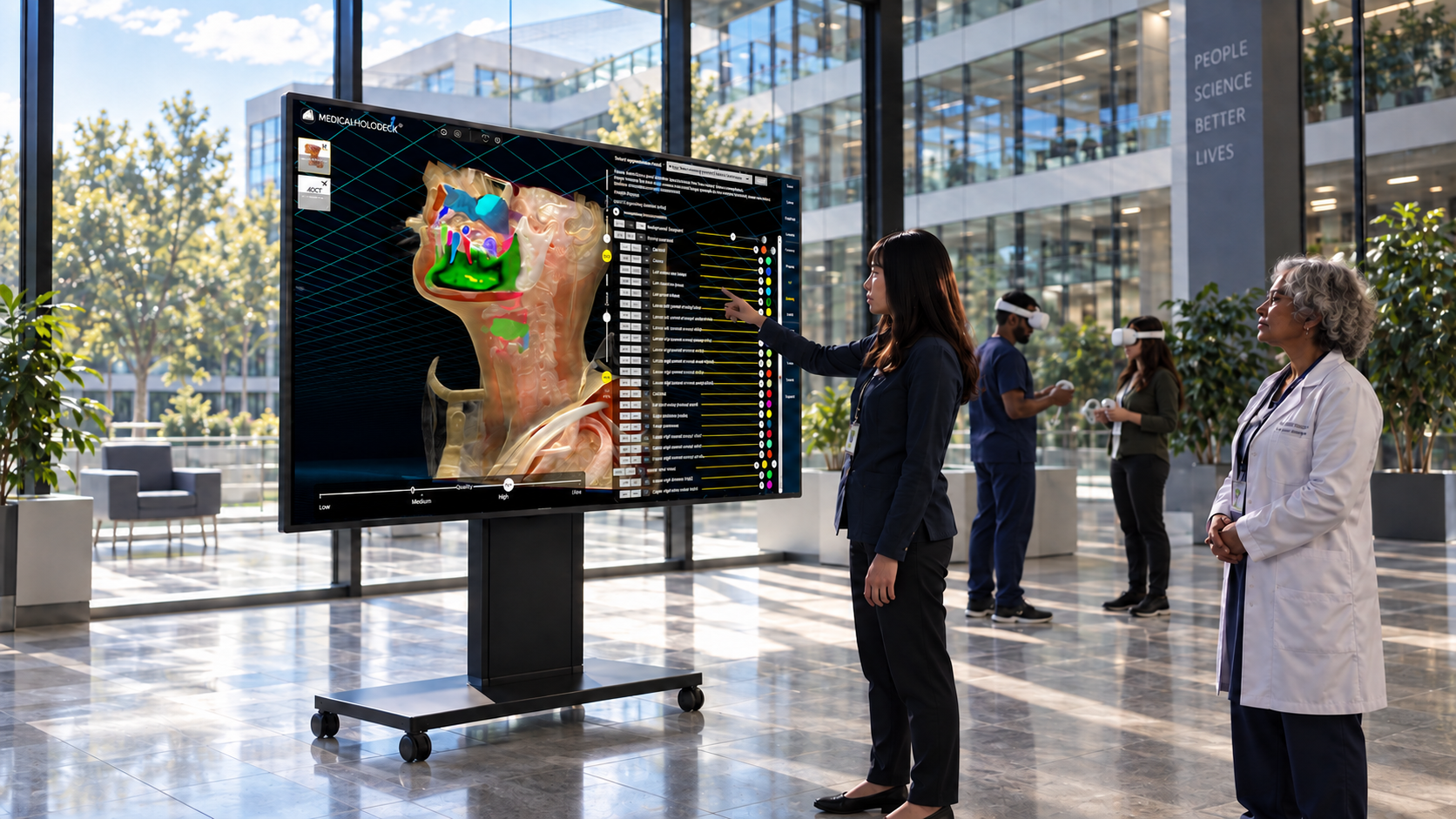
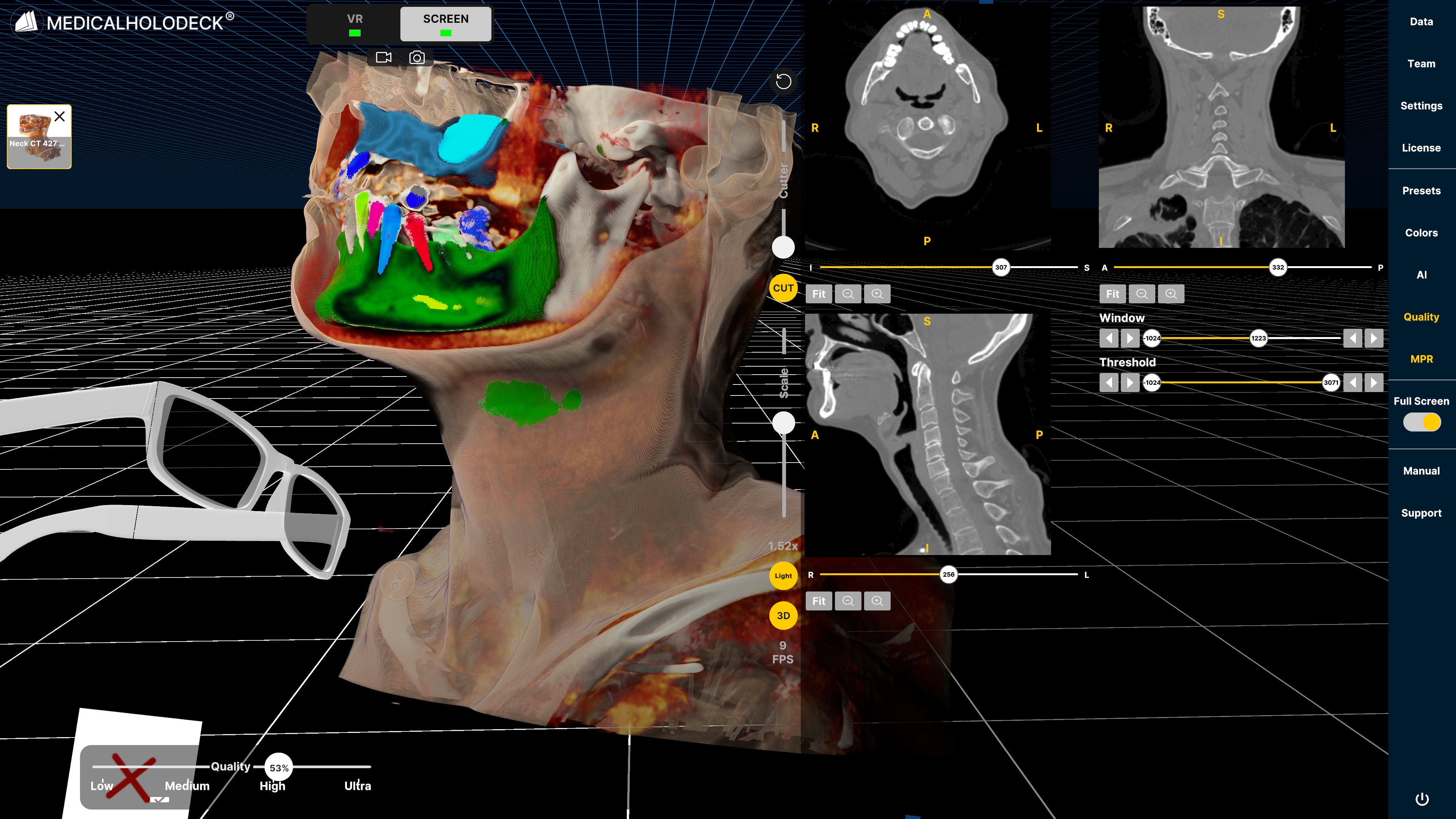
Medicalholodeck brings the full Medicalholodeck suite – Medical Imaging XR, Medicalholodeck AI, Dissection Master XR, and Anatomy Master XR – natively to 3D displays. Users can manipulate anatomical structures with hand gestures, navigating complex datasets naturally through a spatial interface optimized for depth and precision.
This operating system transforms 3D monitors into interactive workspaces for surgical planning, radiology, and education – improving understanding, collaboration, and workflow efficiency.
Hybrid, location-independent 3D teamwork
With Spatial OS, teams on 3D screens and VR headsets can collaborate in shared sessions, exploring scans and surgical plans together in real time. This hybrid setup combines VR immersion with 3D screen accessibility, ideal for education, training, and patient consultation.
How to start
Download the Medicalholodeck app from our download section and follow the installation instructions to get started on your compatible 3D display. If you have questions or need help with setup, contact us at info@medicalholodeck.com.
For more information, contact
info@medicalholodeck.com
August 2026