Touch, see, explore
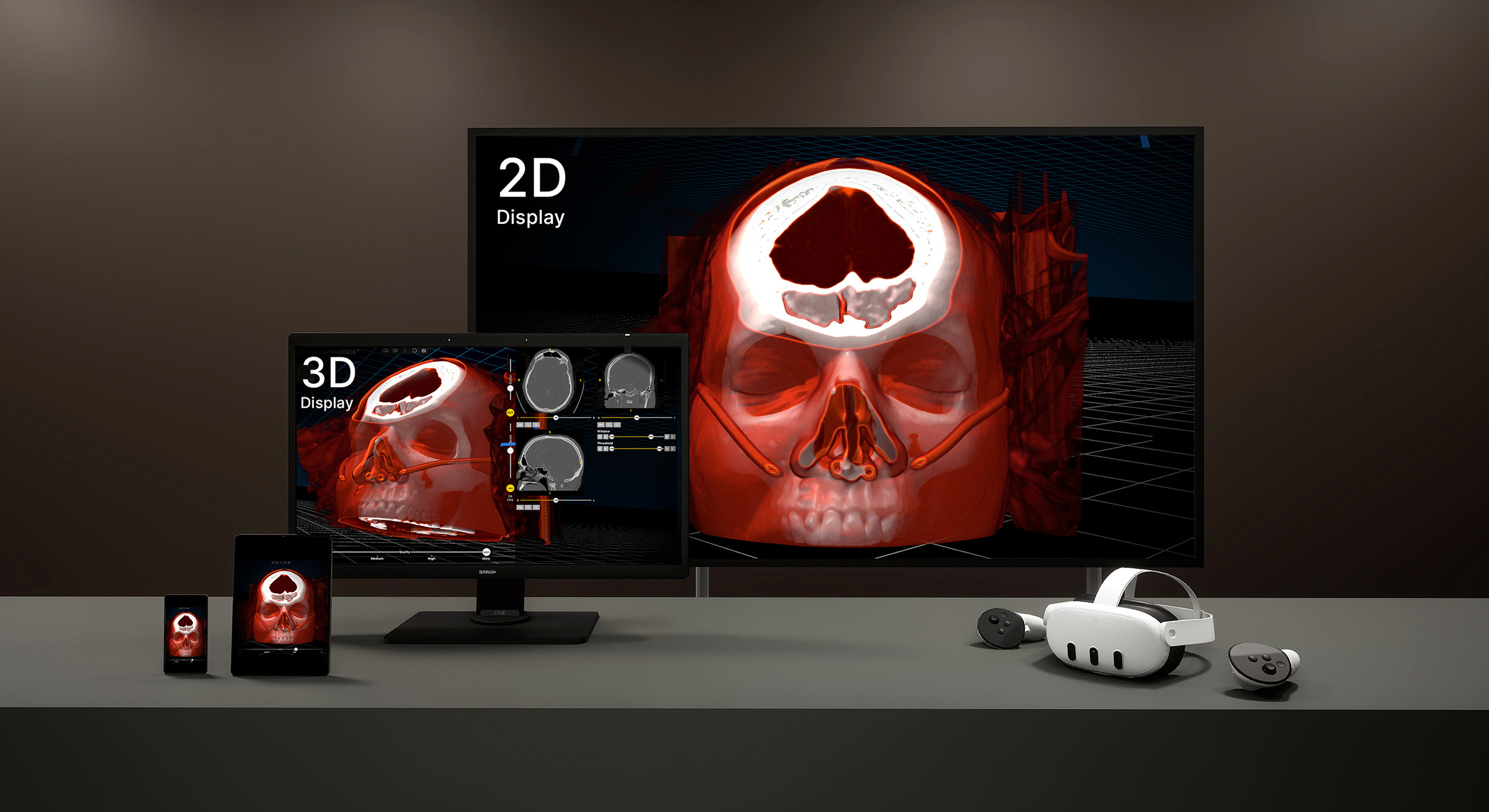
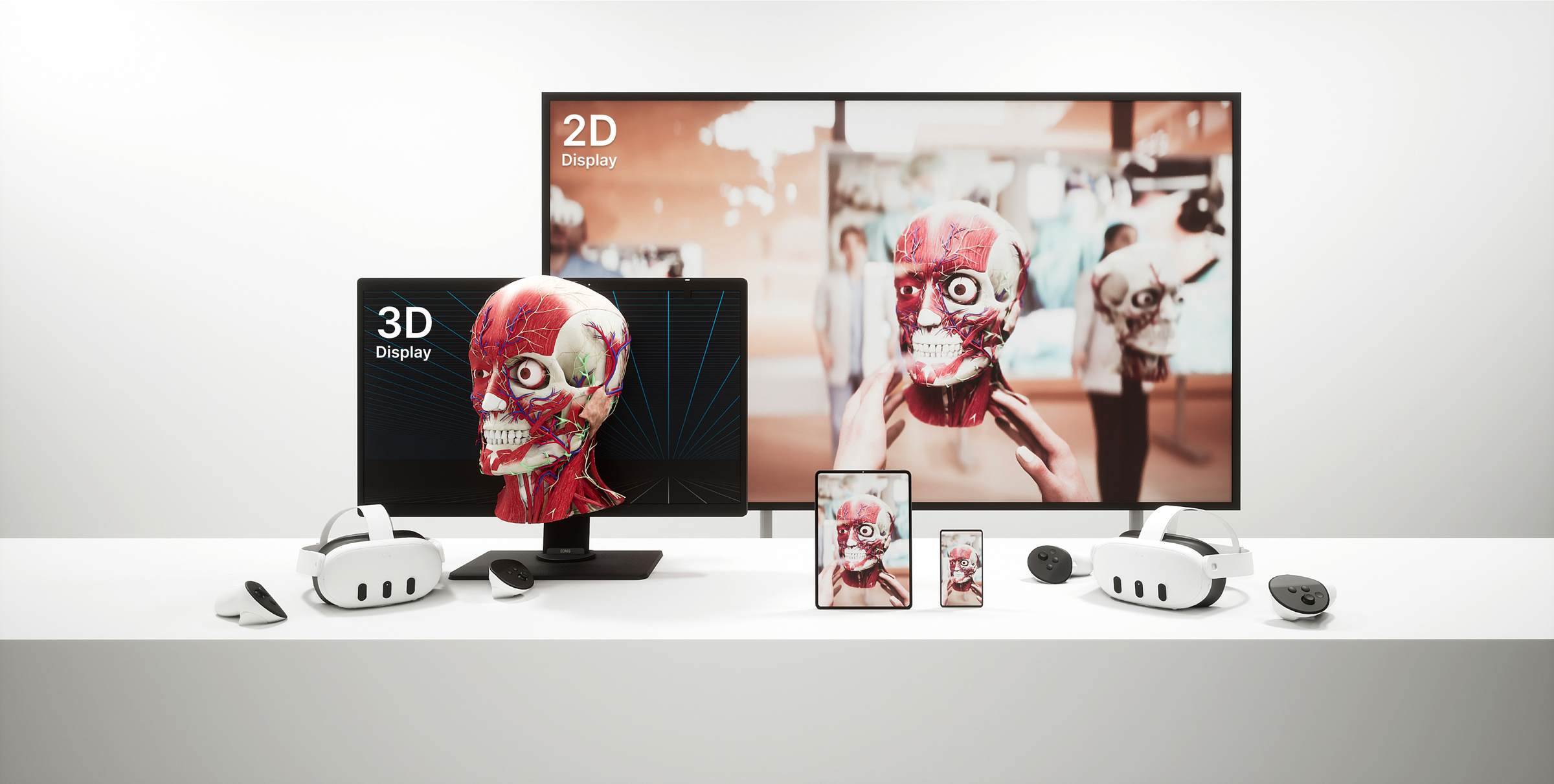
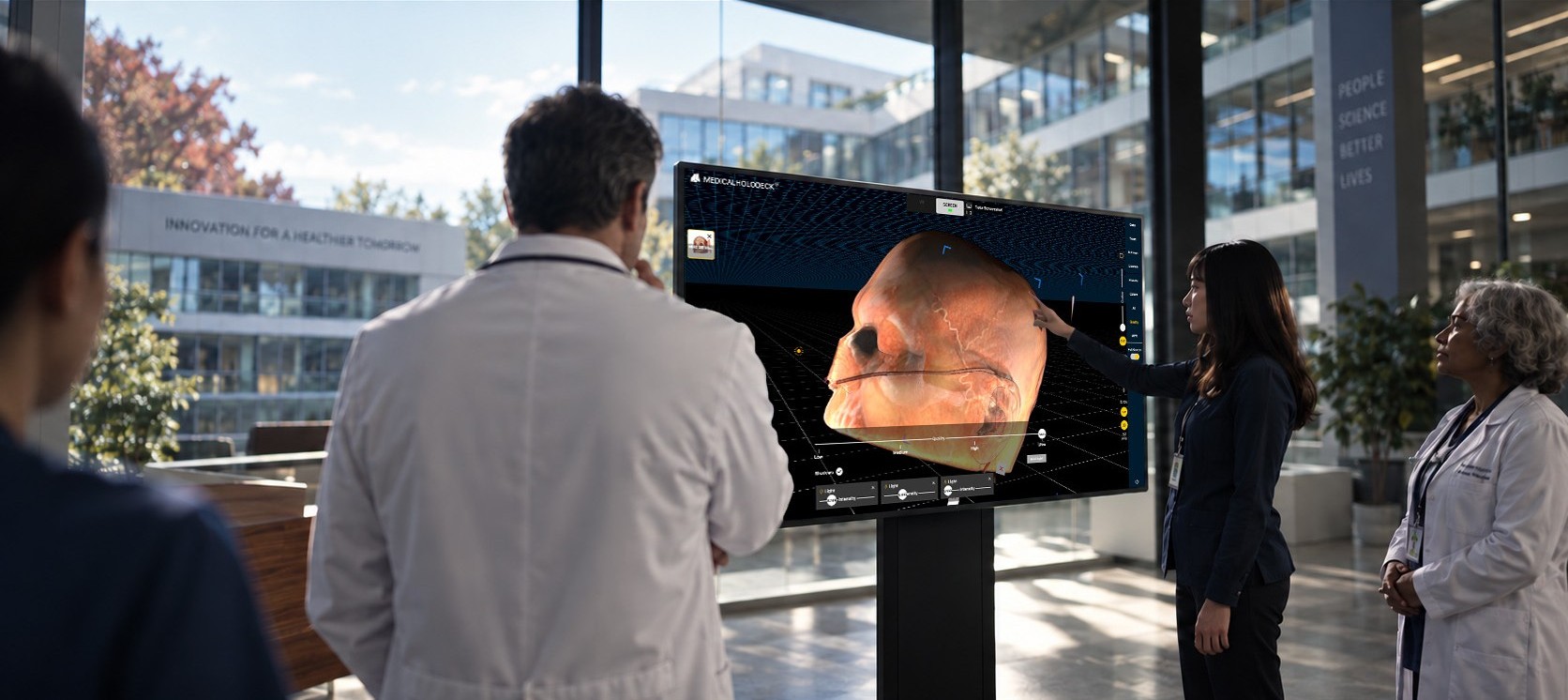
Medicalholodeck now supports Windows-compatible interactive touch displays – from desktop monitors to large screens for classrooms, simulation labs, and collaborative work.
Explore medical imaging and 3D anatomy directly with intuitive touch controls, or extend the experience to VR and stereoscopic 3D displays.
We recommend Samsung interactive displays, while other Windows-compatible touch displays are supported as well.
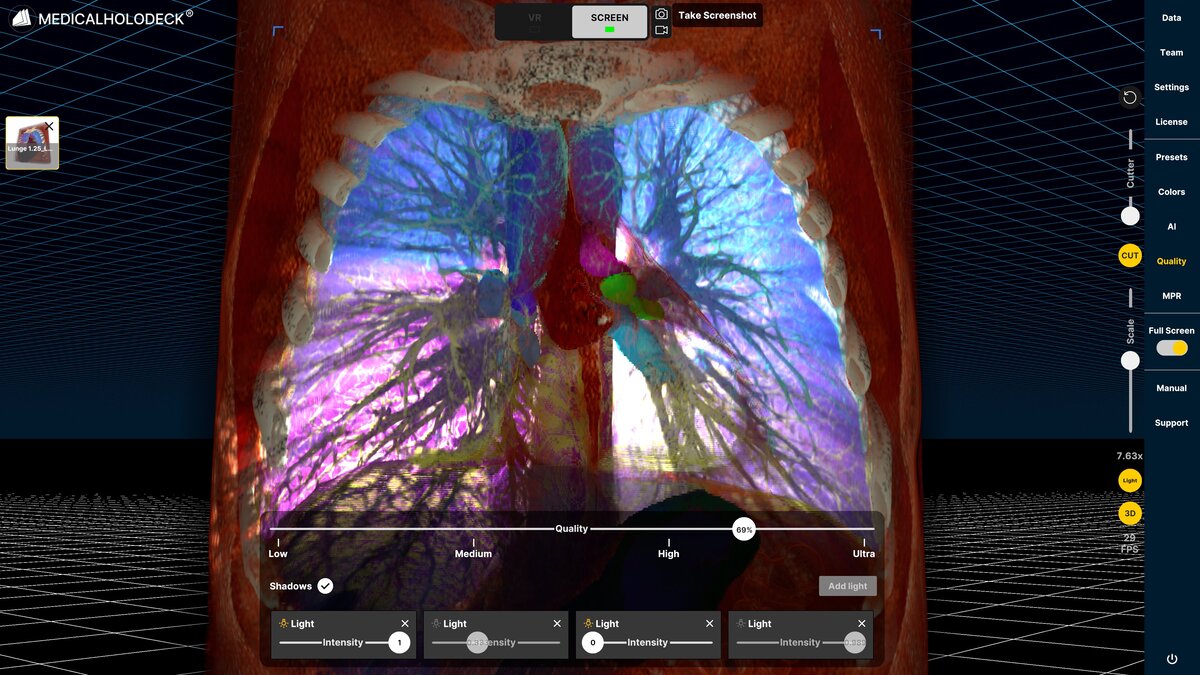
And there was light – and shadow
Bring greater depth and spatial clarity to medical imaging with real-time light and shadow.
Spatial OS now uses dynamic lighting and shadows to make anatomical surfaces, contours, and spatial relationships easier to perceive. The effect is particularly powerful on stereoscopic 3D displays, where lighting and stereoscopic depth work together to create a stronger sense of shape and space.
Turn the effect on when you want additional depth cues, or switch it off for the familiar visualization.
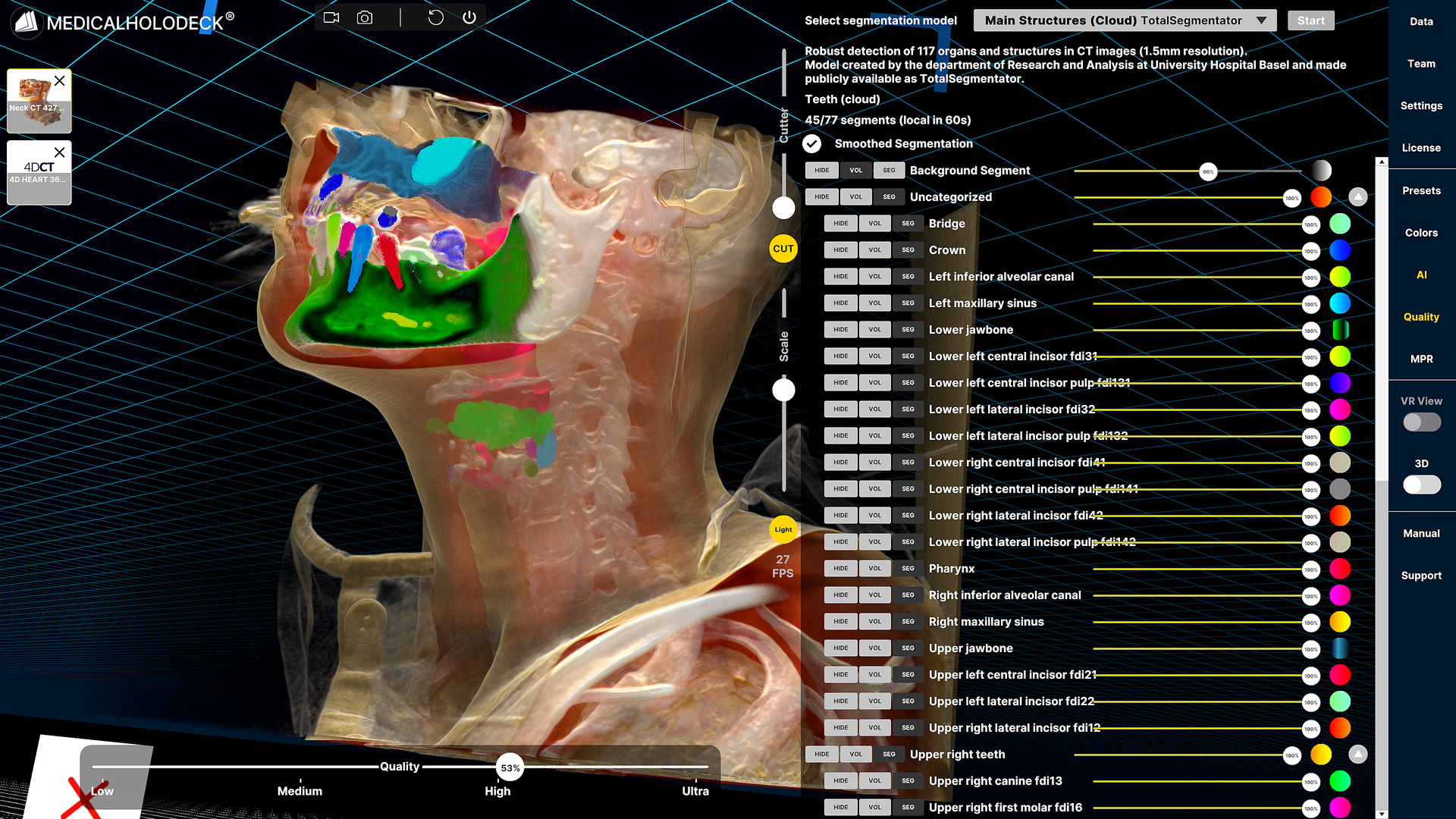
Imaging → AI → STL
Turn medical imaging into printable 3D models.
Segment anatomy with Medicalholodeck AI, convert the results into 3D meshes, and isolate, edit, combine, or export them as STL files for 3D printing.
The complete workflow – from medical imaging and AI segmentation to a reusable 3D model – takes place within Medicalholodeck.
Expand the experience
Extend Spatial OS across multiple 2D and stereoscopic 3D displays. Additional screens can mirror your Spatial OS content, making medical imaging and 3D anatomy accessible to larger audiences in classrooms, simulation labs, lecture halls, and presentations.
New: Configure your setup in the store
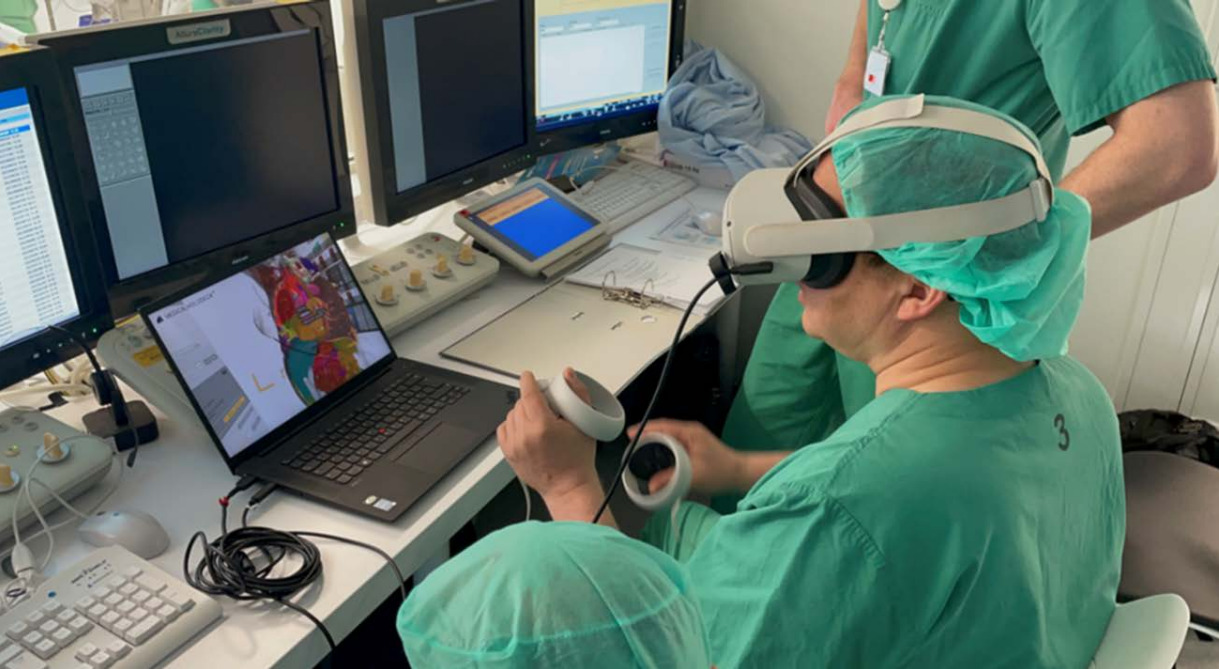
Combine Medicalholodeck software with compatible VR headsets, touch displays, stereoscopic 3D displays, workstations, and AI computing systems.
More:
Measurements
View measurements and annotations directly on volume renderings for better spatial context.
Spatial anchors
Choose whether participants on Meta Quest remain aligned with their physical positions or can move freely around the virtual scene while seated.
XR recordings
Rearrange recordings directly in the Library and prepare playback sequences more easily.
Faster Link access
Open Medicalholodeck Link from Screen Settings or the VR License screen, and rename saved scenes and sessions directly in Link.
Download the September update
The September update is available now for Medicalholodeck Spatial OS on Windows and standalone VR headsets.
For more information, contact info@medicalholodeck.com September 2026