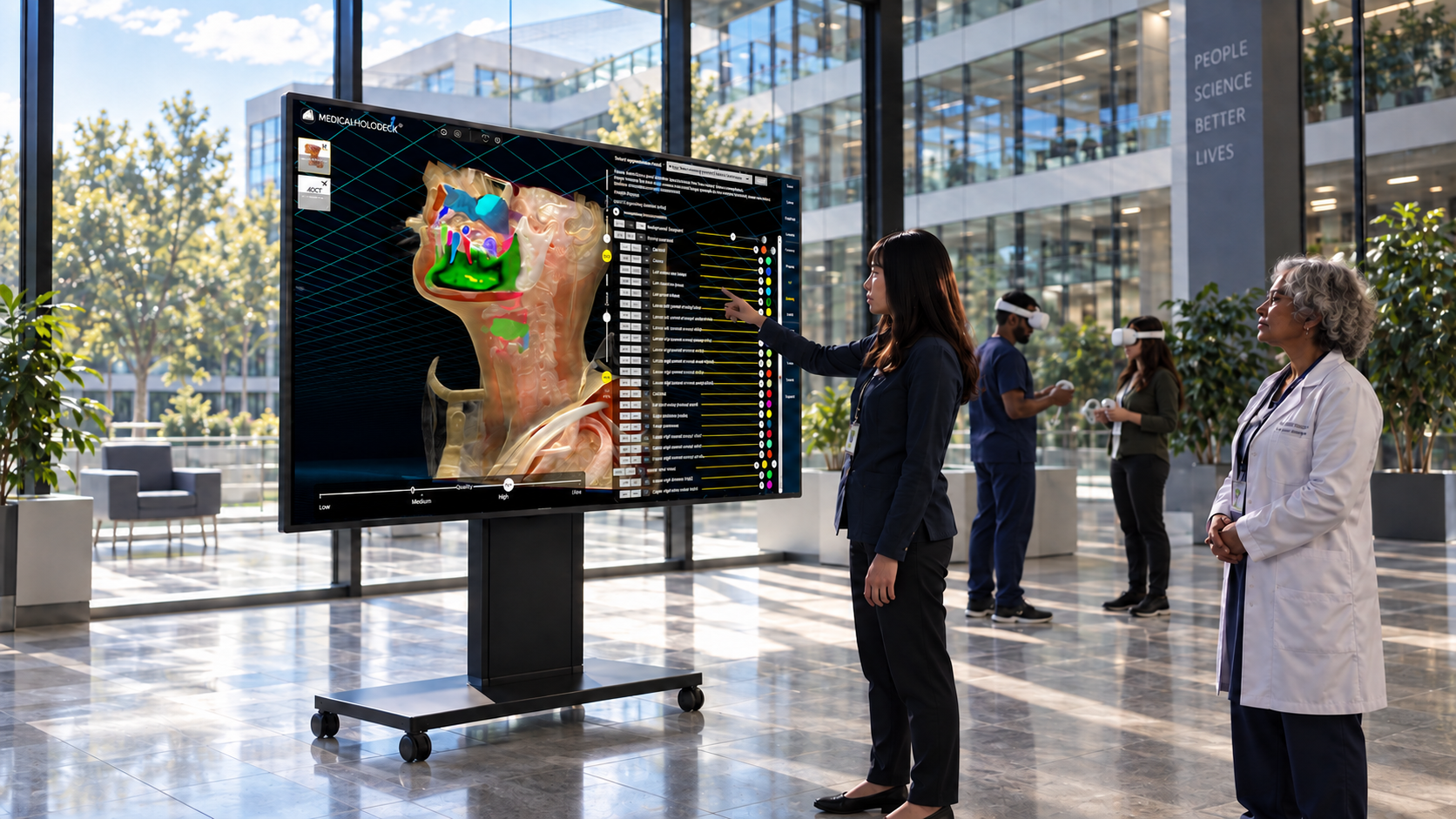
Medicalholodeck connects local AI processing on NVIDIA DGX Spark with stereoscopic displays from Samsung and Barco, interactive 75-inch touchscreens, and VR options including Meta headsets and PICO 4 Ultra. Segment medical images on your own infrastructure, then explore and present the same anatomy across devices – from individual workstations to shared teaching environments.
Medicalholodeck – News
Spatial Medicine Expanded – Local AI, 3D, and VR
Medicalholodeck AI – From medical images to 3D anatomy
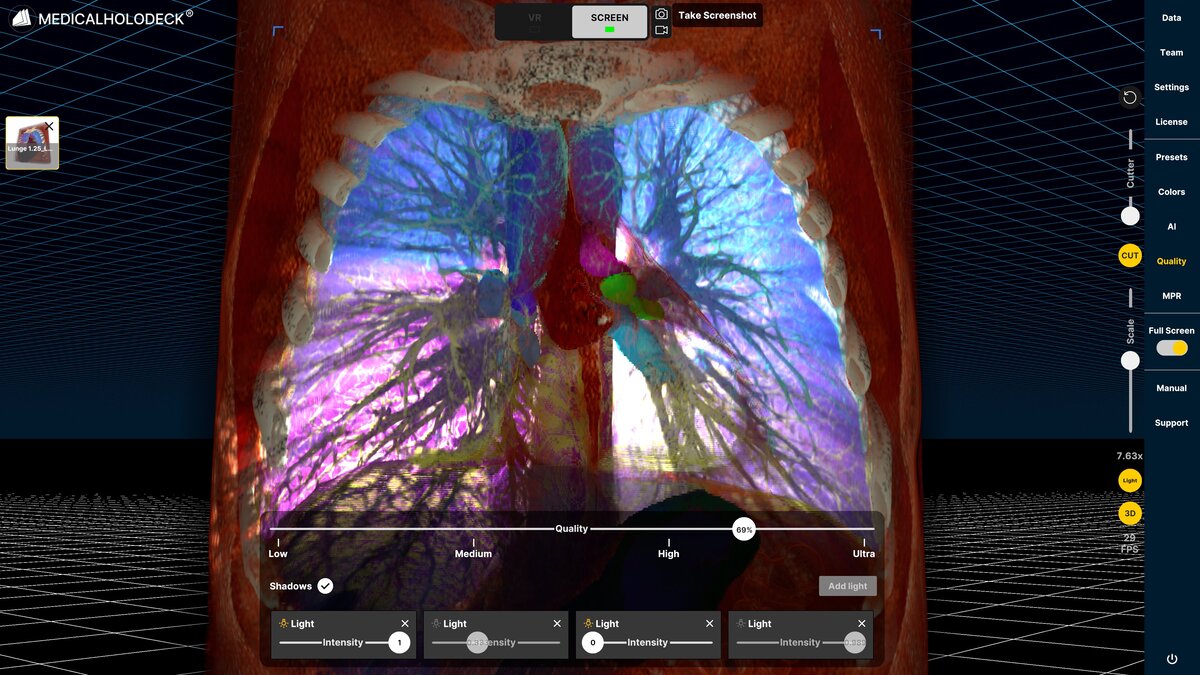
Medicalholodeck AI integrates TotalSegmentator for broad anatomical segmentation and MONAI models for specific imaging tasks. Choose a supported model to segment structures from CT or MRI datasets within Medicalholodeck.
Review the results alongside the original images, explore individual structures, and convert them into 3D meshes for education, research, or export.
Local AI, powered by NVIDIA DGX Spark
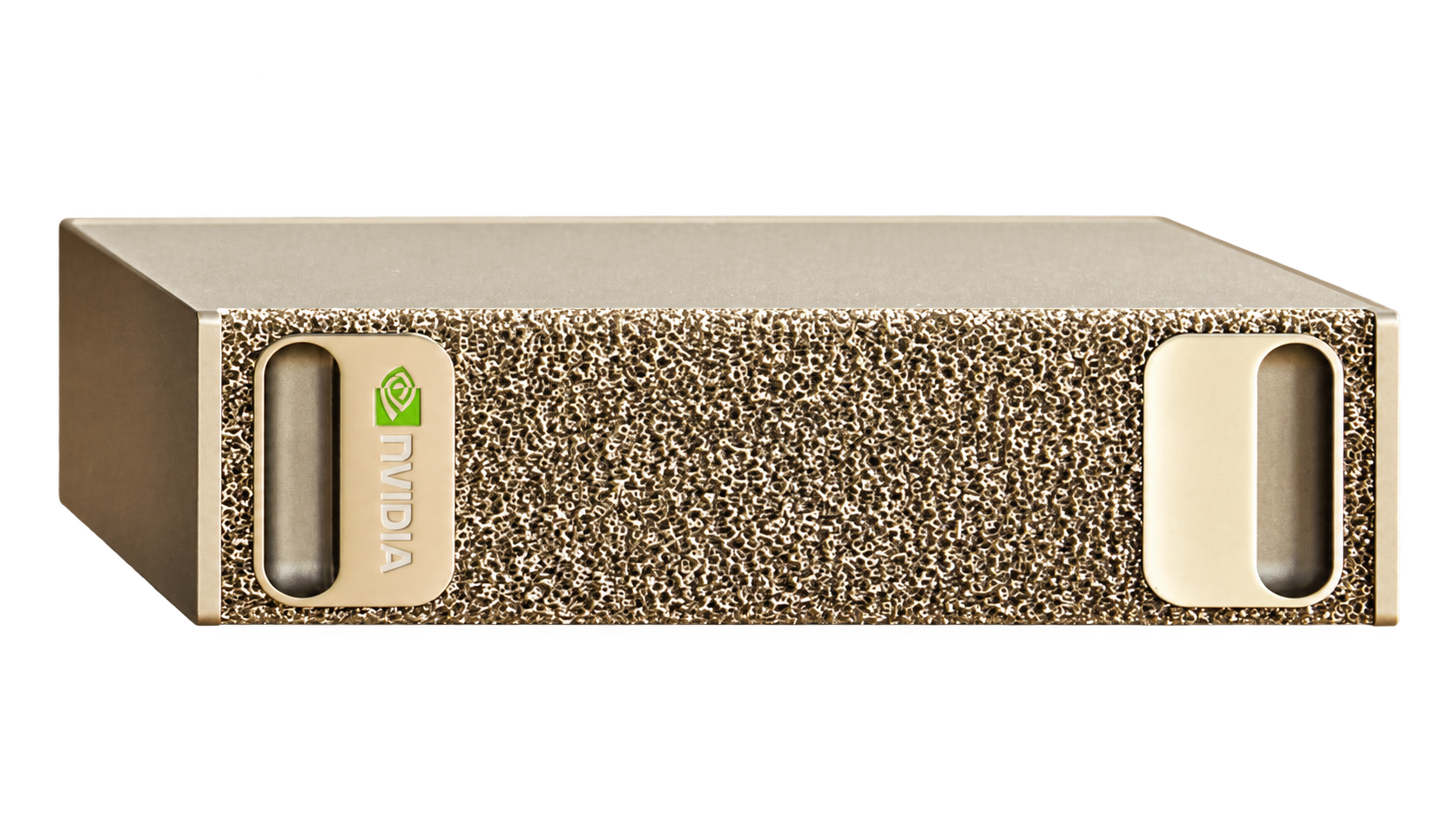
The Medicalholodeck AI Appliance, powered by NVIDIA DGX Spark, brings dedicated AI processing to your institution. Run medical-image segmentation locally, with datasets processed on your own infrastructure.
This is a central focus of the platform: bringing AI into the same workflow as medical imaging and spatial visualization. Segmented anatomy can then be reviewed on a workstation, presented on a 3D display, or explored in VR.
Spatial OS across devices
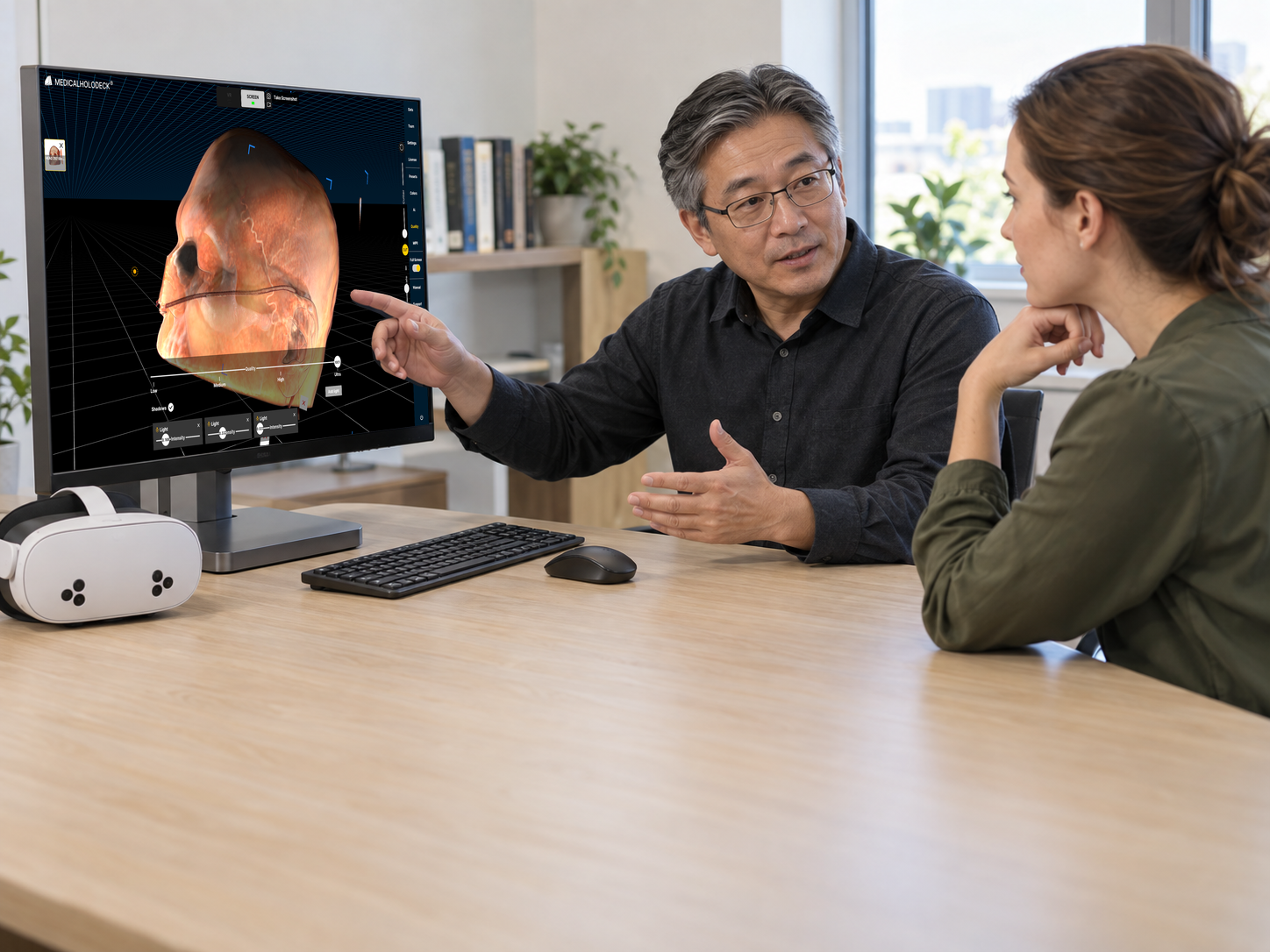
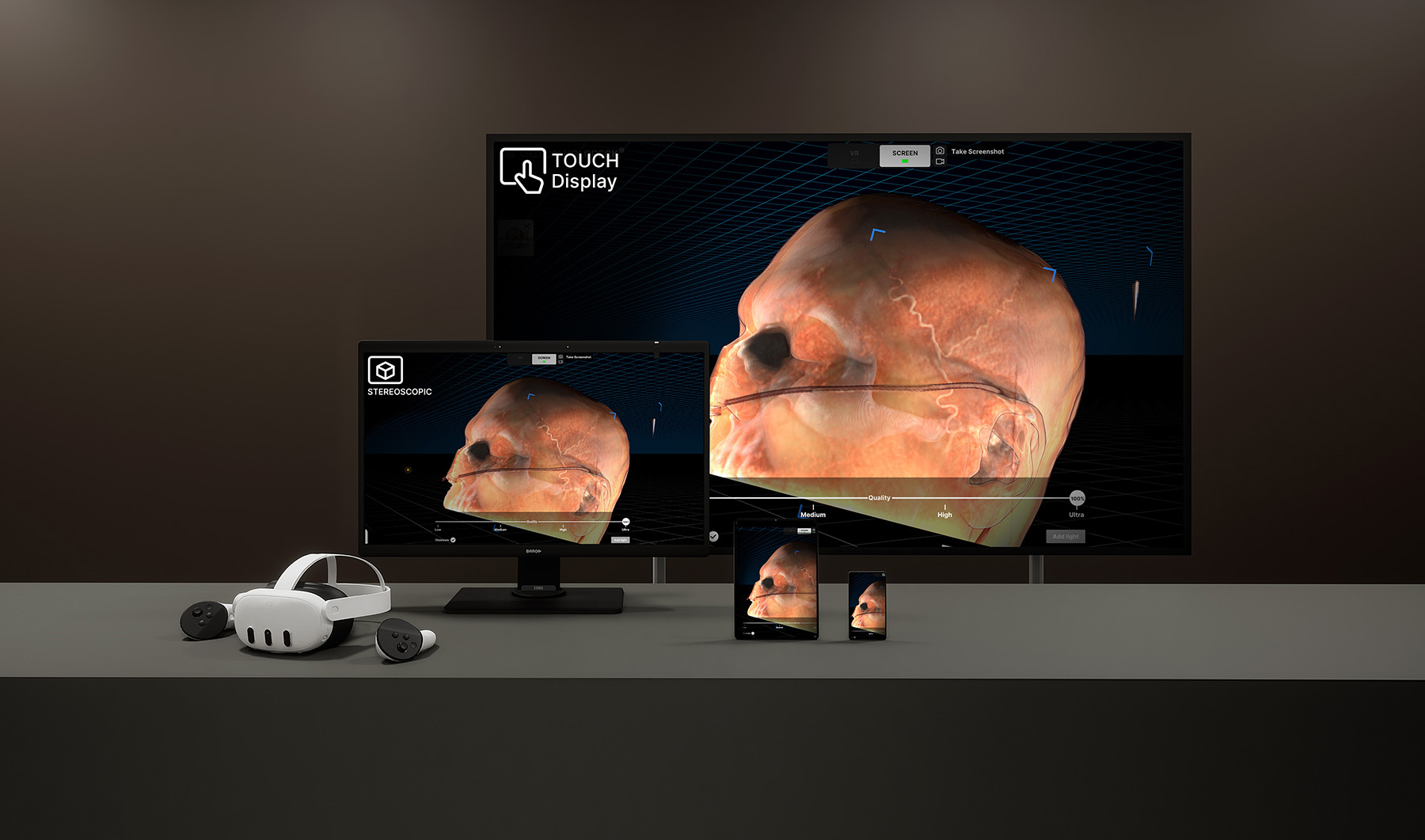
Medicalholodeck Spatial OS brings medical images, anatomical models, and AI-generated structures into one environment across Windows workstations, touchscreens, stereoscopic displays, and VR headsets. The same content can be explored through different displays and forms of interaction.
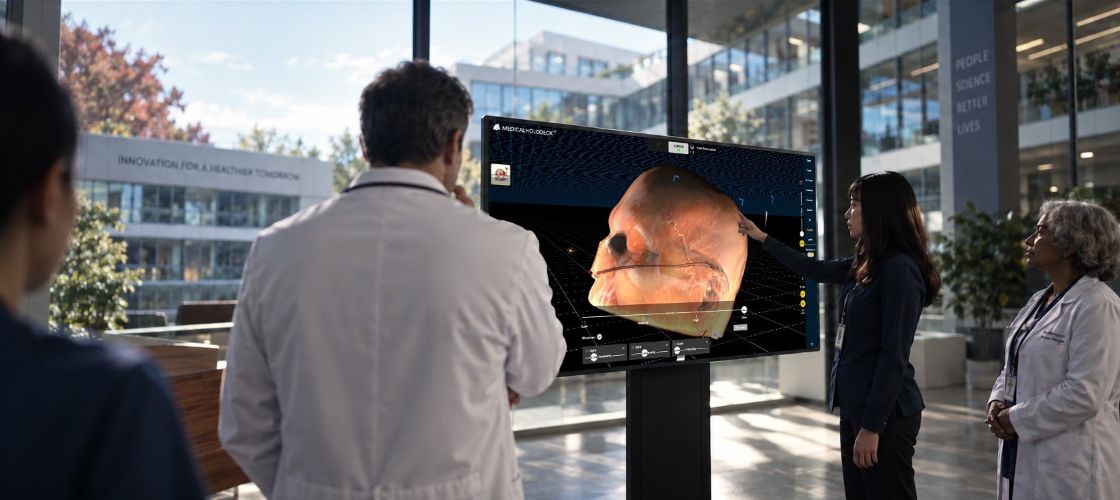
Prepare a dataset at your desk, guide a group through it on a touchscreen, examine spatial relationships on a glasses-free 3D display, or explore the anatomy immersively in VR. Each device supports a different part of the workflow.
For teaching and collaborative review, shared displays give the group a common view while VR participants explore from their own perspectives. Institutions can combine compatible devices around the needs of a seminar room, anatomy lab, or simulation center.
Glasses-free 3D displays
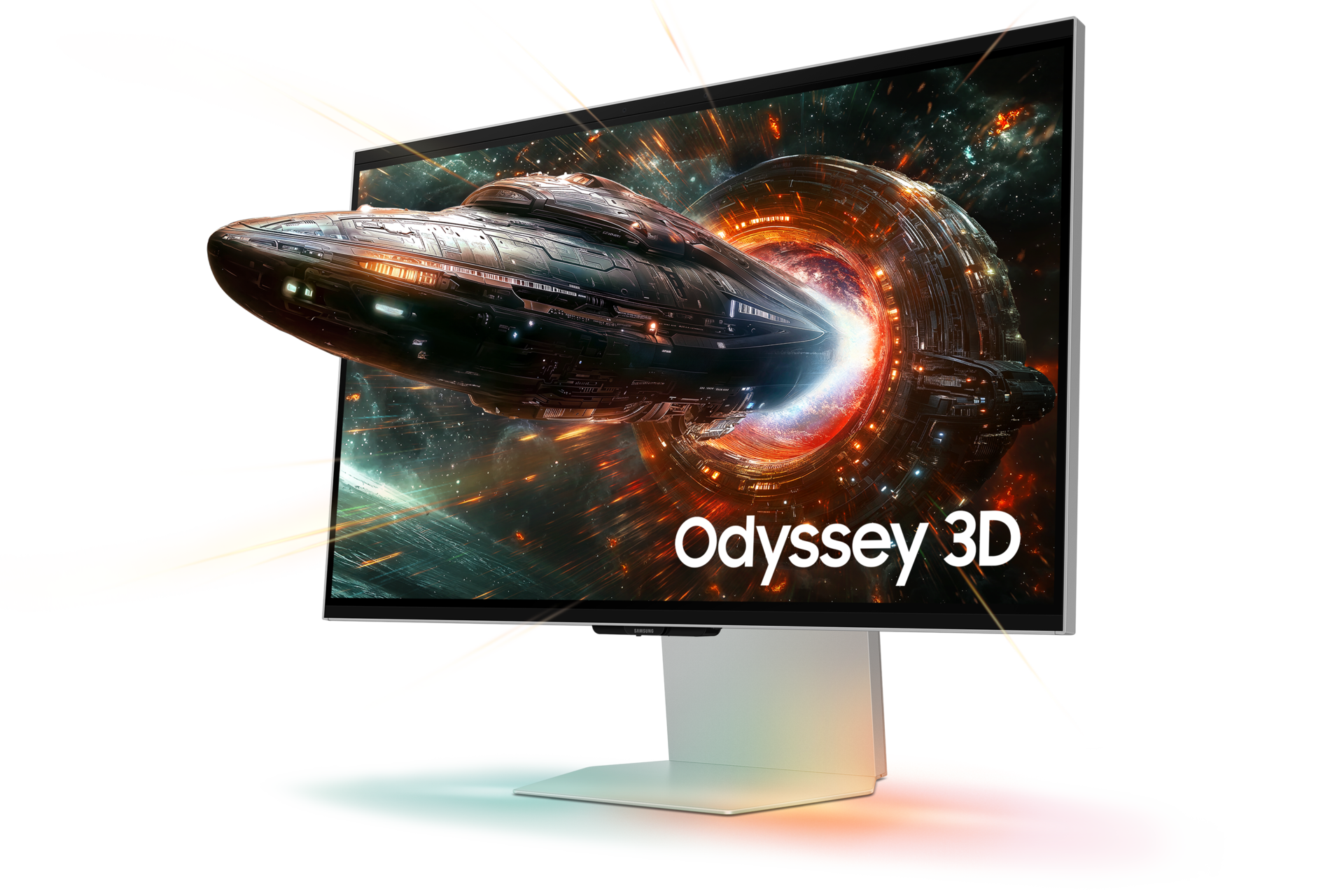
Autostereoscopic displays show three-dimensional depth without glasses or a headset. A standard monitor presents the same image to both eyes; these displays use a special optical layer to send a slightly different view to each eye. Your brain combines the two views into a sense of depth.
Eye tracking adjusts the views as you move within the supported viewing area. Anatomical structures can appear in front of or behind the screen, making their shape and spatial relationships easier to examine. This requires a compatible 3D display and software – a conventional screen cannot produce the same effect.
Immersive exploration in VR
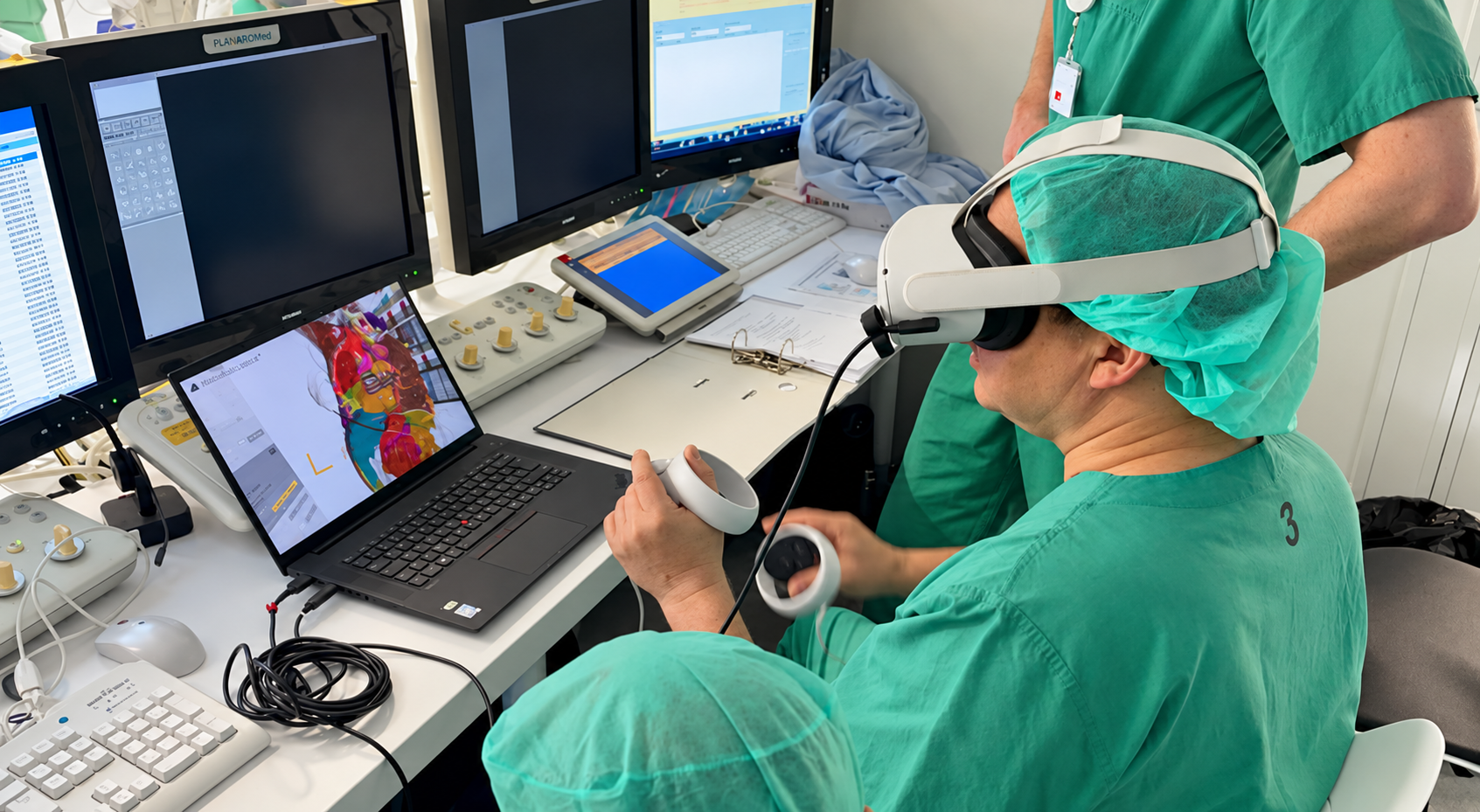
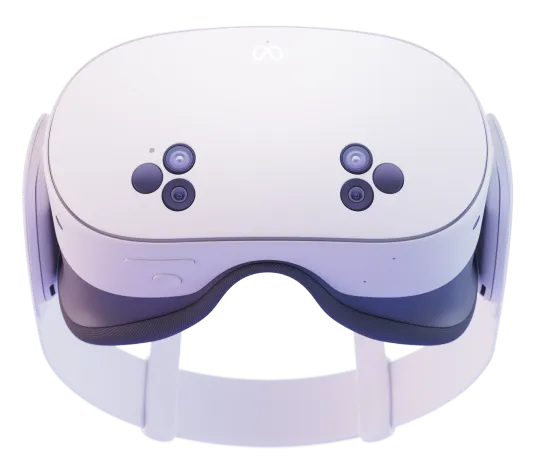
VR places medical images and anatomy in a three-dimensional space that users can explore directly. Move around a structure, enlarge it, and examine it from different angles to understand how organs, vessels, and surrounding tissues relate to one another.
For education and collaborative review, this turns a fixed view into an interactive experience. Instructors can guide a discussion while participants investigate the same anatomy from their own perspectives – connecting explanation with spatial exploration.
Configure your system
The Medicalholodeck Store brings software, workstations, displays, VR headsets, and local AI hardware together. Configure a single station or a teaching environment with several devices.
Our team reviews compatibility and prepares a configuration for your institution.
Visit the Medicalholodeck Store or contact our team for personal support.