

What is Medicalholodeck?
Medical imaging
and anatomy in 3D
Medicalholodeck turns CT and MRI data into 3D volumes. Use AI to segment anatomical structures, examine them individually, and discuss them with your team.
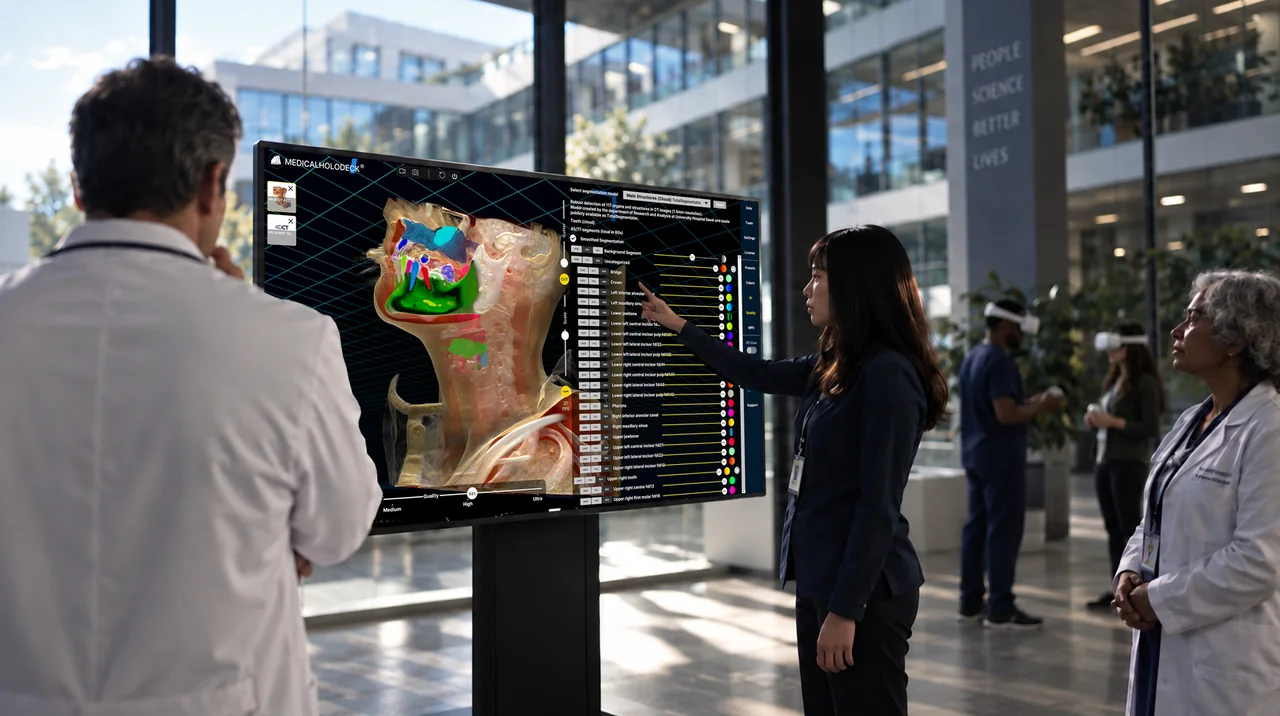
From CT and MRI
to 3D visualization
DICOM image series
Import
Load CT and MRI image series in DICOM format and open them as a 3D dataset.
Anatomical structures
Segment
Use AI to separate organs, vessels, and bones and view each structure individually.
Spatial anatomy
Visualize
Rotate, enlarge, and cut through the 3D dataset. Examine anatomical structures from different perspectives.
Team collaboration
Discuss
Review the same dataset together and discuss anatomical structures and segmentation results with your team.
One dataset
multiple perspectives
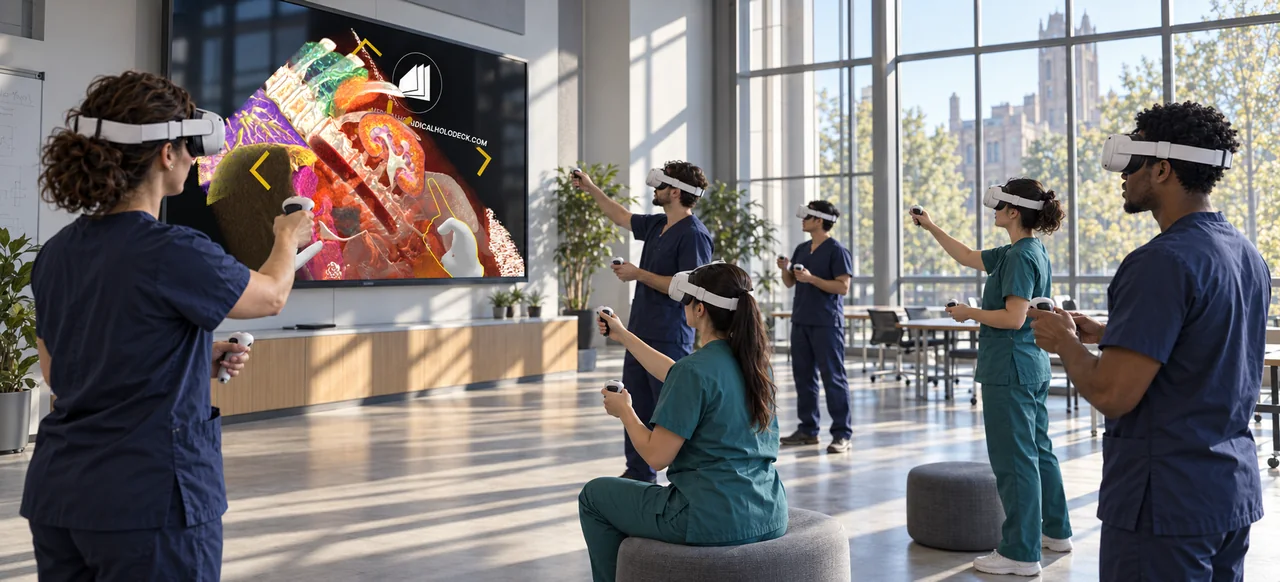
Explore anatomy in immersive 3D
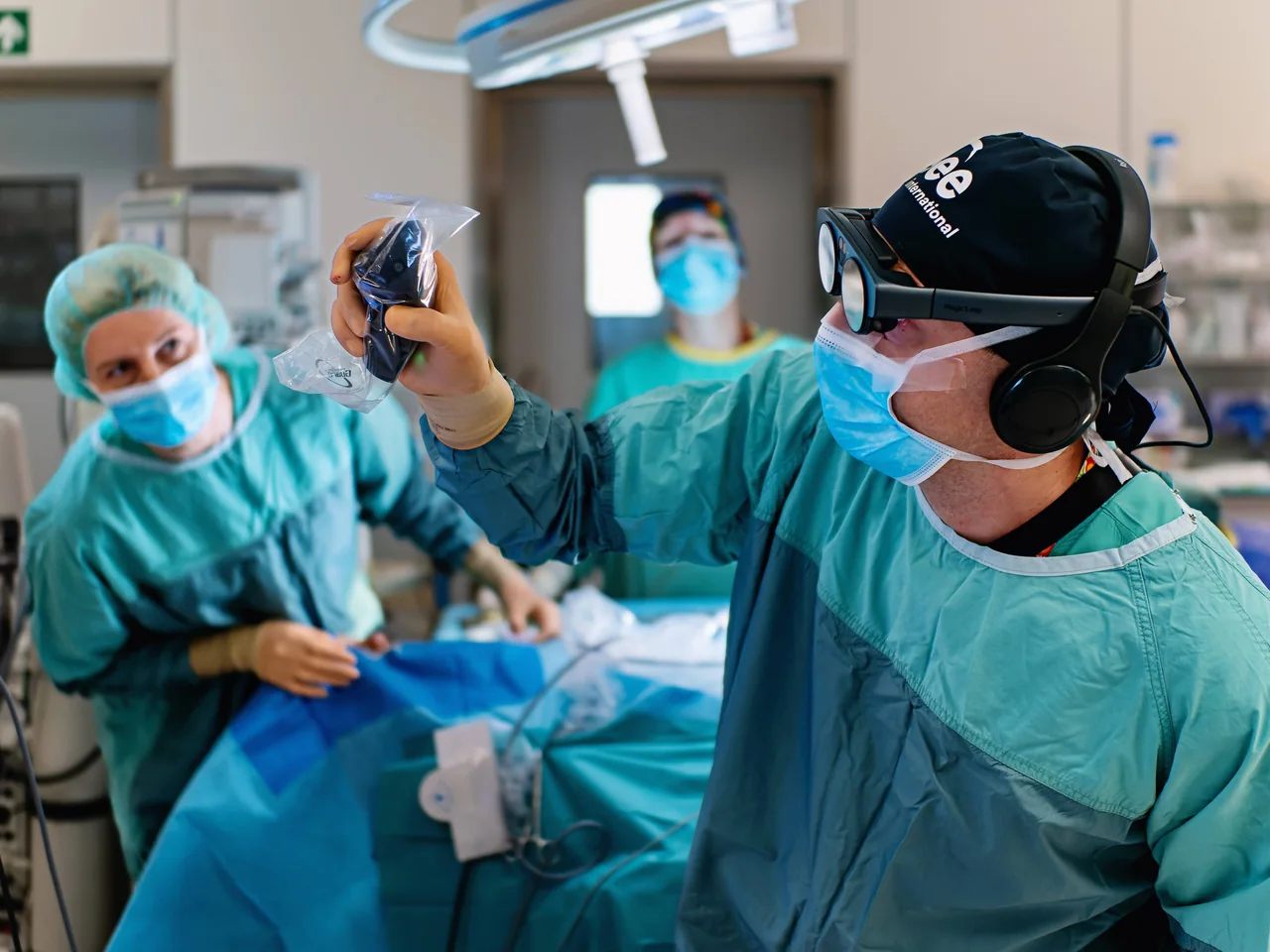
Position, rotate, and enlarge datasets in virtual space with a VR headset. Multiple users can examine the same structures from different angles and discuss them together.
Explore VR headsets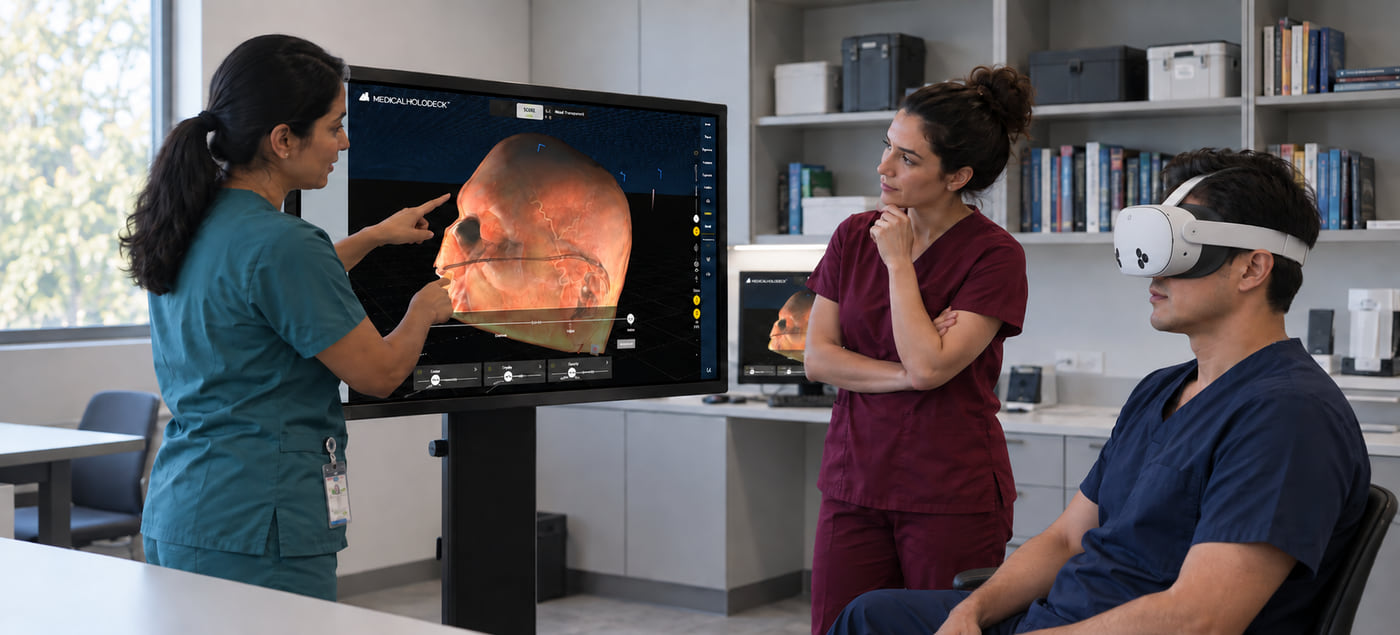
Depth without glasses
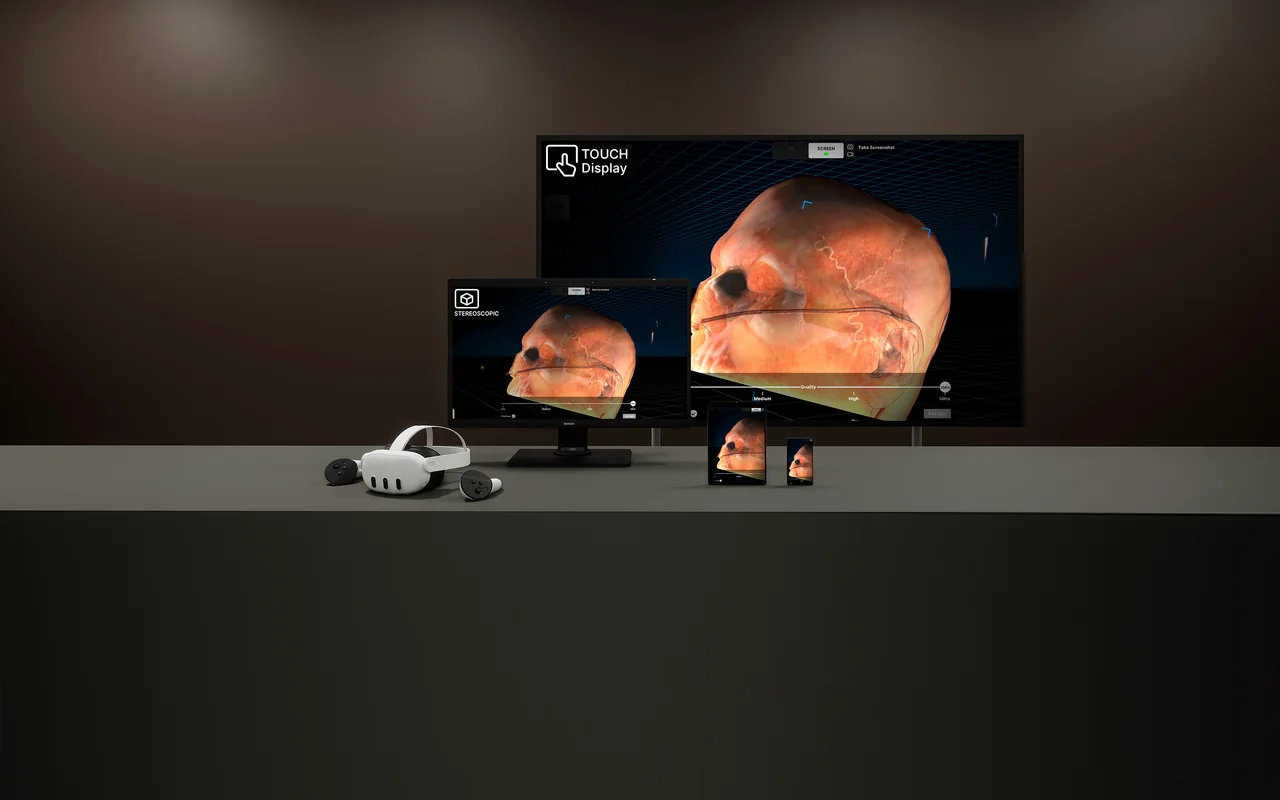
Autostereoscopic displays show CT and MRI volumes and anatomical models with stereoscopic depth. Examine structures directly on screen without 3D glasses or a VR headset.
Explore 3D displays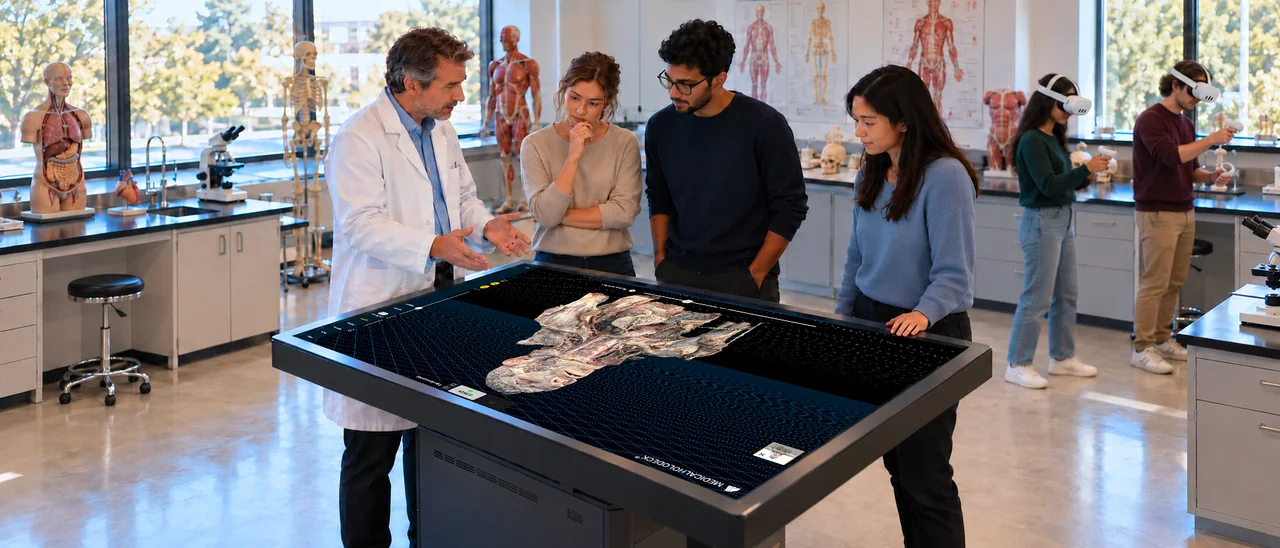
Explore datasets by touch
Rotate, enlarge, and cut through 3D datasets using touch gestures. A large shared display lets the team follow anatomical structures together.
Explore touch displays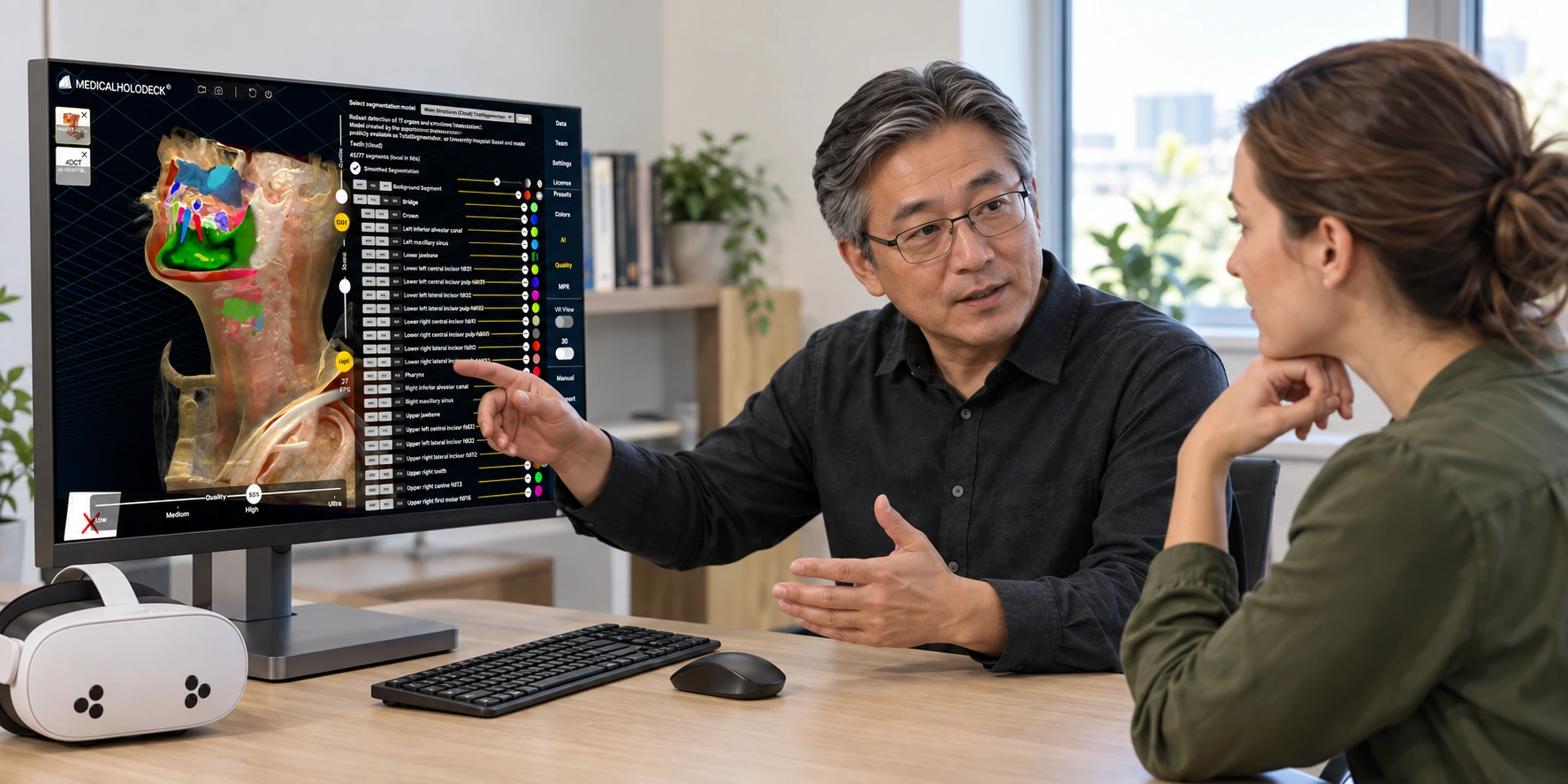
3D anatomy at your workstation
View CT and MRI volumes, segmentations, and anatomical models on a Windows PC. Use a mouse and keyboard to select structures and examine them from different perspectives.
Explore workstations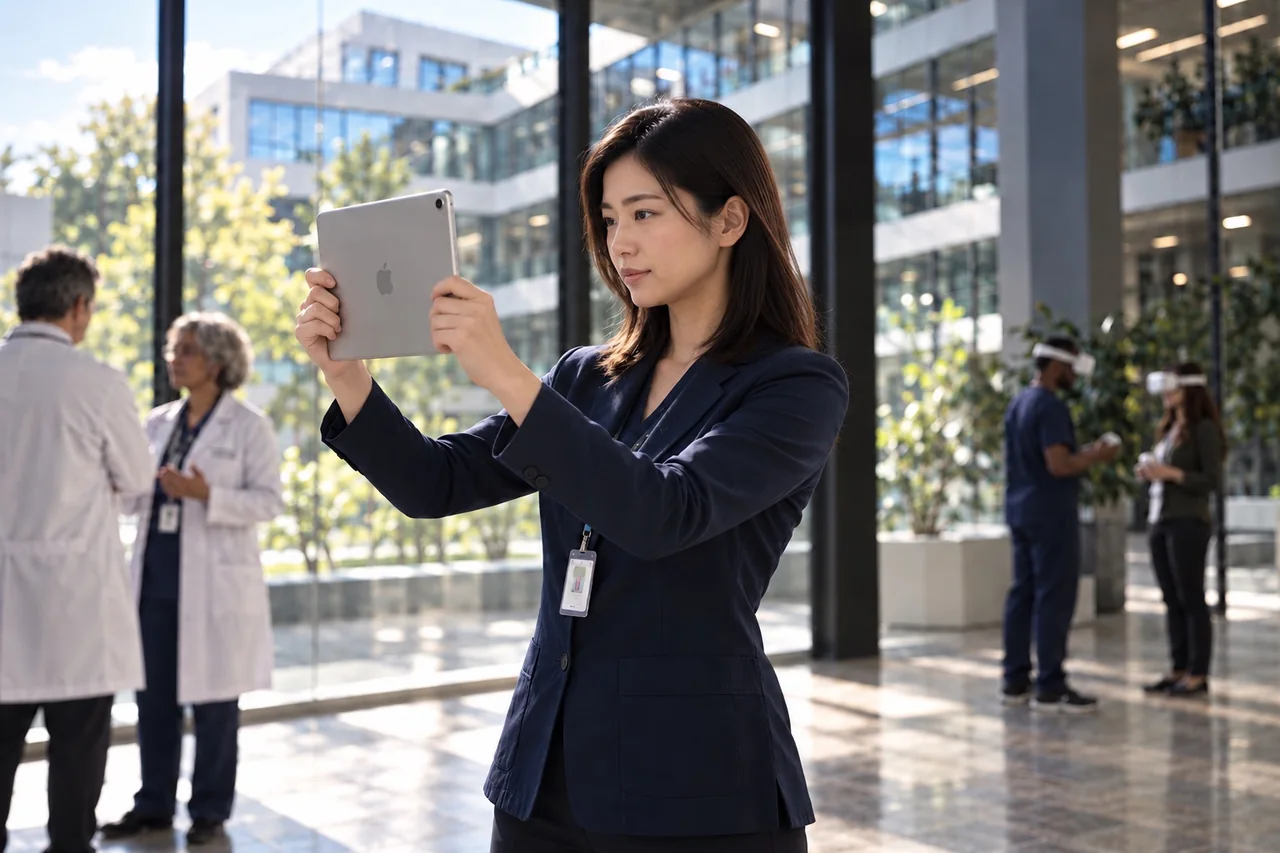
Anatomy on iPad and iPhone
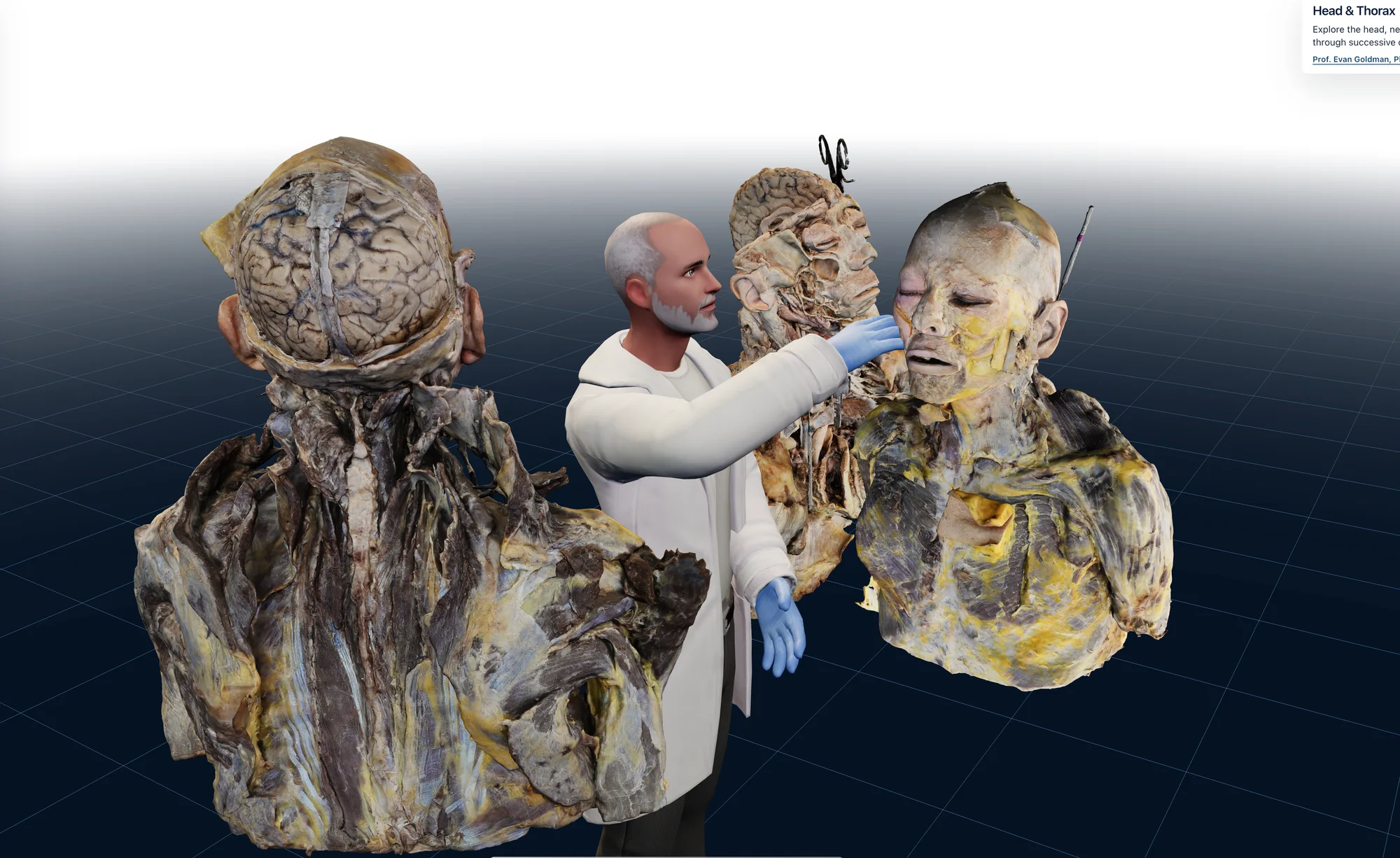
Explore medical imaging, anatomical models, and digital specimens using touch controls. Augmented reality places anatomy in your surroundings through the device camera.
Configure your setup
Store
Choose software for your existing hardware, configure a complete system, or equip a simulation lab.
Software
Applications and license terms for your existing hardware.
Choose softwareHardware + Software
Software with a workstation, display, or VR headset.
Configure a systemSimulation labs
Multi-user setups with workstations, displays, and VR.
Explore simulation labs