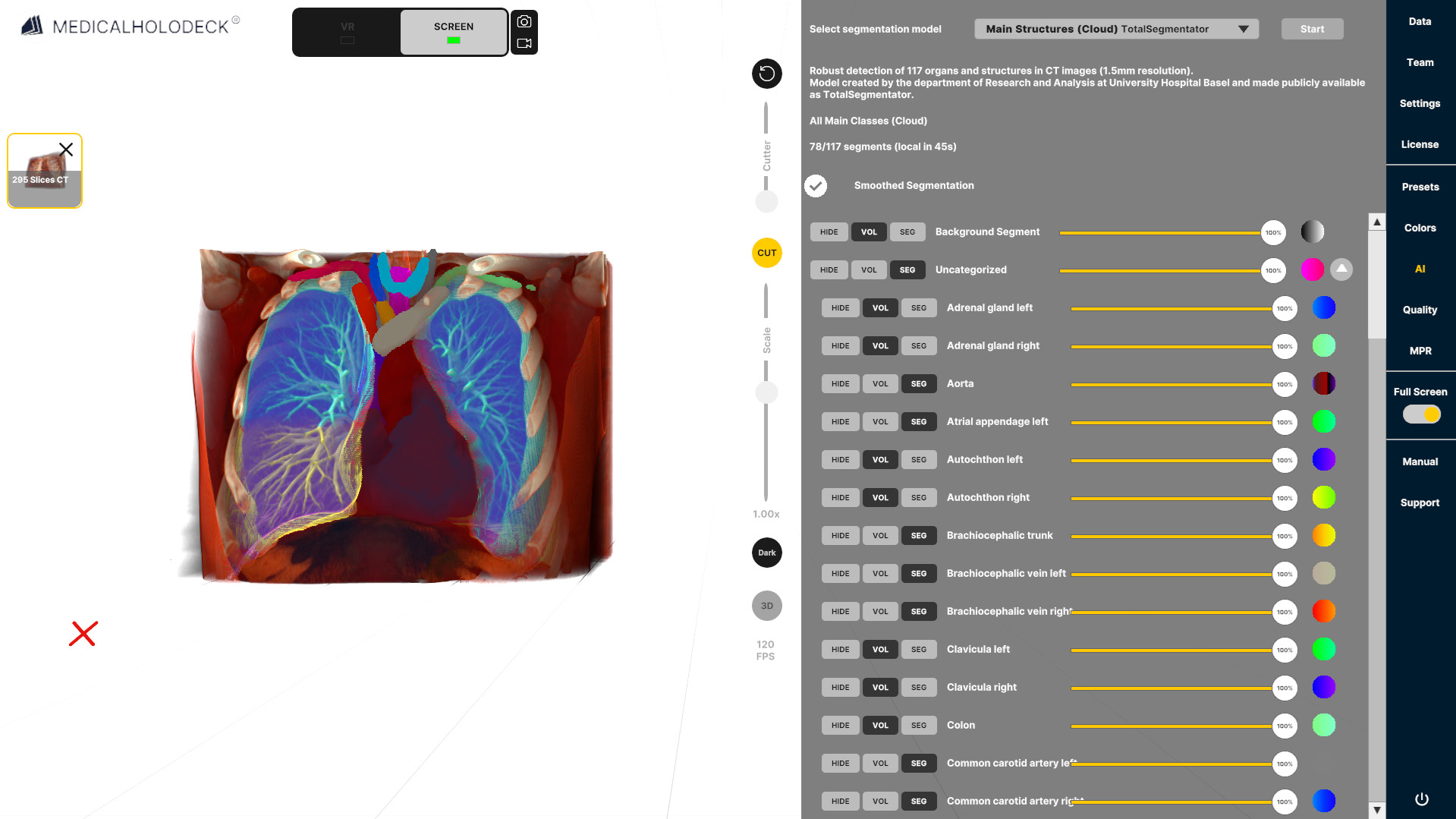
3.1 إجراء عملية تجزئة
3.1.V1.9-01
-
تحميل البيانات إلى مساحة العمل
افتح علامة التبويب Data على اليمين وحمّل مجموعة بيانات من قسم Medical Imaging XR.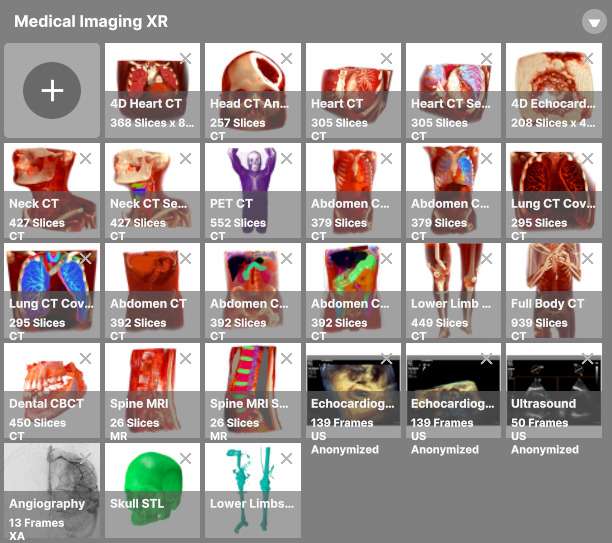
-
الانتقال إلى علامة التبويب AI
بعد تحميل مجموعة البيانات، ابحث عن علامة التبويب AI في الشريط الجانبي.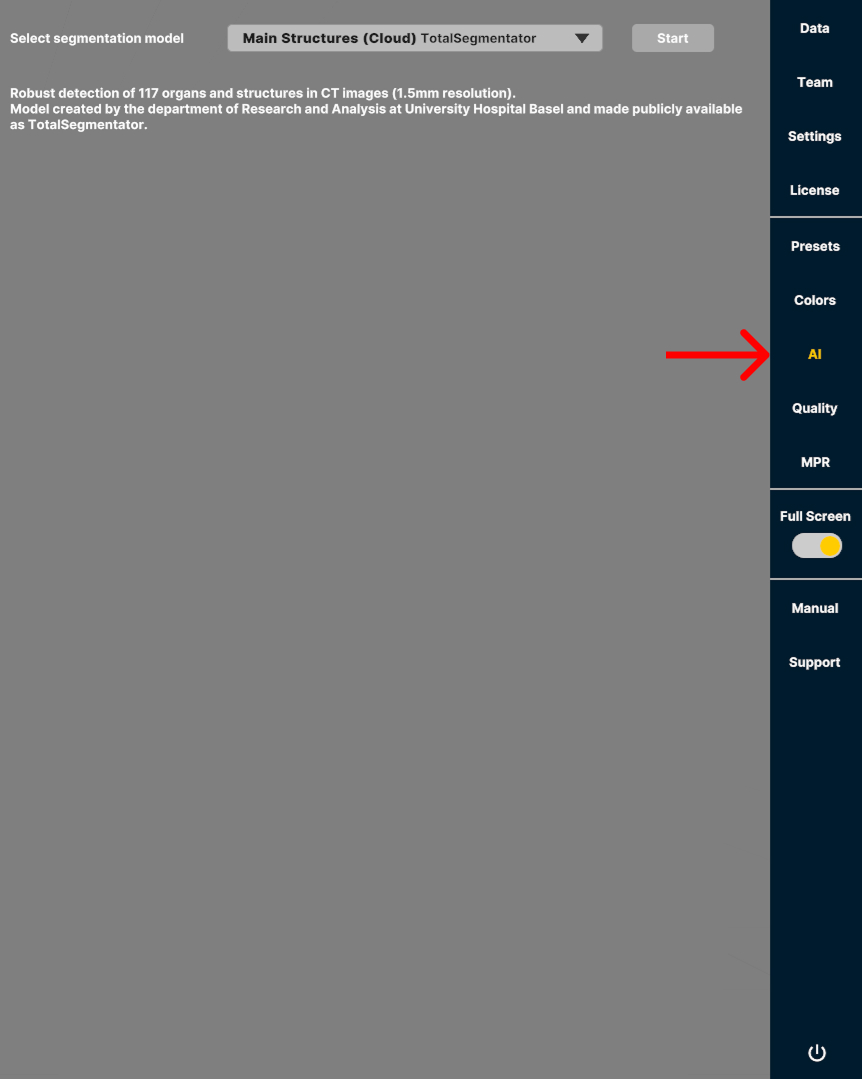
-
اختيار نموذج ذكاء اصطناعي
تم تحسين النماذج لأنواع محددة من الفحوصات، مثل فحص CT لكامل الجسم أو البُنى الرئيسية. اختر النموذج الأنسب لنوع الفحص والبُنى التي تريد تقسيمها لتحقيق أفضل دقة وأداء.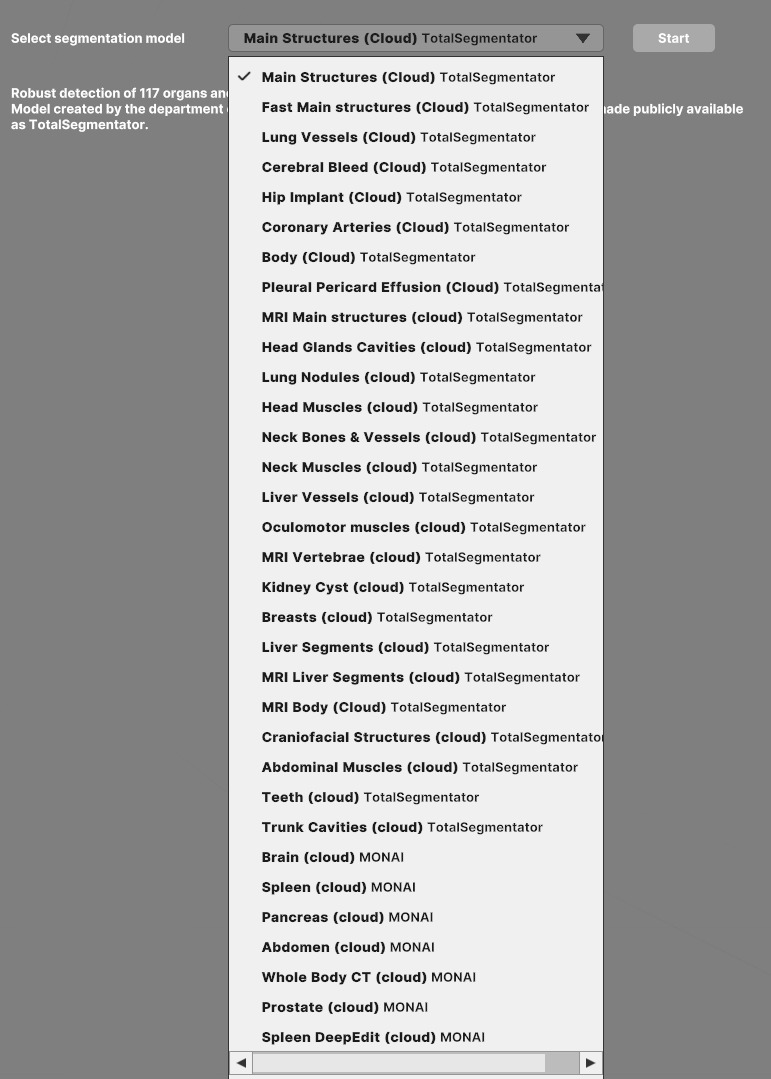
-
اضغط على الزر Start لإجراء التجزئة.
تُخفى هوية جميع البيانات وتُعالج مع الامتثال الكامل لمعايير HIPAA. -
العرض المرئي
تُحمّل البيانات المجزأة كتراكب فوق بيانات DICOM الأصلية، مع تنظيم البُنى المكتشفة في مجموعات وإظهار لوحة تحكم.