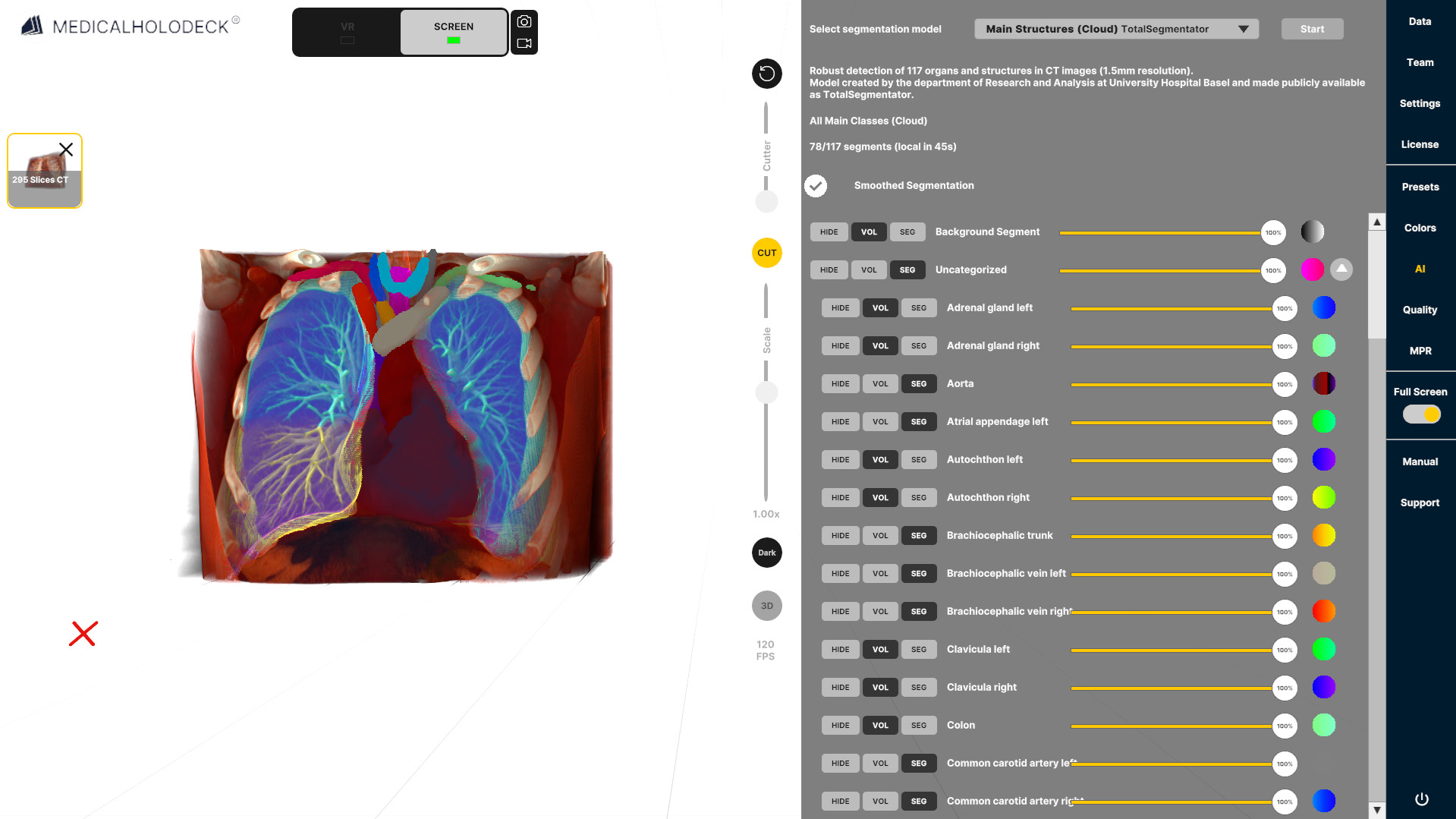
3.1 Running a segmentation
3.1.V1.9-01
-
Load data into the workspace
Open the Data tab on the right and load a dataset from the Medical Imaging XR section.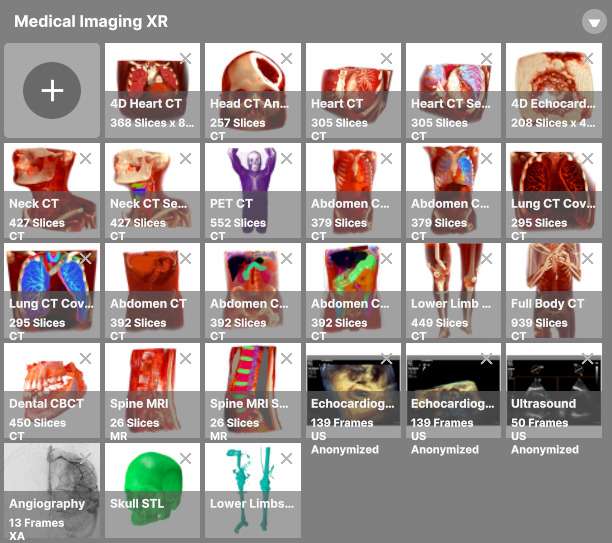
-
Navigate to the AI tab
After the dataset loads, locate the AI tab on the sidebar.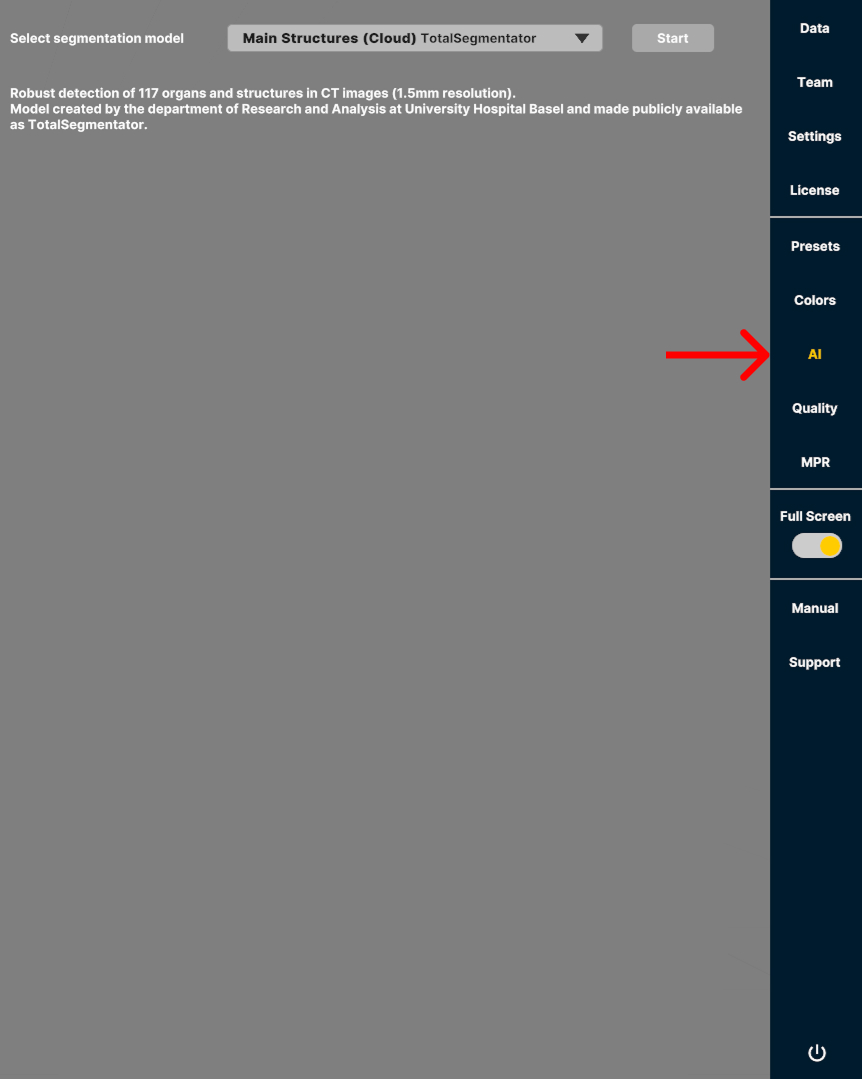
-
Choose an AI model
The models are optimized for specific scan types, such as full body scan CT or main structures. Choose the model that best matches your scan type and the structures you want to segment for optimal accuracy and performance.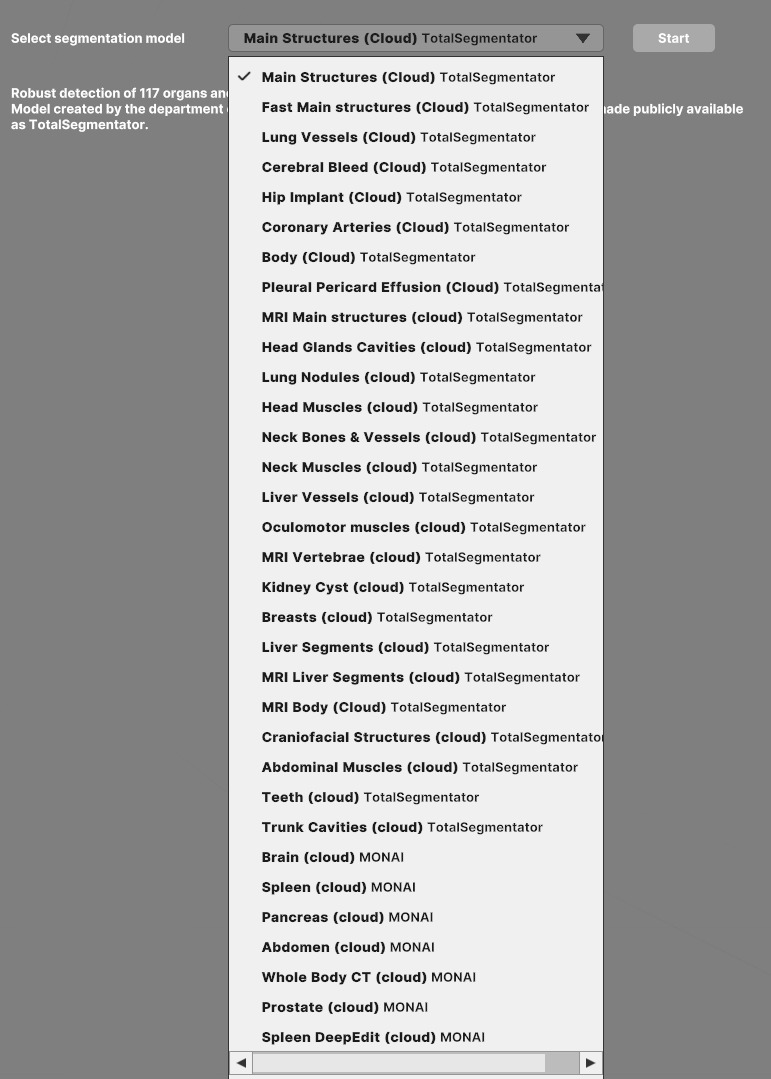
-
Run segmentation by pressing the Start button
All data is anonymized and handled in full compliance with HIPAA standards. -
Visualization
The segmented data loads as an overlay on the original DICOM data, with detected structures organized in groups, and a control panel.