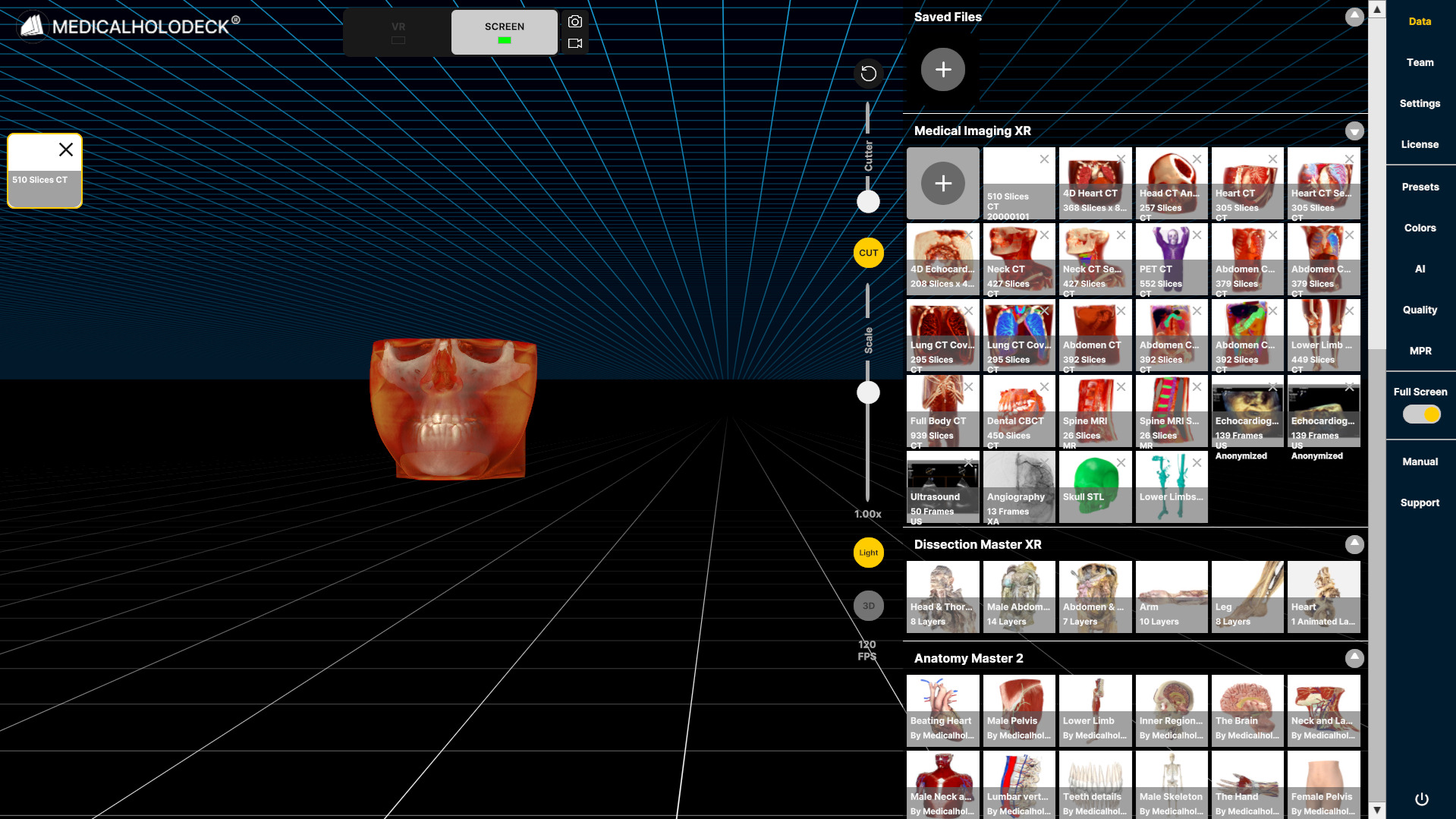
2.1 Importing data
2.1.V1.9-01
-
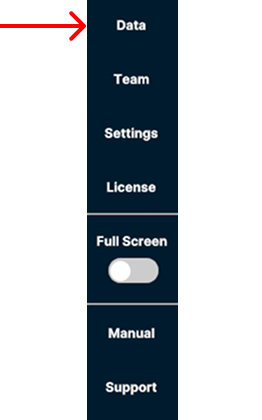
Open the Data tab in the sidebar on the right to import data from your computer.
-
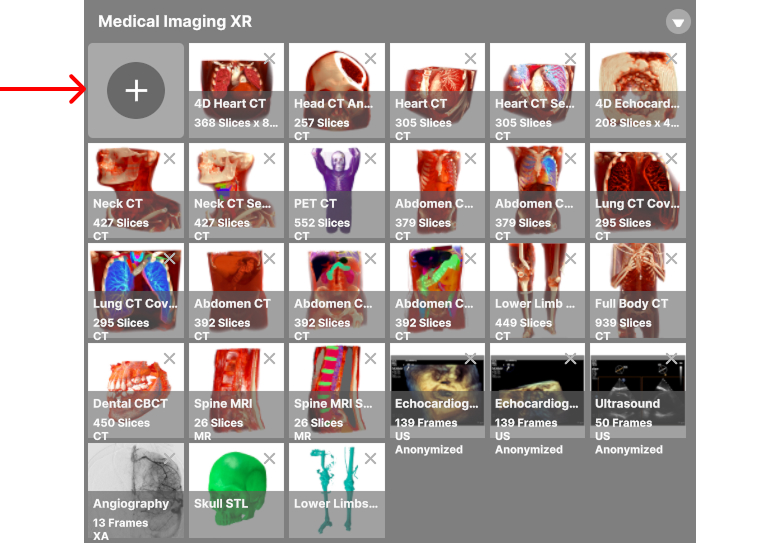
Select the + button in the upper-left corner of the Medical Imaging XR section.
-
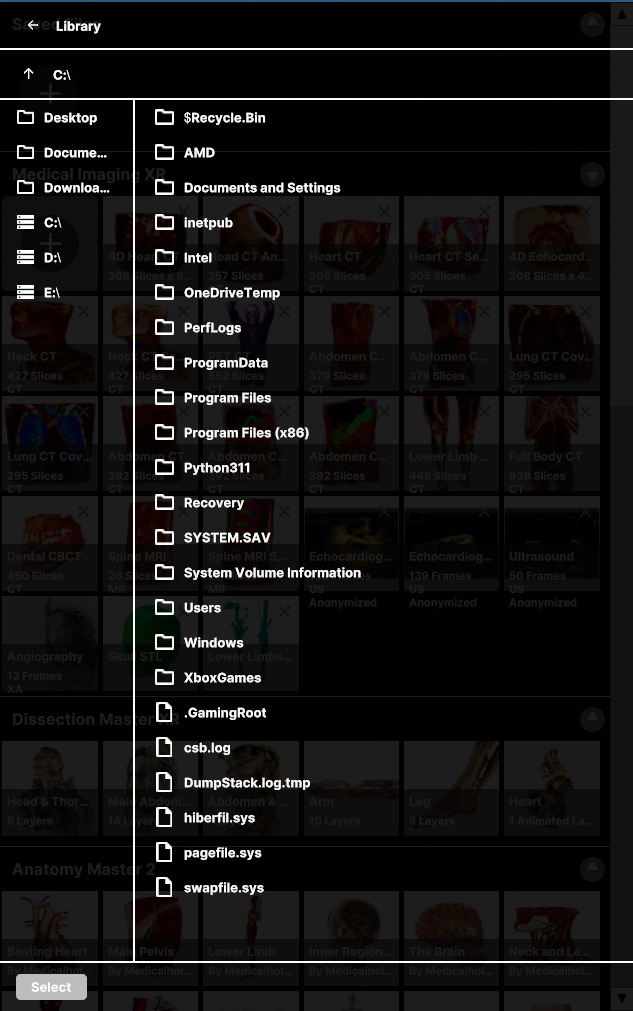
Browse your device to select the files to import.
-
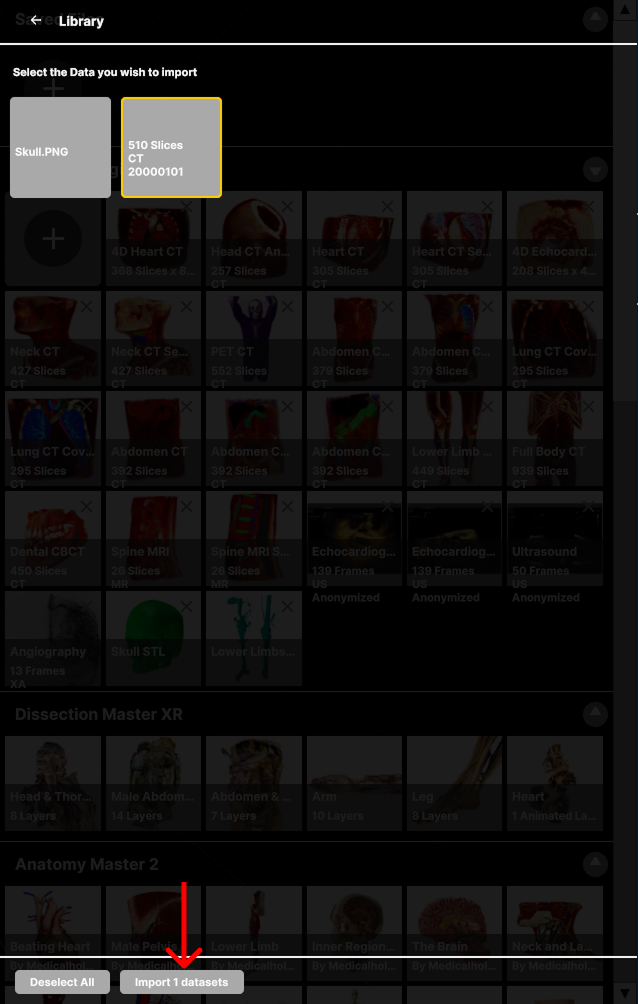
Select the data you want to import, and then select the Import button at the bottom of the panel.
-
The imported data appears in the Medical Imaging XR section.