マニュアル

Virtual Reality

2.1 Importing data

2.1.V1.9-01

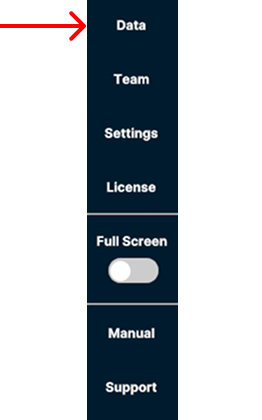
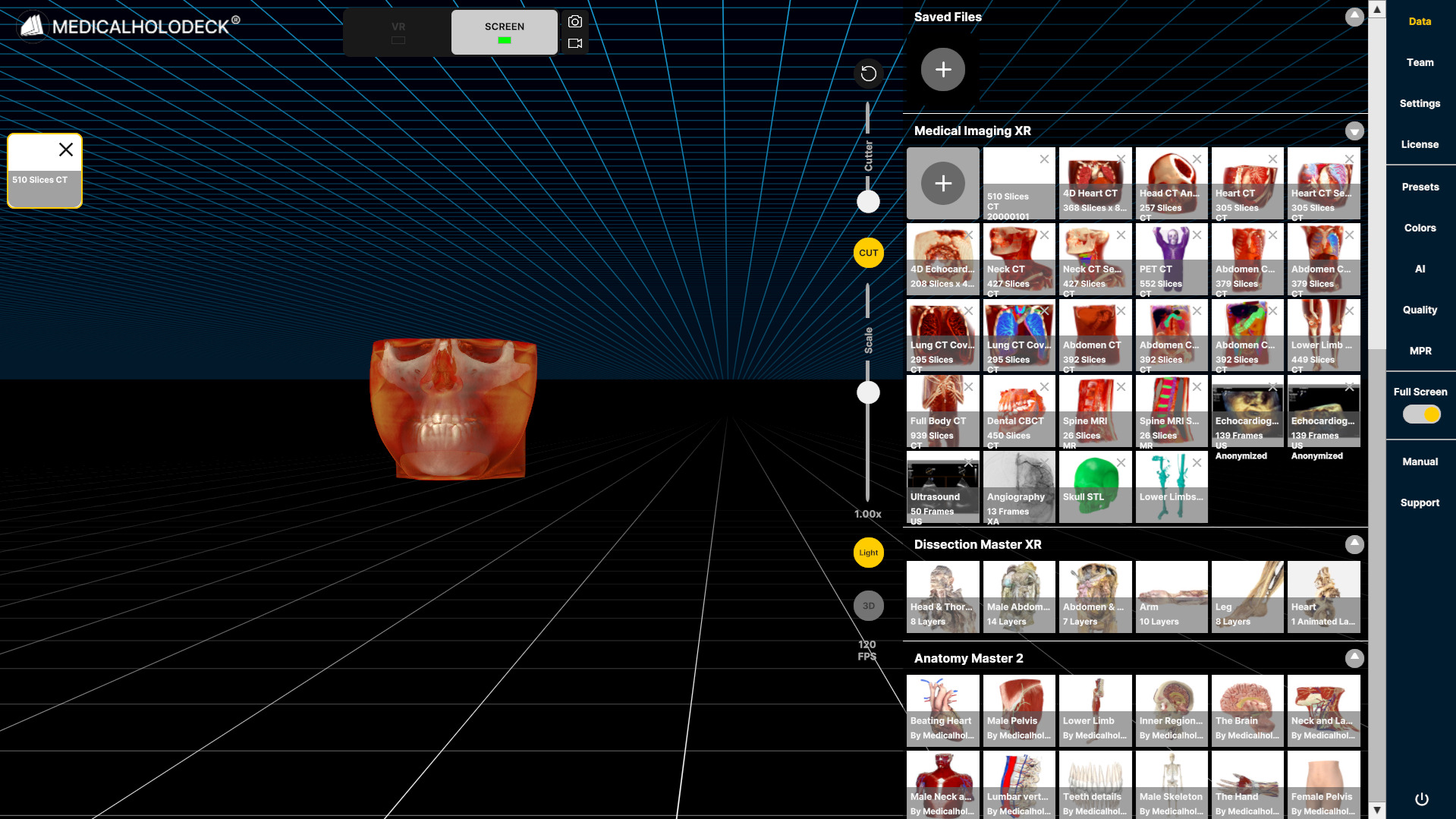
  1. Open the Data tab on the right to import data from your computer.

    Open data tab
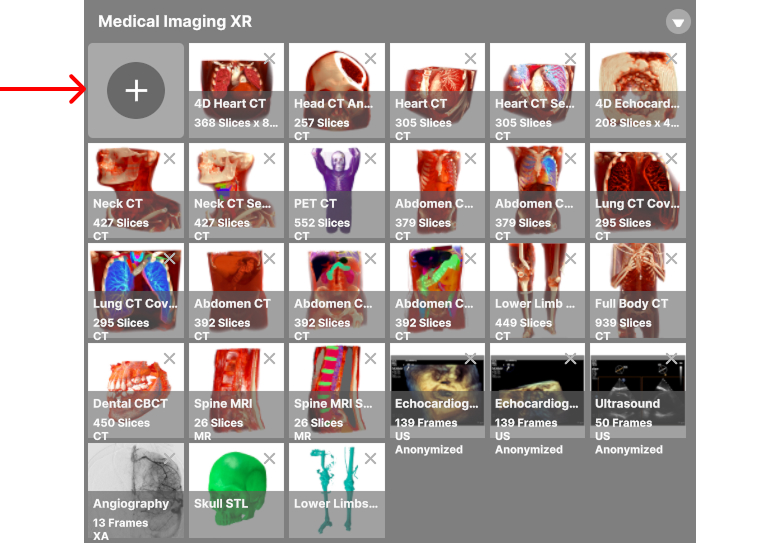
  2. Press + in the top-left corner of the Medical Imaging section.

    Press + to add data
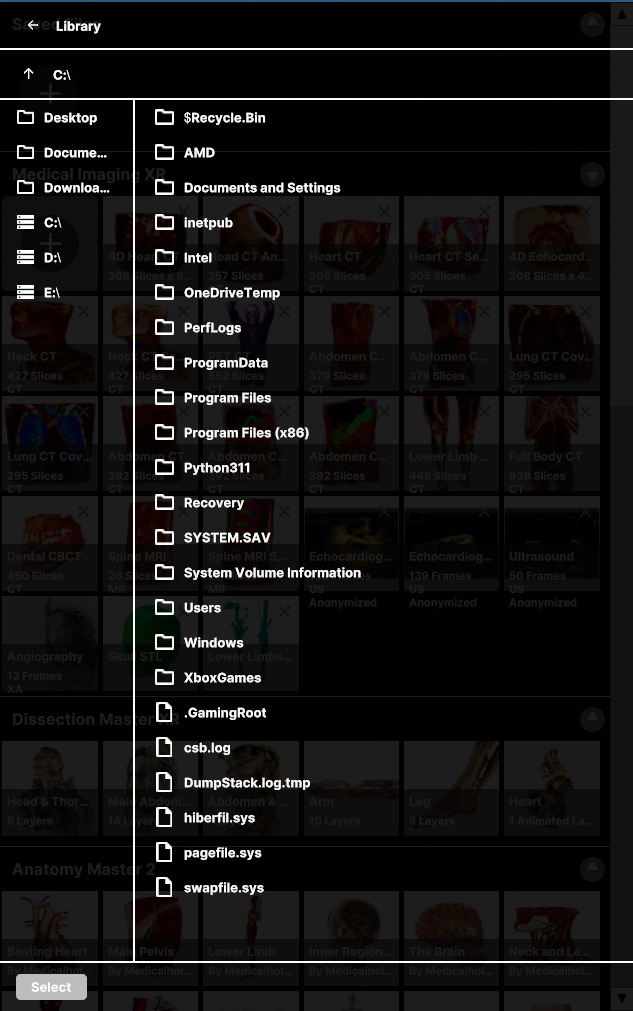
  3. Browse your device to select the files to import.

    Browse files to import
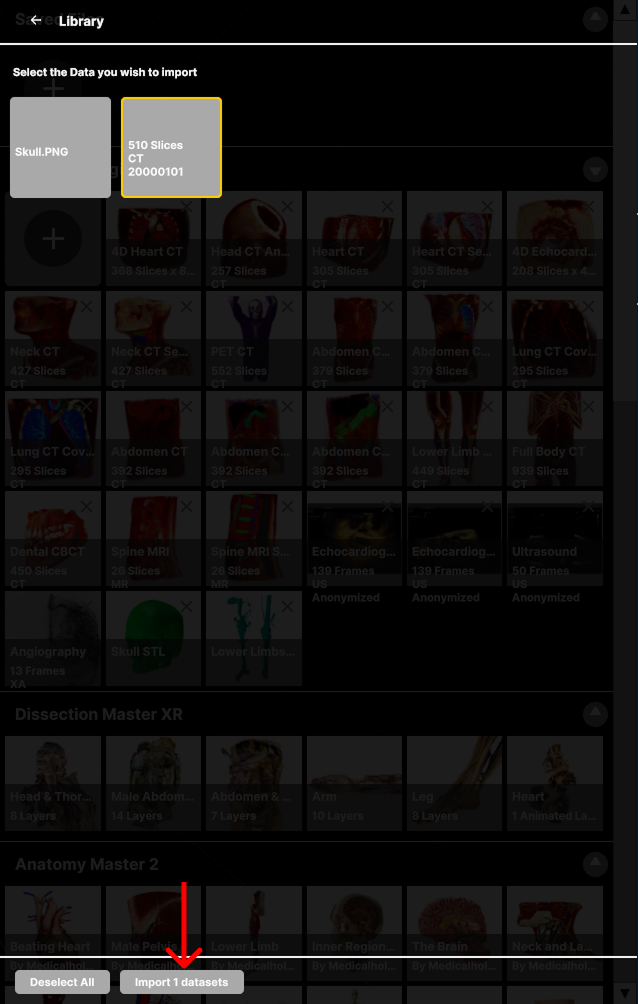
  4. Select the data to import and press the Import at the bottom.

    Submit import
  5. Imported data will be displayed in the Medical Imaging section.