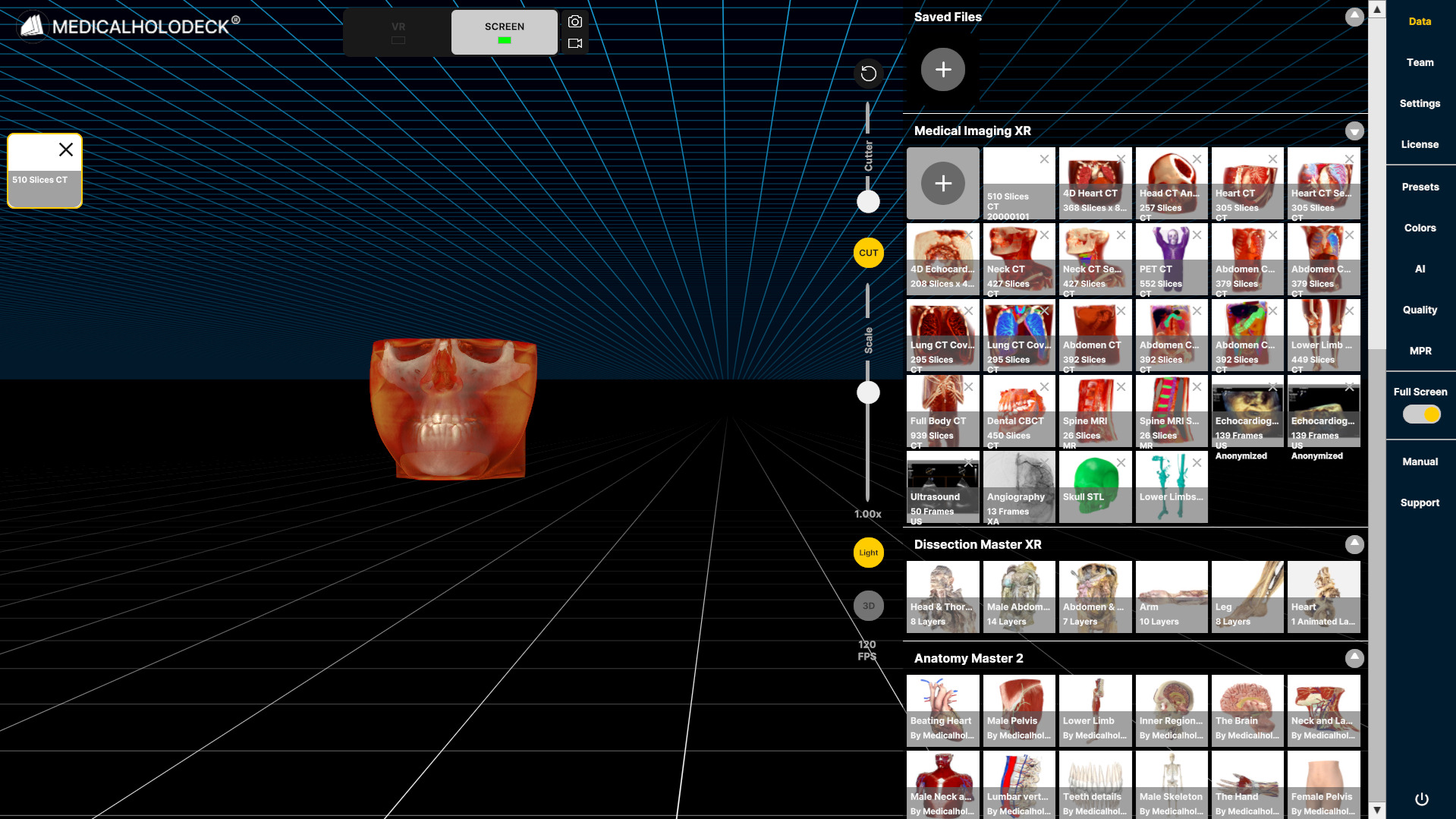
2.1 导入数据
2.1.V1.9-01
-
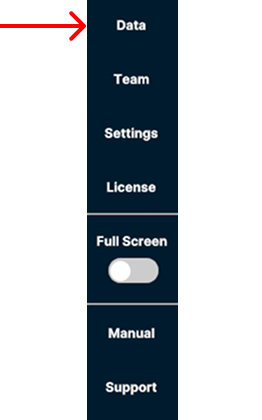
打开右侧边栏中的 Data 选项卡,从计算机导入数据。
-
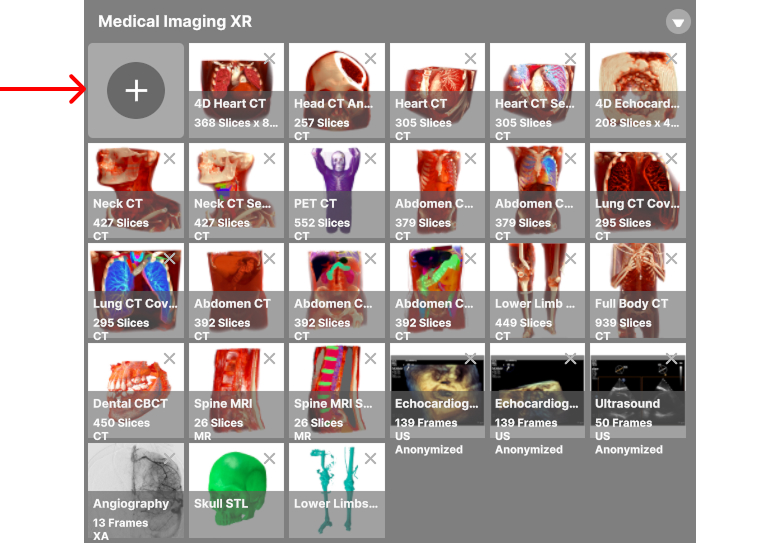
选择 Medical Imaging XR 部分左上角的 + 按钮。
-
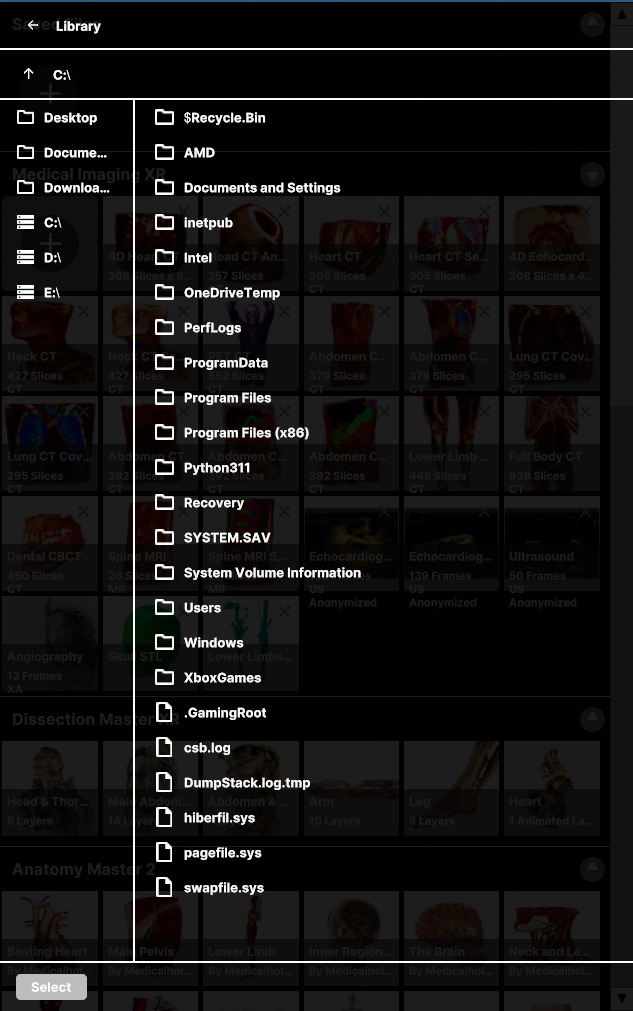
浏览设备并选择要导入的文件。
-
选择要导入的数据,然后选择面板底部的 Import 按钮。
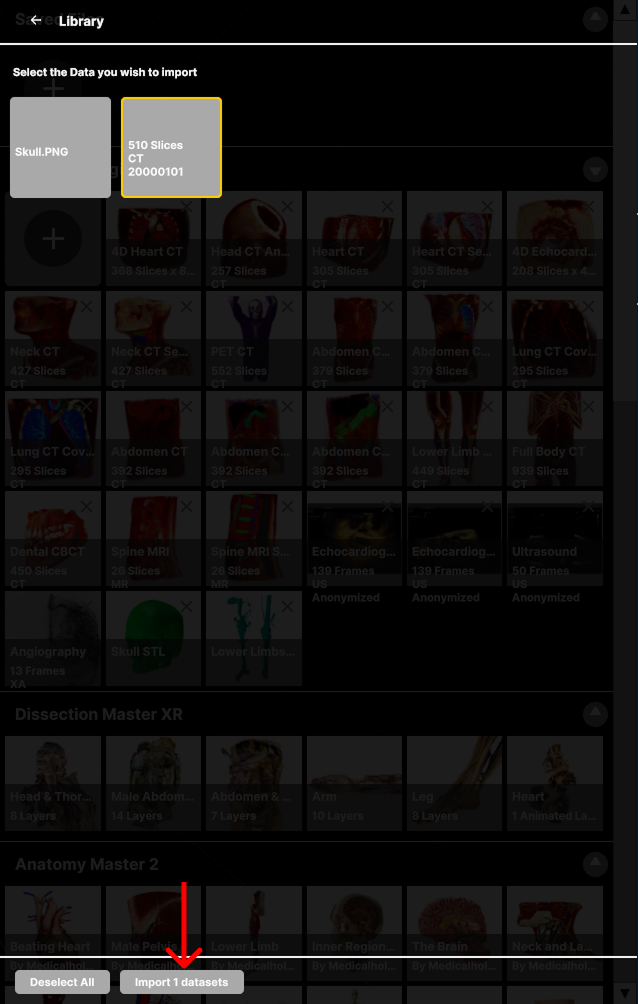
-
导入的数据会显示在 Medical Imaging XR 部分中。