2.1 استيراد البيانات
2.1.V1.9-01
-
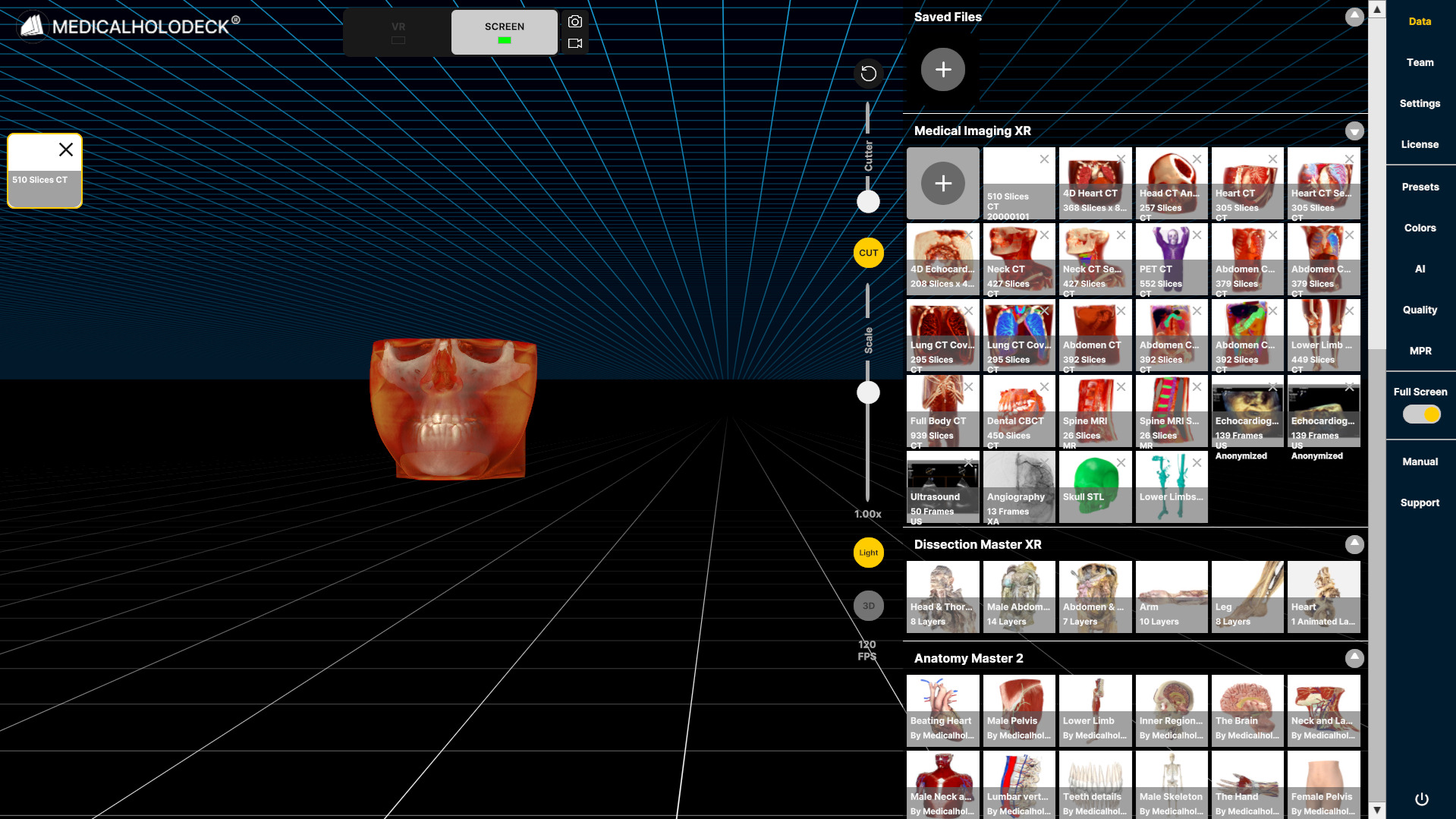
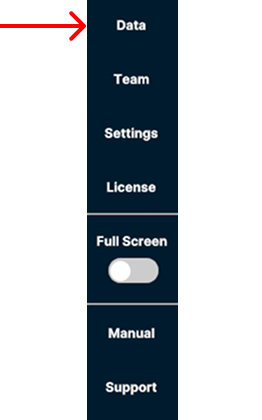
افتح علامة التبويب Data في الشريط الجانبي الأيمن لاستيراد البيانات من الكمبيوتر.
-
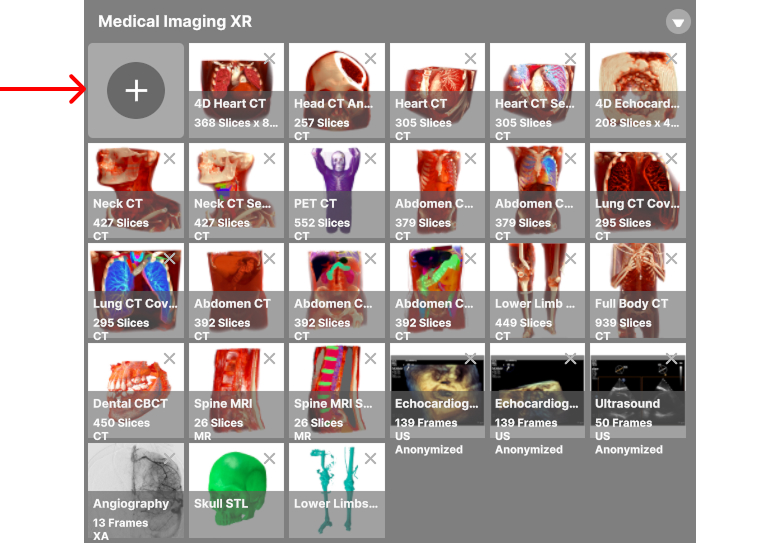
حدد زر + في الزاوية العلوية اليسرى من قسم Medical Imaging XR.
-
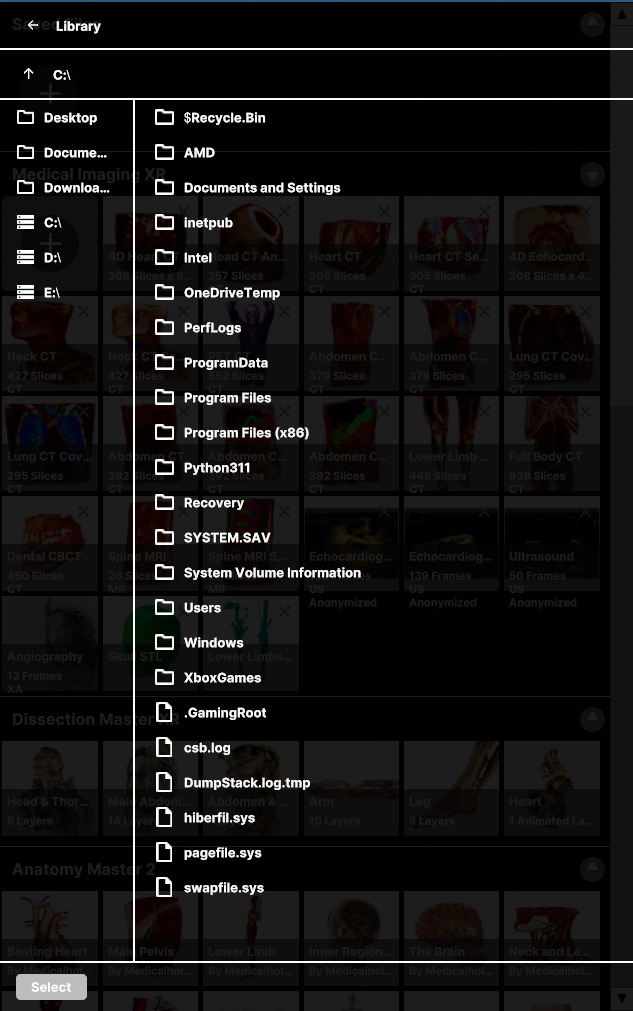
تصفح جهازك لتحديد الملفات التي تريد استيرادها.
-
حدد البيانات التي تريد استيرادها، ثم حدد زر Import أسفل اللوحة.
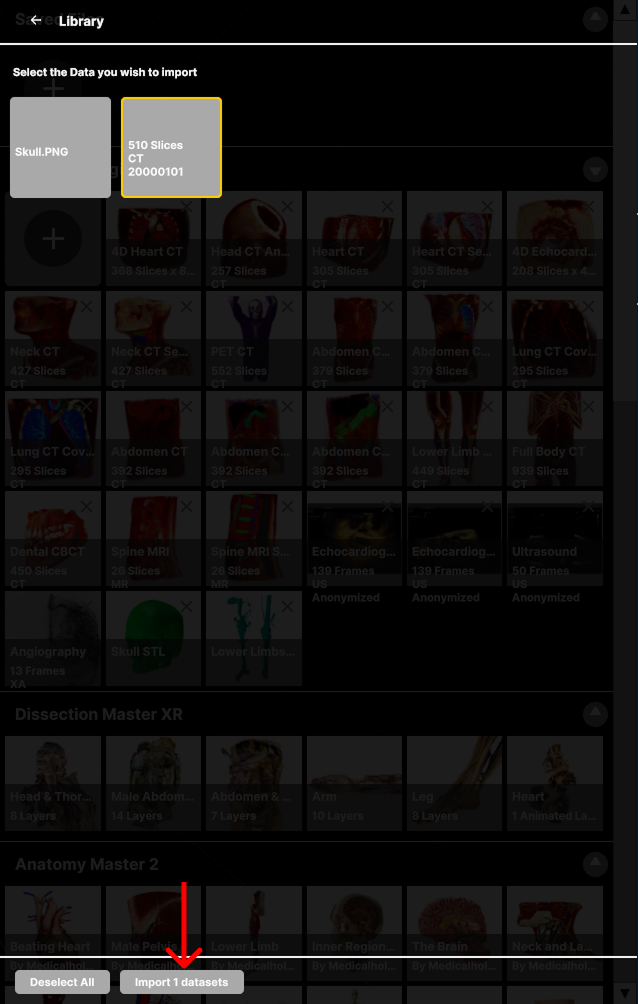
-
تظهر البيانات المستوردة في قسم Medical Imaging XR.