1.8 データ操作
1.8.V1.9-01
データセットをワークスペースに読み込んで、切断とスケールのコントロールを有効にします。
1.8.1
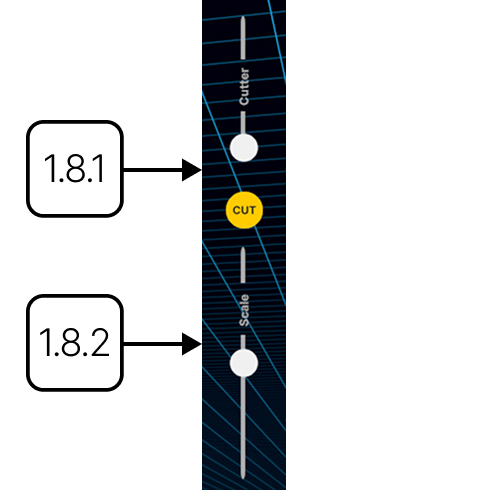
切断
1.8.1.V1.9-01
現在の表示方向に沿ってアクティブなデータセットを切断します。スライダーで切断の深さを調整し、モデルを回転させて向きを変更します。Cutを押して一時的な平面を適用します。
1.8.2
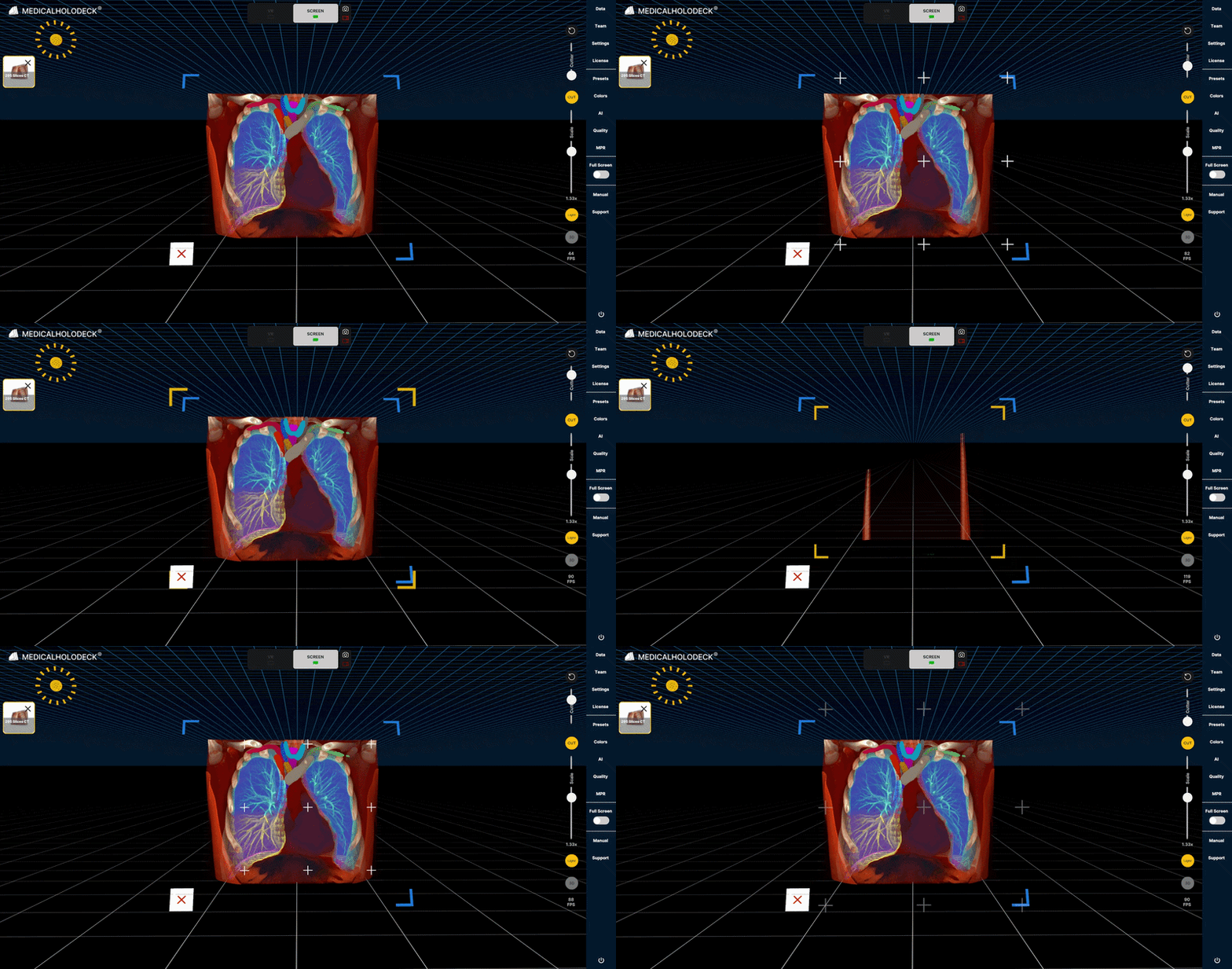
スケール
1.8.2.V1.9-01
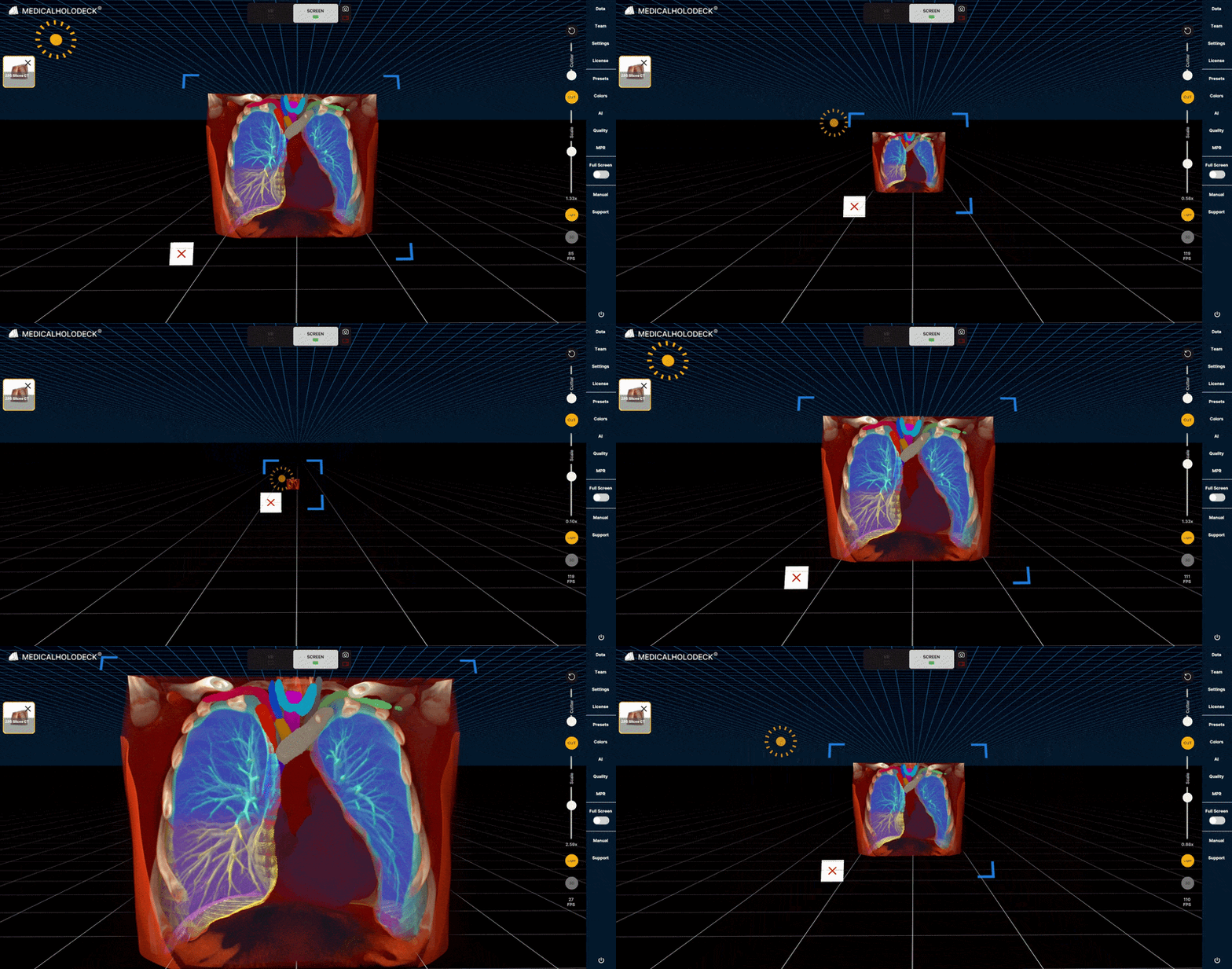
スケールコントロールを上下にドラッグして、アクティブなデータセットのサイズを変更します。離すと変更が適用されます。コントロールはジョイスティックのように動作し、自動的にデフォルト位置に戻ります。
1.8.3
マウスとキーボードのショートカット
1.8.3.V1.9-01
1.8.3.1
回転
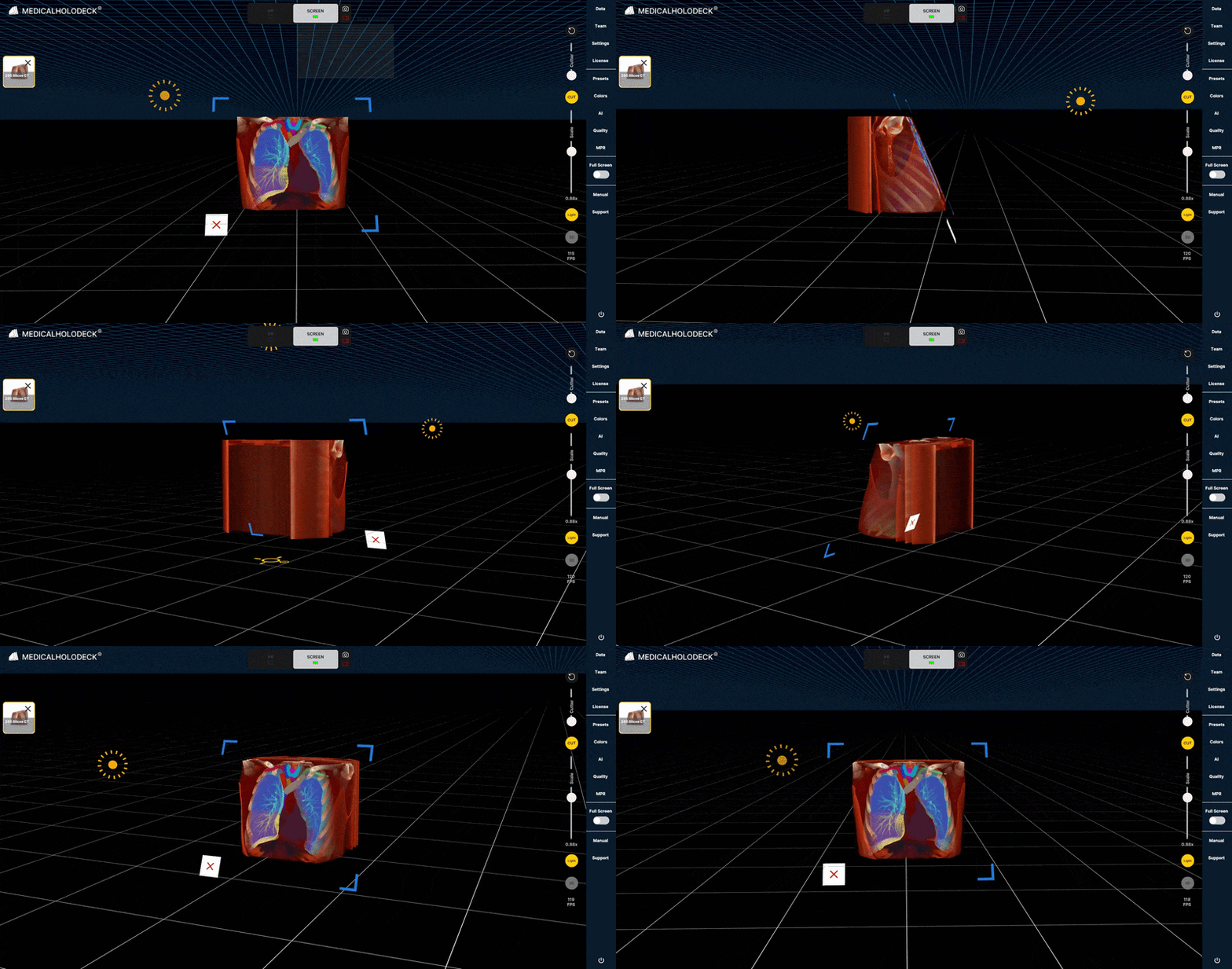
左クリックしてドラッグし、モデルを回転します。
1.8.3.2
移動
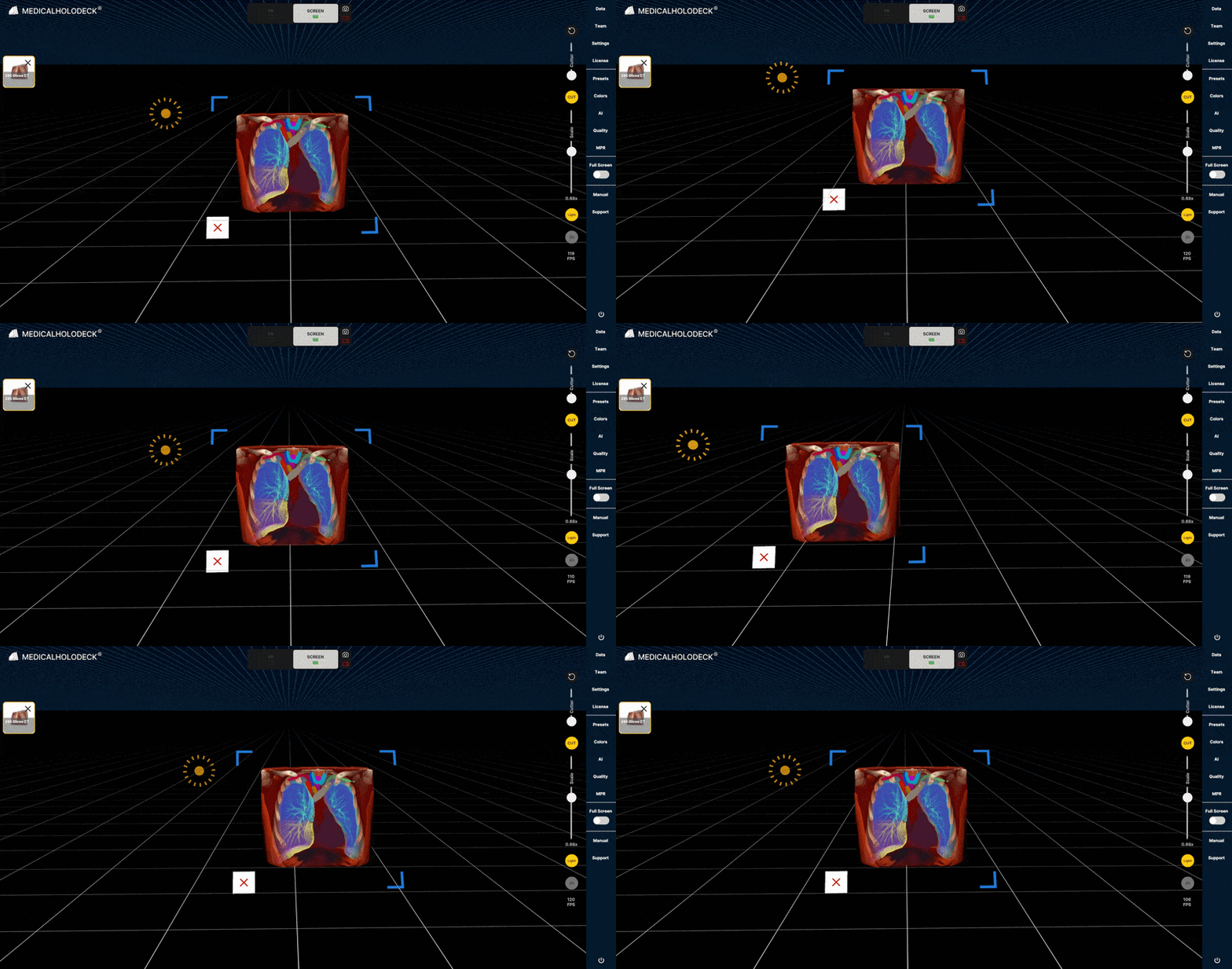
右クリックしてドラッグし、モデルをX軸とY軸に沿って移動します。
1.8.3.3
拡大縮小
Shiftを押しながらスクロールして、モデルのサイズを変更します。
1.8.3.4
距離を変更
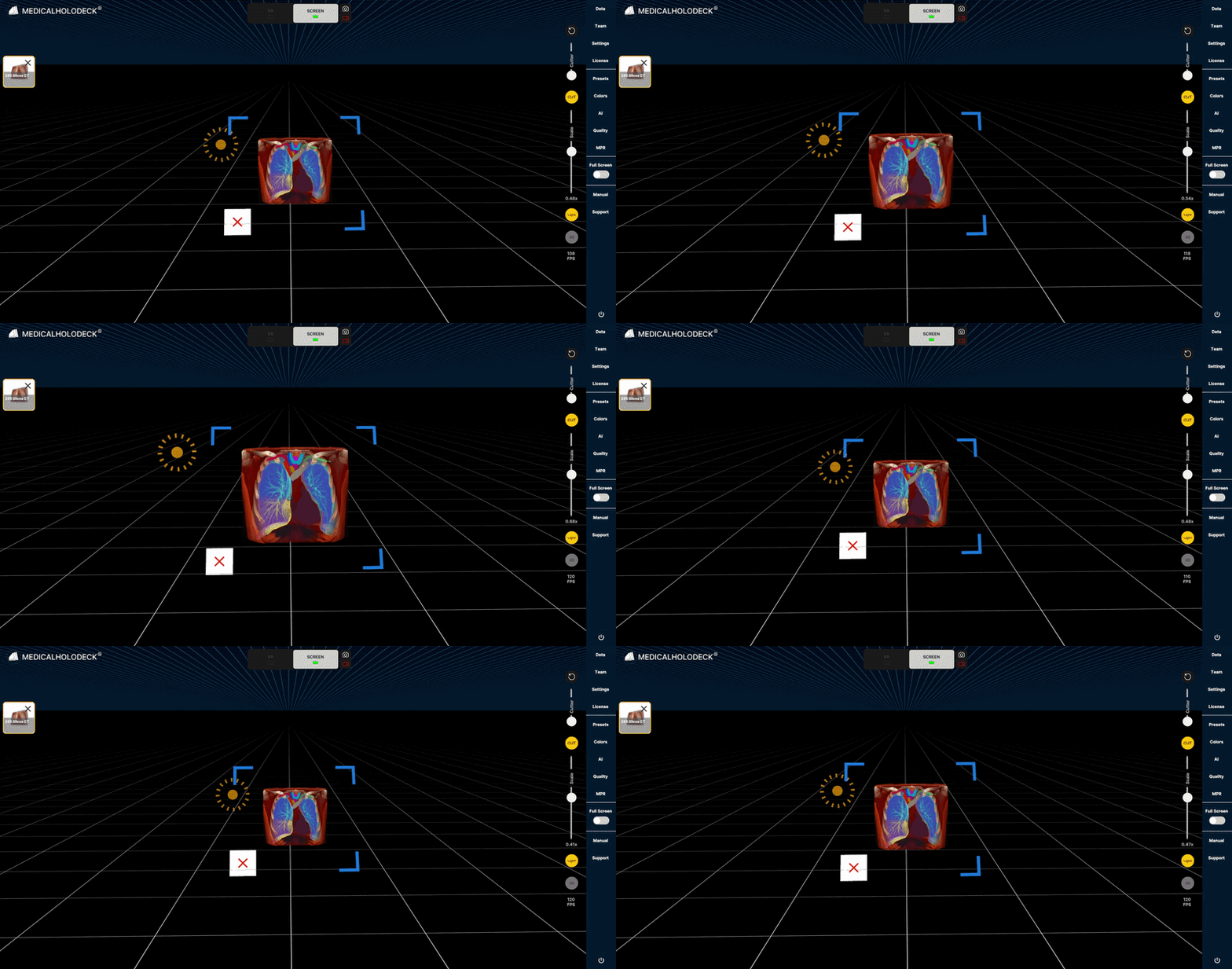
スクロールして拡大または縮小し、モデルとの距離を変更します。