1.8 Data manipulation
1.8.V1.9-01
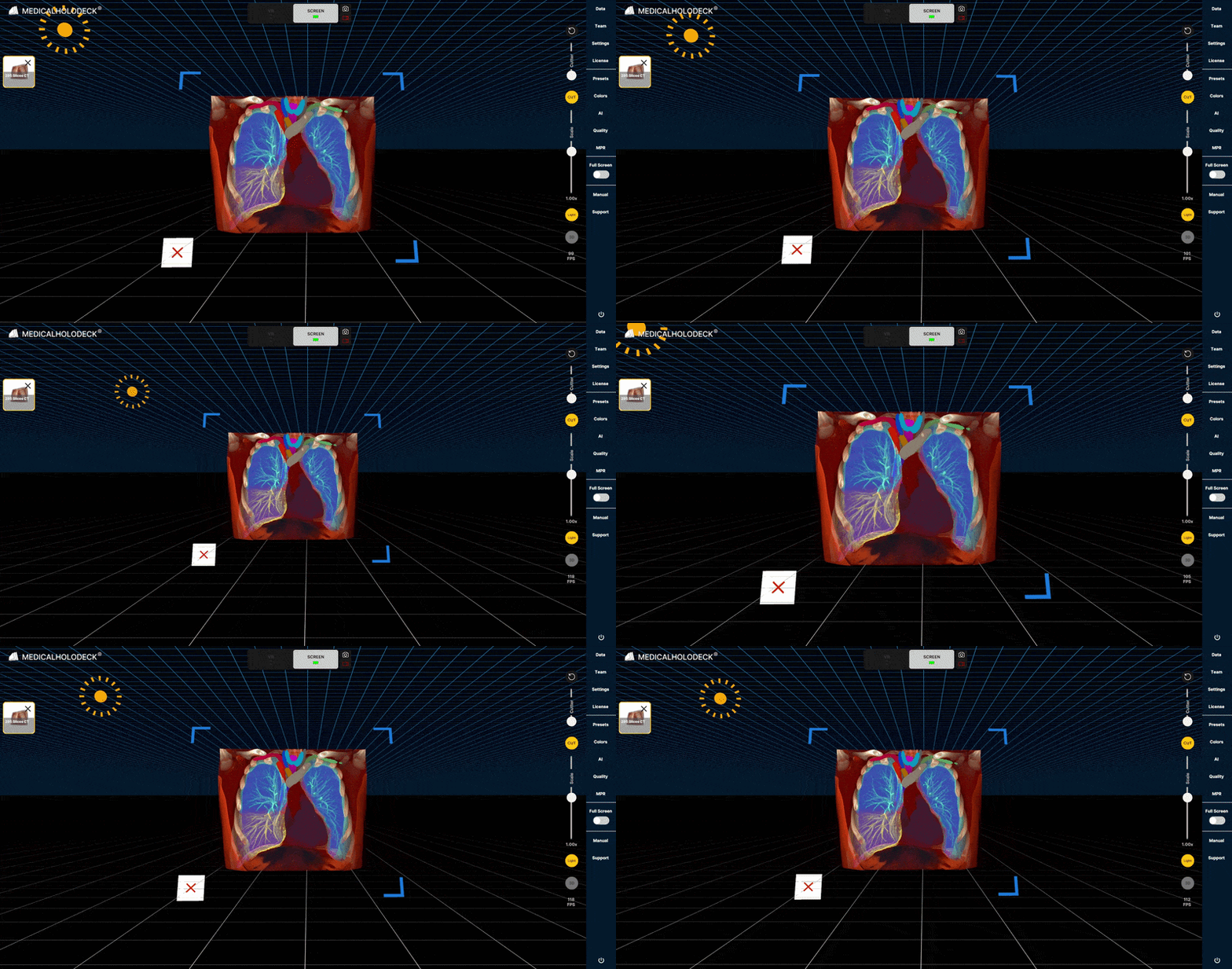
Load a dataset into the workspace to activate cutting and scaling controls.
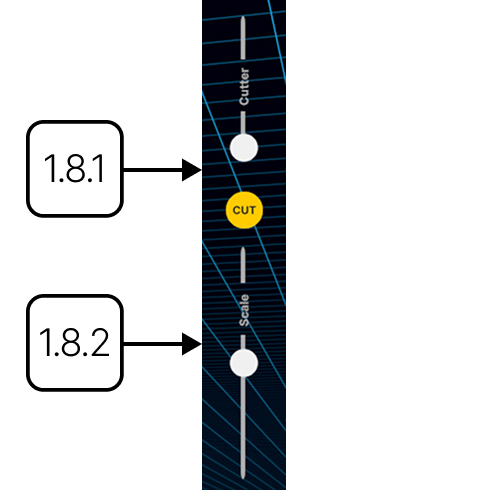
1.8.1
Cut
1.8.1.V1.9-01
Slices the active dataset along the current viewing direction. Adjust the cut depth using the slider and rotate the model to change orientation. Press Cut to apply the temporary plane.
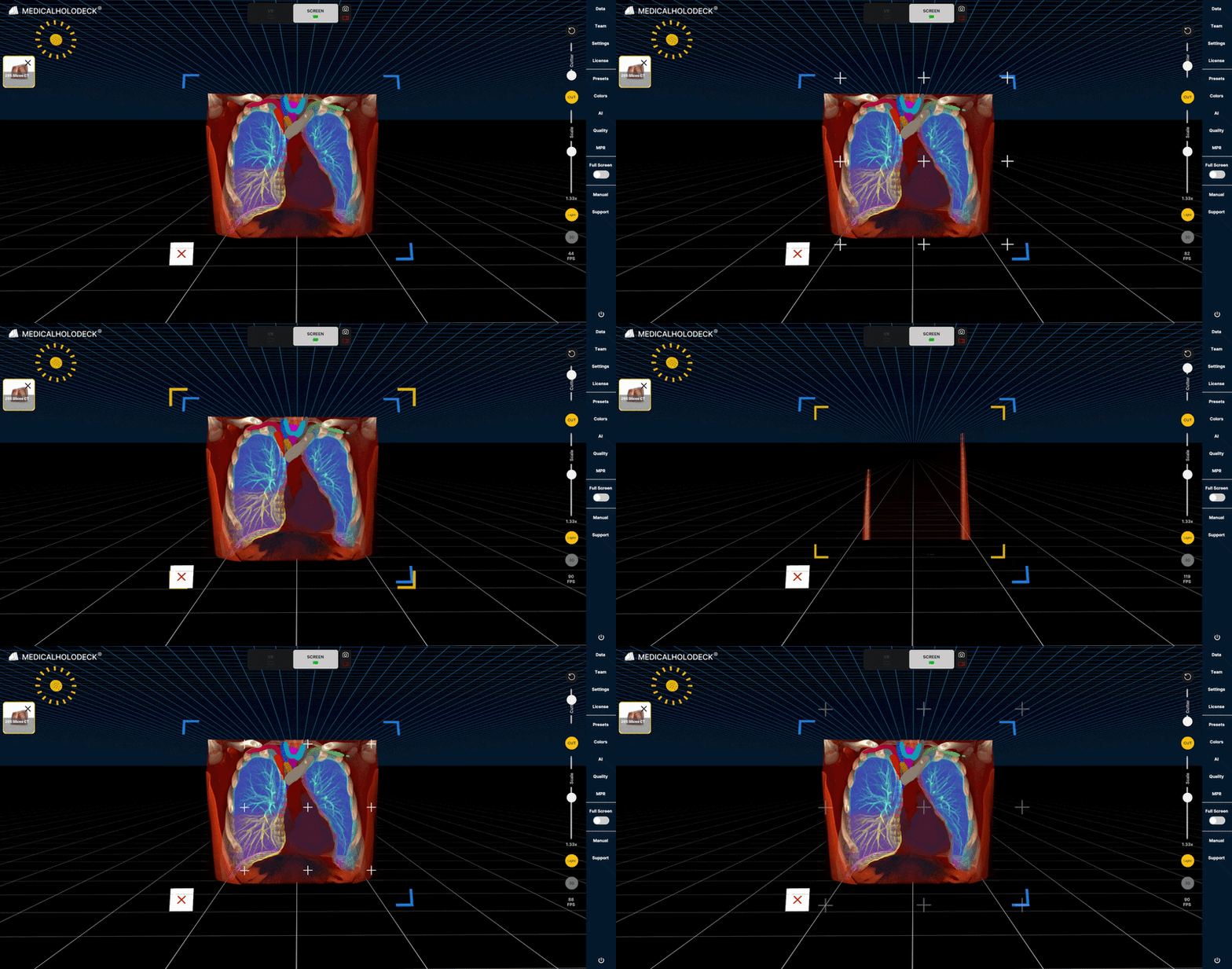
1.8.2
Scale
1.8.2.V1.9-01
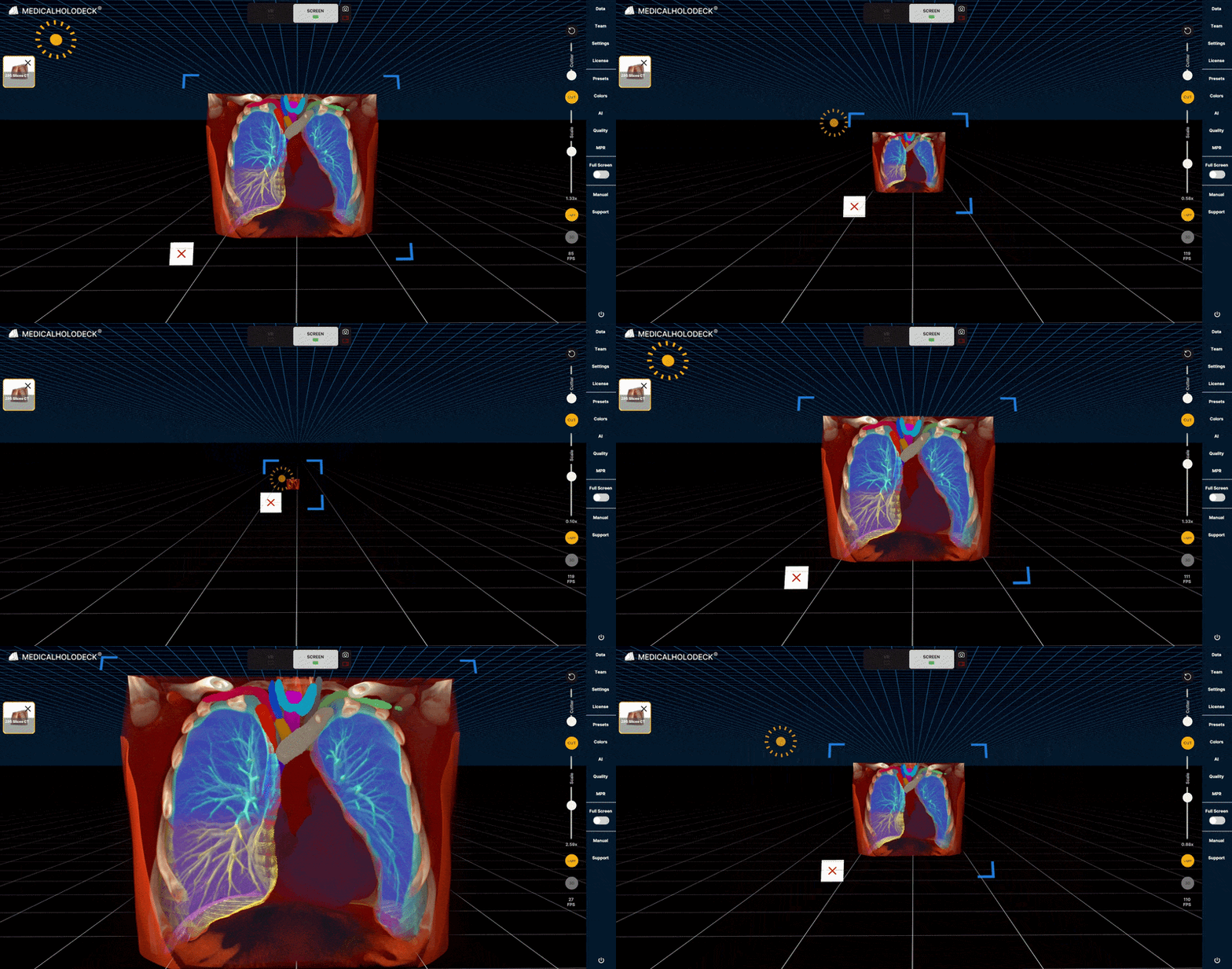
Resizes the active dataset by dragging the scale control up or down. Release to apply the change. The control functions like a joystick and returns automatically to its default position.
1.8.3
Mouse and keyboard shortcuts
1.8.3.V1.9-01
1.8.3.1
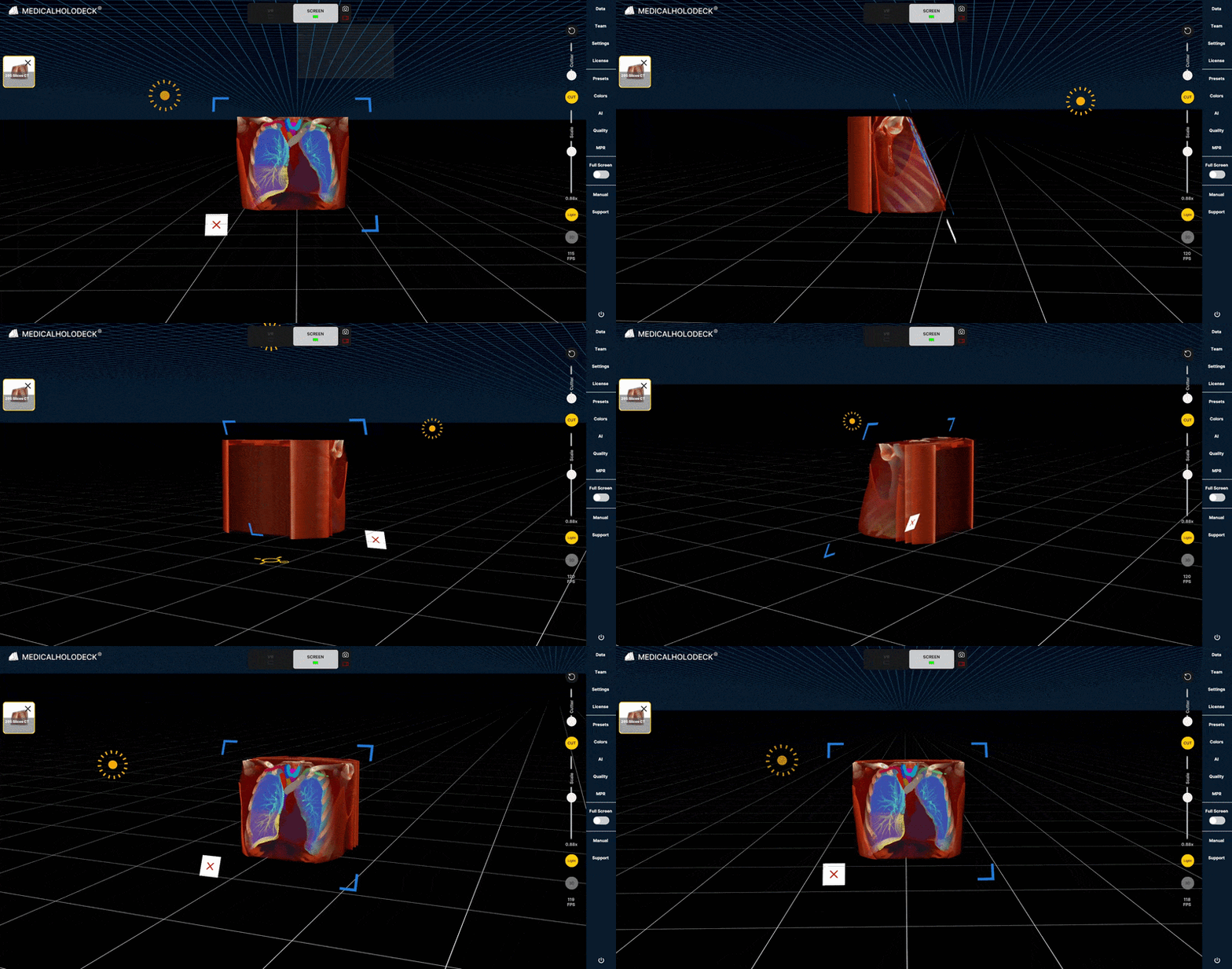
Rotate
Left-click and drag to rotate the model.
1.8.3.2
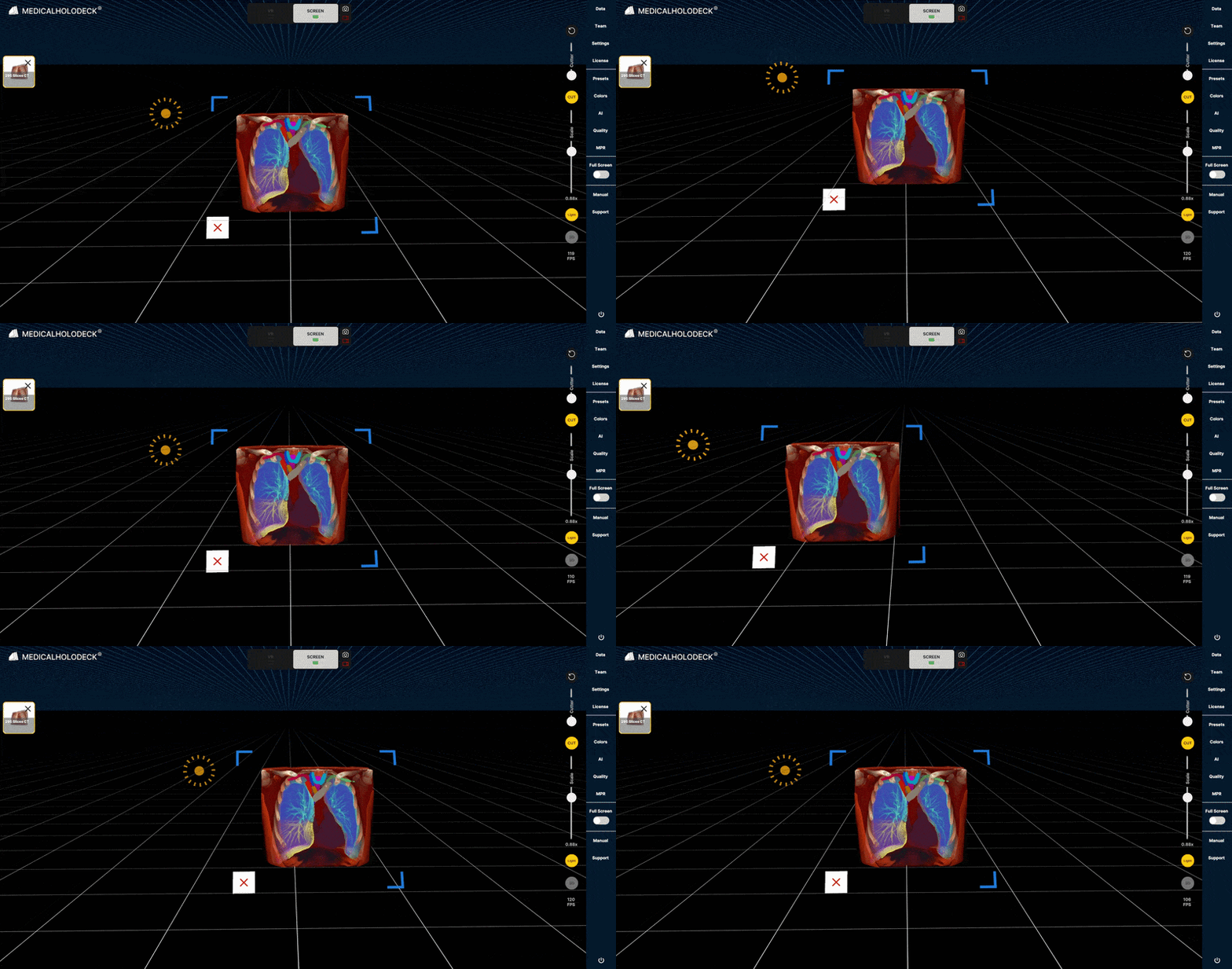
Move
Right-click and drag to move the model along the X and Y axes.
1.8.3.3
Scale
Hold Shift and scroll to resize the model.
1.8.3.4
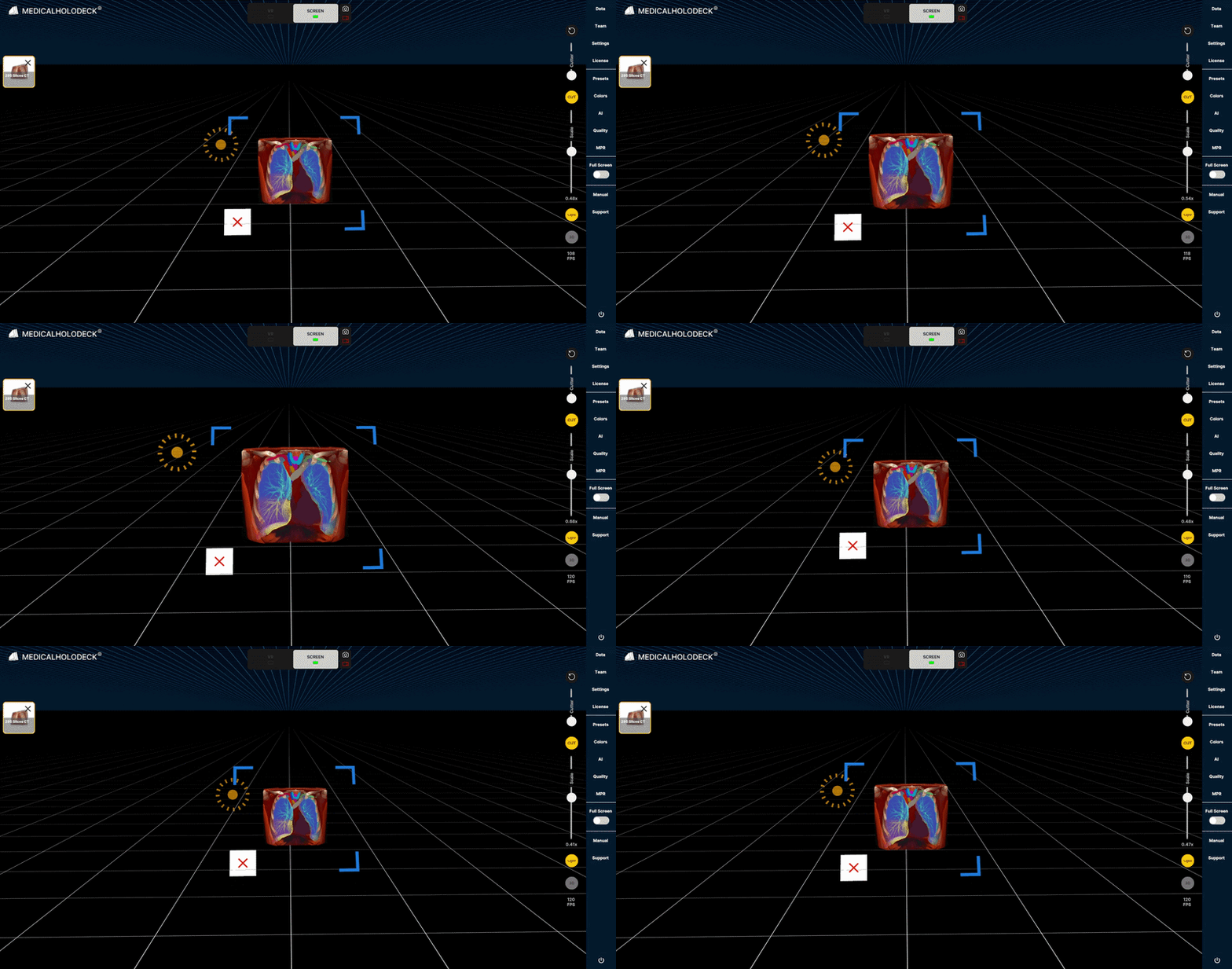
Change the distance
Scroll to zoom in or out and change your distance from the model.