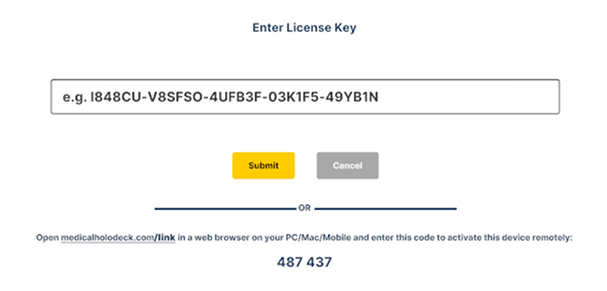
1.1 Activating license keys
1.1.V1.9-01
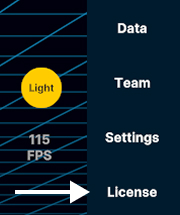
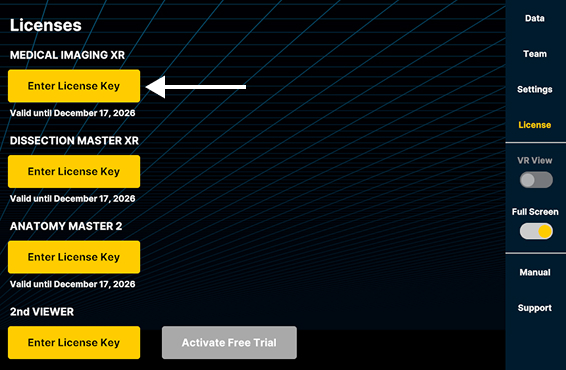
To activate license keys, open the License tab in the sidebar on the right. In the Licenses section, locate the application you want to activate.
Click the Enter License Key button beside it. Copy and paste your license key here.
Click Submit to activate the license. Its status and expiration date will be displayed below.
-
Open the License tab on the right sidebar.
-
In the Licenses section select the "Enter License Key" button for the function you want to activate.
-
Paste the license key and press Submit.