4.1
Load
4.1.V1.9-01
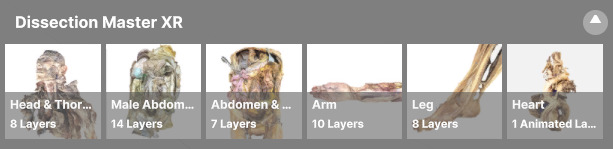
Open the Data tab and select a model in Dissection Master XR to load it.
4.2
Layers
4.2.V1.9-01
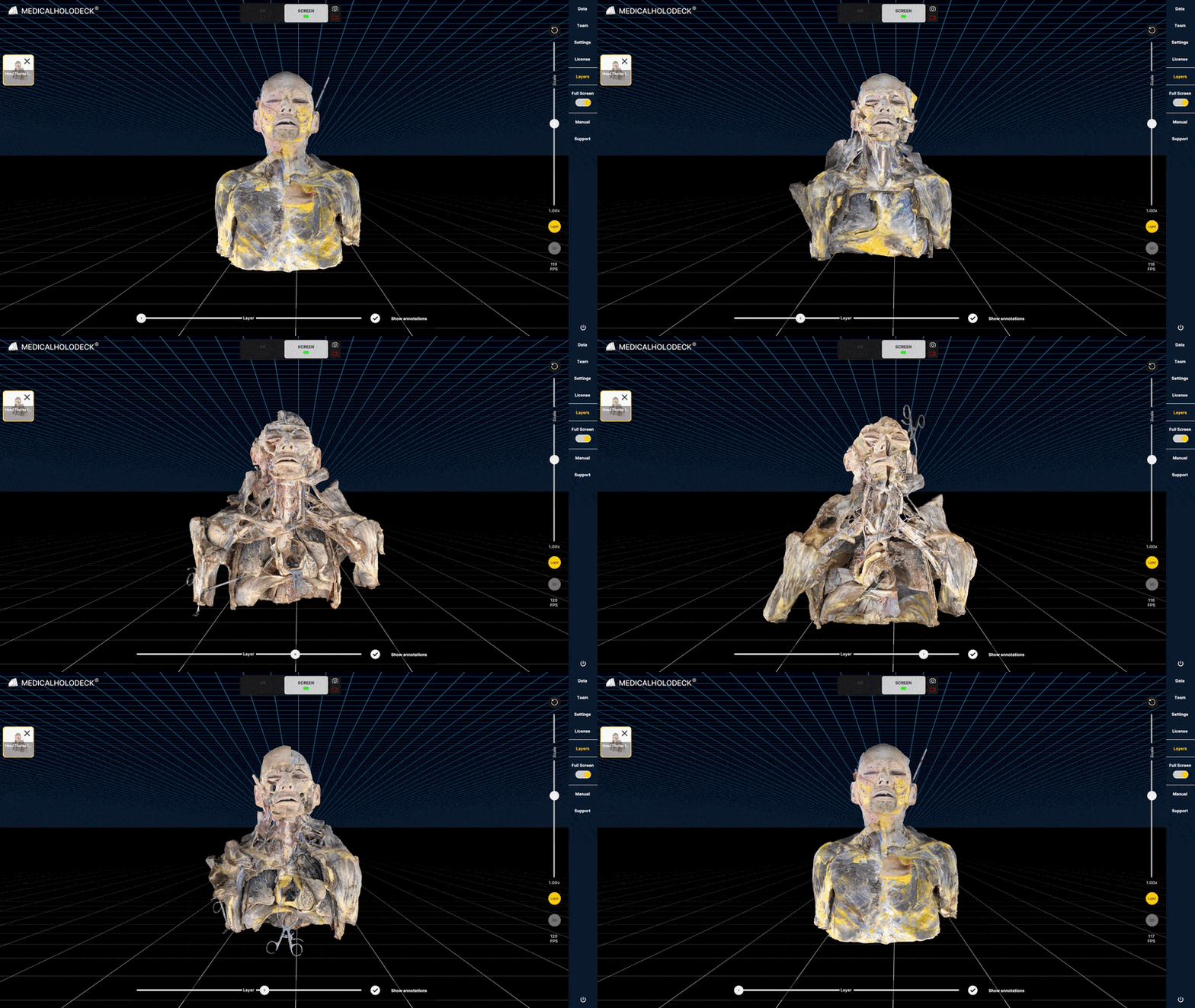
Dissection Master XR datasets are organized into layers. You can switch between layers using the slider in the layers tab.
4.2.1
Hierarchy
The heart model uses a Hierarchy tab instead of interactive layers. Use the tab to show or hide the simulated blood flow.
4.3
Annotations
4.3.V1.9-01
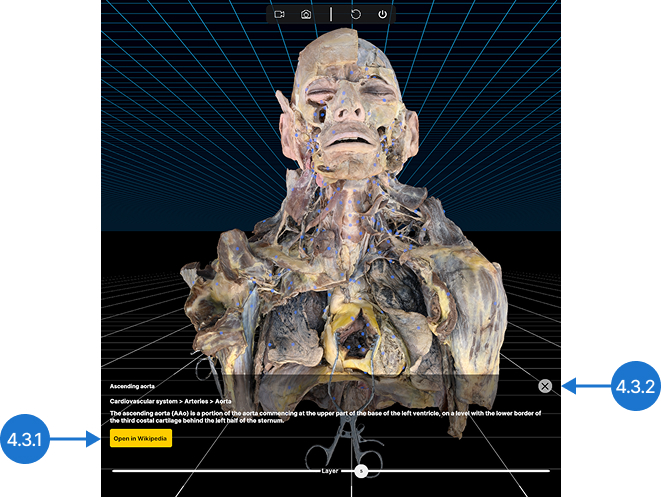
Each dataset in Dissection Master XR is fully annotated. Left-click a blue dot to view an annotation.
4.3.1
Open in Wikipedia
Opens the Wikipedia page for the annotated structure in your browser.
4.3.2
Close
Hides the annotation.