5.1
Load
5.1.V1.9-01
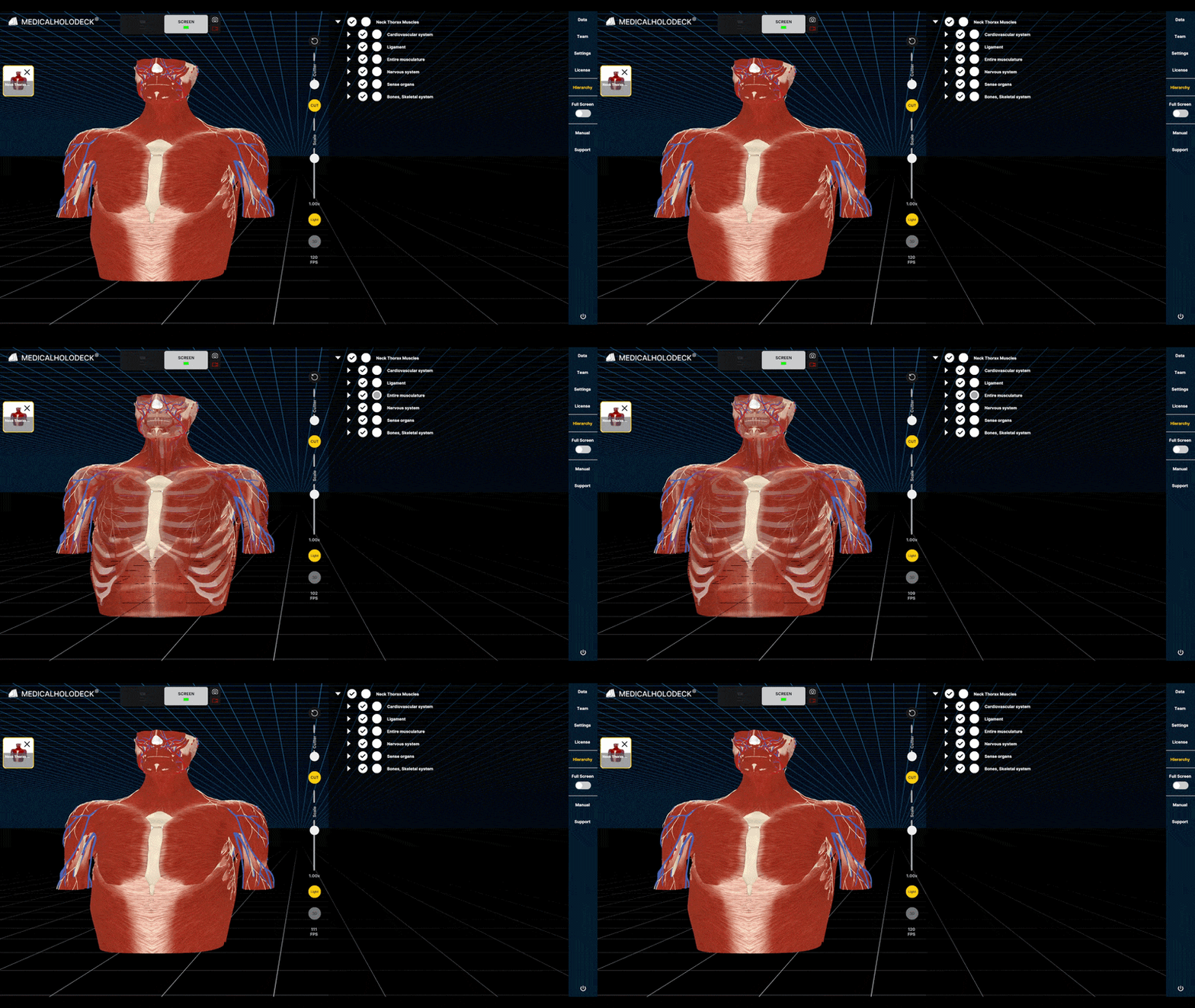
Open the Data tab and click a model in Anatomy Master 2 to load it.
5.2
Hierarchy
5.2.V1.9-01
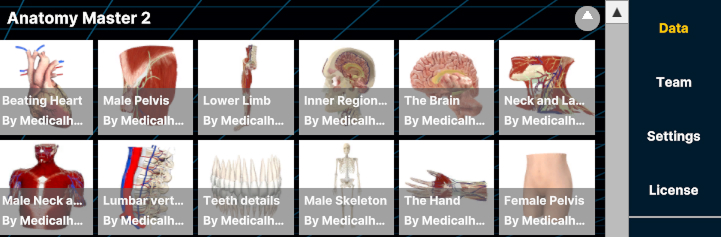
Open the Hierarchy tab to view the model's structure.
5.2.1
Grouping
Related anatomical structures are organized into larger groups to make the hierarchy easier to navigate. Select the arrow beside a group to expand it and display the structures it contains.
5.2.2
Visibility
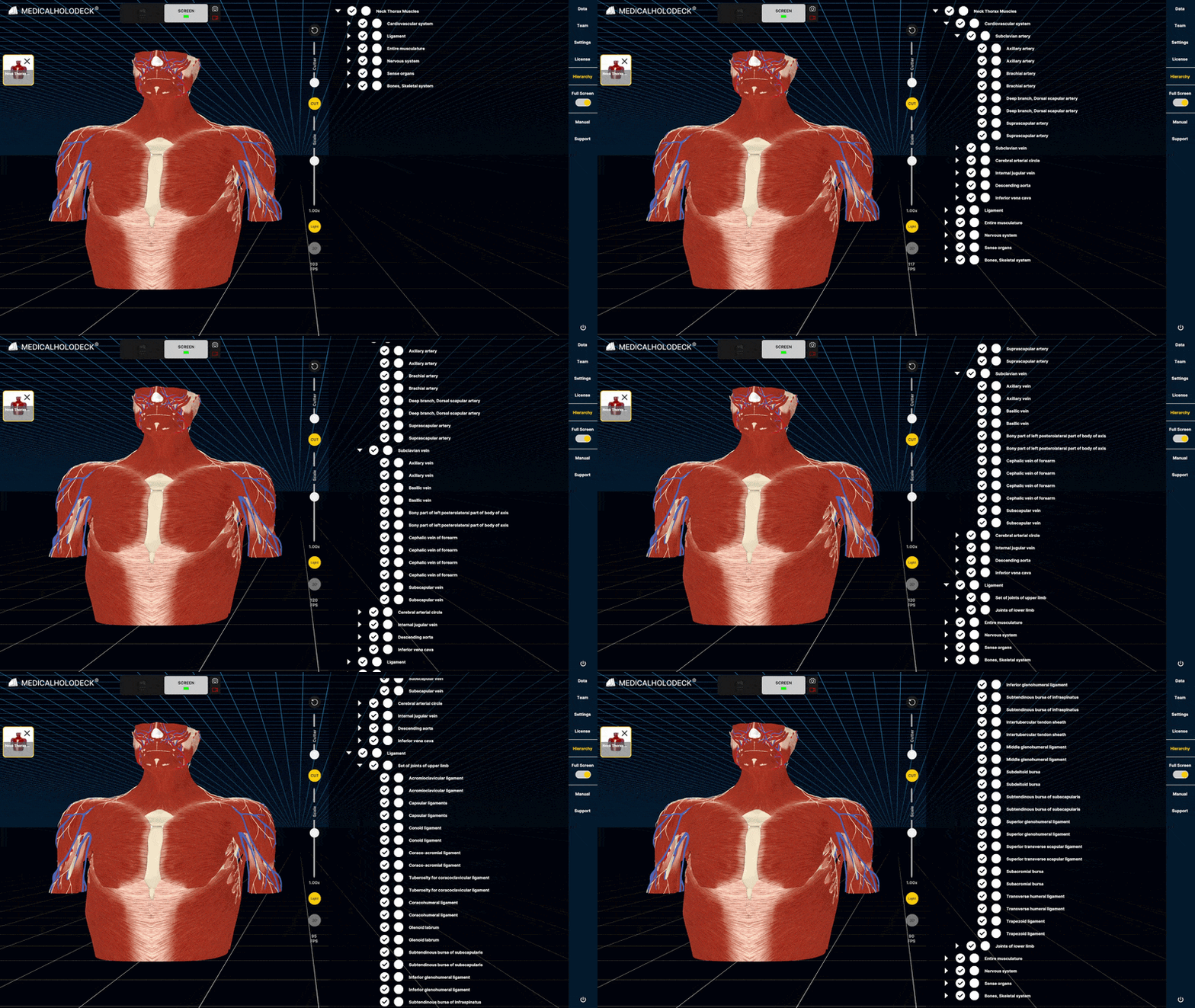
Shows or hides the part or group.
5.2.3
Transparency
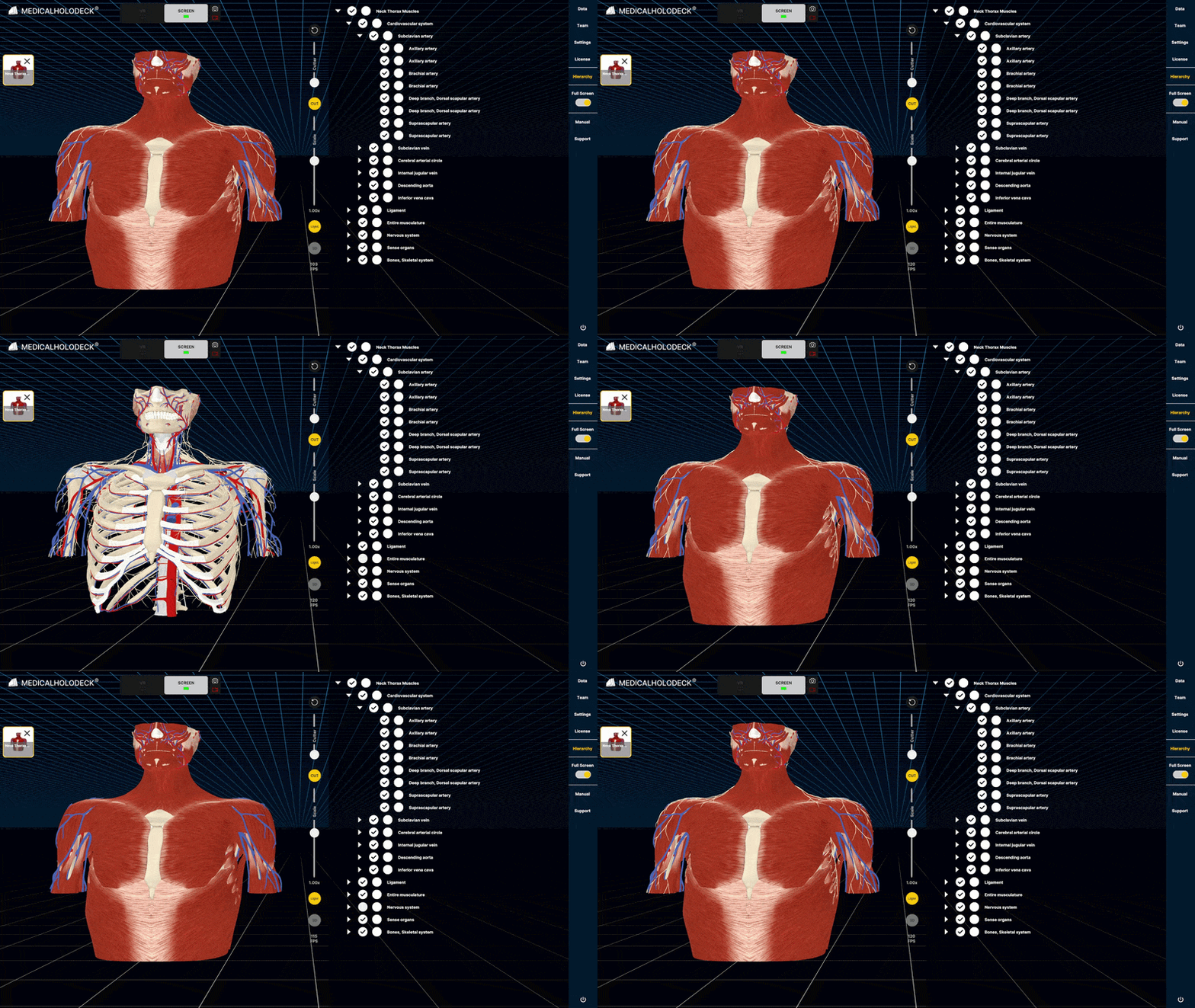
Toggles the transparency of a part or a group.