1.4 Data
1.4.V1.9-01
Access your data here. The data tab contains five sections: Saved Files, Medical Imaging XR, Dissection Master XR, Anatomy Master 2, and RecordXR. Use the arrows to expand or collapse each section.
1.4.1
Saved files
1.4.1.V1.9-01
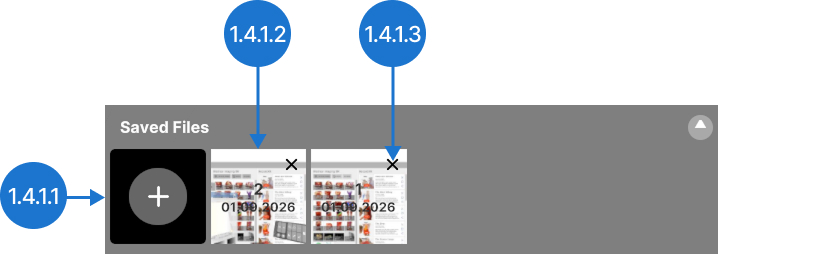
Save your current workspace setup. You can reopen it later with all datasets, settings, and positions preserved.
1.4.1.1
Save
Captures the current scene. It will appear on the right with a unique ID, date, and preview image for easy reference. Connect to Medicalholodeck Link to change the names of the scenes.
1.4.1.2
File
Opens a previously saved scene.
1.4.1.3
Delete
Deletes a previously saved scene.
1.4.2
Medical Imaging XR
1.4.2.V1.9-01
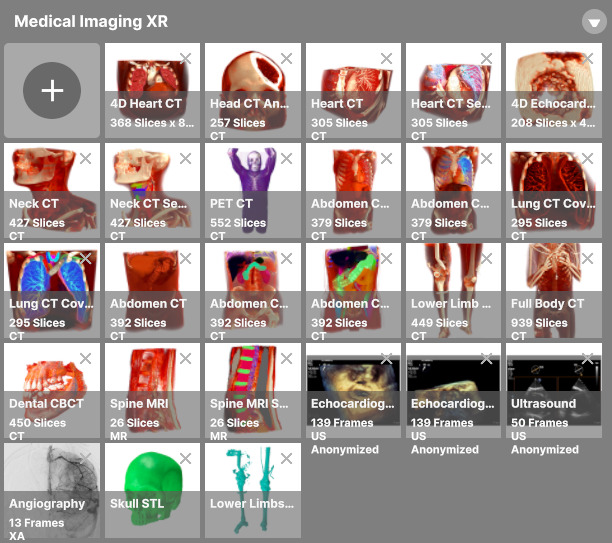
Use this section to manage medical imaging data. Upload datasets, view them, and adjust DICOM windowing.
1.4.3
Dissection Master XR
1.4.3.V1.9-01
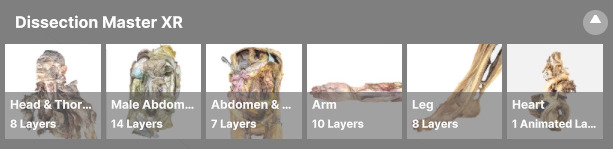
Explore a virtual dissection lab with layered, annotated models derived from real human bodies.
1.4.4
Anatomy Master 2
1.4.4.V1.9-01
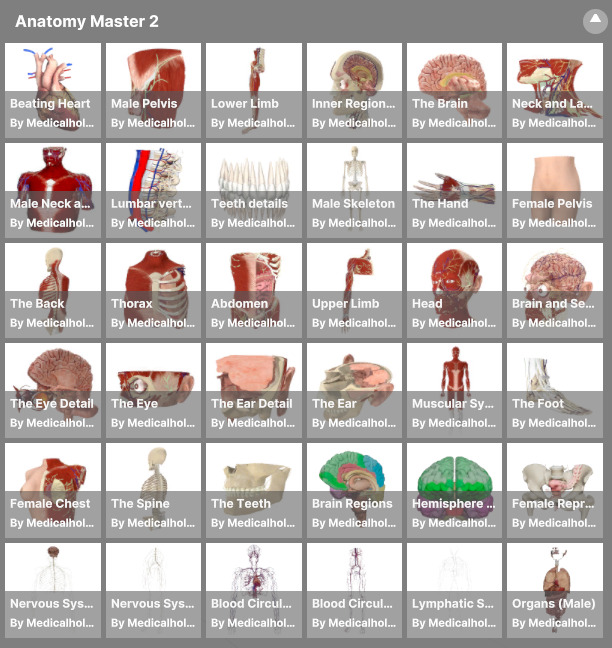
Study detailed 3D reconstructions of the human body based on CT and MRI data, featuring labeled structures, full-scale viewing, and part-by-part manipulation.
1.4.5
RecordXR
1.4.5.V1.9-01
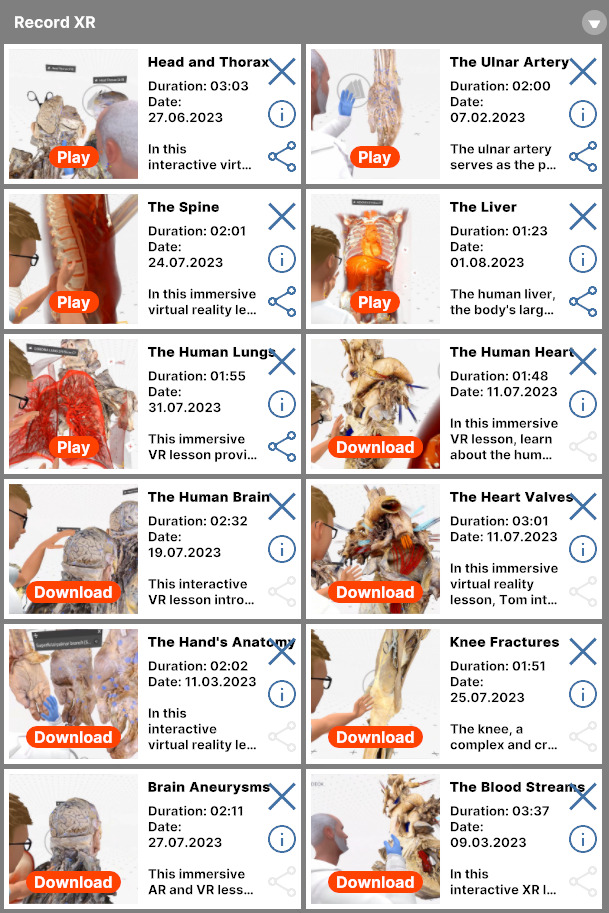
Manage spatial recordings by reviewing, replaying, deleting, or exporting them as RXR files.