1.4 डेटा
1.4.V1.9-01
यहाँ अपने डेटा को एक्सेस करें। डेटा टैब में पाँच सेक्शन हैं: Saved Files, Medical Imaging XR, Dissection Master XR, Anatomy Master 2 और RecordXR। हर सेक्शन को फैलाने या समेटने के लिए तीरों का उपयोग करें।
1.4.1
सेव की गई फ़ाइलें
1.4.1.V1.9-01
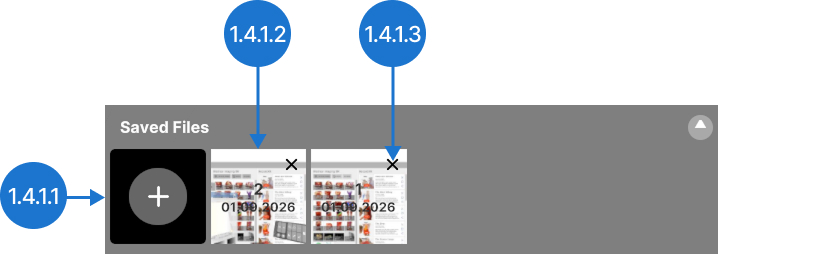
अपने मौजूदा वर्कस्पेस सेटअप को सेव करें। आप इसे बाद में सभी डेटासेट, सेटिंग्स और पोज़िशन के साथ फिर से खोल सकते हैं।
1.4.1.1
सेव करें
मौजूदा सीन को कैप्चर करता है। आसानी से पहचानने के लिए यह दाईं ओर एक विशिष्ट ID, तारीख और प्रीव्यू इमेज के साथ दिखाई देगा। सीन के नाम बदलने के लिए MedicalHoloDeck Link से कनेक्ट करें।
1.4.1.2
फ़ाइल
पहले सेव किए गए सीन को खोलता है।
1.4.1.3
डिलीट करें
पहले सेव किए गए सीन को हटाता है।
1.4.2
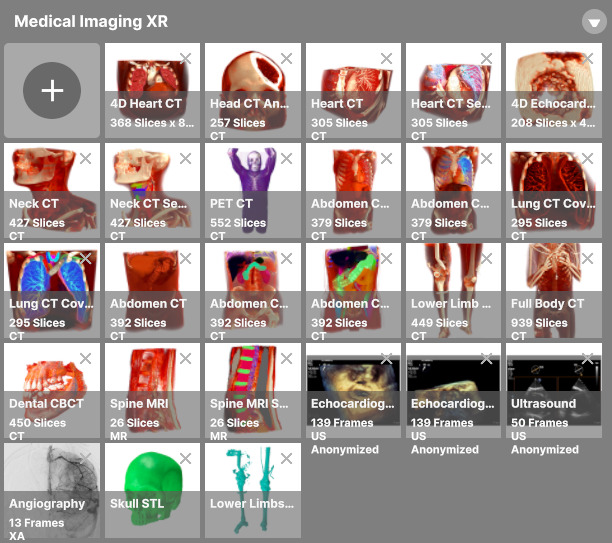
Medical Imaging XR
1.4.2.V1.9-01
मेडिकल इमेजिंग डेटा मैनेज करने के लिए इस सेक्शन का उपयोग करें। डेटासेट अपलोड करें, उन्हें देखें और DICOM विंडोइंग एडजस्ट करें।
1.4.3
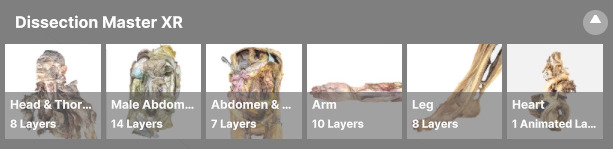
Dissection Master XR
1.4.3.V1.9-01
वास्तविक मानव शरीरों से बनाए गए लेयर्ड और एनोटेटेड मॉडल देखने के लिए वर्चुअल डिसेक्शन लैब एक्सप्लोर करें।
1.4.4
Anatomy Master 2
1.4.4.V1.9-01
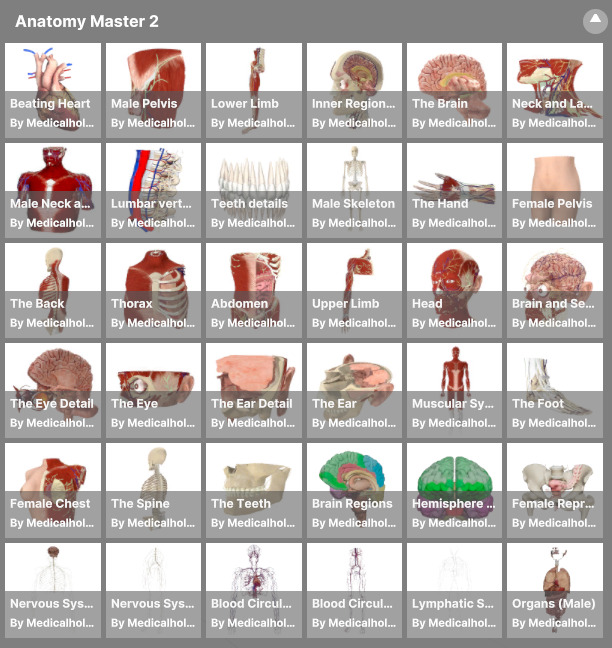
CT और MRI डेटा पर आधारित मानव शरीर के विस्तृत 3D पुनर्निर्माण का अध्ययन करें, जिसमें लेबल की गई संरचनाएँ, पूर्ण आकार में देखना और हर भाग को अलग-अलग संचालित करना शामिल है।
1.4.5
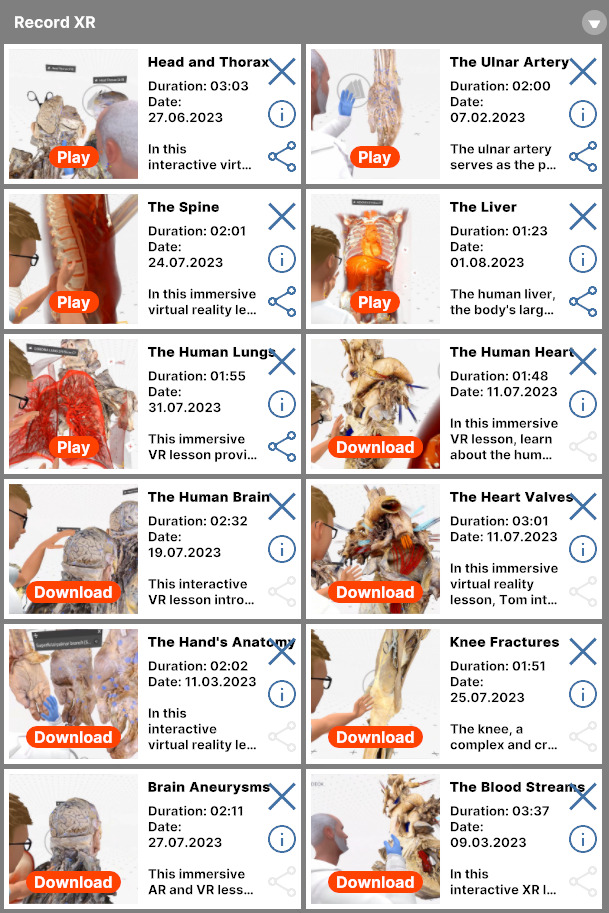
RecordXR
1.4.5.V1.9-01
स्पेशल रिकॉर्डिंग की समीक्षा, रीप्ले, डिलीट या RXR फ़ाइलों के रूप में एक्सपोर्ट करके उन्हें मैनेज करें।