1.4 Dati
1.4.V1.9-01
Accedi qui ai tuoi dati. La scheda dei dati contiene cinque sezioni: Saved Files, Medical Imaging XR, Dissection Master XR, Anatomy Master 2 e RecordXR. Usa le frecce per espandere o comprimere ogni sezione.
1.4.1
File salvati
1.4.1.V1.9-01
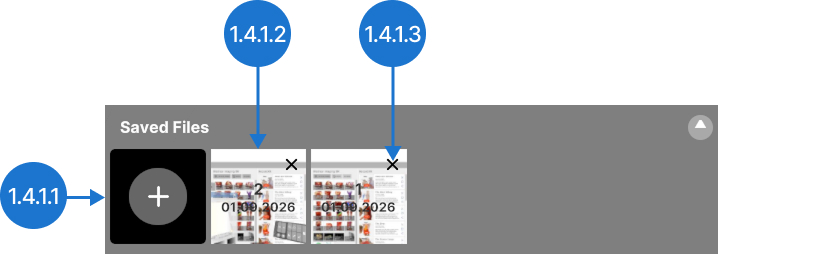
Salva la configurazione attuale dell’area di lavoro. Potrai riaprirla in seguito mantenendo tutti i set di dati, le impostazioni e le posizioni.
1.4.1.1
Salva
Acquisisce la scena corrente. Verrà visualizzata sulla destra con un ID univoco, la data e un’immagine di anteprima per facilitarne l’identificazione. Collegati a MedicalHoloDeck Link per modificare i nomi delle scene.
1.4.1.2
File
Apre una scena salvata in precedenza.
1.4.1.3
Elimina
Elimina una scena salvata in precedenza.
1.4.2
Medical Imaging XR
1.4.2.V1.9-01
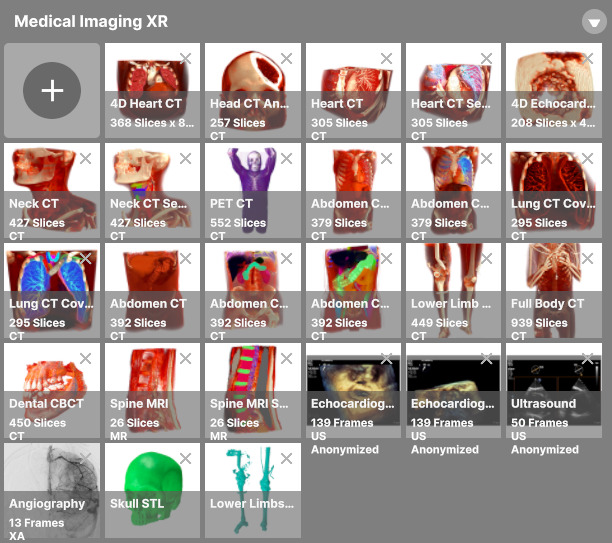
Usa questa sezione per gestire i dati di imaging medico. Carica i set di dati, visualizzali e regola il windowing DICOM.
1.4.3
Dissection Master XR
1.4.3.V1.9-01
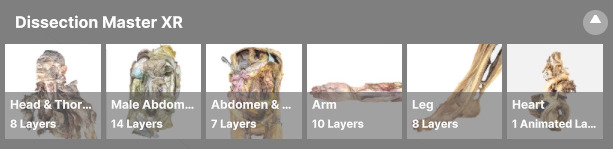
Esplora il laboratorio virtuale di dissezione per esaminare modelli stratificati e annotati, derivati da corpi umani reali.
1.4.4
Anatomy Master 2
1.4.4.V1.9-01
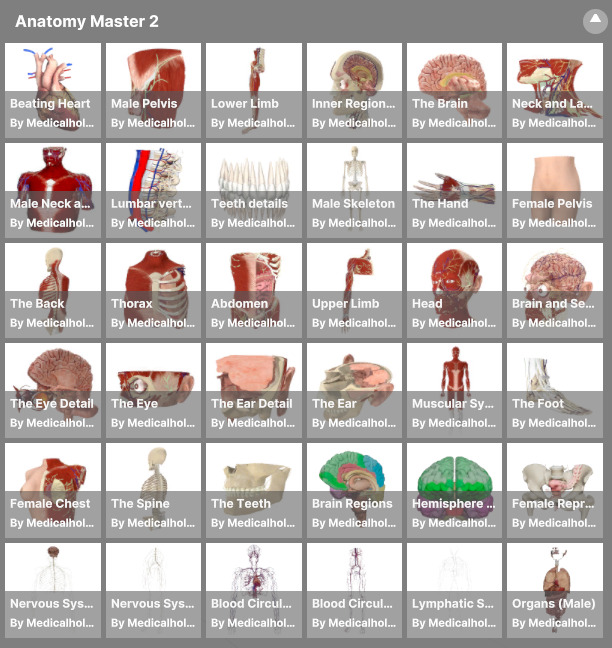
Studia ricostruzioni 3D dettagliate del corpo umano basate su dati TC e RM, con strutture etichettate, visualizzazione a grandezza naturale e manipolazione delle singole parti.
1.4.5
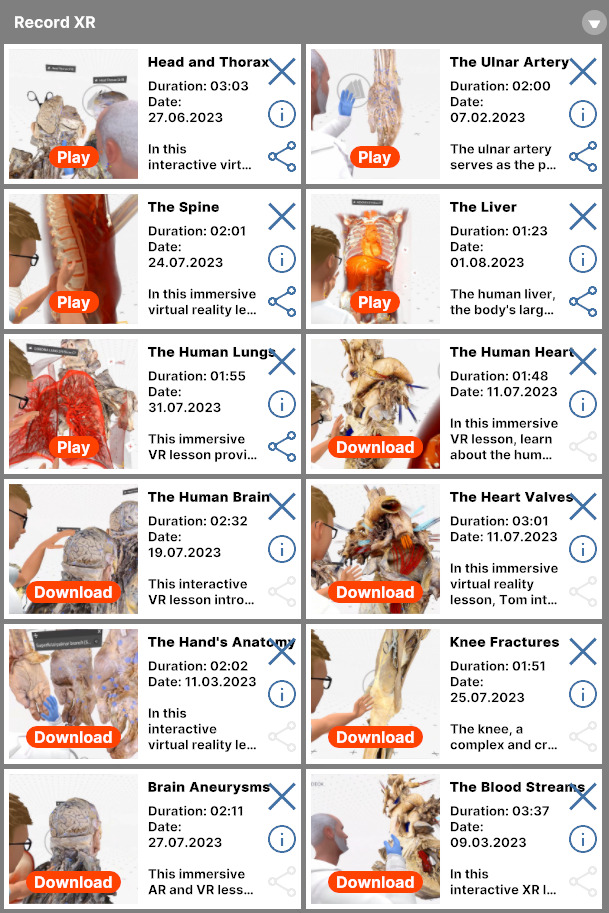
RecordXR
1.4.5.V1.9-01
Gestisci le registrazioni spaziali esaminandole, riproducendole, eliminandole o esportandole come file RXR.